
PID Control Instructions
- There is no need to manually write the PIDCAL and PIDINIT instructions since they are automatically created by the PID special program.
- To write a PID program in the ladder diagram, refer to the below Instructions below
PID Initialization
Instruction: PIDINIT
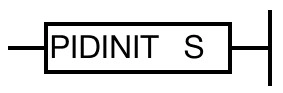
PIDINIT is used to check the items and to initialize the devices for a PID operation.
PID control data gets assigned from the specified WORD data register, S.
Processing Information:
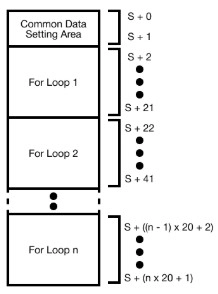
Condition:
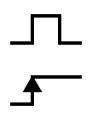
PID Calculation
Instruction: PIDCAL
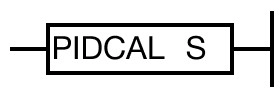
SV and PV get assigned by the specified data register, S, after the PID calculation.
The result get saved in MV according to the WORD data register, S.
Processing Information:
Condition:
- Refer to PIDINIT instruction for an expanded PID initialization example in ladder diagram.
- Refer to PIDCAL instruction for an expanded PID calculation example in ladder diagram.