
Indicator Lights
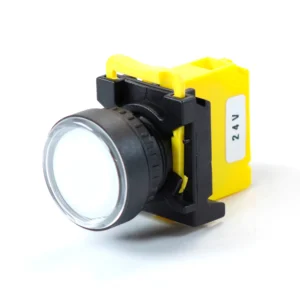
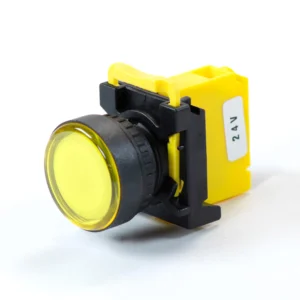
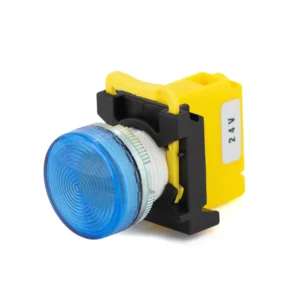
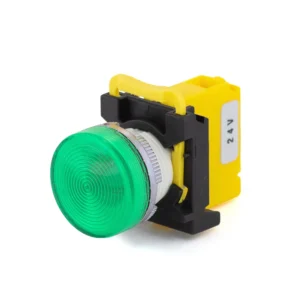
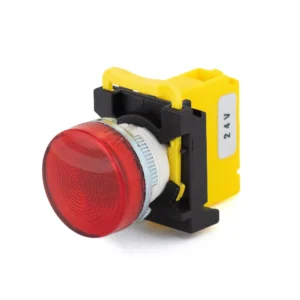
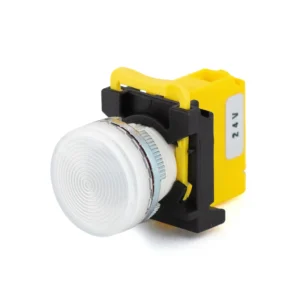
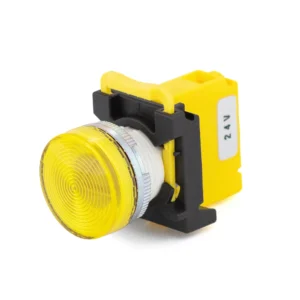
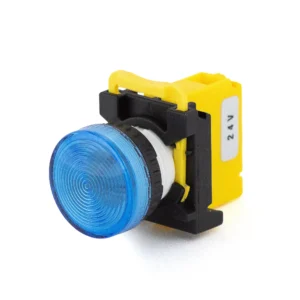
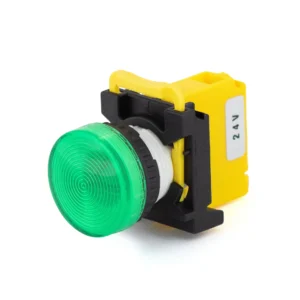
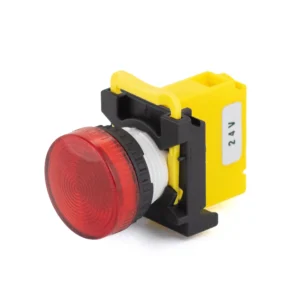
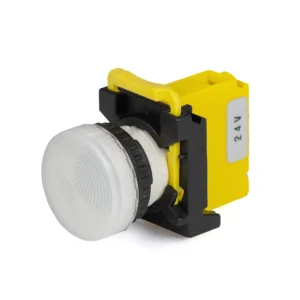
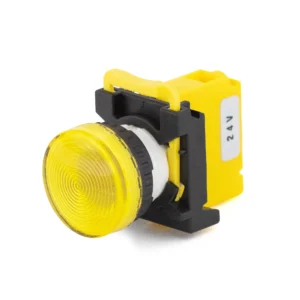
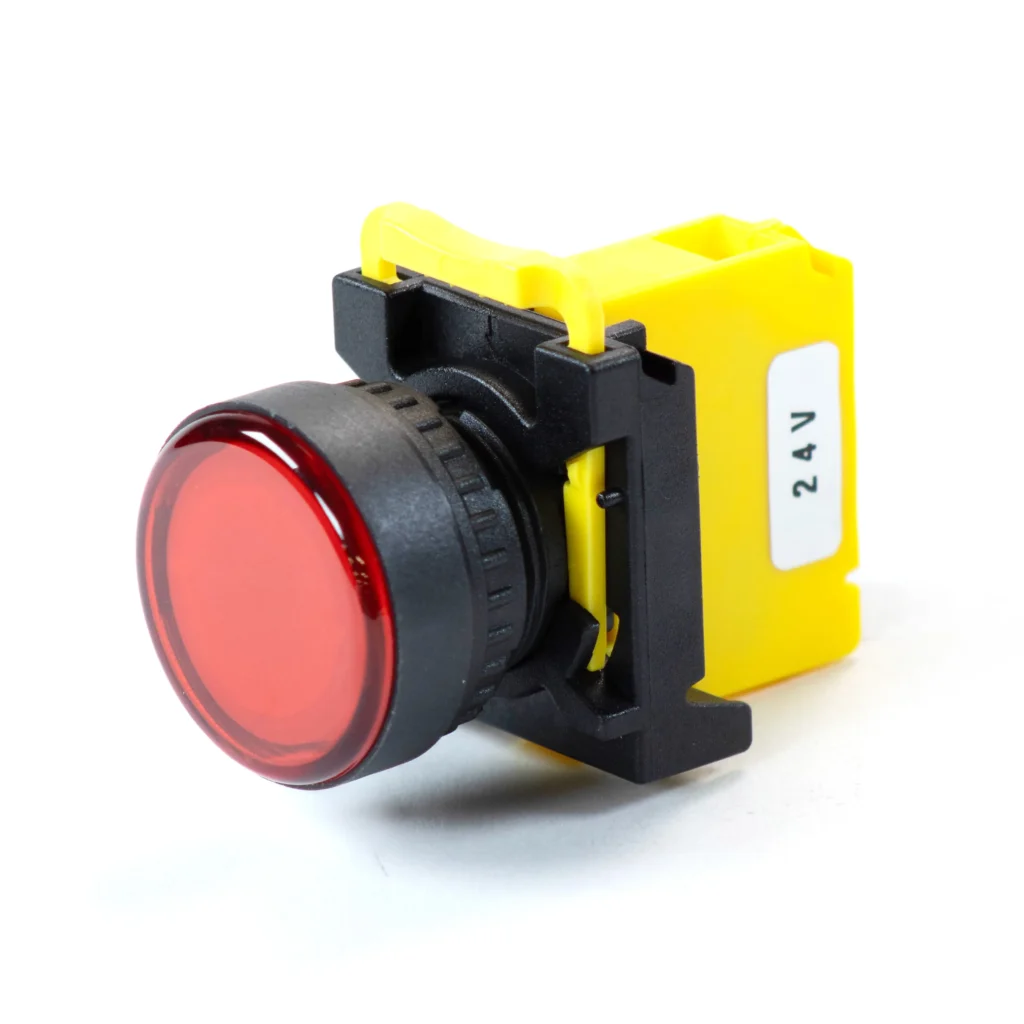
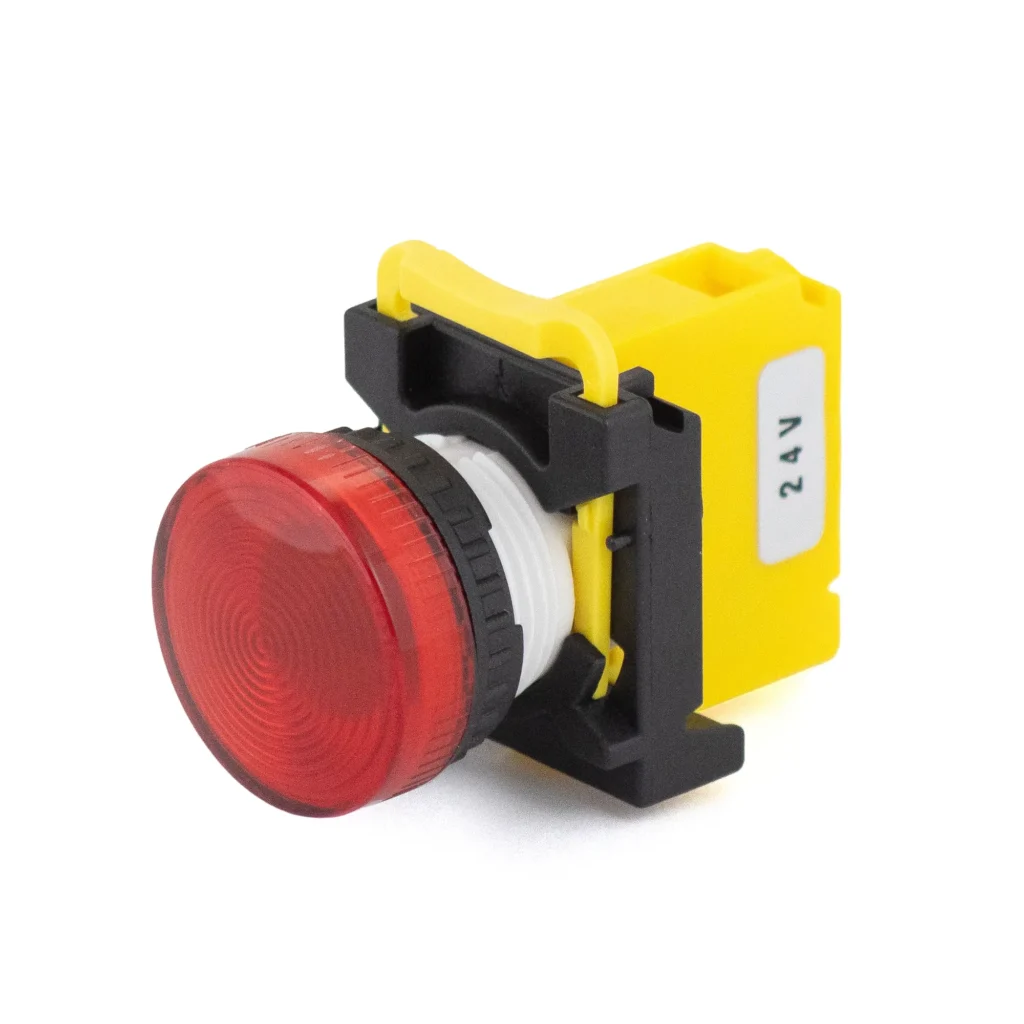
Indicator lights, or pilot lights, show operators a machine’s status at a glance. Maple Systems PBS110 indicator lights are 22 mm panel-mount LED lights for industrial control panels, rated for 24 VDC and cURus recognized, in five lens colors (blue, green, red, white, yellow) with full or flat lenses and plastic or metal bezels.
Filters
-
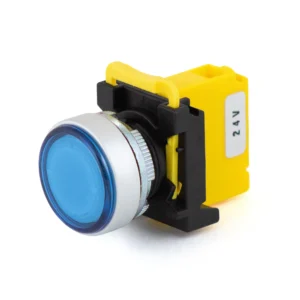
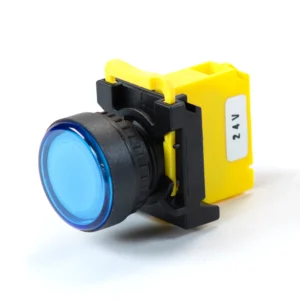
PBS110 – Indicator lights, Flat lens, bordered, Metal Ring / Metal Head & Ring, 22 mm, Blue, 0 NO, 0 NC, LED, 24 VDC
PBS110AM22B-00L2 $15.25 -
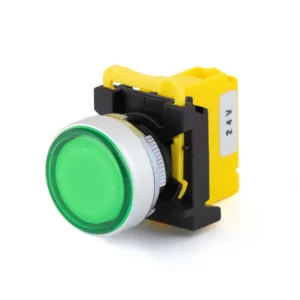
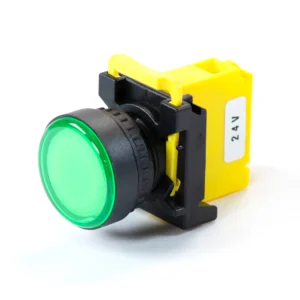
PBS110 – Indicator lights, Flat lens, bordered, Metal Ring / Metal Head & Ring, 22 mm, Green, 0 NO, 0 NC, LED, 24 VDC
PBS110AM22G-00L2 $15.25 -
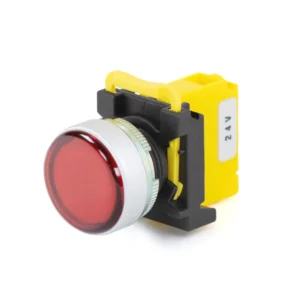
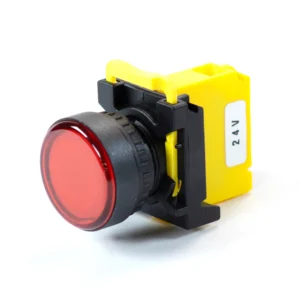
PBS110 – Indicator lights, Flat lens, bordered, Metal Ring / Metal Head & Ring, 22 mm, Red, 0 NO, 0 NC, LED, 24 VDC
PBS110AM22R-00L2 $15.25 -
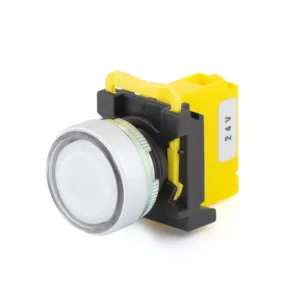
PBS110 – Indicator lights, Flat lens, bordered, Metal Ring / Metal Head & Ring, 22 mm, White, 0 NO, 0 NC, LED, 24 VDC
PBS110AM22W-00L2 $15.25 -
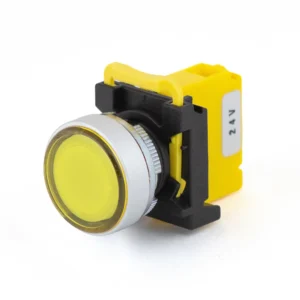
PBS110 – Indicator lights, Flat lens, bordered, Metal Ring / Metal Head & Ring, 22 mm, Yellow, 0 NO, 0 NC, LED, 24 VDC
PBS110AM22Y-00L2 $15.25 -
PBS110 – Indicator lights, Flat lens, bordered, Plastic, 22 mm, Blue, 0 NO, 0 NC, LED, 24 VDC
PBS110AP22B-00L2 $14.25 -
PBS110 – Indicator lights, Flat lens, bordered, Plastic, 22 mm, Green, 0 NO, 0 NC, LED, 24 VDC
PBS110AP22G-00L2 $14.25 -
PBS110 – Indicator lights, Flat lens, bordered, Plastic, 22 mm, Red, 0 NO, 0 NC, LED, 24 VDC
PBS110AP22R-00L2 $14.25 -
PBS110 – Indicator lights, Flat lens, bordered, Plastic, 22 mm, White, 0 NO, 0 NC, LED, 24 VDC
PBS110AP22W-00L2 $14.25 -
PBS110 – Indicator lights, Flat lens, bordered, Plastic, 22 mm, Yellow, 0 NO, 0 NC, LED, 24 VDC
PBS110AP22Y-00L2 $14.25 -
PBS110 – Indicator lights, Full lens, Metal Ring / Metal Head & Ring, 22 mm, Blue, 0 NO, 0 NC, LED, 24 VDC
PBS110BM22B-00L2 $15.25 -
PBS110 – Indicator lights, Full lens, Metal Ring / Metal Head & Ring, 22 mm, Green, 0 NO, 0 NC, LED, 24 VDC
PBS110BM22G-00L2 $15.25 -
PBS110 – Indicator lights, Full lens, Metal Ring / Metal Head & Ring, 22 mm, Red, 0 NO, 0 NC, LED, 24 VDC
PBS110BM22R-00L2 $15.25 -
PBS110 – Indicator lights, Full lens, Metal Ring / Metal Head & Ring, 22 mm, White, 0 NO, 0 NC, LED, 24 VDC
PBS110BM22W-00L2 $15.25 -
PBS110 – Indicator lights, Full lens, Metal Ring / Metal Head & Ring, 22 mm, Yellow, 0 NO, 0 NC, LED, 24 VDC
PBS110BM22Y-00L2 $15.25 -
PBS110 – Indicator lights, Full lens, Metal Ring / Metal Head & Ring, 22 mm, Blue, 0 NO, 0 NC, LED, 24 VDC
PBS110BP22B-00L2 $14.25 -
PBS110 – Indicator lights, Full lens, Plastic, 22 mm, Green, 0 NO, 0 NC, LED, 24 VDC
PBS110BP22G-00L2 $14.25 -
PBS110 – Indicator lights, Full lens, Plastic, 22 mm, Red, 0 NO, 0 NC, LED, 24 VDC
PBS110BP22R-00L2 $14.25 -
PBS110 – Indicator lights, Full lens, Plastic, 22 mm, White, 0 NO, 0 NC, LED, 24 VDC
PBS110BP22W-00L2 $14.25 -
PBS110 – Indicator lights, Full lens, Plastic, 22 mm, Yellow, 0 NO, 0 NC, LED, 24 VDC
PBS110BP22Y-00L2 $14.25
How to Choose a 22 mm Indicator Light
An indicator light, also called a pilot light, only shows status. If the operator also needs to press it, choose an illuminated momentary pushbutton, latching pushbutton or selector switch instead. For a light on its own, check these six points.
- Control voltage. PBS110 lights run on 24 VDC, the control voltage of most PLC and I/O circuits. There is no 120 VAC version, so for an AC control circuit, ask our team.
- Lens color. Red, yellow, blue, green or white. Pick the color by what the light tells the operator, as described in Indicator Light Colors and What They Mean.
- Lens style. A flat lens sits inside a border ring. A full lens fills the whole face of the light.
- Border and ring. Plastic, or metal to match metal pushbuttons on the same panel.
- Environment. Rated IP65, dust-tight and protected against water jets.
- Approvals and mounting. CE and cURus, a UL recognized component for use in UL listed equipment. Fits a standard 22 mm hole in panels 1 to 5 mm thick.
Indicator Light Colors and What They Mean
IEC 60204-1, the safety standard for the electrical equipment of machines, gives each indicator light color a meaning, so an operator can read any panel the same way. Maple Systems indicator lights (PBS110) come in all five colors. To see one color only, use the Lens Color filter in the products above.
| Color | Meaning | Operator action | Examples |
|---|---|---|---|
| Red | Emergency (hazardous condition) | Act immediately | Temperature or pressure beyond safe limits, voltage loss, a machine part moved past its limit |
| Yellow (amber) | Abnormal (critical condition is approaching) | Monitor or intervene | Temperature or pressure above normal, a protective device has tripped, a motor overload |
| Blue | Mandatory | Take the required action | Reset required, a setting must be entered, a guard or door must be closed |
| Green | Normal | None | Machine ready, cycle running, pressure and temperature normal |
| White | Neutral | Monitor | Power on, general information; also used when red, yellow, blue or green do not clearly apply |
Indicator Light Accessories and Replacement Parts
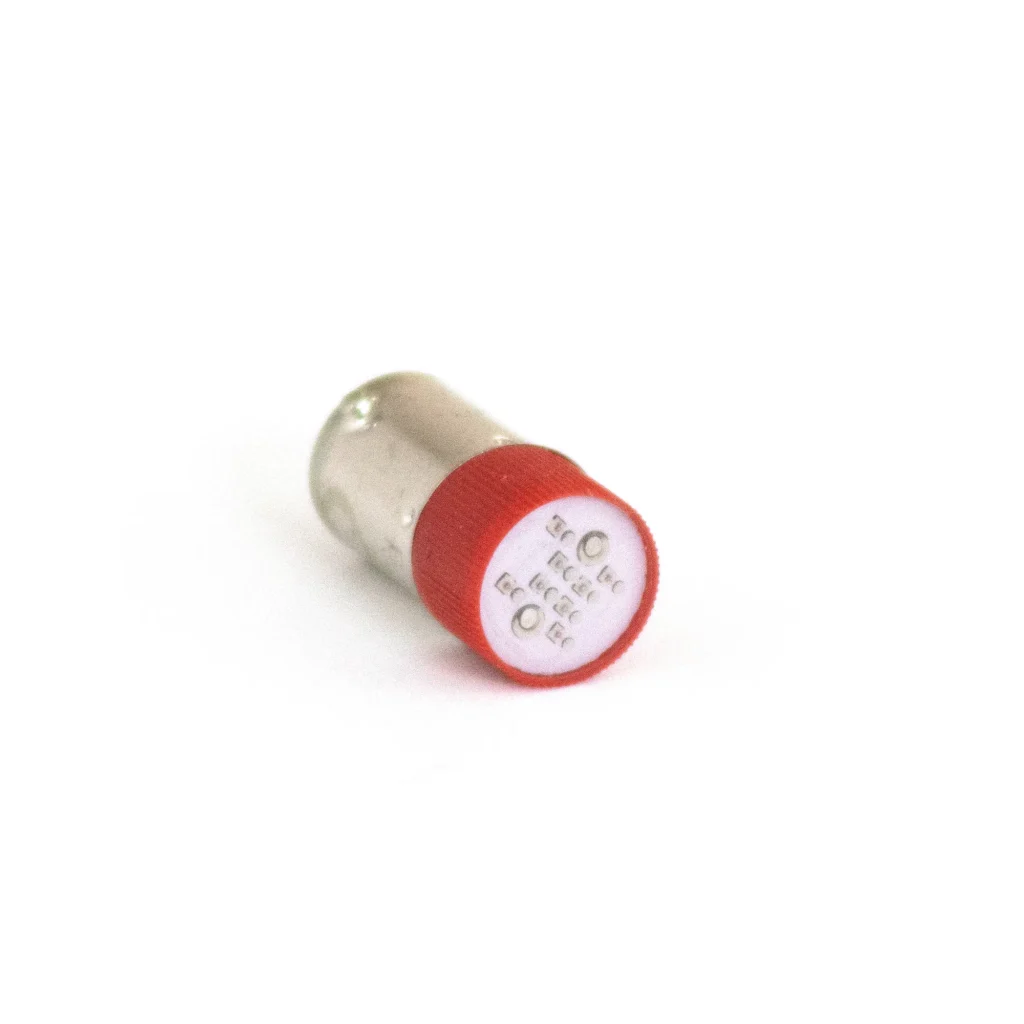
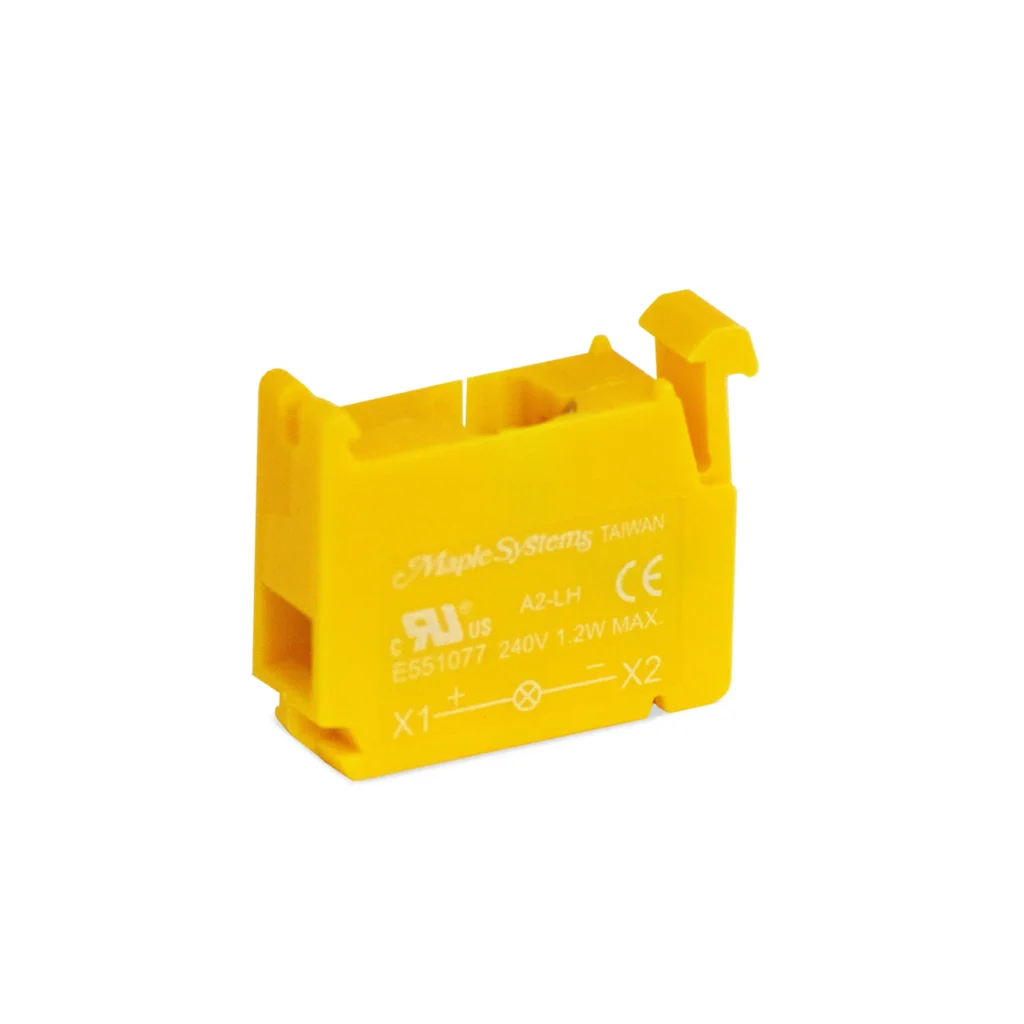
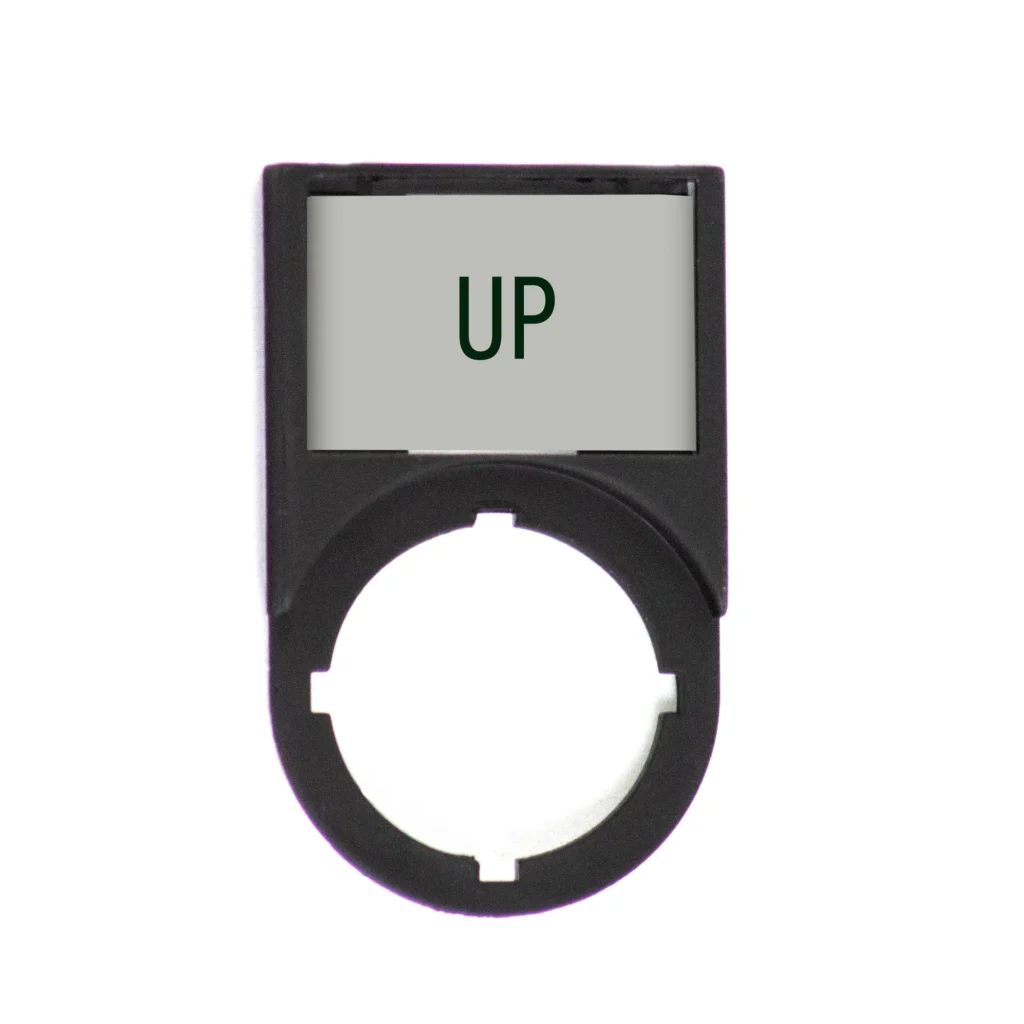
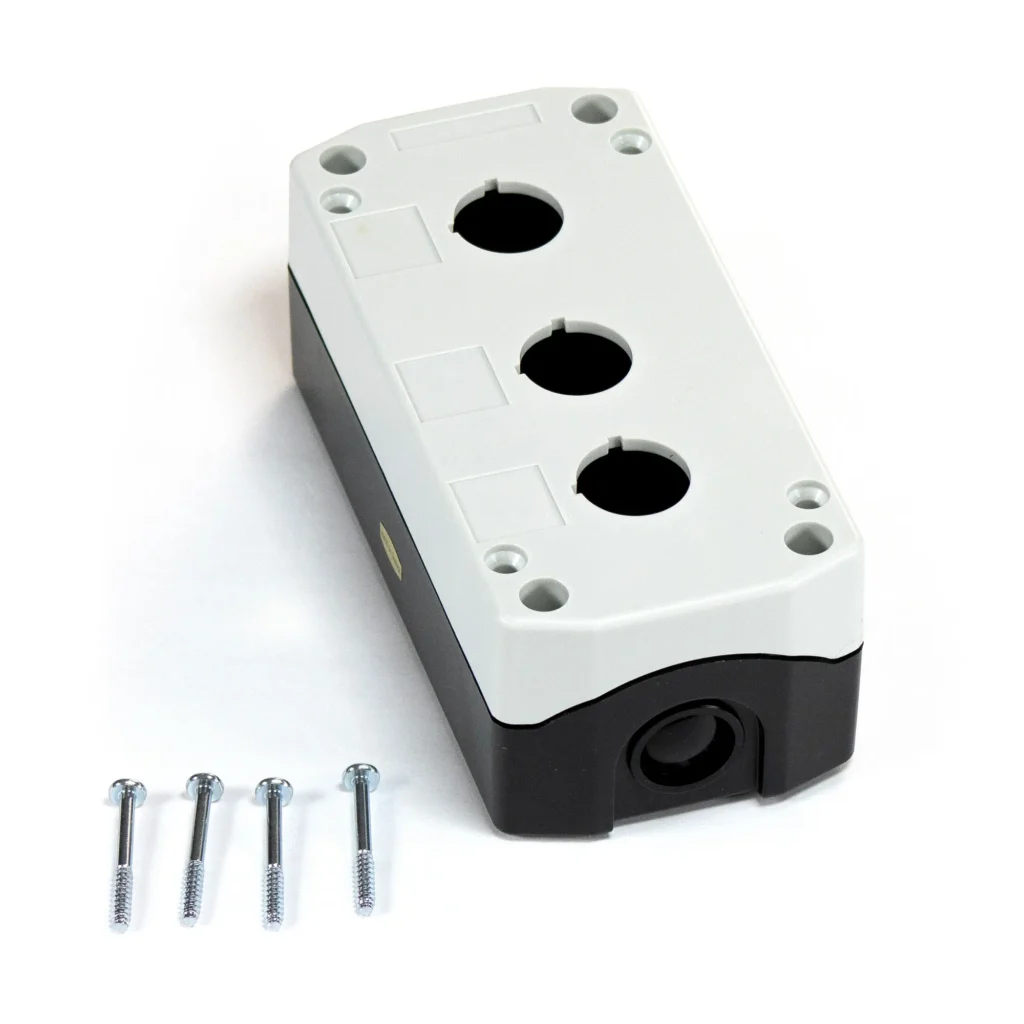
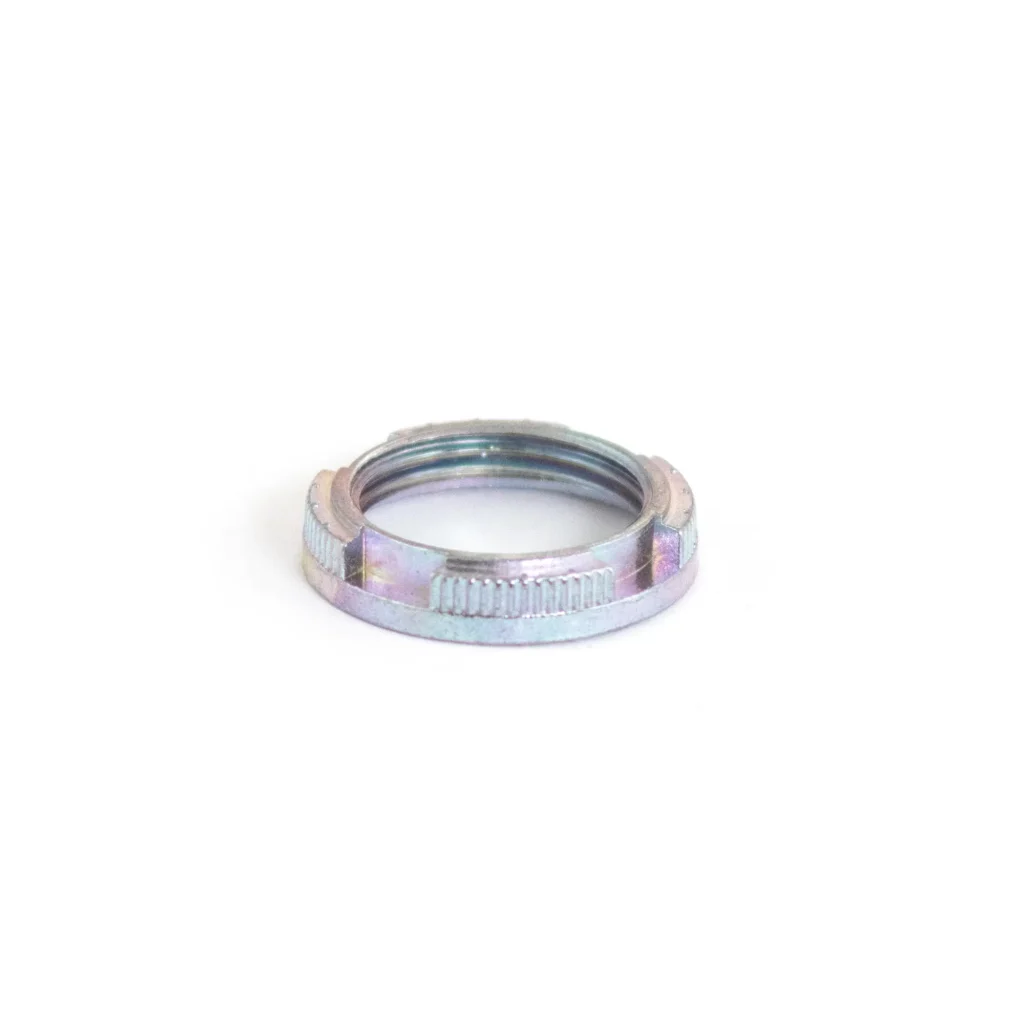
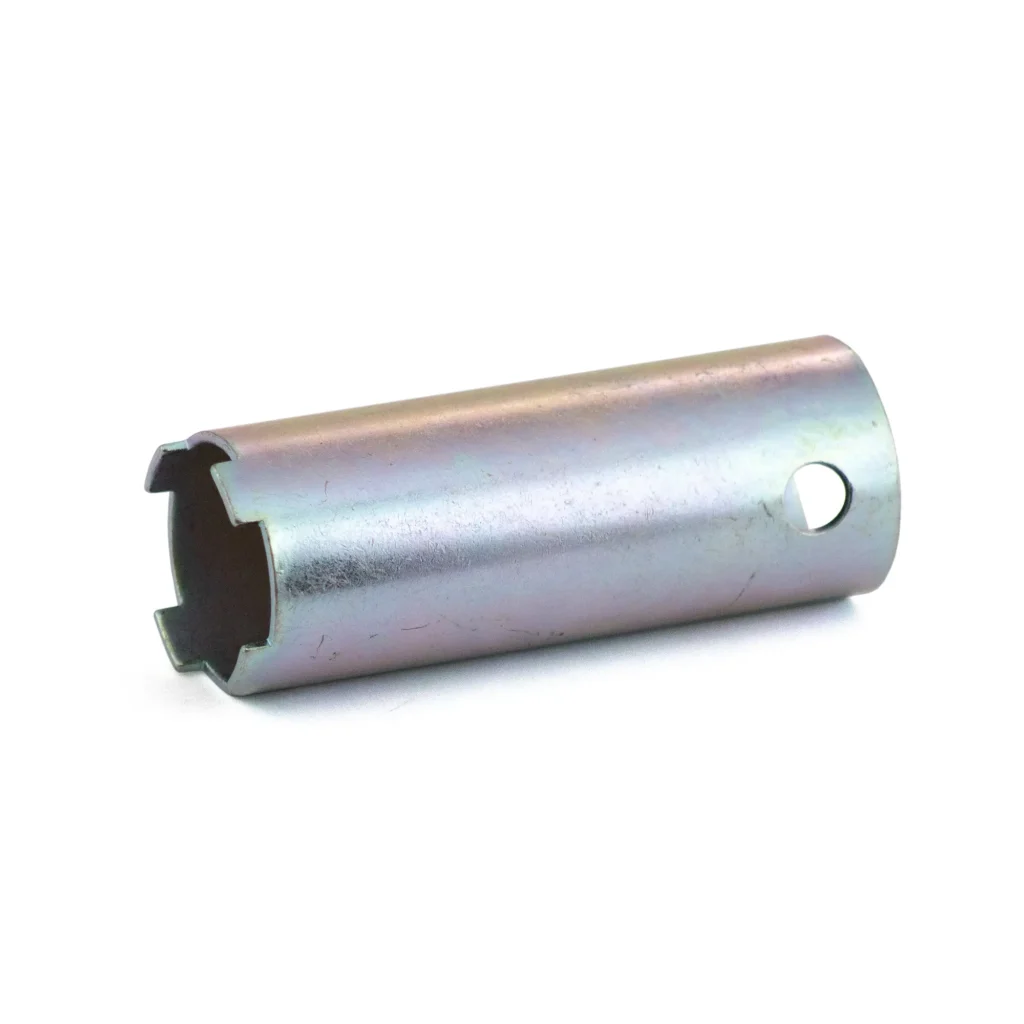
Every PBS110 ships with its lamp holder. To finish the panel, add legend plate frames that label what each light means, or mount lights and pushbuttons in a pushbutton control station with 1 to 5 holes. A failed LED can be replaced on its own with a replacement LED bulb in any of the five lens colors. These parts are listed for use with Maple Systems 22 mm pushbuttons, the same series as PBS110.
Indicator Light FAQs
What is the difference between an indicator light and a pilot light?
There is no difference. Indicator light and pilot light are two names for the same device: a panel-mounted light that shows the status of a machine or circuit. Pilot light is the older industrial term; both describe 22 mm panel lights such as the Maple Systems PBS110.
What size hole does a 22 mm indicator light need?
A 22 mm indicator light mounts in a 22 mm round panel hole, the same size as 22 mm pushbuttons and selector switches, so one punch covers the whole operator station. Maple Systems PBS110 lights fit panels 1 to 5 mm thick.
Can I use a 24 VDC indicator light on 120 VAC?
No. A 24 VDC indicator light such as the PBS110 is made for a 24 VDC control circuit and must not be connected to 120 VAC. Maple Systems does not offer a 120 VAC version of the PBS110; if your control circuit is AC, contact our sales team.
Can the LED in an indicator light be replaced?
Yes. Replacement LED bulbs come in red, green, yellow, blue and white (PB03024R, PB03024G, PB03024Y, PB03024B and PB03024W), so a failed LED can be replaced without replacing the light. They are listed for use with Maple Systems 22 mm pushbuttons, the same series as PBS110.
Not sure which indicator light fits your panel?
Tell us your control voltage and what each light needs to show, and our team will help you choose.