
Changing Existing Properties
In MapleLogic, it is possible to change the existing properties of the current project. Whether it’s changing the PLC CPU type, project location, or adding a PLC password, all are possible.
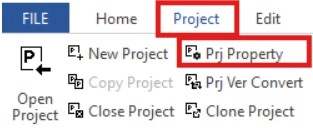
Step 1: To open the project properties, left-click Project and left-click Prj Property.
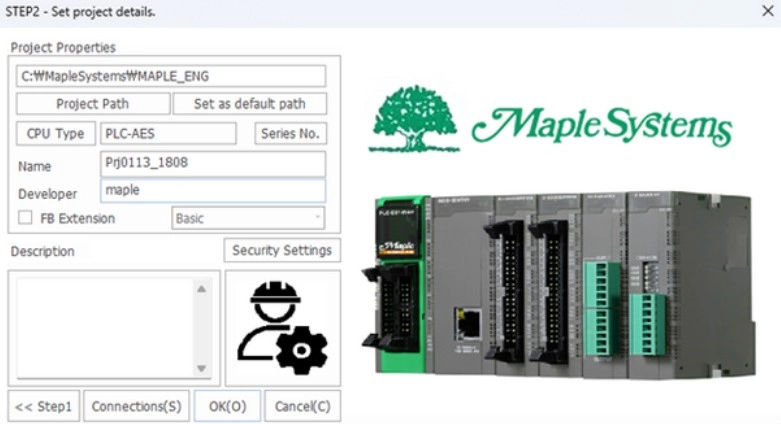
- The Project Properties window allows the user to change existing properties for the project. This is the same as step 2 in the Create Project section. Most properties can be changed. If changes don’t happen immediately, restart the project or restart MapleLogic.