
Momentary Pushbuttons
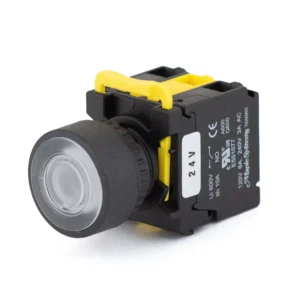
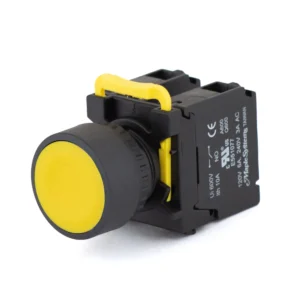
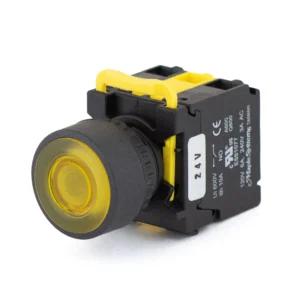
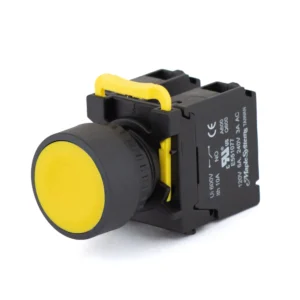
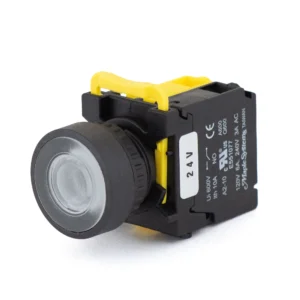
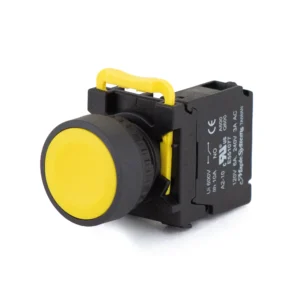
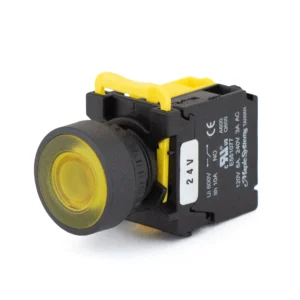
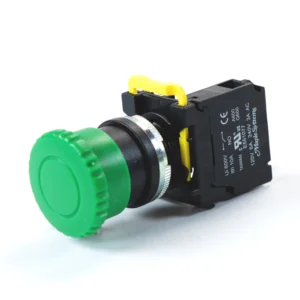
Momentary pushbuttons switch their contacts only while pressed and spring back when released, for start, stop, reset and jog functions. Maple Systems PBS111 momentary pushbuttons are 22 mm panel-mount buttons, IP65 rated and cURus recognized, with flat, guard ring or mushroom heads, illuminated (24 VDC) or non-illuminated, with one or two NO or NC contacts and plastic or metal rings.
Filters
-
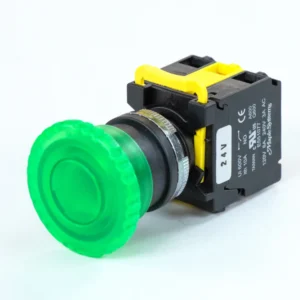
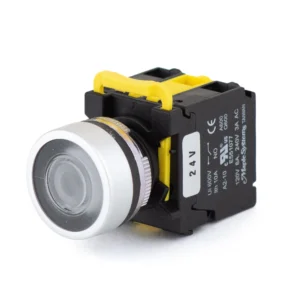
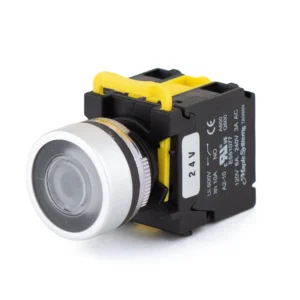
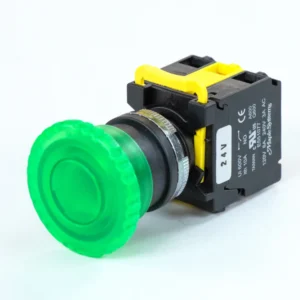
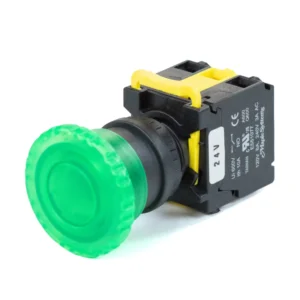
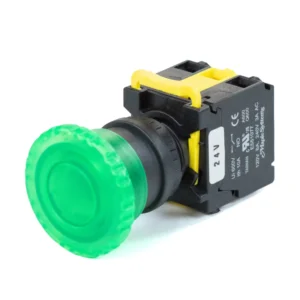
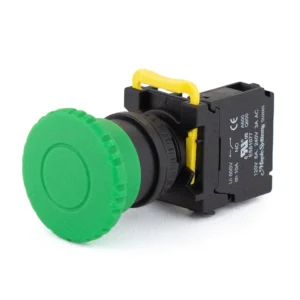
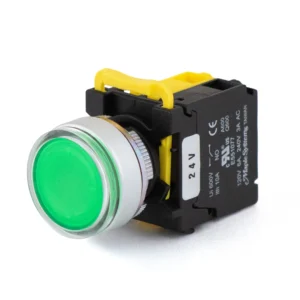
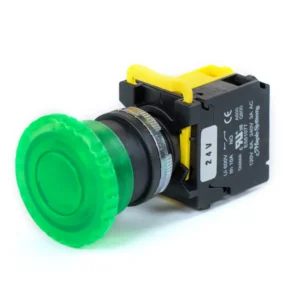
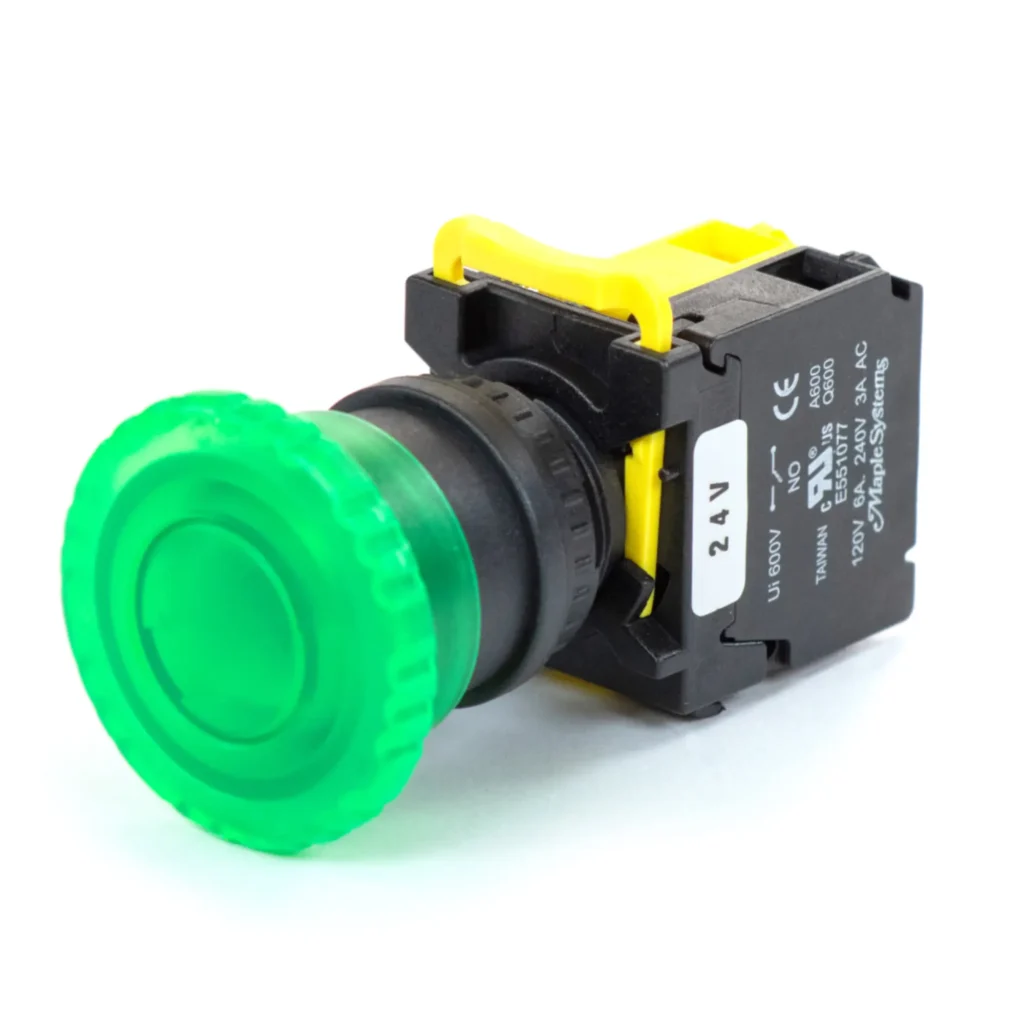
Green 22 mm LED Momentary Pushbutton, 24 VDC, Knurled Transparent Mushroom head, 40 mm dia (Illuminated Only), 1 NO, 1 NC, Metal Ring / Metal Head & Ring
PBS111KM22G-11L2 $25.50 -
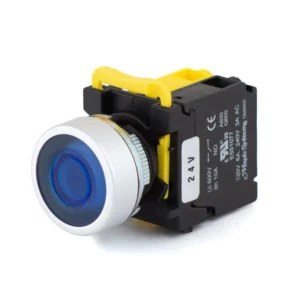
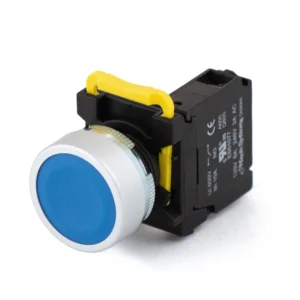
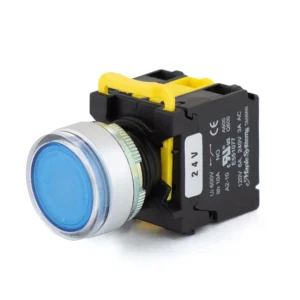
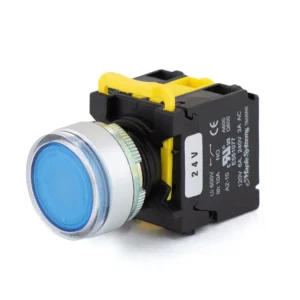
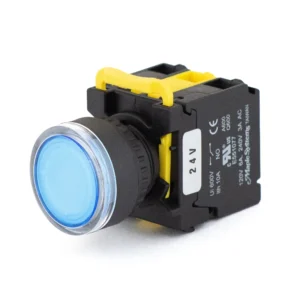
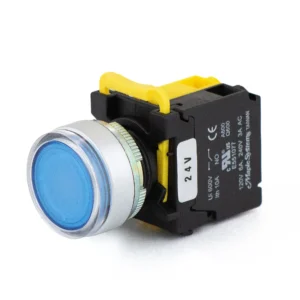
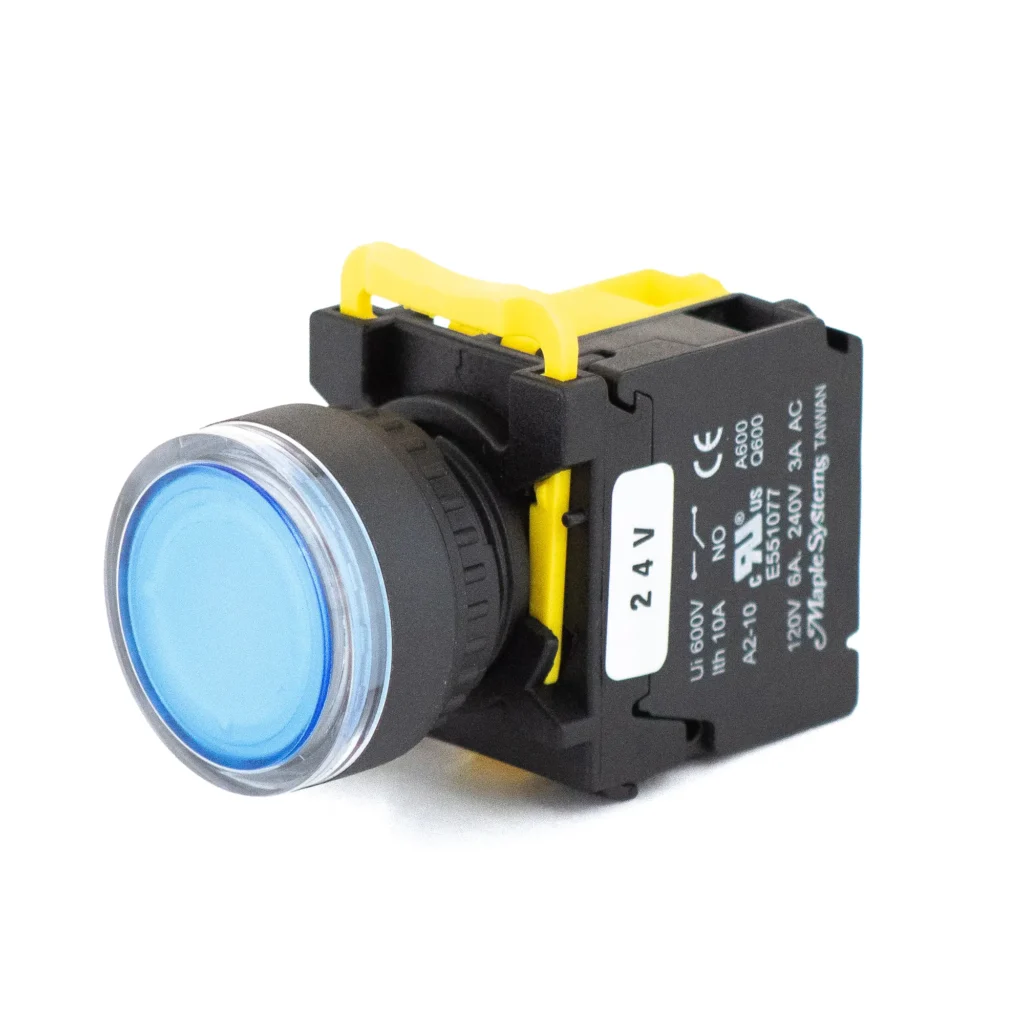
Blue 22 mm LED Momentary Pushbutton, 24 VDC, Flat Button Head, 1 NO, 0 NC, Metal Ring / Metal Head & Ring
PBS111CM22B-10L2 $16.00 -
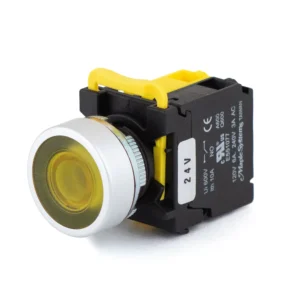
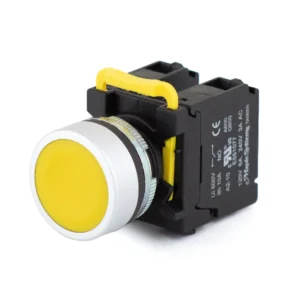
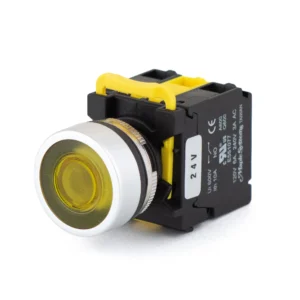
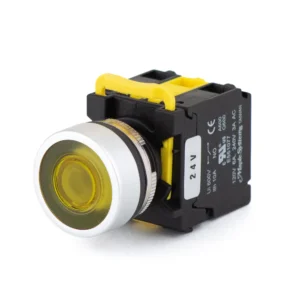
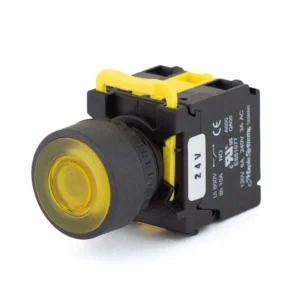
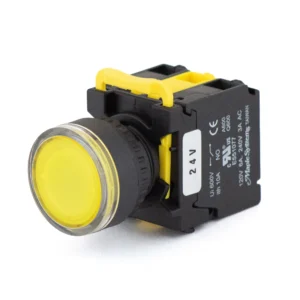
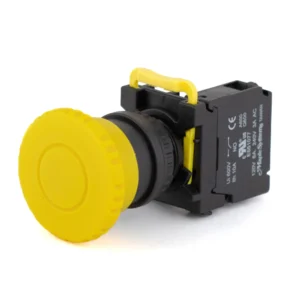
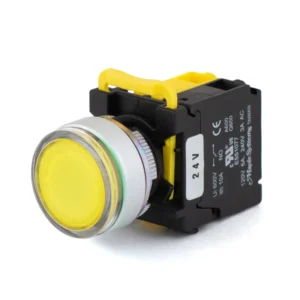
Yellow 22 mm LED Momentary Pushbutton, 24 VDC, Flat Button Head, 1 NO, 0 NC, Metal Ring / Metal Head & Ring
PBS111CM22Y-10L2 $16.00 -
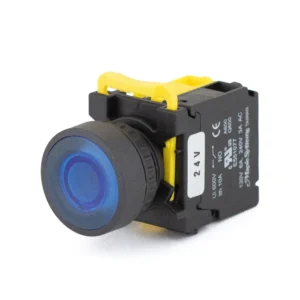
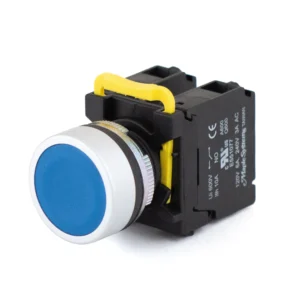
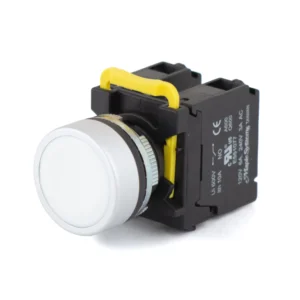
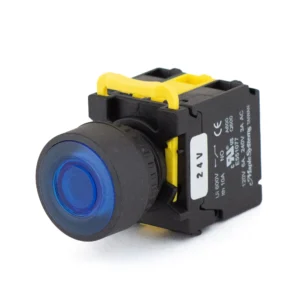
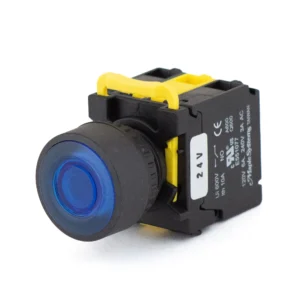
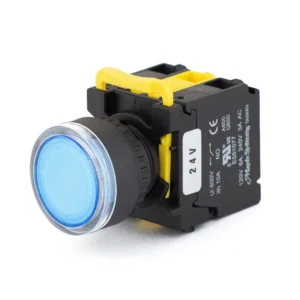
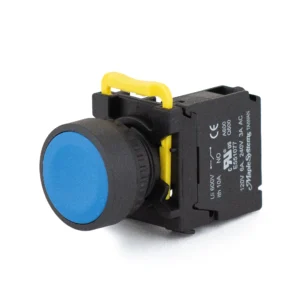
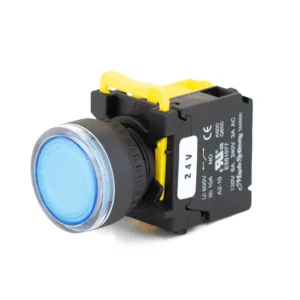
Blue 22 mm LED Momentary Pushbutton, 24 VDC, Flat Button Head, 1 NO, 0 NC, Plastic
PBS111CP22B-10L2 $15.00 -
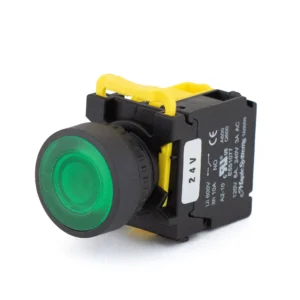
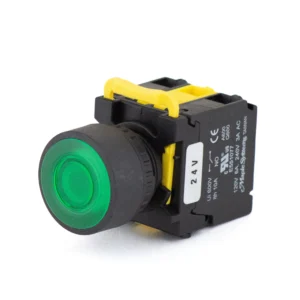
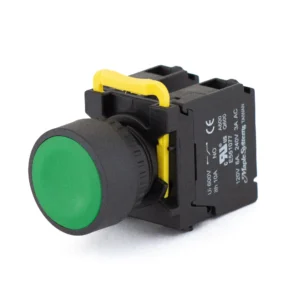
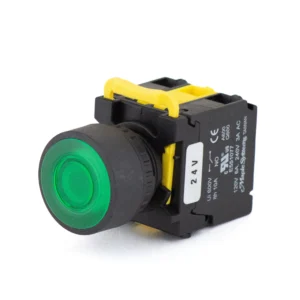
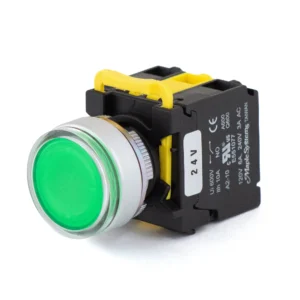
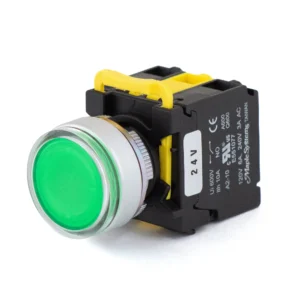
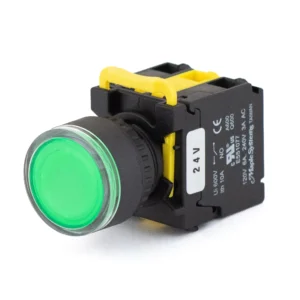
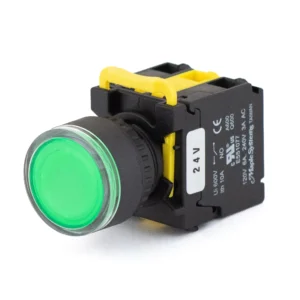
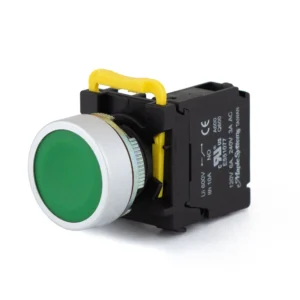
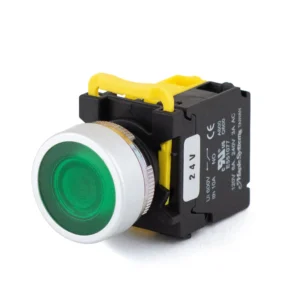
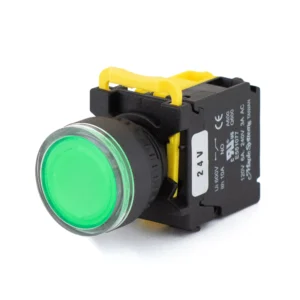
Green 22 mm LED Momentary Pushbutton, 24 VDC, Flat Button Head, 1 NO, 0 NC, Plastic
PBS111CP22G-10L2 $15.00 -
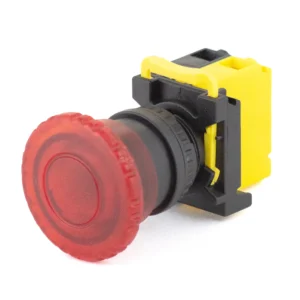
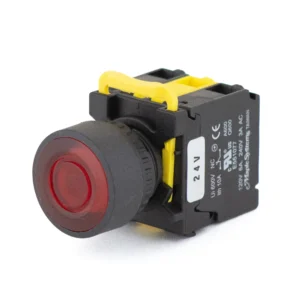
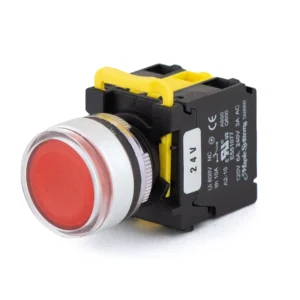
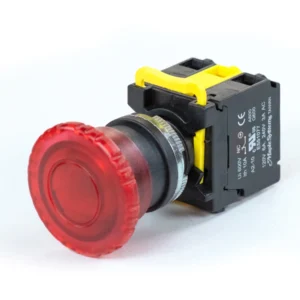
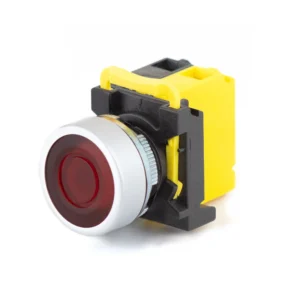
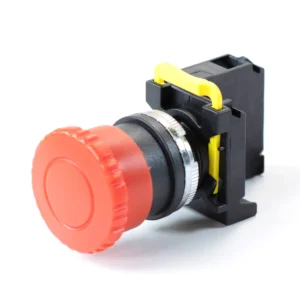
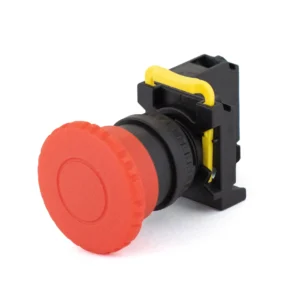
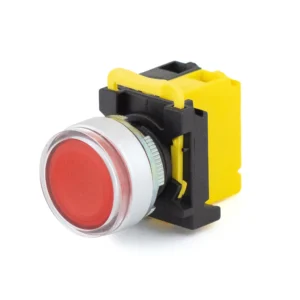
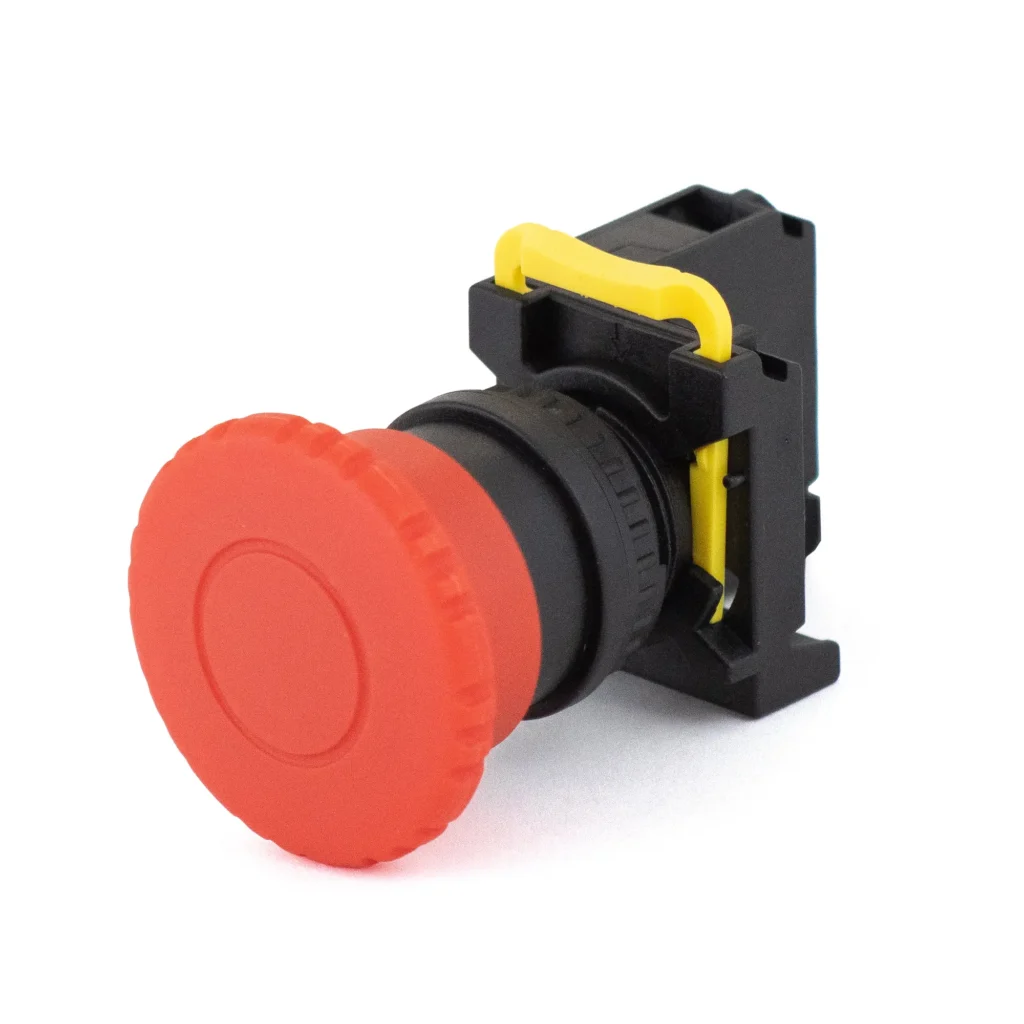
Red 22 mm LED Momentary Pushbutton, 24 VDC, Knurled Transparent Mushroom head, 40 mm dia (Illuminated Only), 0 NO, 1 NC, Plastic
PBS111KP22R-01L2 $15.50 -
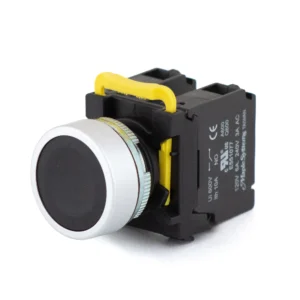
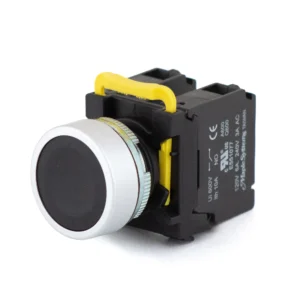
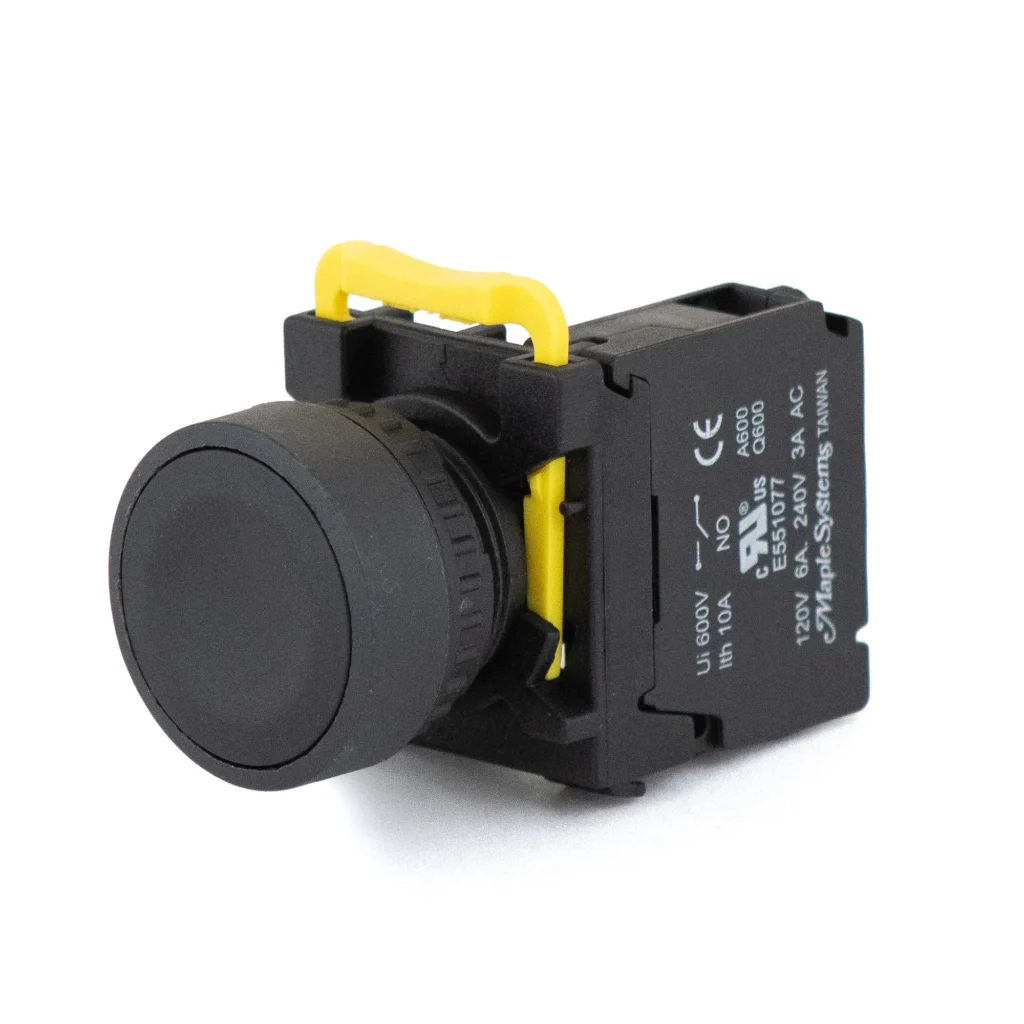
Black 22 mm Momentary Pushbutton, Flat Button Head, 1 NO, 1 NC, Metal Ring / Metal Head & Ring
PBS111CM22K-11 $24.00 -
Black 22 mm Momentary Pushbutton, Flat Button Head, 2 NO, 0 NC, Metal Ring / Metal Head & Ring
PBS111CM22K-20 $24.00 -
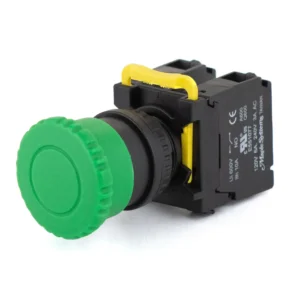
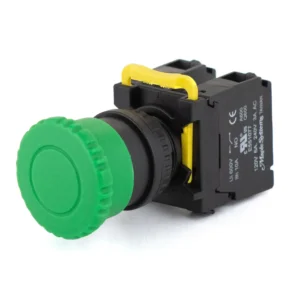
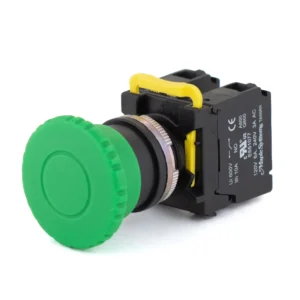
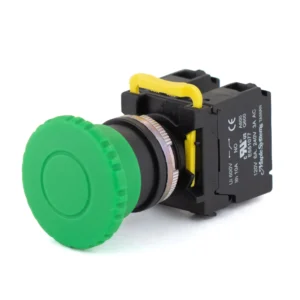
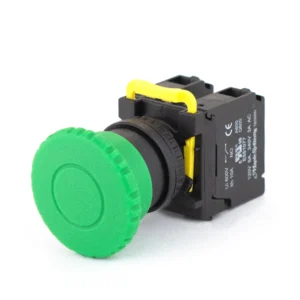
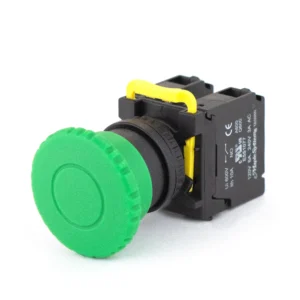
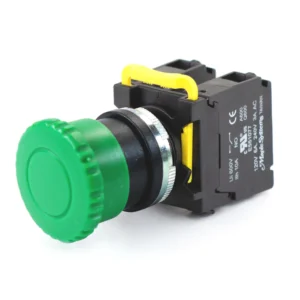
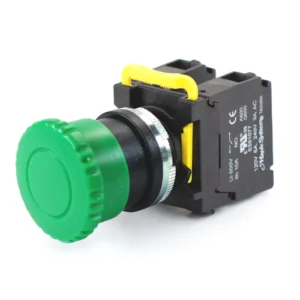
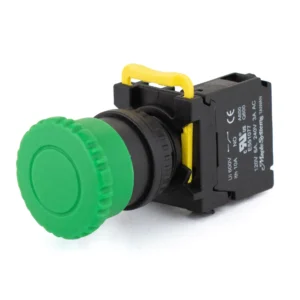
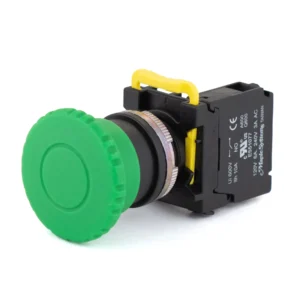
Green 22 mm Momentary Pushbutton, Knurled Mushroom head 35mm, 1 NO, 1 NC, Plastic
PBS111FP22G-11 $23.00 -
Green 22 mm Momentary Pushbutton, Knurled Mushroom head 35mm, 2 NO, 0 NC, Plastic
PBS111FP22G-20 $23.00 -
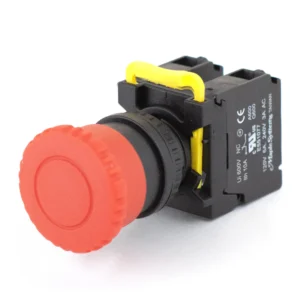
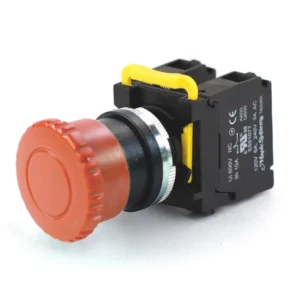
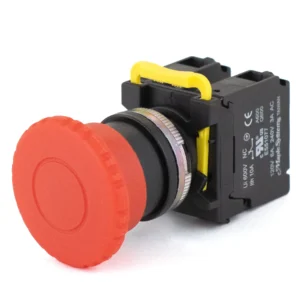
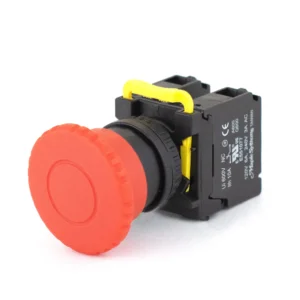
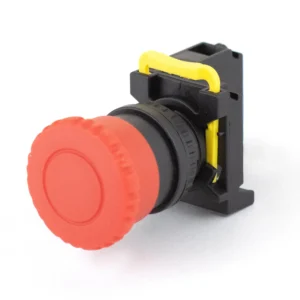
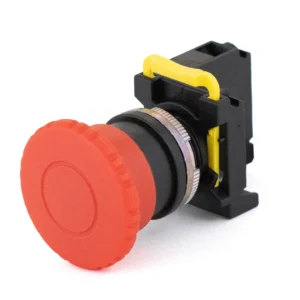
Red 22 mm Momentary Pushbutton, Knurled Mushroom head 35mm, 0 NO, 2 NC, Plastic
PBS111FP22R-02 $23.00 -
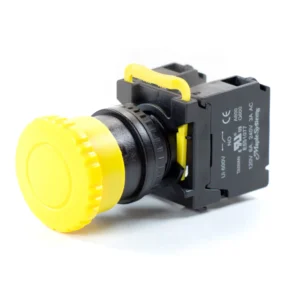
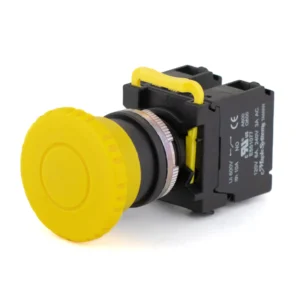
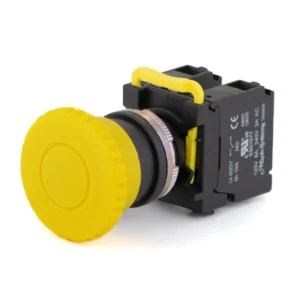
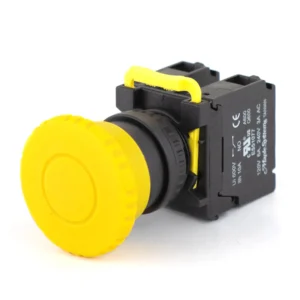
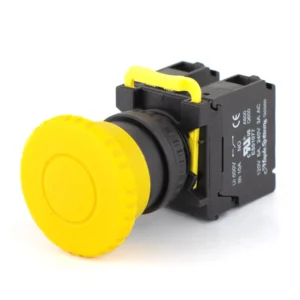
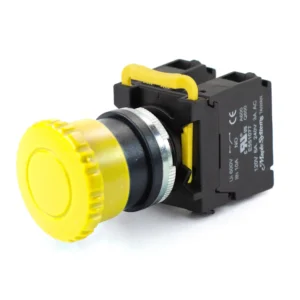
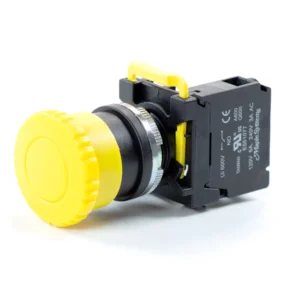
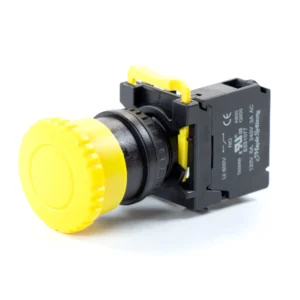
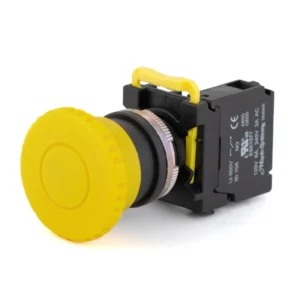
Yellow 22 mm Momentary Pushbutton, Knurled Mushroom head 35mm, 2 NO, 0 NC, Plastic
PBS111FP22Y-20 $23.00 -
Green 22 mm Momentary Pushbutton, Knurled Mushroom head 40mm, 1 NO, 1 NC, Metal Ring / Metal Head & Ring
PBS111GM22G-11 $24.00 -
Green 22 mm Momentary Pushbutton, Knurled Mushroom head 40mm, 2 NO, 0 NC, Metal Ring / Metal Head & Ring
PBS111GM22G-20 $24.00 -
Yellow 22 mm Momentary Pushbutton, Knurled Mushroom head 40mm, 1 NO, 1 NC, Metal Ring / Metal Head & Ring
PBS111GM22Y-11 $24.00 -
Yellow 22 mm Momentary Pushbutton, Knurled Mushroom head 40mm, 2 NO, 0 NC, Metal Ring / Metal Head & Ring
PBS111GM22Y-20 $24.00 -
Green 22 mm Momentary Pushbutton, Knurled Mushroom head 40mm, 1 NO, 1 NC, Plastic
PBS111GP22G-11 $23.00 -
Green 22 mm Momentary Pushbutton, Knurled Mushroom head 40mm, 2 NO, 0 NC, Plastic
PBS111GP22G-20 $23.00 -
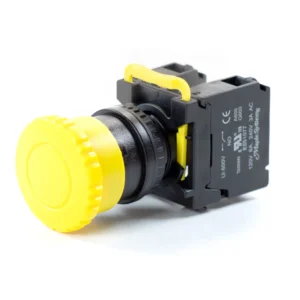
Yellow 22 mm Momentary Pushbutton, Knurled Mushroom head 40mm, 1 NO, 1 NC, Plastic
PBS111GP22Y-11 $23.00 -
Yellow 22 mm Momentary Pushbutton, Knurled Mushroom head 40mm, 2 NO, 0 NC, Plastic
PBS111GP22Y-20 $23.00 -
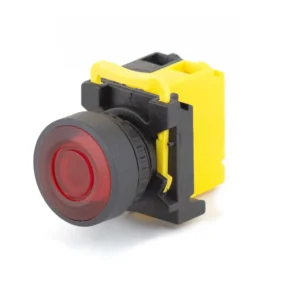
Red 22 mm LED Momentary Pushbutton, 24 VDC, Guard Ring Button Head (Illuminated Only), 0 NO, 2 NC, Plastic
PBS111IP22R-02L2 $24.50 -
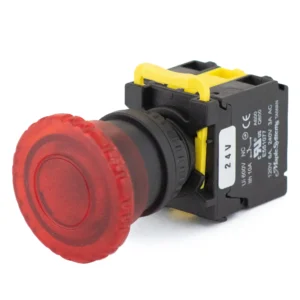
Red 22 mm LED Momentary Pushbutton, 24 VDC, Knurled Transparent Mushroom head, 40 mm dia (Illuminated Only), 0 NO, 2 NC, Plastic
PBS111KP22R-02L2 $24.50 -
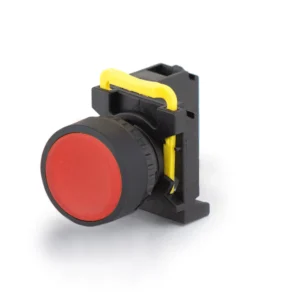
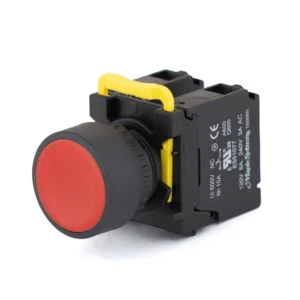
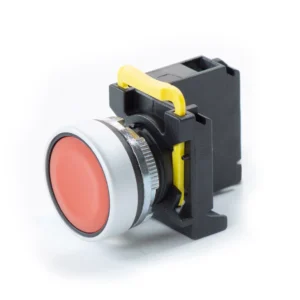
Red 22 mm Momentary Pushbutton, Flat Button Head, 0 NO, 1 NC, Plastic
PBS111CP22R-01 $14.00 -
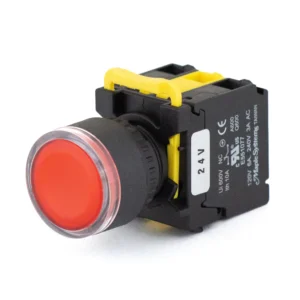
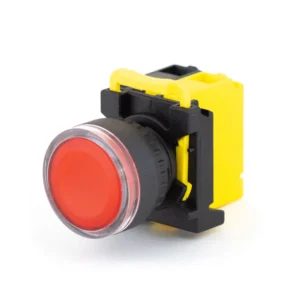
Red 22 mm LED Momentary Pushbutton, 24 VDC, Flat Button Head, 0 NO, 1 NC, Plastic
PBS111CP22R-01L2 $15.00 -
Yellow 22 mm Momentary Pushbutton, Knurled Mushroom head 35mm, 2 NO, 0 NC, Metal Ring / Metal Head & Ring
PBS111FM22Y-20 $24.00 -
Red 22 mm Momentary Pushbutton, Flat Button Head, 0 NO, 2 NC, Metal Ring / Metal Head & Ring
PBS111CM22R-02 $24.00 -
Blue 22 mm Momentary Pushbutton, Flat Button Head, 1 NO, 1 NC, Metal Ring / Metal Head & Ring
PBS111CM22B-11 $24.00 -
Blue 22 mm LED Momentary Pushbutton, 24 VDC, Flat Button Head, 1 NO, 1 NC, Metal Ring / Metal Head & Ring
PBS111CM22B-11L2 $25.00 -
Blue 22 mm Momentary Pushbutton, Flat Button Head, 2 NO, 0 NC, Metal Ring / Metal Head & Ring
PBS111CM22B-20 $24.00 -
Blue 22 mm LED Momentary Pushbutton, 24 VDC, Flat Button Head, 2 NO, 0 NC, Metal Ring / Metal Head & Ring
PBS111CM22B-20L2 $25.00 -
Green 22 mm Momentary Pushbutton, Flat Button Head, 1 NO, 1 NC, Metal Ring / Metal Head & Ring
PBS111CM22G-11 $24.00 -
Green 22 mm LED Momentary Pushbutton, 24 VDC, Flat Button Head, 1 NO, 1 NC, Metal Ring / Metal Head & Ring
PBS111CM22G-11L2 $25.00 -
Green 22 mm Momentary Pushbutton, Flat Button Head, 2 NO, 0 NC, Metal Ring / Metal Head & Ring
PBS111CM22G-20 $24.00 -
Green 22 mm LED Momentary Pushbutton, 24 VDC, Flat Button Head, 2 NO, 0 NC, Metal Ring / Metal Head & Ring
PBS111CM22G-20L2 $25.00 -
Red 22 mm LED Momentary Pushbutton, 24 VDC, Flat Button Head, 0 NO, 2 NC, Metal Ring / Metal Head & Ring
PBS111CM22R-02L2 $25.00 -
White 22 mm Momentary Pushbutton, Flat Button Head, 1 NO, 1 NC, Metal Ring / Metal Head & Ring
PBS111CM22W-11 $24.00 -
White 22 mm LED Momentary Pushbutton, 24 VDC, Flat Button Head, 1 NO, 1 NC, Metal Ring / Metal Head & Ring
PBS111CM22W-11L2 $25.00 -
White 22 mm Momentary Pushbutton, Flat Button Head, 2 NO, 0 NC, Metal Ring / Metal Head & Ring
PBS111CM22W-20 $24.00 -
White 22 mm LED Momentary Pushbutton, 24 VDC, Flat Button Head, 2 NO, 0 NC, Metal Ring / Metal Head & Ring
PBS111CM22W-20L2 $25.00 -
Yellow 22 mm Momentary Pushbutton, Flat Button Head, 1 NO, 1 NC, Metal Ring / Metal Head & Ring
PBS111CM22Y-11 $24.00 -
Yellow 22 mm LED Momentary Pushbutton, 24 VDC, Flat Button Head, 1 NO, 1 NC, Metal Ring / Metal Head & Ring
PBS111CM22Y-11L2 $25.00 -
Yellow 22 mm Momentary Pushbutton, Flat Button Head, 2 NO, 0 NC, Metal Ring / Metal Head & Ring
PBS111CM22Y-20 $24.00 -
Yellow 22 mm LED Momentary Pushbutton, 24 VDC, Flat Button Head, 2 NO, 0 NC, Metal Ring / Metal Head & Ring
PBS111CM22Y-20L2 $25.00 -
Blue 22 mm Momentary Pushbutton, Flat Button Head, 1 NO, 1 NC, Plastic
PBS111CP22B-11 $23.00 -
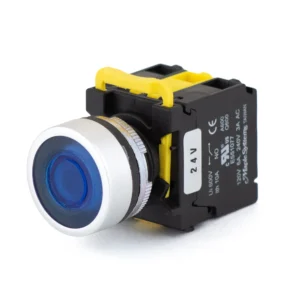
Blue 22 mm LED Momentary Pushbutton, 24 VDC, Flat Button Head, 1 NO, 1 NC, Plastic
PBS111CP22B-11L2 $24.00 -
Blue 22 mm Momentary Pushbutton, Flat Button Head, 2 NO, 0 NC, Plastic
PBS111CP22B-20 $23.00 -
Blue 22 mm LED Momentary Pushbutton, 24 VDC, Flat Button Head, 2 NO, 0 NC, Plastic
PBS111CP22B-20L2 $24.00 -
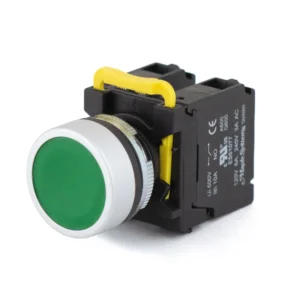
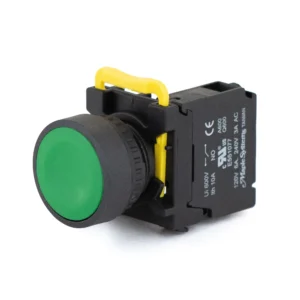
Green 22 mm Momentary Pushbutton, Flat Button Head, 1 NO, 1 NC, Plastic
PBS111CP22G-11 $23.00 -
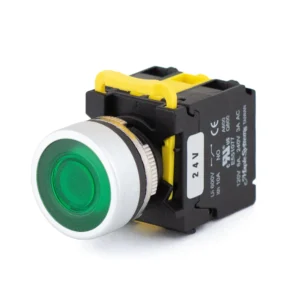
Green 22 mm LED Momentary Pushbutton, 24 VDC, Flat Button Head, 1 NO, 1 NC, Plastic
PBS111CP22G-11L2 $24.00 -
Green 22 mm Momentary Pushbutton, Flat Button Head, 2 NO, 0 NC, Plastic
PBS111CP22G-20 $23.00 -
Green 22 mm LED Momentary Pushbutton, 24 VDC, Flat Button Head, 2 NO, 0 NC, Plastic
PBS111CP22G-20L2 $24.00 -
Red 22 mm Momentary Pushbutton, 24 VDC, Flat Button Head, 0 NO, 2 NC, Plastic
PBS111CP22R-02 $23.00 -
Red 22 mm LED Momentary Pushbutton, 24 VDC, Flat Button Head, 0 NO, 2 NC, Plastic
PBS111CP22R-02L2 $24.00 -
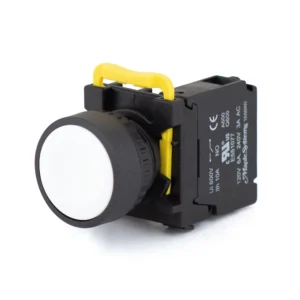
White 22 mm Momentary Pushbutton, 24 VDC, Flat Button Head, 1 NO, 1 NC, Plastic
PBS111CP22W-11 $23.00 -
White 22 mm LED Momentary Pushbutton, 24 VDC, Flat Button Head, 1 NO, 1 NC, Plastic
PBS111CP22W-11L2 $24.00 -
White 22 mm Momentary Pushbutton, 24 VDC, Flat Button Head, 2 NO, 0 NC, Plastic
PBS111CP22W-20 $23.00 -
White 22 mm LED Momentary Pushbutton, 24 VDC, Flat Button Head, 2 NO, 0 NC, Plastic
PBS111CP22W-20L2 $24.00 -
Yellow 22 mm Momentary Pushbutton, 24 VDC, Flat Button Head, 1 NO, 1 NC, Plastic
PBS111CP22Y-11 $23.00 -
Yellow 22 mm LED Momentary Pushbutton, 24 VDC, Flat Button Head, 1 NO, 1 NC, Plastic
PBS111CP22Y-11L2 $24.00 -
Yellow 22 mm Momentary Pushbutton, 24 VDC, Flat Button Head, 2 NO, 0 NC, Plastic
PBS111CP22Y-20 $23.00 -
Yellow 22 mm LED Momentary Pushbutton, 24 VDC, Flat Button Head, 2 NO, 0 NC, Plastic
PBS111CP22Y-20L2 $24.00 -
Blue 22 mm Momentary Pushbutton, Flat Button Head, 1 NO, 0 NC, Metal Ring / Metal Head & Ring
PBS111CM22B-10 $15.00 -
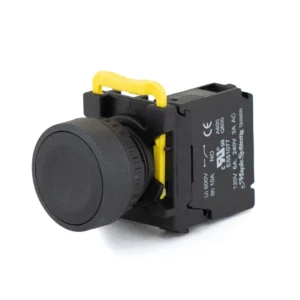
Black 22 mm Momentary Pushbutton, Flat Button Head, 1 NO, 1 NC, Plastic
PBS111CP22K-11 $23.00 -
Black 22 mm Momentary Pushbutton, 24 VDC, Flat Button Head, 2 NO, 0 NC, Plastic
PBS111CP22K-20 $23.00 -
Green 22 mm Momentary Pushbutton, Knurled Mushroom head 35mm, 1 NO, 1 NC, Metal Ring / Metal Head & Ring
PBS111FM22G-11 $24.00 -
Green 22 mm Momentary Pushbutton, Knurled Mushroom head 35mm, 2 NO, 0 NC, Metal Ring / Metal Head & Ring
PBS111FM22G-20 $24.00 -
Red 22 mm Momentary Pushbutton, Knurled Mushroom head 35mm, 0 NO, 2 NC, Metal Ring / Metal Head & Ring
PBS111FM22R-02 $24.00 -
Yellow 22 mm Momentary Pushbutton, Knurled Mushroom head 35mm, 1 NO, 1 NC, Metal Ring / Metal Head & Ring
PBS111FM22Y-11 $24.00 -
Yellow 22 mm Momentary Pushbutton, Knurled Mushroom head 35mm, 1 NO, 1 NC, Plastic
PBS111FP22Y-11 $23.00 -
Red 22 mm Momentary Pushbutton, Knurled Mushroom head 40mm, 0 NO, 2 NC, Metal Ring / Metal Head & Ring
PBS111GM22R-02 $24.00 -
Red 22 mm Momentary Pushbutton, Knurled Mushroom head 40mm, 0 NO, 2 NC, Plastic
PBS111GP22R-02 $23.00 -
Blue 22 mm LED Momentary Pushbutton, 24 VDC, Guard Ring Button Head (Illuminated Only), 1 NO, 1 NC, Metal Ring / Metal Head & Ring
PBS111IM22B-11L2 $25.50 -
Blue 22 mm LED Momentary Pushbutton, 24 VDC, Guard Ring Button Head (Illuminated Only), 2 NO, 0 NC, Metal Ring / Metal Head & Ring
PBS111IM22B-20L2 $25.50 -
Green 22 mm LED Momentary Pushbutton, 24 VDC, Guard Ring Button Head (Illuminated Only), 1 NO, 1 NC, Metal Ring / Metal Head & Ring
PBS111IM22G-11L2 $25.50 -
Green 22 mm LED Momentary Pushbutton, 24 VDC, Guard Ring Button Head (Illuminated Only), 2 NO, 0 NC, Metal Ring / Metal Head & Ring
PBS111IM22G-20L2 $25.50 -
Red 22 mm LED Momentary Pushbutton, 24 VDC, Guard Ring Button Head (Illuminated Only), 0 NO, 2 NC, Metal Ring / Metal Head & Ring
PBS111IM22R-02L2 $25.50 -
White 22 mm LED Momentary Pushbutton, 24 VDC, Guard Ring Button Head (Illuminated Only), 1 NO, 1 NC, Metal Ring / Metal Head & Ring
PBS111IM22W-11L2 $25.50 -
White 22 mm LED Momentary Pushbutton, 24 VDC, Guard Ring Button Head (Illuminated Only), 2 NO, 0 NC, Metal Ring / Metal Head & Ring
PBS111IM22W-20L2 $25.50 -
Yellow 22 mm LED Momentary Pushbutton, 24 VDC, Guard Ring Button Head (Illuminated Only), 1 NO, 1 NC, Metal Ring / Metal Head & Ring
PBS111IM22Y-11L2 $25.50 -
Yellow 22 mm LED Momentary Pushbutton, 24 VDC, Guard Ring Button Head (Illuminated Only), 2 NO, 0 NC, Metal Ring / Metal Head & Ring
PBS111IM22Y-20L2 $25.50 -
Blue 22 mm LED Momentary Pushbutton, 24 VDC, Guard Ring Button Head (Illuminated Only), 1 NO, 1 NC, Plastic
PBS111IP22B-11L2 $24.50 -
Blue 22 mm LED Momentary Pushbutton, 24 VDC, Guard Ring Button Head (Illuminated Only), 2 NO, 0 NC, Plastic
PBS111IP22B-20L2 $24.50 -
Green 22 mm LED Momentary Pushbutton, 24 VDC, Knurled Transparent Mushroom head, 40 mm dia (Illuminated Only), 2 NO, 0 NC, Metal Ring / Metal Head & Ring
PBS111KM22G-20L2 $25.50 -
Green 22 mm LED Momentary Pushbutton, 24 VDC, Guard Ring Button Head (Illuminated Only), 1 NO, 1 NC, Plastic
PBS111IP22G-11L2 $24.50 -
Red 22 mm LED Momentary Pushbutton, 24 VDC, Knurled Transparent Mushroom head, 40 mm dia (Illuminated Only), 0 NO, 2 NC, Metal Ring / Metal Head & Ring
PBS111KM22R-02L2 $25.50 -
Green 22 mm LED Momentary Pushbutton, 24 VDC, Guard Ring Button Head (Illuminated Only), 2 NO, 0 NC, Plastic
PBS111IP22G-20L2 $24.50 -
Green 22 mm LED Momentary Pushbutton, 24 VDC, Knurled Transparent Mushroom head, 40 mm dia (Illuminated Only), 1 NO, 1 NC, Plastic
PBS111KP22G-11L2 $24.50 -
White 22 mm LED Momentary Pushbutton, 24 VDC, Guard Ring Button Head (Illuminated Only), 1 NO, 1 NC, Plastic
PBS111IP22W-11L2 $24.50 -
Green 22 mm LED Momentary Pushbutton, 24 VDC, Knurled Transparent Mushroom head, 40 mm dia (Illuminated Only), 2 NO, 0 NC, Plastic
PBS111KP22G-20L2 $24.50 -
White 22 mm LED Momentary Pushbutton, 24 VDC, Guard Ring Button Head (Illuminated Only), 2 NO, 0 NC, Plastic
PBS111IP22W-20L2 $24.50 -
Yellow 22 mm LED Momentary Pushbutton, 24 VDC, Guard Ring Button Head (Illuminated Only), 1 NO, 1 NC, Plastic
PBS111IP22Y-11L2 $24.50 -
Yellow 22 mm LED Momentary Pushbutton, 24 VDC, Guard Ring Button Head (Illuminated Only), 2 NO, 0 NC, Plastic
PBS111IP22Y-20L2 $24.50 -
Green 22 mm Momentary Pushbutton, Flat Button Head, 1 NO, 0 NC, Metal Ring / Metal Head & Ring
PBS111CM22G-10 $15.00 -
Green 22 mm LED Momentary Pushbutton, 24 VDC, Flat Button Head, 1 NO, 0 NC, Metal Ring / Metal Head & Ring
PBS111CM22G-10L2 $16.00 -
Black 22 mm Momentary Pushbutton, Flat Button Head, 1 NO, 0 NC, Metal Ring / Metal Head & Ring
PBS111CM22K-10 $15.00 -
Red 22 mm Momentary Pushbutton, Flat Button Head, 0 NO, 1 NC, Metal Ring / Metal Head & Ring
PBS111CM22R-01 $15.00 -
Red 22 mm LED Momentary Pushbutton, 24 VDC, Flat Button Head, 0 NO, 1 NC, Metal Ring / Metal Head & Ring
PBS111CM22R-01L2 $16.00 -
White 22 mm Momentary Pushbutton, Flat Button Head, 1 NO, 0 NC, Metal Ring / Metal Head & Ring
PBS111CM22W-10 $15.00 -
White 22 mm LED Momentary Pushbutton, 24 VDC, Flat Button Head, 1 NO, 0 NC, Metal Ring / Metal Head & Ring
PBS111CM22W-10L2 $16.00 -
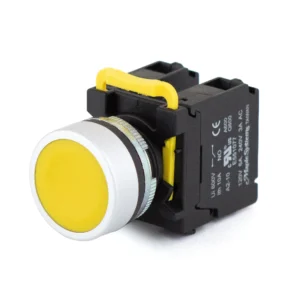
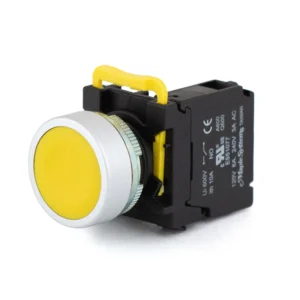
Yellow 22 mm Momentary Pushbutton, Flat Button Head, 1 NO, 0 NC, Metal Ring / Metal Head & Ring
PBS111CM22Y-10 $15.00 -
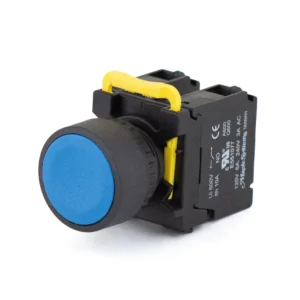
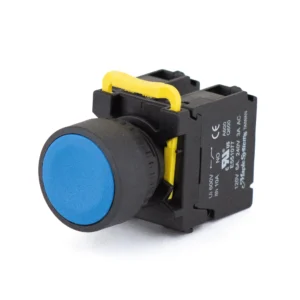
Blue 22 mm Momentary Pushbutton, Flat Button Head, 1 NO, 0 NC, Plastic
PBS111CP22B-10 $14.00 -
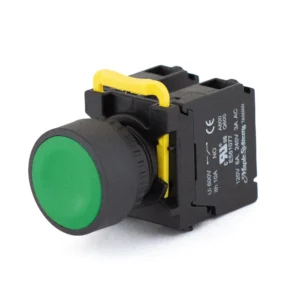
Green 22 mm Momentary Pushbutton, Flat Button Head, 1 NO, 0 NC, Plastic
PBS111CP22G-10 $14.00 -
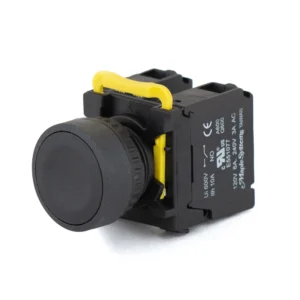
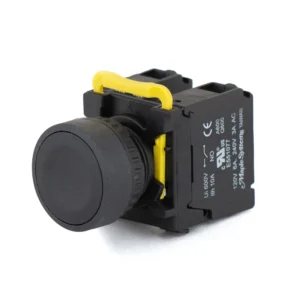
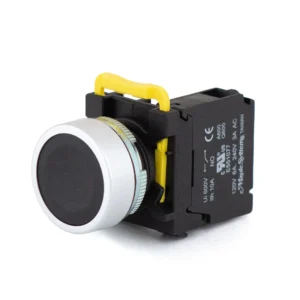
Black 22 mm Momentary Pushbutton, Flat Button Head, 1 NO, 0 NC, Plastic
PBS111CP22K-10 $14.00 -
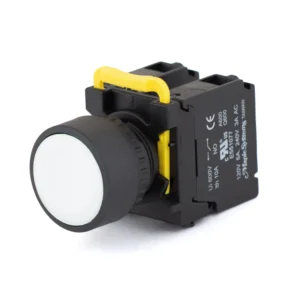
White 22 mm Momentary Pushbutton, Flat Button Head, 1 NO, 0 NC, Plastic
PBS111CP22W-10 $14.00 -
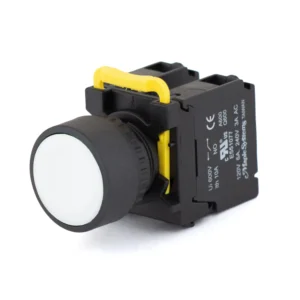
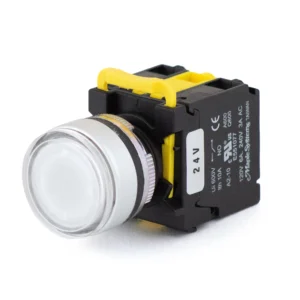
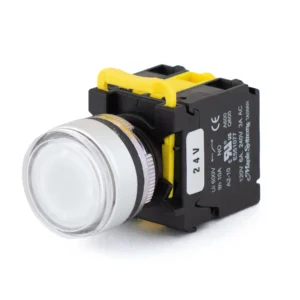
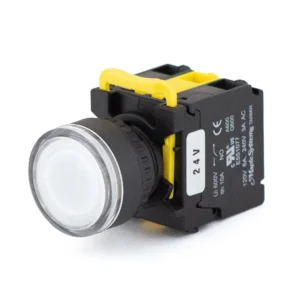
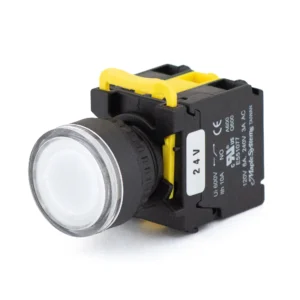
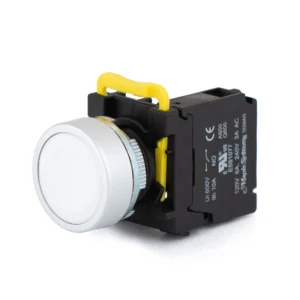
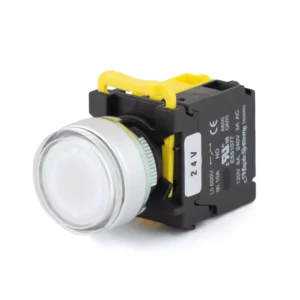
White 22 mm LED Momentary Pushbutton, 24 VDC, Flat Button Head, 1 NO, 0 NC, Plastic
PBS111CP22W-10L2 $15.00 -
Yellow 22 mm Momentary Pushbutton, Flat Button Head, 1 NO, 0 NC, Plastic
PBS111CP22Y-10 $14.00 -
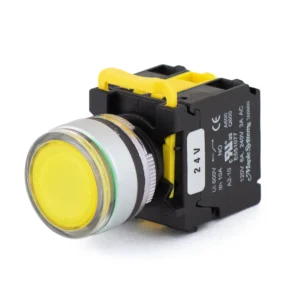
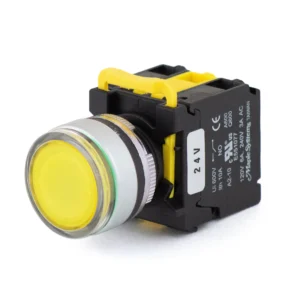
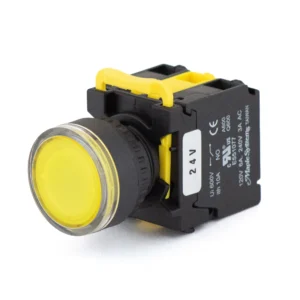
Yellow 22 mm LED Momentary Pushbutton, 24 VDC, Flat Button Head, 1 NO, 0 NC, Plastic
PBS111CP22Y-10L2 $15.00 -
Green 22 mm Momentary Pushbutton, Knurled Mushroom head 35mm, 1 NO, 0 NC, Metal Ring / Metal Head & Ring
PBS111FM22G-10 $15.00 -
Red 22 mm Momentary Pushbutton, Knurled Mushroom head 35mm, 0 NO, 1 NC, Metal Ring / Metal Head & Ring
PBS111FM22R-01 $15.00 -
Yellow 22 mm Momentary Pushbutton, Knurled Mushroom head 35mm, 1 NO, 0 NC, Metal Ring / Metal Head & Ring
PBS111FM22Y-10 $15.00 -
Green 22 mm Momentary Pushbutton, Knurled Mushroom head 35mm, 1 NO, 0 NC, Plastic
PBS111FP22G-10 $14.00 -
Red 22 mm Momentary Pushbutton, Knurled Mushroom head 35mm, 0 NO, 1 NC, Plastic
PBS111FP22R-01 $14.00 -
Yellow 22 mm Momentary Pushbutton, Knurled Mushroom head 35mm, 1 NO, 0 NC, Plastic
PBS111FP22Y-10 $14.00 -
Green 22 mm Momentary Pushbutton, Knurled Mushroom head 40mm, 1 NO, 0 NC, Metal Ring / Metal Head & Ring
PBS111GM22G-10 $15.00 -
Red 22 mm Momentary Pushbutton, Knurled Mushroom head 40mm, 0 NO, 1 NC, Metal Ring / Metal Head & Ring
PBS111GM22R-01 $15.00 -
Yellow 22 mm Momentary Pushbutton, Knurled Mushroom head 40mm, 1 NO, 0 NC, Metal Ring / Metal Head & Ring
PBS111GM22Y-10 $15.00 -
Green 22 mm Momentary Pushbutton, Knurled Mushroom head 40mm, 1 NO, 0 NC, Plastic
PBS111GP22G-10 $14.00 -
Red 22 mm Momentary Pushbutton, Knurled Mushroom head 40mm, 0 NO, 1 NC, Plastic
PBS111GP22R-01 $14.00 -
Yellow 22 mm Momentary Pushbutton, Knurled Mushroom head 40mm, 1 NO, 0 NC, Plastic
PBS111GP22Y-10 $14.00 -
Blue 22 mm LED Momentary Pushbutton, 24 VDC, Guard Ring Button Head (Illuminated Only), 1 NO, 0 NC, Metal Ring / Metal Head & Ring
PBS111IM22B-10L2 $16.50 -
Green 22 mm LED Momentary Pushbutton, 24 VDC, Guard Ring Button Head (Illuminated Only), 1 NO, 0 NC, Metal Ring / Metal Head & Ring
PBS111IM22G-10L2 $16.50 -
Red 22 mm LED Momentary Pushbutton, 24 VDC, Guard Ring Button Head (Illuminated Only), 0 NO, 1 NC, Metal Ring / Metal Head & Ring
PBS111IM22R-01L2 $16.50 -
White 22 mm LED Momentary Pushbutton, 24 VDC, Guard Ring Button Head (Illuminated Only), 1 NO, 0 NC, Metal Ring / Metal Head & Ring
PBS111IM22W-10L2 $16.50 -
Yellow 22 mm LED Momentary Pushbutton, 24 VDC, Guard Ring Button Head (Illuminated Only), 1 NO, 0 NC, Metal Ring / Metal Head & Ring
PBS111IM22Y-10L2 $16.50 -
Blue 22 mm LED Momentary Pushbutton, 24 VDC, Guard Ring Button Head (Illuminated Only), 1 NO, 0 NC, Plastic
PBS111IP22B-10L2 $15.50 -
Green 22 mm LED Momentary Pushbutton, 24 VDC, Guard Ring Button Head (Illuminated Only), 1 NO, 0 NC, Plastic
PBS111IP22G-10L2 $15.50 -
Red 22 mm LED Momentary Pushbutton, 24 VDC, Guard Ring Button Head (Illuminated Only), 0 NO, 1 NC, Plastic
PBS111IP22R-01L2 $15.50 -
Green 22 mm LED Momentary Pushbutton, 24 VDC, Knurled Transparent Mushroom head, 40 mm dia (Illuminated Only), 1 NO, 0 NC, Metal Ring / Metal Head & Ring
PBS111KM22G-10L2 $16.50 -
White 22 mm LED Momentary Pushbutton, 24 VDC, Guard Ring Button Head (Illuminated Only), 1 NO, 0 NC, Plastic
PBS111IP22W-10L2 $15.50 -
Red 22 mm LED Momentary Pushbutton, 24 VDC, Knurled Transparent Mushroom head, 40 mm dia (Illuminated Only), 0 NO, 1 NC, Metal Ring / Metal Head & Ring
PBS111KM22R-01L2 $16.50 -
Yellow 22 mm LED Momentary Pushbutton, 24 VDC, Guard Ring Button Head (Illuminated Only), 1 NO, 0 NC, Plastic
PBS111IP22Y-10L2 $15.50 -
Green 22 mm LED Momentary Pushbutton, 24 VDC, Knurled Transparent Mushroom head, 40 mm dia (Illuminated Only), 1 NO, 0 NC, Plastic
PBS111KP22G-10L2 $15.50
How to Choose a Momentary Pushbutton
A momentary pushbutton acts only while it is held down. If the button should stay on or off after it is released, choose a latching pushbutton; for an emergency stop, a latching E-stop; to show status without a button, an indicator light. For how momentary and latching buttons differ, read How Push Buttons Work. For a momentary button, check these six points.
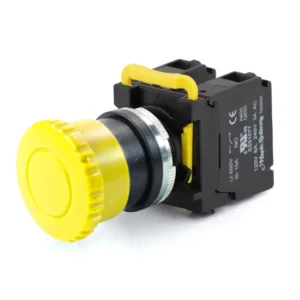
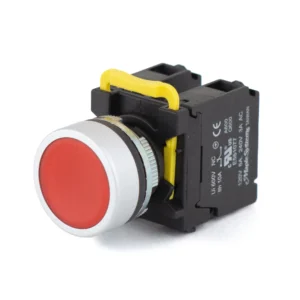
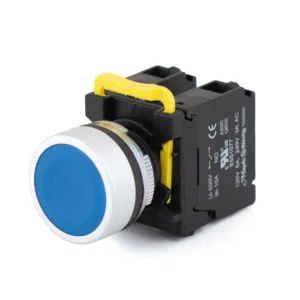
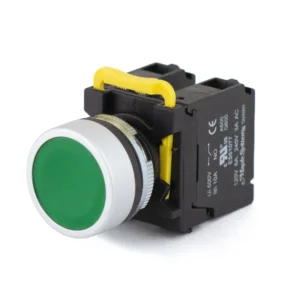
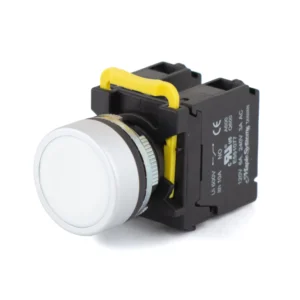
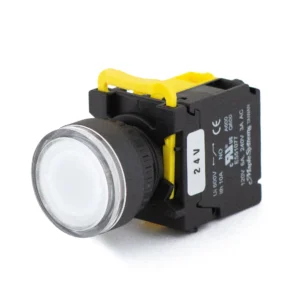
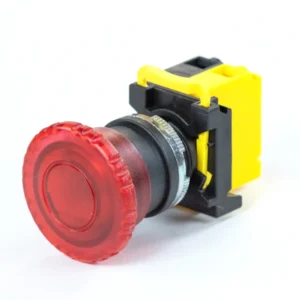
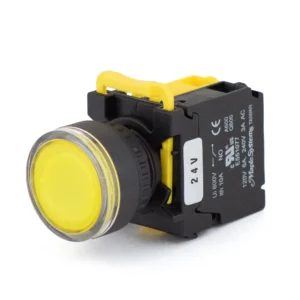
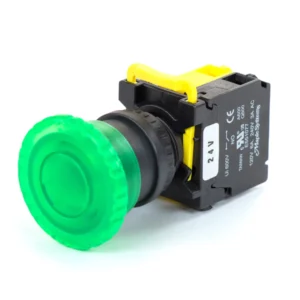
- Head style. A flat head is the general-purpose button for start, reset and jog. A guard ring head has a raised ring around the button so it is not pressed by accident, which suits start buttons. A 35 or 40 mm mushroom head is a large target pressed with the palm; NFPA 79 calls for an extended or mushroom head on stop buttons.
- Contacts. Red buttons come with one or two normally closed (NC) contacts, for stop. Every other color comes with one or two normally open (NO) contacts, or one of each. See NO and NC Contacts.
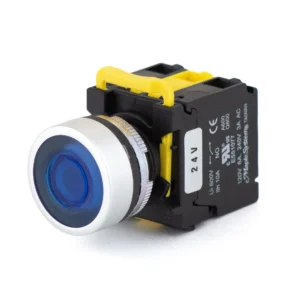
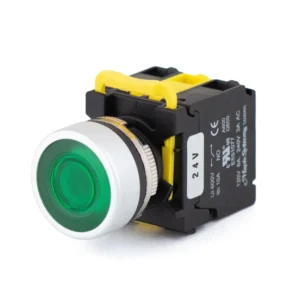
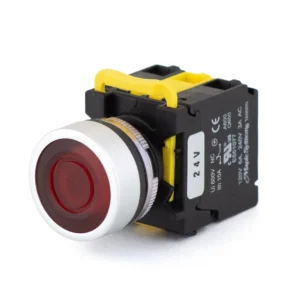
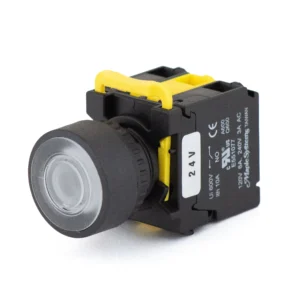
- Illuminated or not. Illuminated buttons light with a 24 VDC LED and include the lamp holder. They come with flat, guard ring and transparent mushroom heads.
- Color. Green, red, yellow, blue, white or black (black is non-illuminated only). Pick the color by what the button does, as described in Momentary Pushbutton Colors.
- Border and ring. Plastic or metal. On flat and guard ring heads, the metal option has a metal border and ring; on mushroom heads, the border stays plastic and only the ring is metal.
- Environment, approvals and mounting. Rated IP65. CE and cURus, a UL recognized component for use in UL listed equipment. Fits a standard 22 mm hole in panels 1 to 5 mm thick.
NO and NC Contacts
A normally open (NO) contact is open at rest and closes while the button is pressed. A normally closed (NC) contact is closed at rest and opens while the button is pressed. Stop buttons use NC contacts, so a broken wire or loose terminal also stops the machine; with an NO stop button, a broken wire looks the same as a button nobody pressed. Each button ships with its contacts assembled; NO and NC contact blocks are also sold separately to add more.
| Contacts | When pressed | Typical use |
|---|---|---|
| 1 NO | Closes one circuit | Start, jog or reset; a PLC input |
| 2 NO | Closes two separate circuits | One press sent to two circuits, such as a contactor and a PLC input |
| 1 NO + 1 NC | Closes one circuit and opens another | Start one circuit and interrupt another with one press |
| 1 NC | Opens one circuit | Stop |
| 2 NC | Opens two separate circuits | Stop two circuits at once |
Momentary Pushbutton Colors
A pushbutton’s color tells the operator what the button does before they press it. IEC 60204-1, the safety standard for the electrical equipment of machines, sets the colors. NFPA 79 rules out the same colors but prefers different ones, so a green start button and a red stop button meet both. Keep a red stop button away from emergency stops, and never put a red button on a yellow background, which is reserved for emergency stops. Maple Systems PBS111 pushbuttons come in green, red, yellow, blue, white and black. To see one color only, use the Lens Color filter in the products above.
| Button | Colors | Never |
|---|---|---|
| Start or on | White, grey, black or green (IEC 60204-1 prefers white, NFPA 79 green) | Red |
| Stop or off | Black, grey, white or red (IEC 60204-1 prefers black, NFPA 79 red) | Green |
| Jog (runs only while held) | White, grey or black | Red, yellow or green |
| Reset | Blue, white, grey or black | Green |
| Abnormal condition, such as interrupting an automatic cycle | Yellow |
Pushbutton Accessories and Replacement Parts
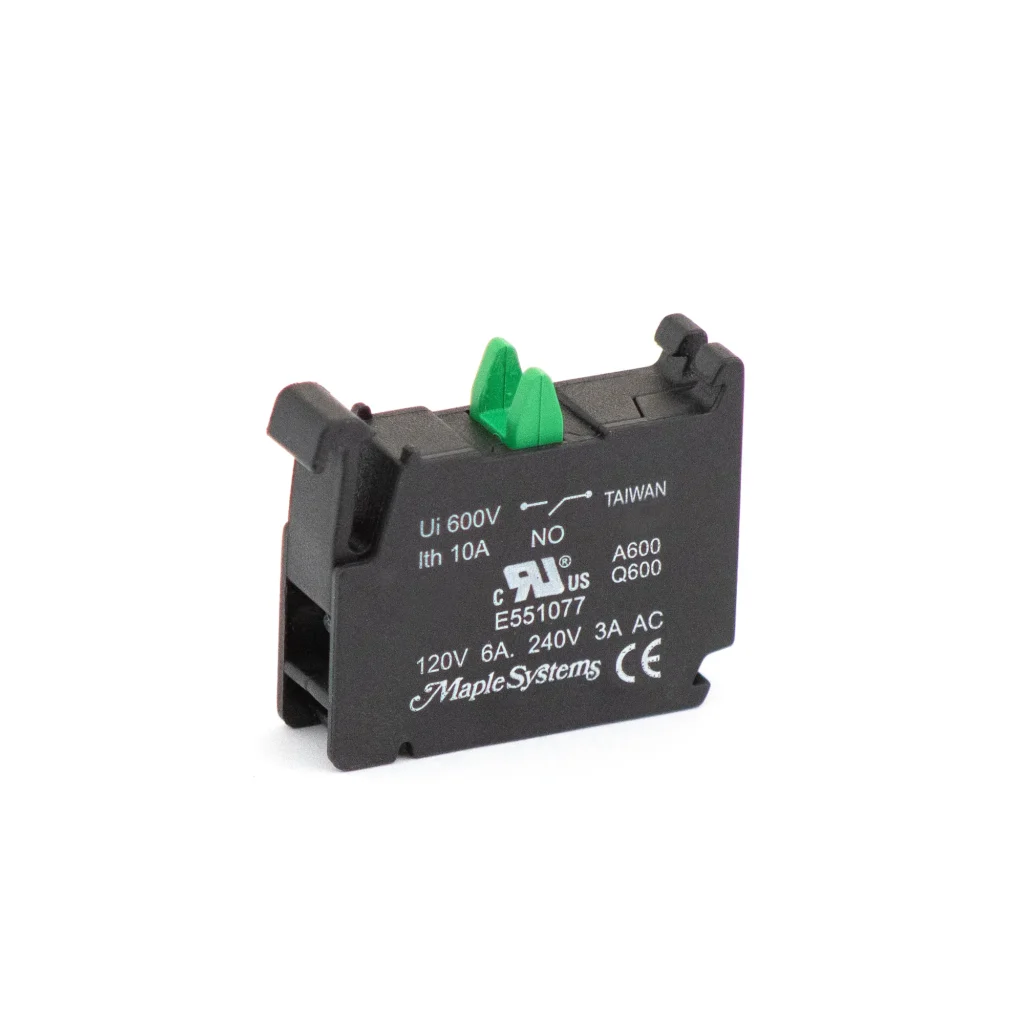
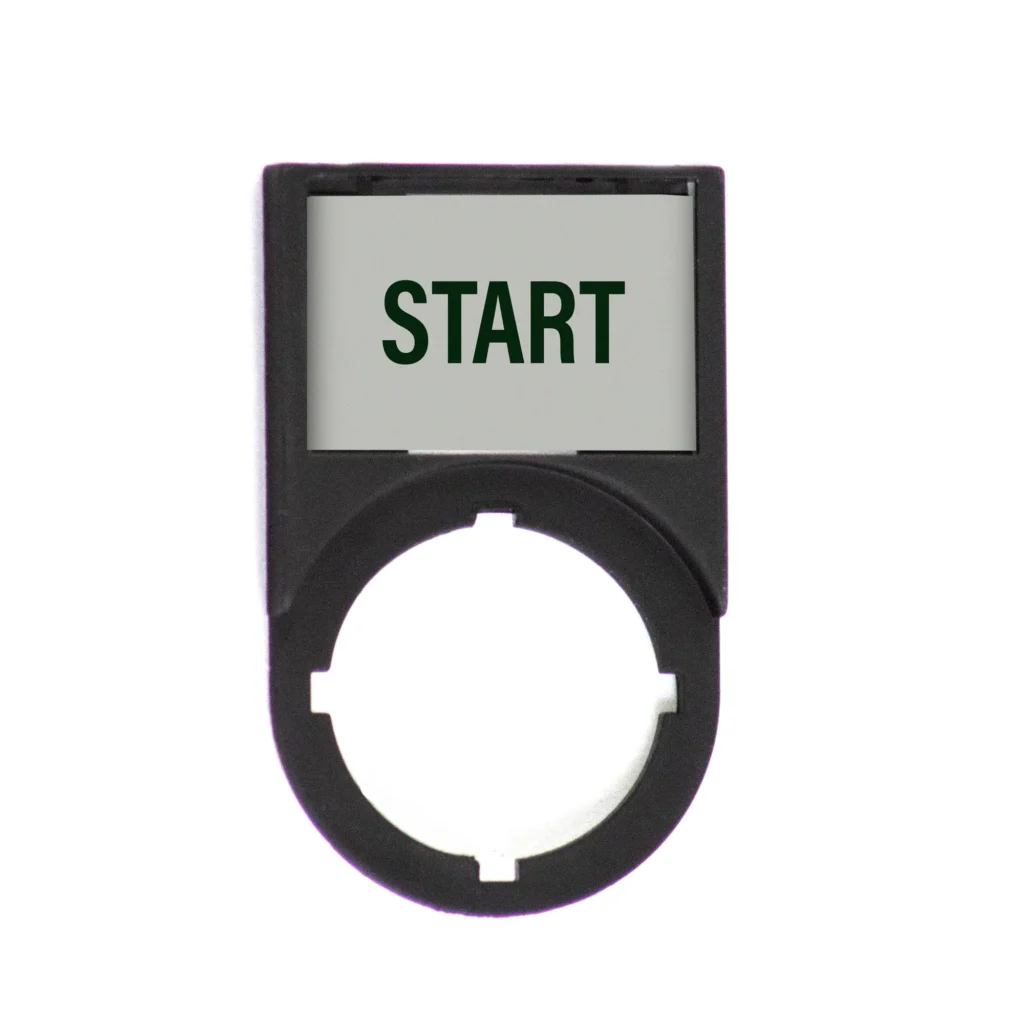
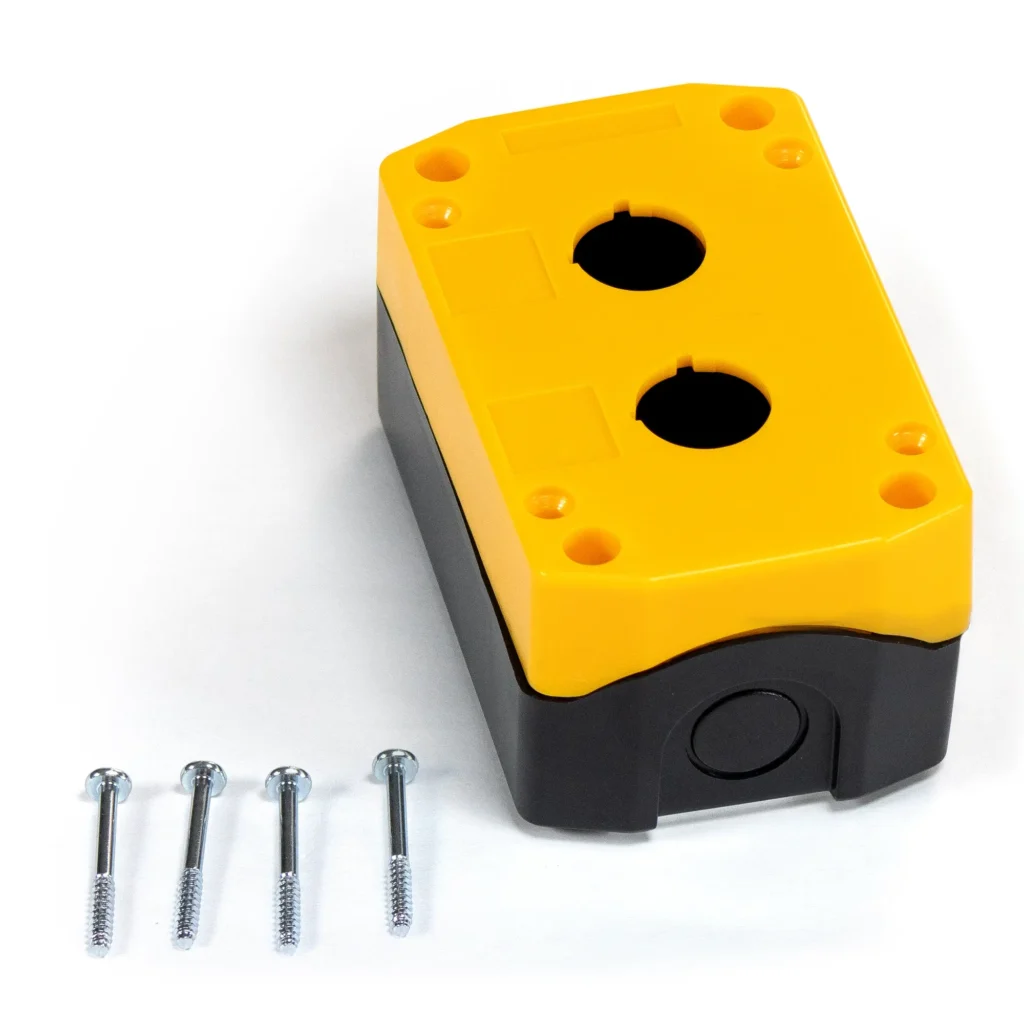
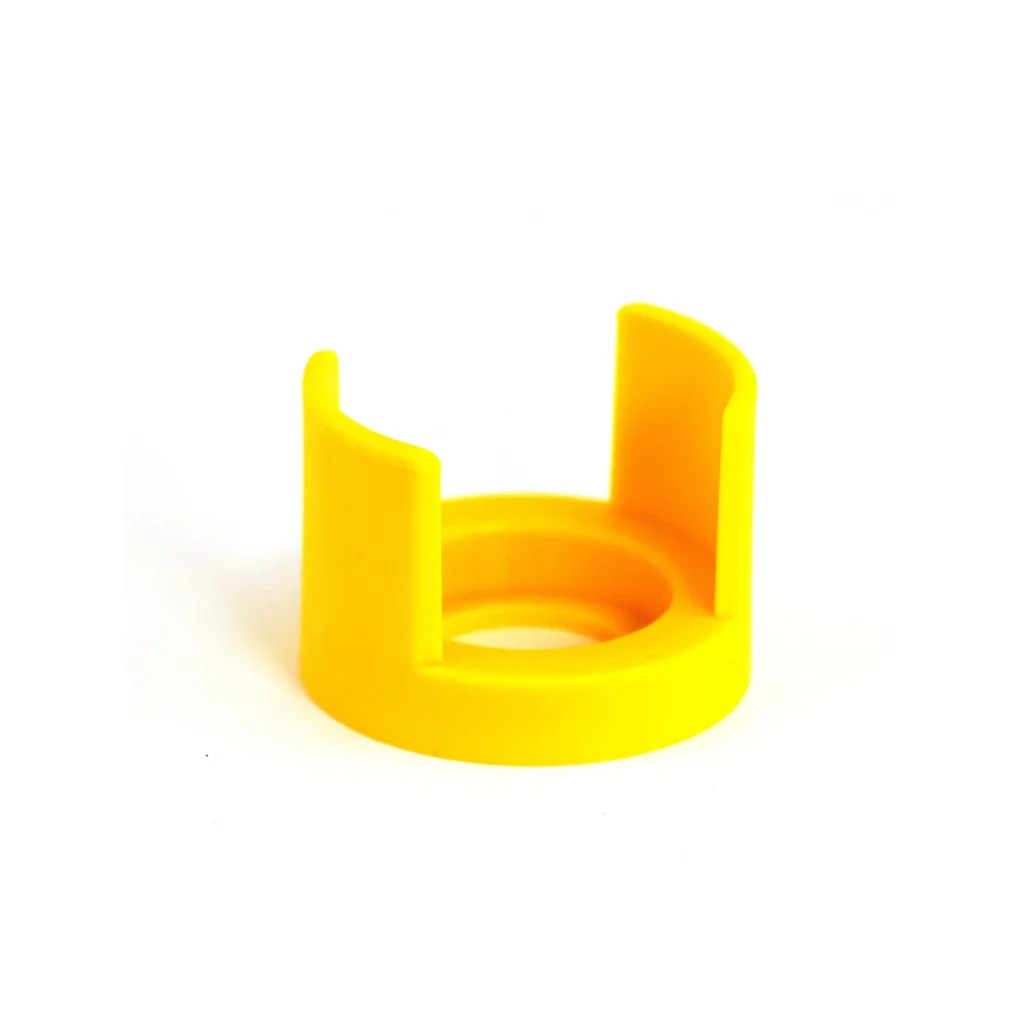
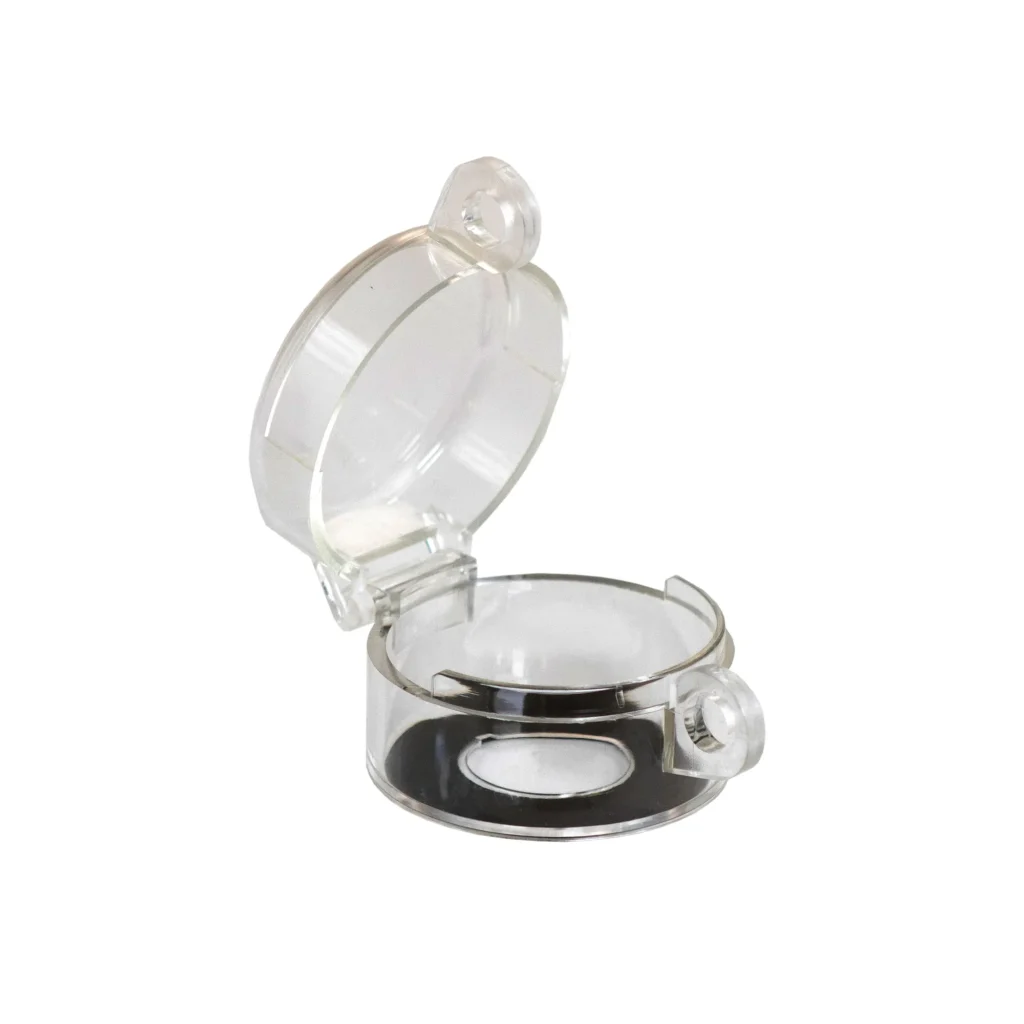
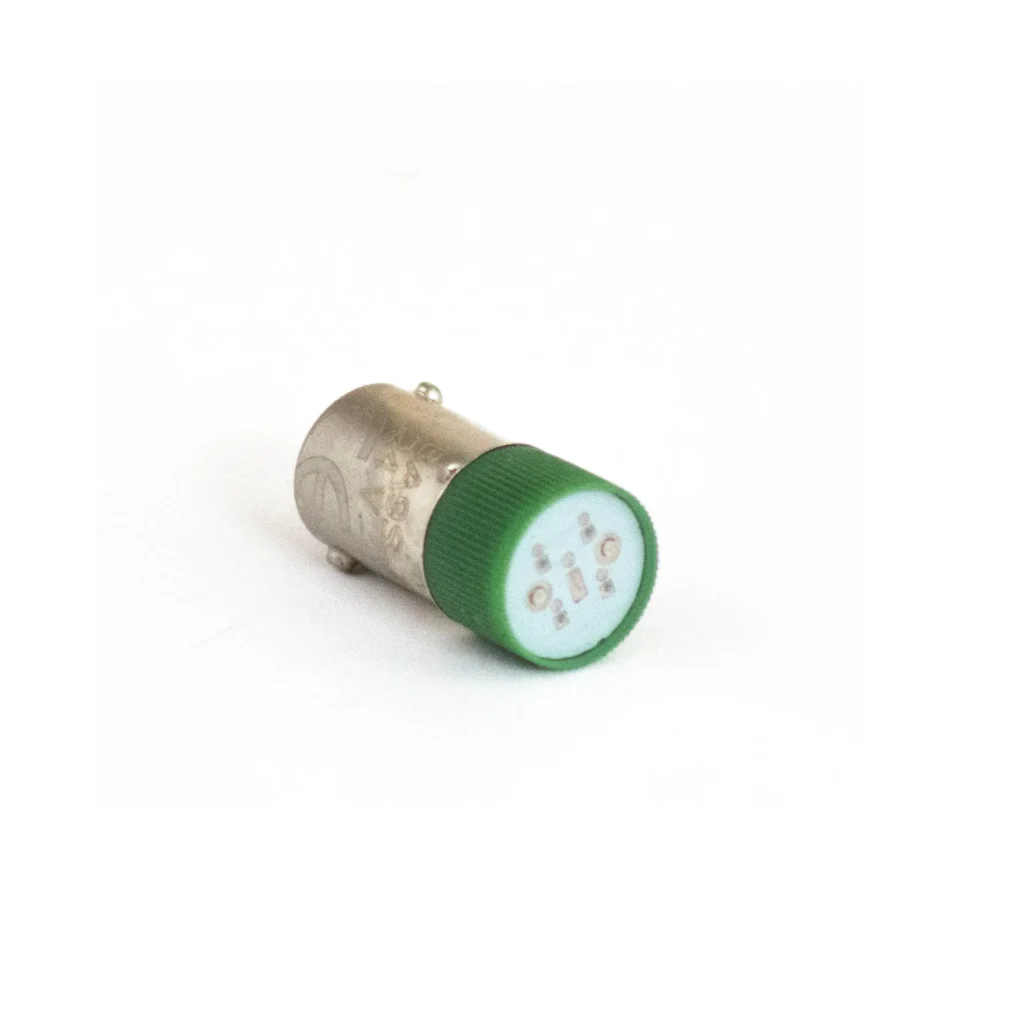
Every PBS111 ships assembled with its contacts and, on illuminated buttons, the lamp holder. To finish the panel, add legend plate frames labeled START, STOP and other functions, mount the buttons in a pushbutton control station with 1 to 5 holes, or fit a switch guard or padlock cover to prevent accidental or unauthorized presses. Extra NO and NC contact blocks and replacement LED bulbs are sold separately. These parts are listed for use with Maple Systems 22 mm pushbuttons.
Momentary Pushbutton FAQs
Should a stop button be normally open or normally closed?
Normally closed. In a standard stop circuit, a broken wire or loose terminal on an NC stop button opens the circuit and stops the machine, the same as pressing the button. On an NO stop button, the same fault goes unnoticed until someone presses stop and nothing happens. Every red Maple Systems PBS111 pushbutton comes with normally closed contacts, 1 NC or 2 NC.
What does 1 NO + 1 NC mean on a pushbutton?
The pushbutton has two separate contacts, one normally open (NO) and one normally closed (NC). Pressing the button closes the NO contact and opens the NC contact, so one press can start one circuit and interrupt another. PBS111 offers 1 NO + 1 NC in every color except red, which comes with NC contacts only.
Can a red mushroom pushbutton be used as an emergency stop?
No. An emergency stop must latch when it is pressed and stay latched until someone releases it by hand, and a momentary pushbutton springs back as soon as it is released. A red button on a yellow background is the recognized sign for an emergency stop, so do not mount a momentary mushroom button on a yellow background or under an emergency stop label. For emergency stops, use a latching E-stop.
Can I add more contacts to a momentary pushbutton?
Yes. Every PBS111 ships with one or two contacts already assembled, and normally open (PB020001) and normally closed (PB020002) contact blocks are sold separately. Contact our team to confirm how many contact blocks fit the button you choose.
Can an illuminated pushbutton switch a 120 VAC circuit?
Yes. The contacts on every PBS111, illuminated or not, are rated AC-15 for 6 A at 120 VAC and 3 A at 240 VAC, so they can switch an AC control circuit. The LED is rated 24 V, so it cannot run on 120 VAC.
Not sure which pushbutton fits your panel?
Tell us what each button needs to do and your control voltage, and our team will help you choose.