Instruction Parameters
Supported PLC Series
| PLC-AES | PLC-FB | PLC-ES |
|---|---|---|
| ✓ | ✓ | ✓ |
Supported Data Registers
| M | X | Y | K | L | F | T | C | S | Z | R | Q | D | @D | Constant |
|---|---|---|---|---|---|---|---|---|---|---|---|---|---|---|
| – | – | – | – | – | – | – | – | – | – | – | – | – | – | – |
Supported Flags
| Flag | Bit | Support |
|---|---|---|
| Error | F11.0 | – |
| Zero | F11.1 | – |
| Carry | F11.2 | – |
Number of Steps
| Steps |
|---|
| 1 |
Notice
Instruction Behavior
The BREAK and BREAKP instructions behave as follows:
- The BREAK and BREAKP instructions can only be used between the FOR ~ NEXT instructions.
- When the BREAK and BREAKP instructions execute, the loop between the FOR ~ NEXT instructions end and the next step is executed.
- When the BREAK and BREAKP instructions execute, steps located between the FOR ~ NEXT instructions operate, but steps between the BREAK or BREAKP and the NEXT instruction do NOT operate.
- Multiple BREAK or BREAKP instructions can be located between a FOR ~ NEXT instruction block.
- The BREAK and BREAKP instructions can be located anywhere between the nesting of the FOR ~ NEXT instructions.
Ladder Diagram Examples
BREAK

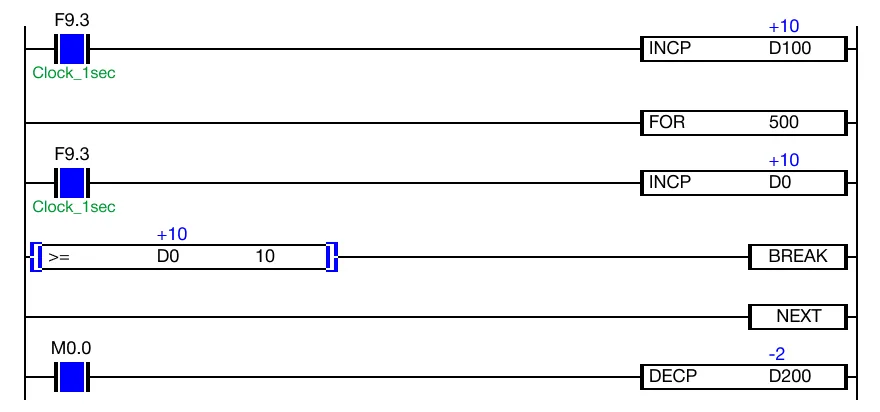
The BREAK instruction escapes from a FOR ~ NEXT instruction block during execution.
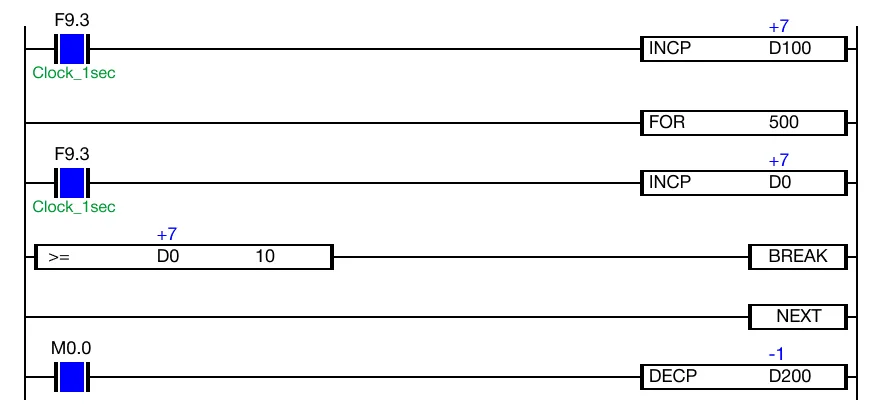
When the data register, D0, is greater than or equal to 10, the BREAK instruction will energize and decrease the data register, D200.
BREAKP

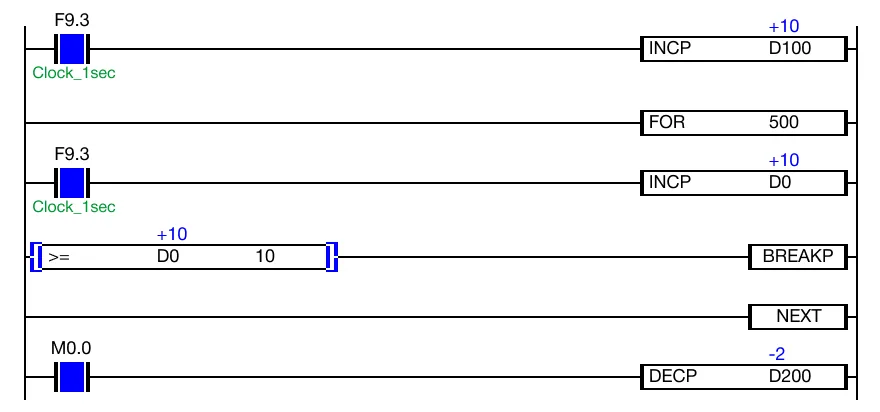
The BREAKP one-shot instruction escapes from a FOR ~ NEXT instruction block during execution. Every time this instruction executes, it energizes the output only once.
When the data register, D0, is greater than or equal to 10, the BREAK instruction will energize and decrease the data register, D200.