
Cross Reference

The cross-reference tool is used to display all information about data registers in a report window.
Open Cross Reference
Step 1: To open the cross reference window, left-click Home and left-click Cross Ref.
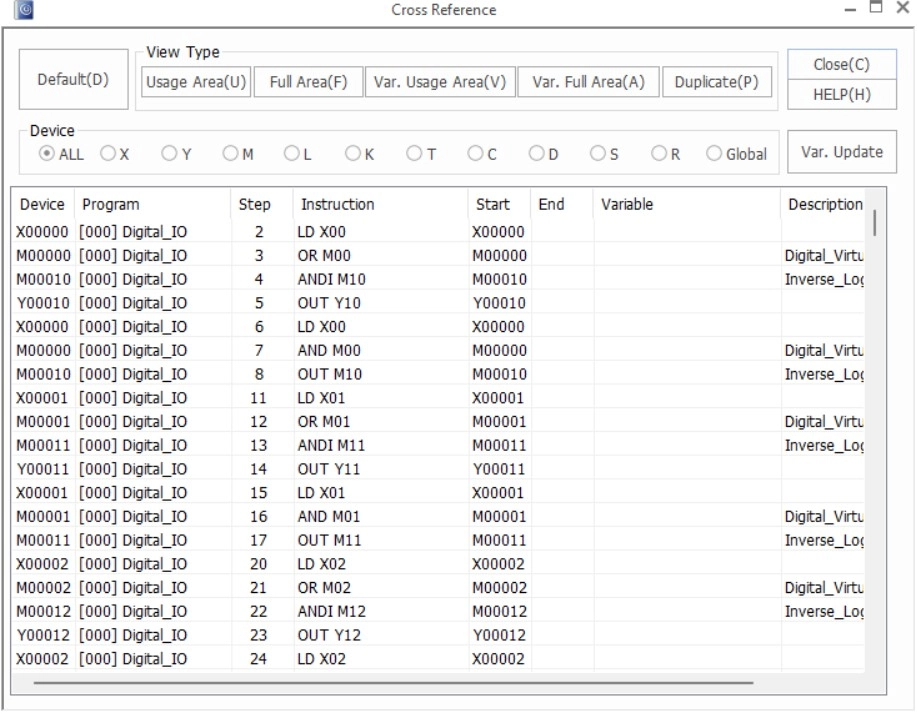
- The report window will open up.
- The results of the report window depend on the MapleLogic project.
Default
Step 1: To view the default cross reference report window, left-click Default.
Navigation Cross Reference
Step 1: To display a set of data registers, left-click on the data register type.
- This will display the selected set of data registers.
- To view all data registers, left-click ALL.
Step 2: To navigate to the usage of a data register in the scan program, in the cross-reference report window, double left-click on the data register to navigate to.
Usage Area
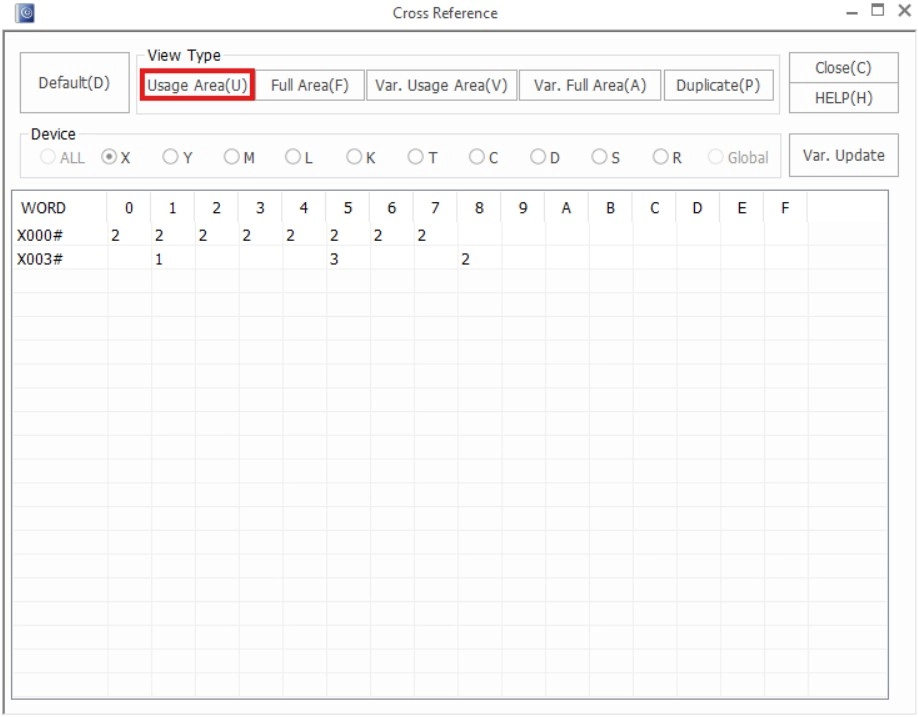
- The usage area displays the bits of WORDs that are being used by data registers.
Step 1: Left-click Usage Area to view the area of WORDs being sued by the data registers.
Full Area
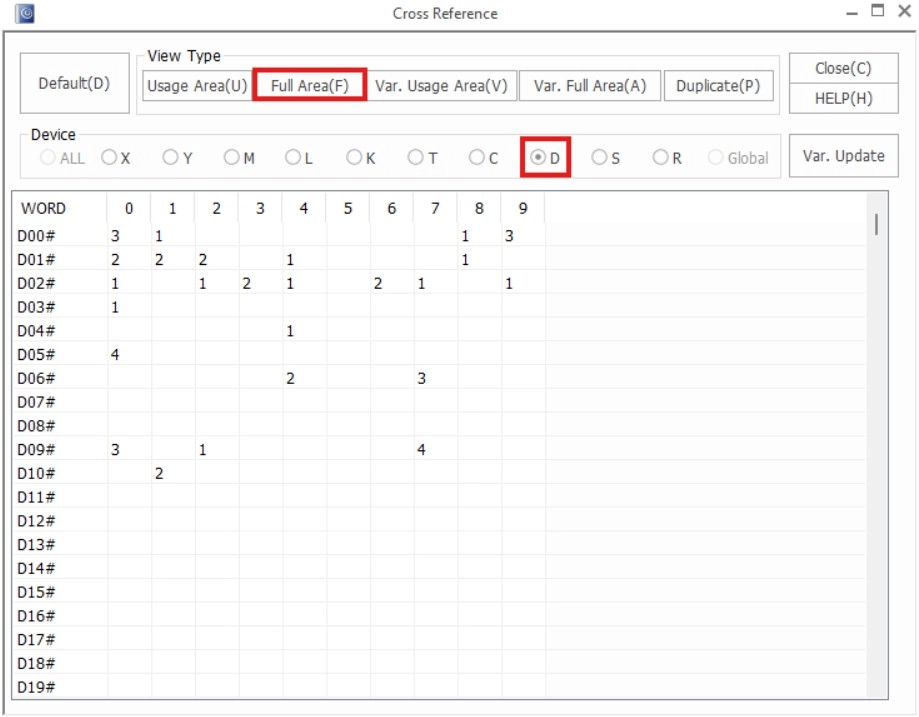
- Similar to the Usage Area, the full area displays the full usage area of all WORDs for each data register type.
Step 1: Left-click Full Area to view the full usage area for a set of data registers.
Variable Usage
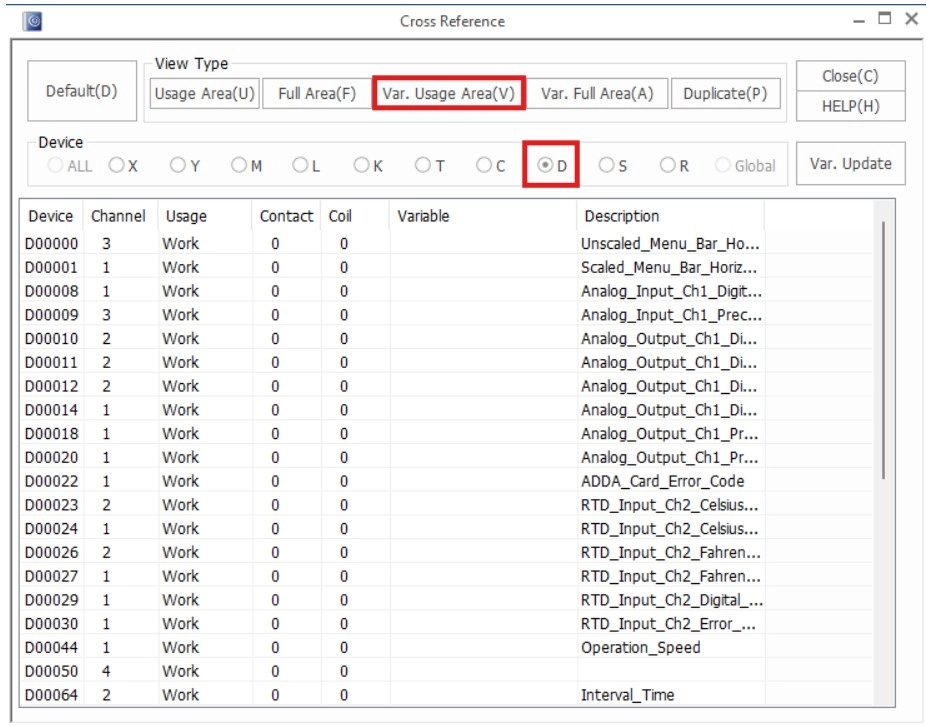
- The variable usage area displays where data register variable names and descriptions are being used.
Step 1: Left-click Var. Usage Area to view.
Variable Full Area
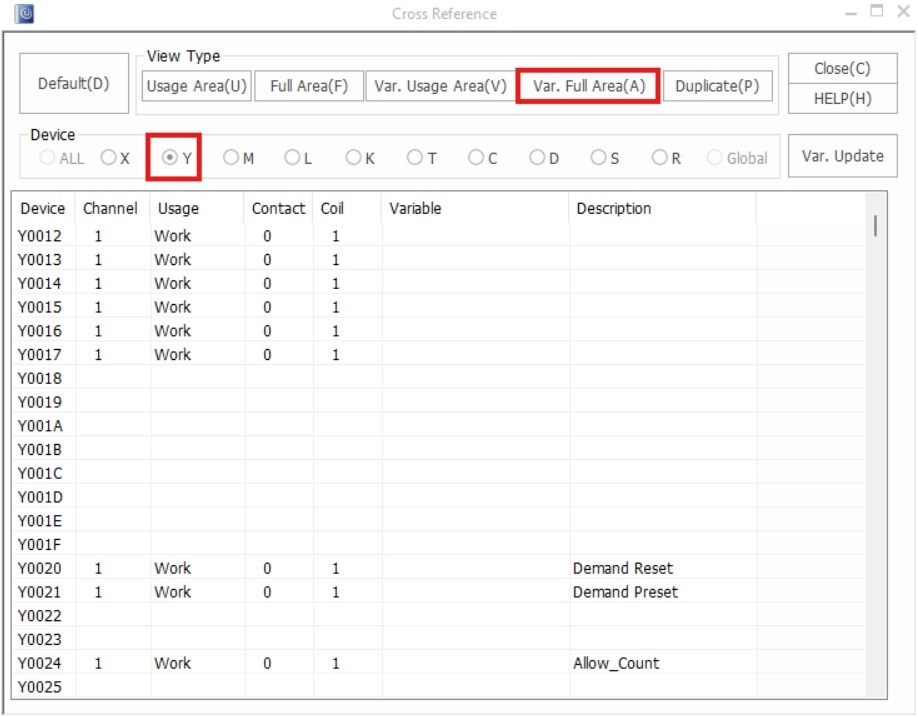
- The variable full area displays where data register variable names and descriptions are and aren’t being used.
Step 1: Left-click Var. Usage Area to view where variables and descriptions for data registers are and aren’t being used.
Duplicate
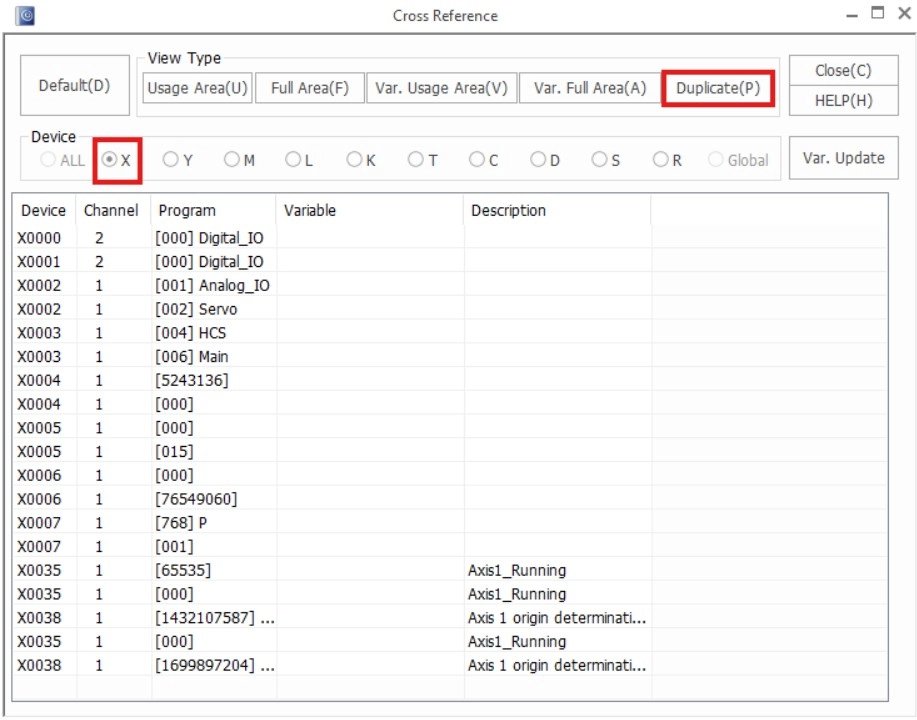
- The duplicate tab displays data registers that are used in multiple locations throughout a project.
Step 1: Left-click Duplicate to show if multiple instances of the same data register are being used.