
Latching E-Stop Button – Illuminated and Non-Illuminated
$14.00
PBS113 latching E-stops latch when pressed and stay latched until someone releases them, so the stop command does not end when the operator lets go. They fit a standard 22 mm panel hole and come with a red 35 or 40 mm knurled mushroom head, illuminated (24 V LED) or not, or a red mushroom head with a key lock, each with one or two NC contacts. IP65, CE and cURus.
- 10+ units = 10% OFF
- 20+ units = 20% OFF
- Typically ships in 2 days.
- US-based technical support.
Share the product:


- 35mm and 40mm Knurled Mushroom Head options
- CE Certified, IP65 Rated, cURus Listed
- Rated for 1 Million Operations
- 22mm Mounting Hole for Panels
Overview
Latching emergency stop (E-stop) push buttons are built to stop machinery quickly: pressing the red mushroom head opens its normally closed contacts and latches the button in, so the stop command stays until the button is manually released. PBS113 22mm emergency stop buttons come with a 35 or 40 mm knurled mushroom head, illuminated or non-illuminated, or a mushroom head with a key lock.
Who This Is For
These products are for machine builders, control panel designers, maintenance technicians and plant engineers who need an emergency stop button for a machine’s control panel, whether on new equipment or when upgrading an existing system.
How Latching E-Stop Buttons Work
Pressing the actuator latches the emergency stop button in the stop position, so the stop command stays even if the operator lets go. The button stays latched until someone releases it on purpose; it does not release with another press. An E-stop opens a control circuit: the machine’s control circuit, for example a contactor wired to the E-stop, is what stops the machine. Releasing the E-stop closes its contacts again but should not restart the machine on its own, so design the control circuit to need a separate start command.
Key Features
- Standard 22mm mounting for control panel integration
- 35 or 40 mm knurled mushroom head on a yellow collar, or a mushroom head with a key lock
- Illuminated and non-illuminated options: a transparent red head lit by a 24 V LED, lamp holder included
- Push-to-stop, latching operation
- 1 or 2 normally closed contacts assembled; NC contact blocks sold separately
- IP65 rated; actuator and contact blocks each rated for 1 million operations
- CE, RoHS and cURus (UL Recognized Component)
Choosing the Right Emergency Stop Button for Control Panel Use
When selecting an emergency stop button for a control panel, consider the following:
Actuator style: Every PBS113 head is a red mushroom, easy to see and press by hand. Choose the 40 mm head for a larger target, the 35 mm head where panel space is tight, or the key lock head.
Illumination: Choose an illuminated version when the button must stay visible in dim or busy work areas.
Contact configuration: Choose one or two normally closed contacts, and make sure the contacts and components are equipped to meet your system’s required safety rating.
Mounting size: The 22mm format fits the standard 22mm panel hole.
*Volume discounts apply to identical product configurations only. Discounts cannot be combined across different models or configurations.
Rating
| Thermal Current lth | 10A 50/60HZ |
|---|---|
| Isolation Voltage | Ui 600V |
| Enclosed Thermal Current lth | 10A |
| Short Circuit Current | 1000A |
| AC-15 | 120V 6A, 240V 3A |
| AC-12 | 480V 1.5A, 600V 1.2A |
| DC-12 | 120V 2.2A, 240V 0.6A, 480V 0.4A |
| Ambient Temperature | -4°F-140°F (-20°C-60°C) |
| Contact Resistance | 50mΩ Max (Initial) |
| IP Rating | IP65 |
| Certifications | CE cURus
RoHS |
Mechanical
| Button Type | Latching E-Stop |
|---|---|
| Contacts | 1x Normally Closed
|
| Mounting Hole | 22mm |
| Actuator Lifespan | 1 Million Operations |
| Contact Block Lifespan | 1 Million Operations |
Physical
| Button Head Color | Red |
|---|---|
| Button Style | 40mm Knurled Mushroom Head 35mm Knurled Mushroom Head Mushroom Key Lock |
| Border Material | Plastic Metal |
| Ring Material | Plastic Metal |
| Bulb Type | LED |
| Lamp Voltage | 24V |
Are quantity discounts available on your Pushbuttons and Selector Switches?
Yes, quantity discounts are available starting at qty 10. Contact our sales team for more information.
Related Links
Maple Systems Product Brochure
Related Articles
Are replacement parts available for your pushbuttons and selector switches?
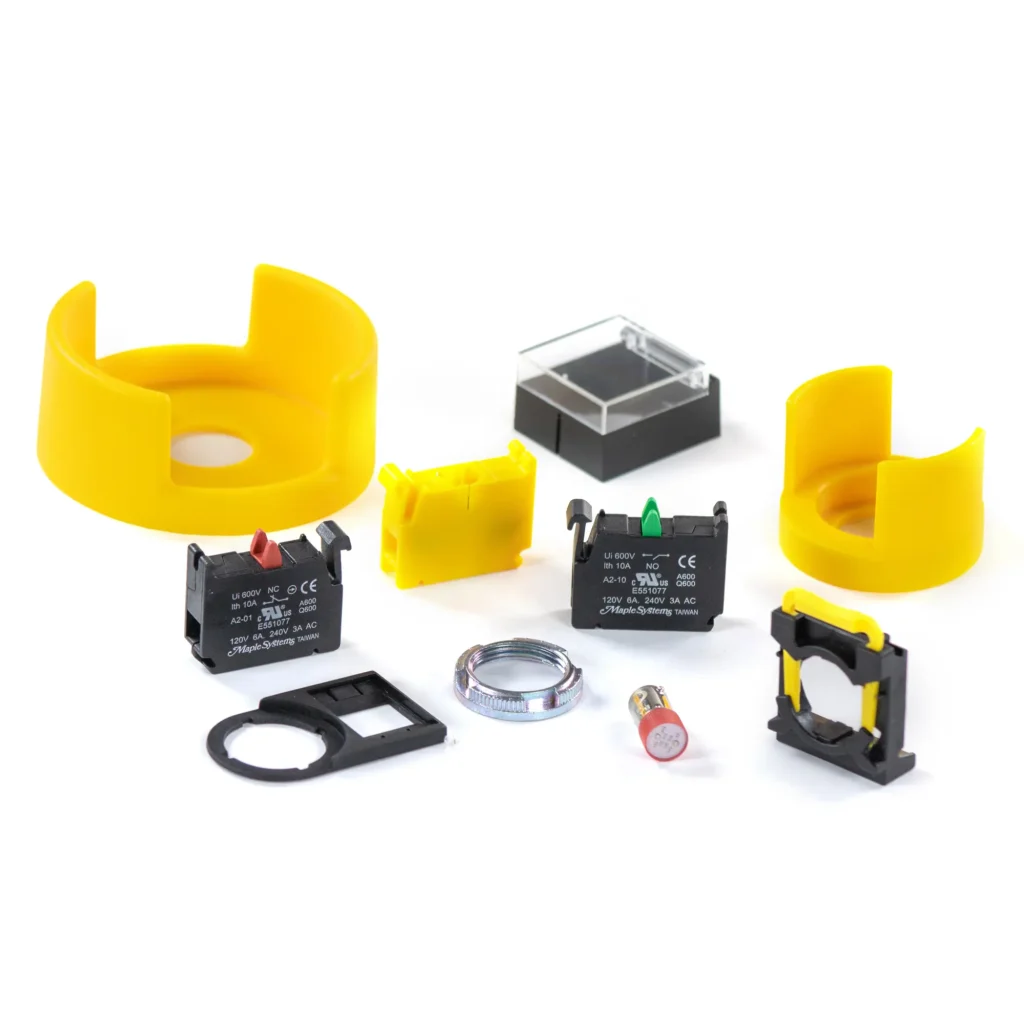
Yes! We offer replacement LEDs, Contact Blocks, Metal Rings, Legend Plate Frames and more! Need a button cover? We have those. Switch Guard? Yep, we have those too. How about a Control Box? Several!
Related Links
Maple Systems Product Brochure
Related Articles
Are your pushbuttons illuminated?
Yes, we have illuminated Momentary and Toggle options as well as illuminated E-Stop, 2 Position and 3 Position Selector Switches. LED Illuminated colors vary from different product lines, available in Red, Green, Blue, Yellow, and White, as well as Double Touch Red/Green Combo buttons with Yellow LED Illumination.
Non-Illuminated buttons and switches are also available in similar colors, including Black, and Drawable and Non-Drawable Keyed Switches and E-Stops
Related Links
Maple Systems Product Brochure
Related Articles
Do you offer warranty on your Indicator Lights, Pushbuttons, and Selector Switches?
Yes, we off a one year, limited warranty on our Indicator Lights, Pushbuttons and Selector Switches. This warranty covers manufacturing defects only. It does not cover damage caused by improper installation, misuse, normal wear and tear, product modification, or any operation outside of the products rated specs. Contact our sales team if you need more information regarding limitations.
Related Links
Maple Systems Product Brochure
Related Articles
What is a Push Notification?
A push notification is a message that pops up on a mobile device. App publishers can send them at any time; users don’t have to be in the app or using their devices to receive them.Software Downloads & Upgrades
Manuals & Guides
Tech Notes
Sample Projects
Controller Information Sheets
Communication Cables
What is the difference between a pushbutton and a selector switch?
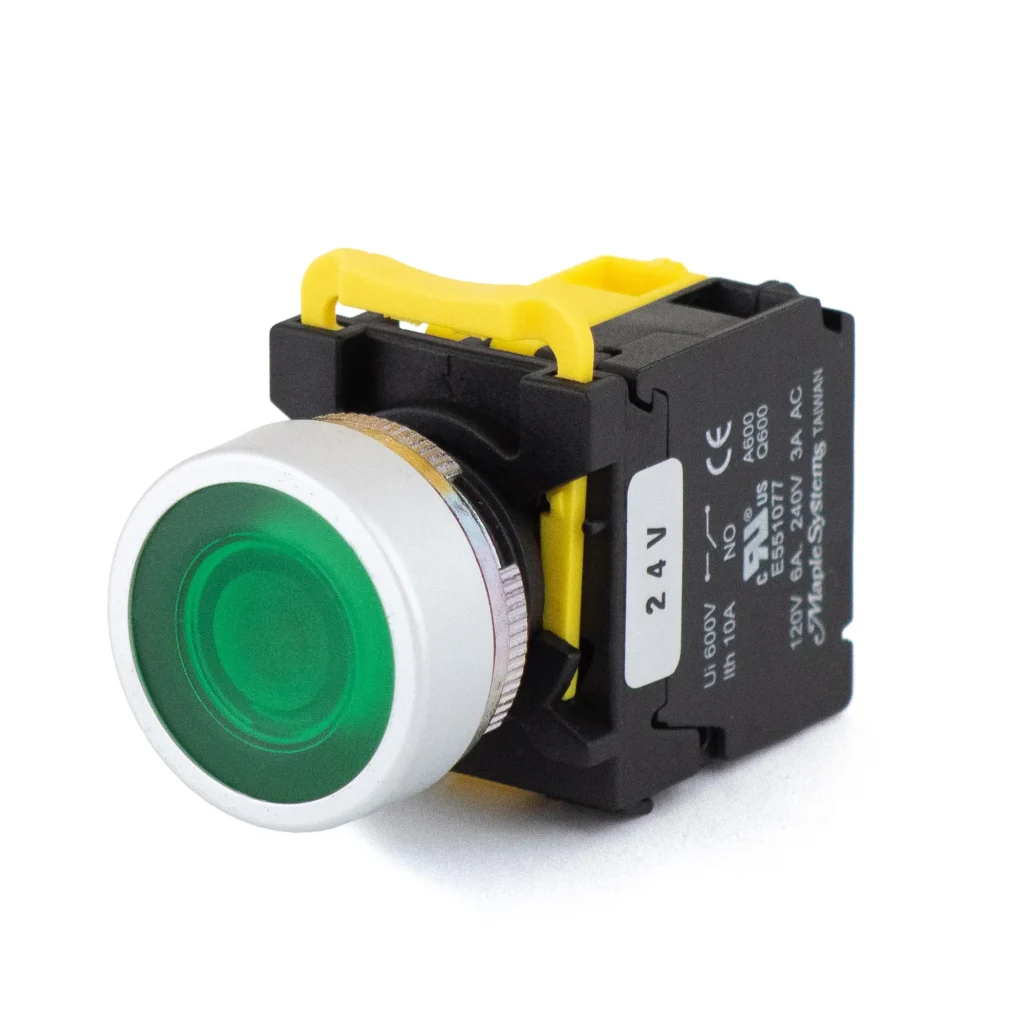
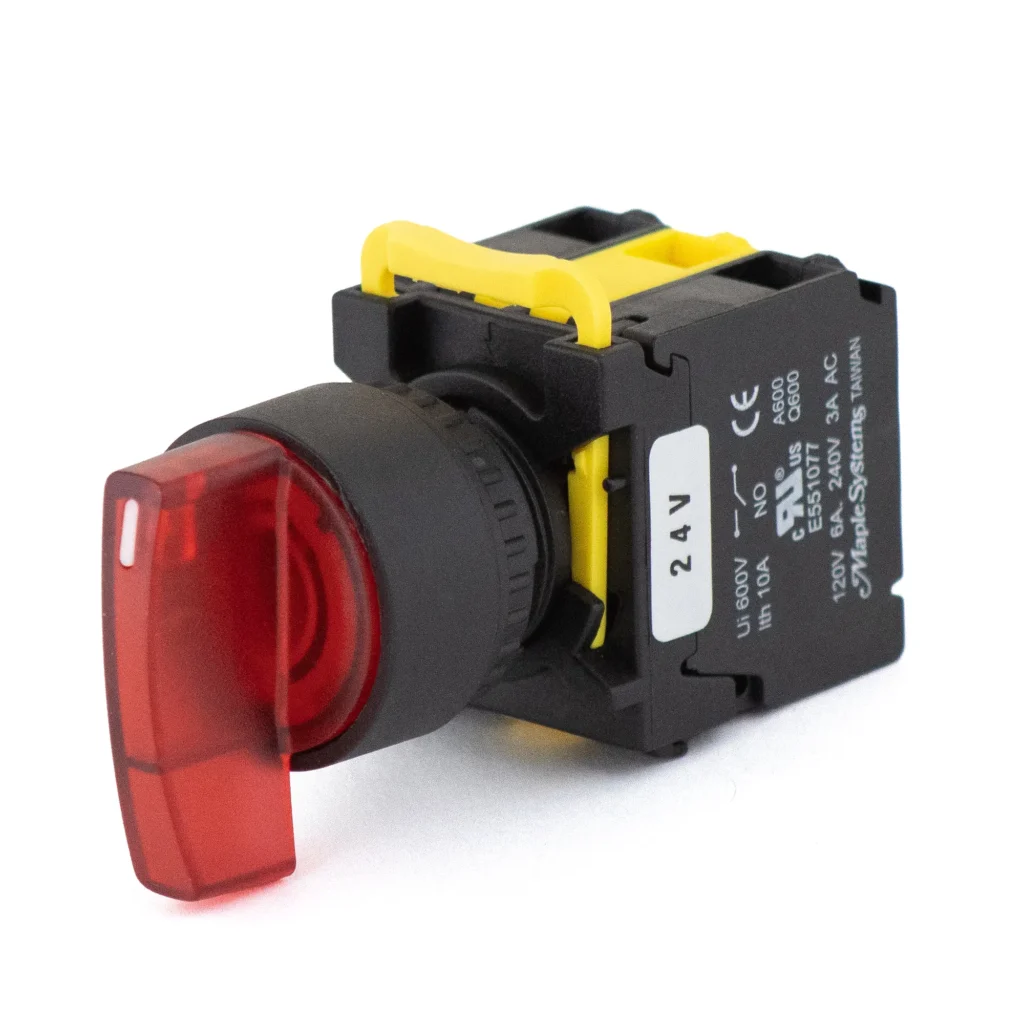
A pushbutton is operated by pressing it and is usually used for starting and stopping, or resetting a machine. A Selector Switch is turned to different positions, generally for choosing between operating modes or functions such as Forward, Reverse, or Off.
Related Links
Maple Systems Product Brochure
Related Articles
What is the mounting hole size for your pushbuttons and selector switches?
Currently, our pushbuttons and selector switches come in the standard 22 mm diameter only.
Related Links
Maple Systems Product Brochure
Related Articles
What does cURus mean?
Any product with a cURus Logo means that it has been evaluated by UL Solutions and is a UL recognized component, intended to be installed on a larger piece of equipment, that meets applicable safety requirements for Canada and the U.S.

Related Links
Maple Systems Product Brochure
Related Articles