
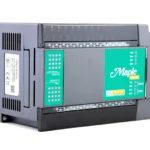
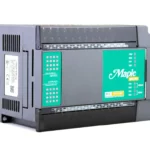
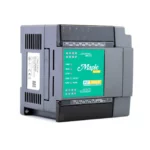
36-channel Micro PLC Relay
$320.00
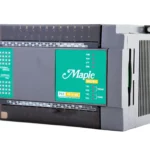
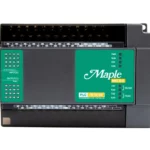
Compact and cost-effective “smart relay” programmable logic controller for small applications that require powerful performance and uncompromising reliability.
Try Before You Buy: Follow along to learn how MapleLogic, our 100% free PLC control software, allows you to develop and simulate your PLC program entirely free of charge.
- US-based technical support.
Share the product:



I/O Ports
| USB | USB 2.0 (Mini-B) x 1 |
| Ethernet/LAN | 10/100 Base-T x 1 |
| SD Card Slot | N/A |
| Serial | 1 x RS232, 1x RS422/RS485 |
Functional
| Program Languages | Ladder (LD), Instruction List (I/L), Function Block (FB), Sequential Function Chart (SFC) |
| Power Consumption | 9.60 W, 24 VDC, 0.40 A at 24 VDC |
| High-Speed Counter (HSC) | Yes |
| Positioning | No |
| Number of Channels | 36 Total: 16 Digital Inputs, 16 Digital Relay Outputs, 2 Analog Inputs, 2 Analog Outputs |
| Program Memory | 10K STEP |
| Execution Speed | 300ns/STEP |
| Number of IO Points | 36 |
Digital I/O
| Digital Input Type | TR Sink/Source |
| Digital Output Type | Relay |
| Rated Digital Input Voltage | 24 VDC (12 or 24 VDC is used for HSC) |
| Rated Digital Output Voltage | 24 VDC, 220 VAC |
| Rated Digital Output Current | 1 point = 2 A, 1 COM = 5 A |
| Digital Output Insulation Method | Relay |
| Digital Input Insulation Method | Photocoupler |
| Rated Digital Input Current | 4 mA |
Analog I/O
| Input Type | Voltage: 0-10 V, 1-10V, 0-5 V, 1-5 V Current: 0–20 mA, 4-20 mA |
| Output Type | Voltage: 0–10 V (Load resistance > 1 kΩ) Current: 4–20 mA (Load resistance < 600 Ω) |
Mechanical
| Dimensions WxHxD | 93 x 135 x 75 mm (3.7 x 5.3 x 3.0 in) |
| Weight | 415g (0.91lb) |
| Mounting | 35mm DIN Rail Mounting |
| Shock | 15G |
| Vibration | 0.5G Continuous, 1G Discontinuous |
| Square Wave Impulse Noise | ±2 kV |
| ESD Immunity | ±4 kV – Contact Discharges, ±8 kV – Air Discharges |
| Radiated Electromagnetic Immunity | 80–1000 MHz, 10 V/m |
| Surge Transient Immunity | 2 kV – CPU & Power, 2 kV – Digital I/O (VAC), 1 kV – Digital I/O (VDC), 1 kV – Communication |
Environmental
| Operating Temperature | 10 – 55 °C (14 – 131 °F) |
| Storage Temperature | -25 – 80 °C (-13 – 176 °F) |
| Operating/Storage Relative Humidity | 5 – 95% Non-condensing |
Certification
| CE | Yes |
| UL | cULus Listed |
| RoHS | Yes |
PLC-FB1616R0202 Unboxing
We'll unbox, tour the hardware, highlight key features, wire it up, power it on, download a project
FREE User Friendly PLC Software
Download our free, powerful PLC configuration software. Using your preferred programming language—Ladder Diagram, Instruction List, Sequential Function Chart, or Function Block—you can create your project, your way, for a one-of-a-kind control solution.
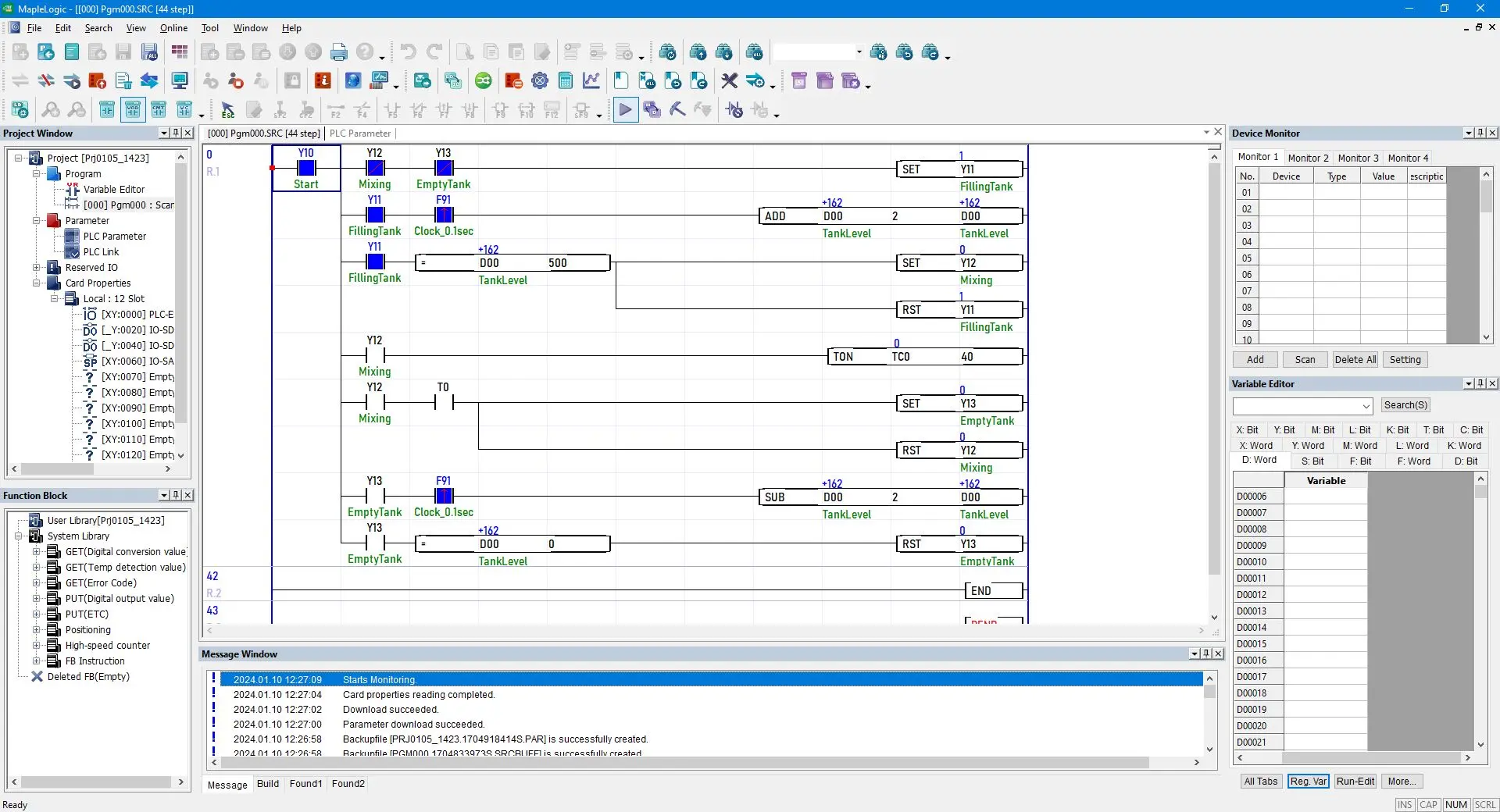
What is MapleLogic?
MapleLogic is a software suite owned by Maple Systems Inc. It is a robust programming software for Maple Systems Micro and Modular PLCs. It programs PLCs to communicate to sensors, switches, motors, HMIs, and more over serial or ethernet.
MapleLogic utilizes Ladder Diagram, a graphical programming language, which place logic elements onto rungs on a ladder-like diagram.
MapleLogic is downloadable from our website here: https://maplesystems.com/support-center/software-downloads-upgrades/.
Software Downloads & Upgrades
Manuals & Guides
Tech Notes
Solutions
Videos
What is MapleLogic Simulation Mode?
MapleLogic has the ability to run a project file in simulation mode for testing purposes. Simulation mode uses the computers loopback address of 127.0.0.1. The loopback address connects to the local computer and simulates PLC operations. This can help verify logic before deployment of actual hardware.
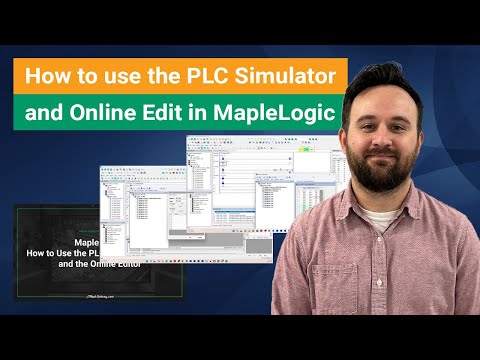
For more information on how to test your logic and communications before implementing, check out our How to use the PLC Simulator and Online Edit in MapleLogic tutorial page, which includes step-by-step instructions, instructional video, and a sample project related to using simulation modes in MapleLogic.

Software Downloads & Upgrades
Manuals & Guides
Tech Notes
Solutions
Videos
I’ve never used MapleLogic before. How long will it take to learn how to use the software?
MapleLogic is designed to be as user-friendly as possible while maximizing functionality at the same time. However, we know that learning how to use new software can be a challenge even for experienced designers, so we provide an extensive collection of training resources to make the learning process as painless as possible. If you already have experience programming PLCs, switching to a new PLC software like MapleLogic will take roughly 2-3 hours to get familiar with the software and another few hours to understand all the features available.
The Manuals & Guides section of our online Support Center contains comprehensive documentation for all of our products, including the MapleLogic User Manual. In addition, MapleLogic tutorial videos provide step-by-step instructions accompanied by video walkthroughs for general topics related to setup and installation, as well as for more specific functions such as high-speed count, pulse width modulation, and more. MapleLogic sample projects offer complete project files that can be opened in MapleLogic to demonstrate how to implement certain features, and can also be used as a starting point for your own projects.

Software Downloads & Upgrades
Manuals & Guides
Tech Notes
Solutions
Videos
What troubleshooting and debugging tools are available in MapleLogic?
MapleLogic offers both hardware and software diagnostic tools. The front panel of all our PLCs and expansion modules have LED indicators for easy visual confirmation of an error. Within the software a dedicated troubleshooting window allows users to go online with their PLC and see a detailed list of errors, information such as location and possible reason for the errors is provided.
Software Downloads & Upgrades
Manuals & Guides
Tech Notes
Solutions
Videos
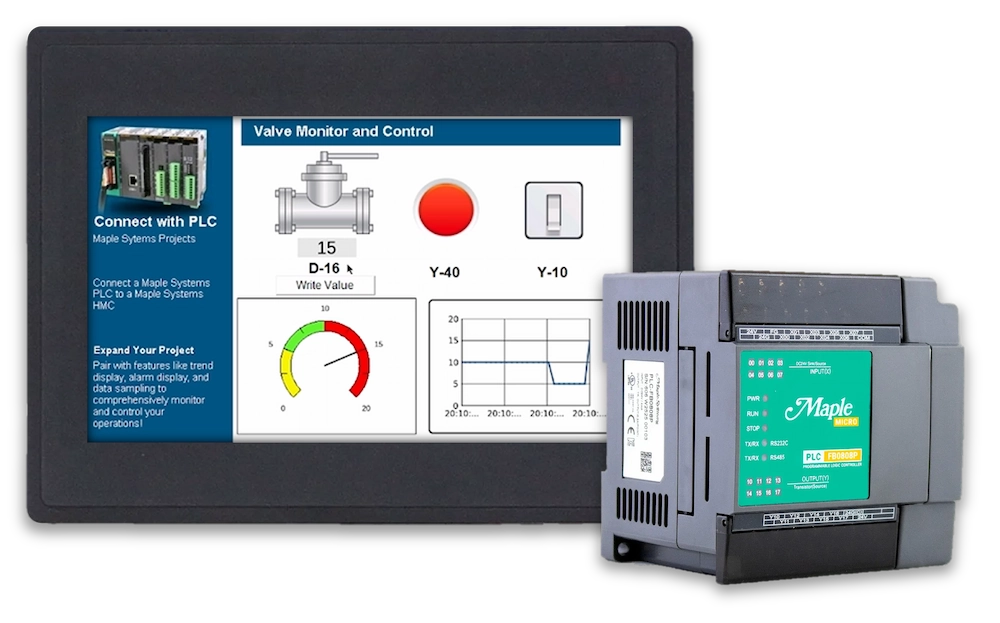
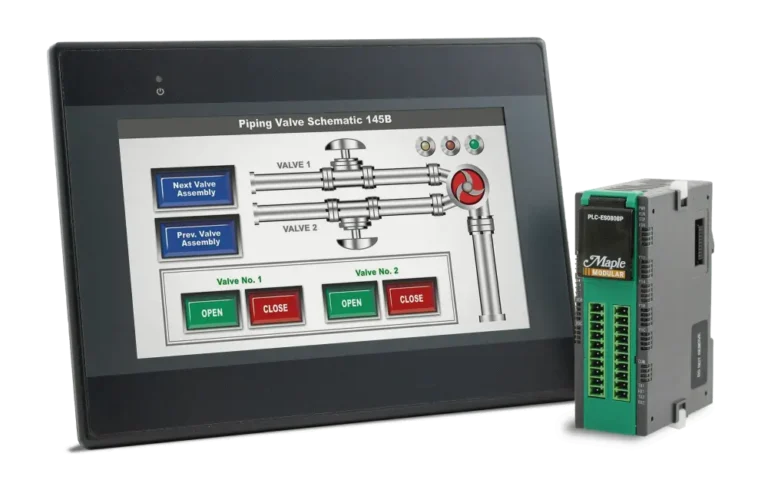
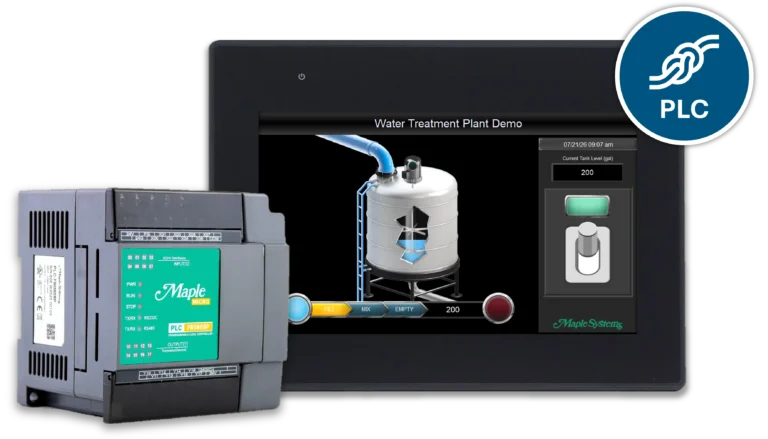
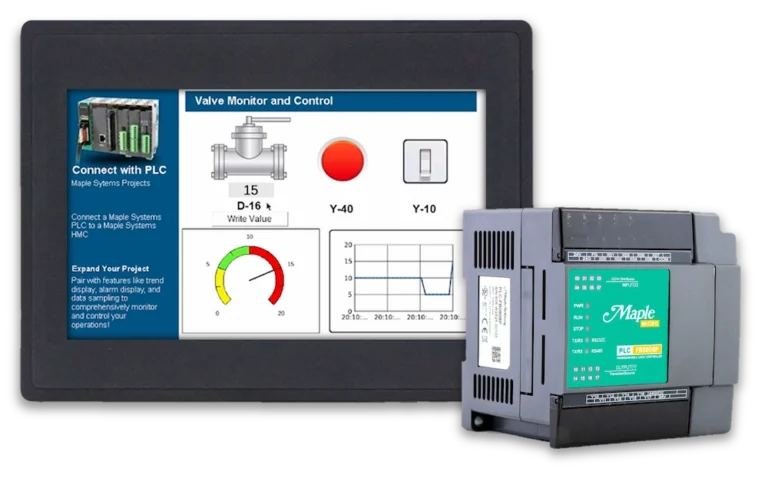
Can I pair a Maple HMI with a Maple PLC?
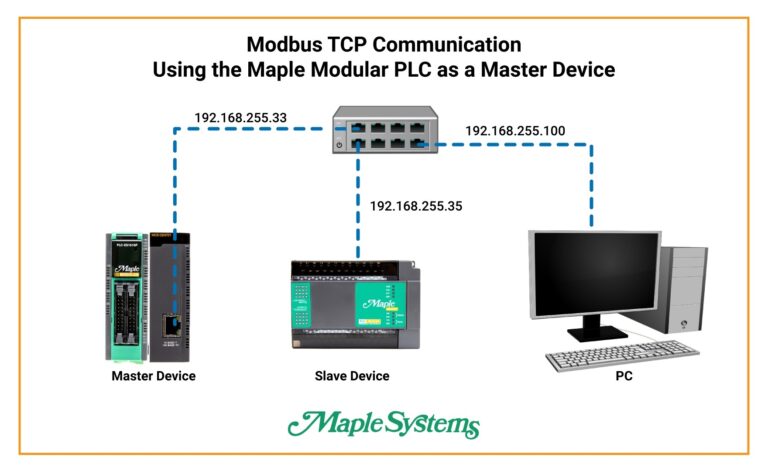
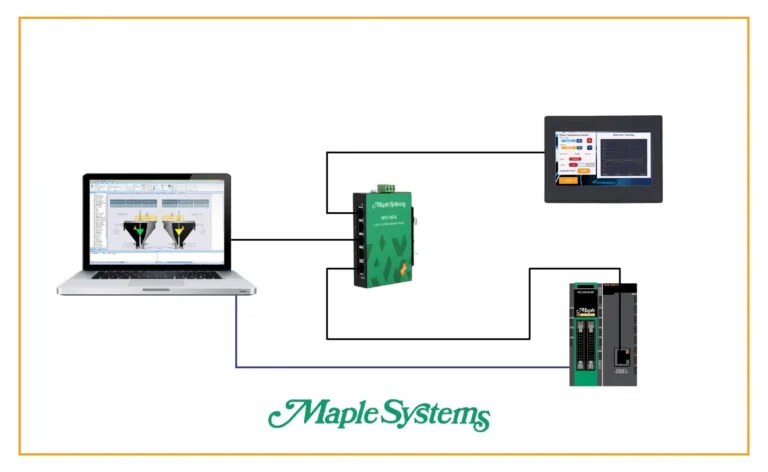
Yes. Our HMIs can be paired with our PLC products via Modbus RTU or TCP. The Modbus Slave driver is configured in the PLC software, and the Modbus Master driver is configured in HMI software (EBPro). Tags can be exported and imported in both directions.Software Downloads & Upgrades
Manuals & Guides
- EBPro Quick Start Guide
- HMI5000L Series Installation Guide
- HMI5000P Installation Guide
- EBPro Programming Manual
- HMC Series Installation Guide
- MAPware-7000 Programming Manual
- MAPware-7000 Ladder Logic Guide
- Mapware-7000 Getting Started Guide
- MAPware-7000 IEC61131 Programming Guide
- MLC Series PLC Programming Manual & Installation Guide
- MLC I/O Module Guide
Videos
- Product Overview
- Quick Start: Part 1 – Introduction and Installation
- Quick Start: Part 2 – Create a Project
- Quick Start: Part 3 – Creating Windows
- Quick Start: Part 4 – Creating Static Elements
- Quick Start: Part 5 – Creating Digital Objects
- Quick Start: Part 6 – Create and Group Analog Objects
- Quick Start: Part 7 – Simulation Mode
- Part 1 – Introduction and Installation
- Part 2 – Creating a Native Ladder Project
- Part 3 – Adding and Initializing Tags
- Part 4 – Adding Logic
- Part 5 – Creating an HMI Screen
- Part 6 – Duplicating an HMI Screen
- Part 7 – Downloading and Testing the Project
- Part 8 – Creating an IEC Project Videos
- Part 9 –Creating a UDFB
- Part 10 – Adding a Structured Text UDFB
- Part 11 – Adding Power Up and Main Routine Logic
- Part 12 – Creating Screen Objects
- Part 13 – Downloading the Project and Online Monitoring
Sample Projects
- Modbus Example Project for HMC3070A-M and HMC3102A-M (IEC)
- Modbus Example Project for HMC3043A-M (IEC)
Controller Information Sheets
Communication Cables
How do Maple Systems PLCs compare to other PLC manufacturers?
Maple Systems PLCs are the go-to PLC when you need a rugged, affordable, straightforward PLC solution. Easy to program, quick to deploy, in stock and ready to ship.
Advantages to using our PLCs:
- Ease of use – Our free programming software, MapleLogic is straightforward and quick to learn
- Affordability – Significantly lower cost than most major brands
- Flexible communications – Modbus TCP/RTU, Ethernet/IP, Serial, High-Speed Link
- Online PLC Editing – You have the convenience of making real-time online edits to your logic without ever disconnecting from your PLC device.
- Multiple Programming Languages – Ladder Diagram, Instruction List, Sequential Function Chart, Function Block
- Large selection of software features – Auto-tuning, memory monitoring, offline simulation, detailed error detection, find and replace, real-time monitoring, and more!
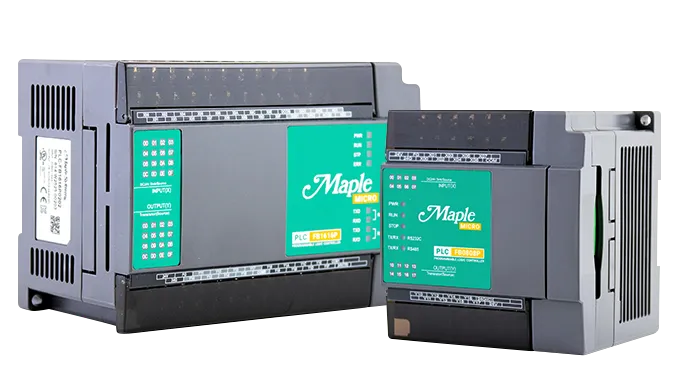
Our Micro PLCs are designed for small scale use, ideal for OEM machines, standalone equipment, and budget sensitive projects.
- Up to 16 built-in DI/DO
- Up to 2 AI/AO built-in
- Built-in HSC Inputs and Positioning Outputs
- Easily integrates with Maple Systems products
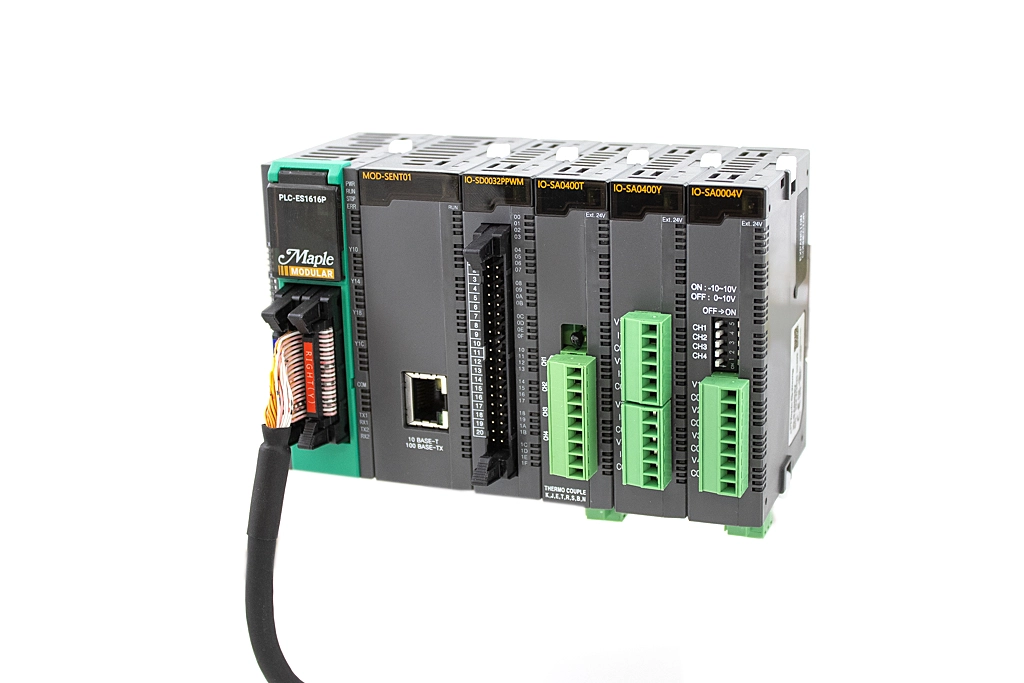
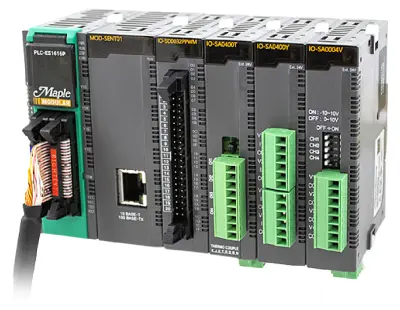
Our Modular PLCs are an expandable PLC, providing superior flexibility and scalability to meet unique automation needs.
- Connect up to 11 I/O modules per CPU for customized automation
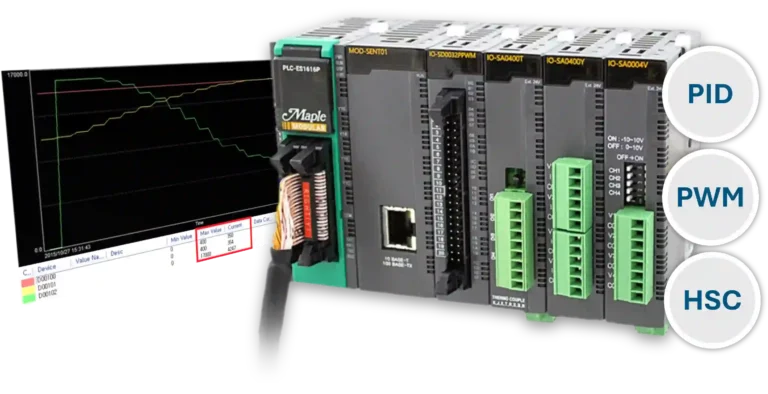
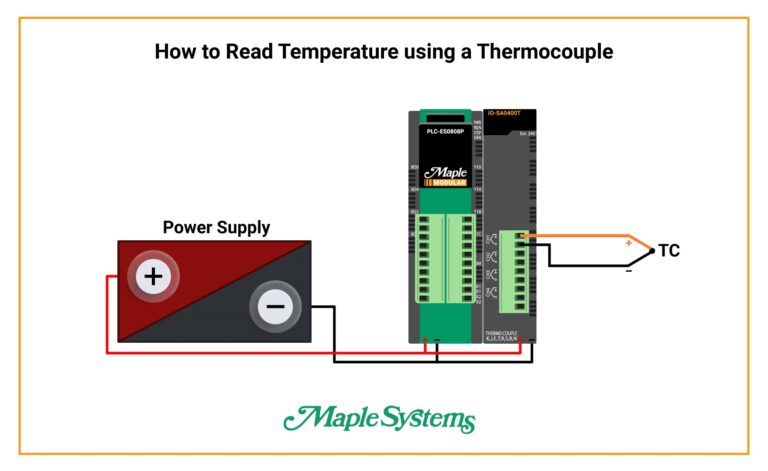
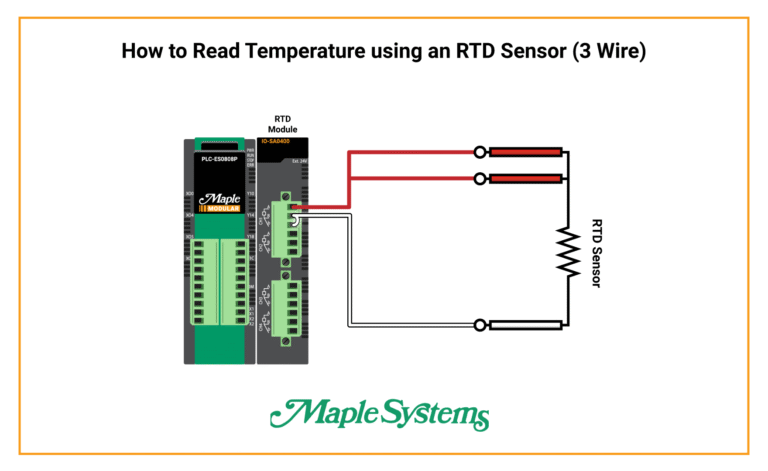
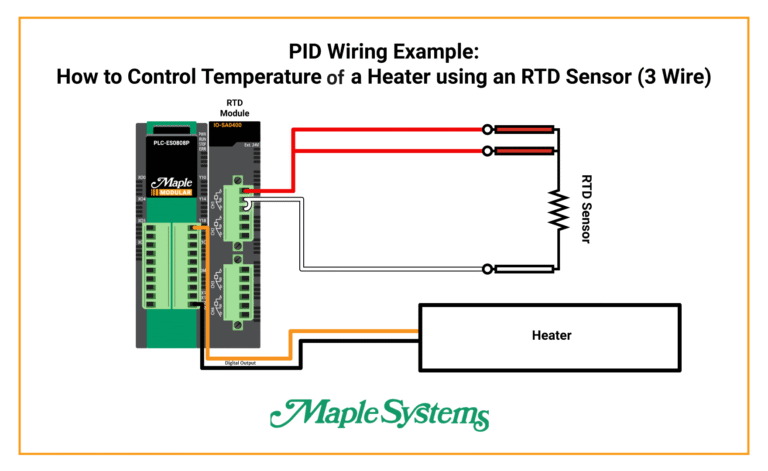
- Supports Digital, Analog, PWM, HSC, TC and RTD modules
- Manages up to 384 I/O points
- Easily integrates with Maple Systems products
- PLC Configurator making choosing of I/O easy!
Learn how to use the Maple Systems PLC Protocol Drivers in EBPro – Tutorial created to show how to integrate a Maple Systems PLC with a Maple Systems HMI
Software Downloads & Upgrades
Manuals & Guides
Tutorials
Tech Notes
Solutions
Videos
See our list of
What is Ladder Diagram?
Ladder Diagram, a graphical programming language, is used to design logic for PLCs. Maple Systems Inc. MapleLogic PLC programming software utilizes Ladder Diagram, LD for short. Each rung represents a specific control operation with inputs and outputs arranged in sequence.
Ladder diagrams are standardized by the International Electrotechnical Commission (IEC), specifically under IEC 61131-3. The standard was developed by international committees to ensure consistency and compatibility across PLC platforms.
Software Downloads & Upgrades
Manuals & Guides
Tech Notes
Solutions
Videos
What is the Default IP address of a Maple Systems PLC?
To find the default IP address of your new PLC, and to change its IP address, first click the red Parameter folder in the project window menu in MapleLogic, then click PLC Parameter.

Then, in the PLC parameters, click the Ethernet tab. You will see the default IP address set to 100.100.100.100. This is the default IP address of the physical PLC out of box. From here you can set the IP address to the desired IP and subnet mask. The gateway can be left as is unless you need it set to something else. Once complete, click OK to save the changes.

It is best recommended to download these changed settings to the PLC via USB cable first (You can buy one from us at Part Number 7431-0115), so as not to have to change your PC’s IP address to match the network of the PLC. Once the settings are downloaded (Online tab, then link+download+monitor), the PLC’s IP will now reflect the desired IP address.
Software Downloads & Upgrades
Manuals & Guides
Tech Notes
Solutions
Videos
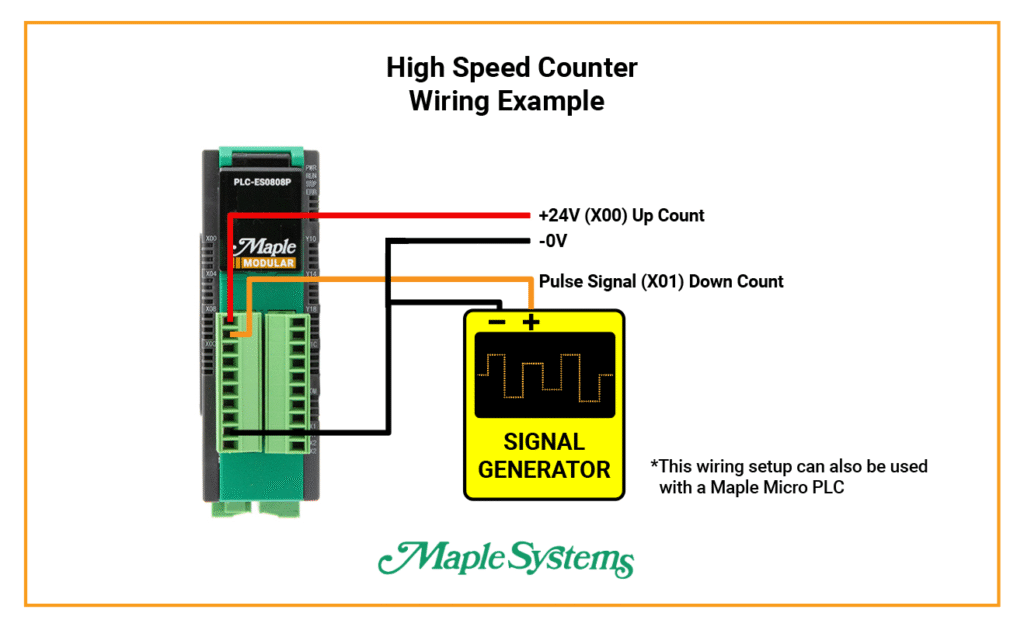
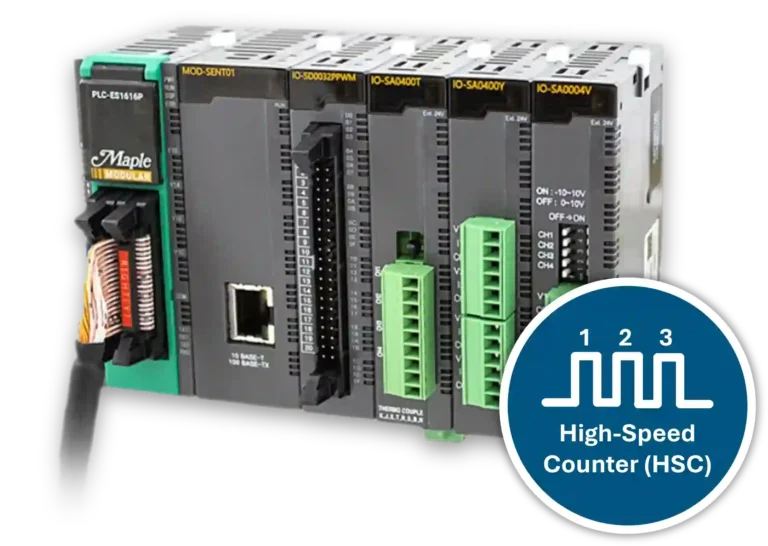
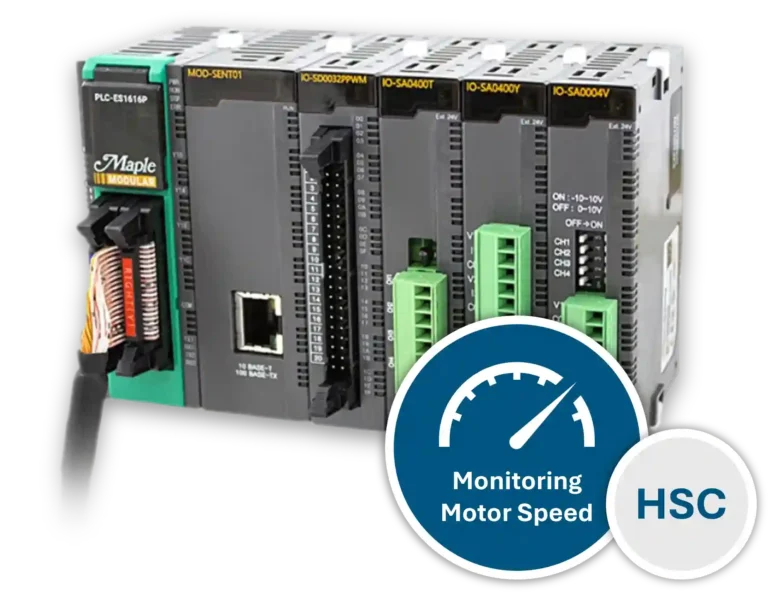
Do Maple Systems PLCs support High-Speed Count (HSC)?
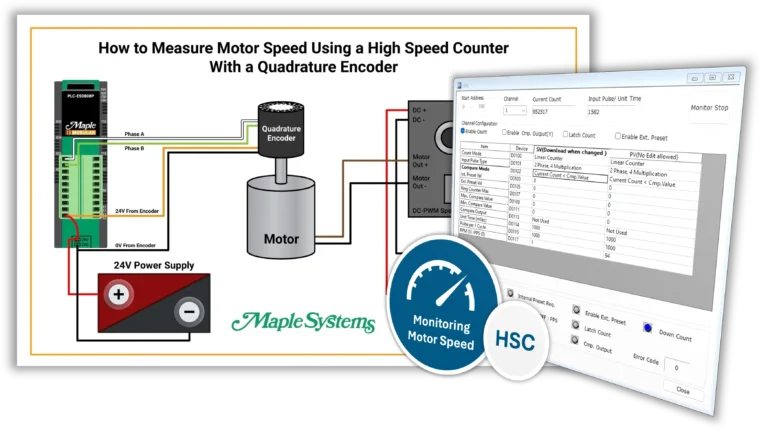
Yes. All Maple Systems PLCs come with 2 channels dedicated to high-speed count, including both the Maple Micro and Maple Modular series PLCs. Maple Modular PLCs can be expanded to have more than 2 HSC channels by adding high-speed count modules as needed.
Software Downloads & Upgrades
Manuals & Guides
Tutorials
Tech Notes
Solutions
Videos
See our list of
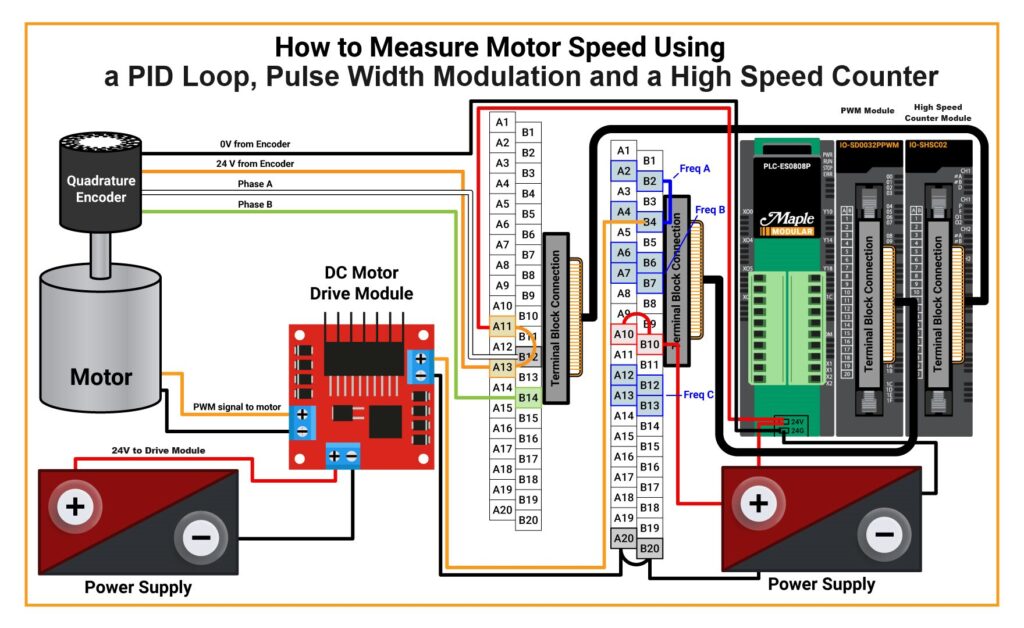
Do Maple Systems PLCs support Pulse-Width Modulation (PWM)?
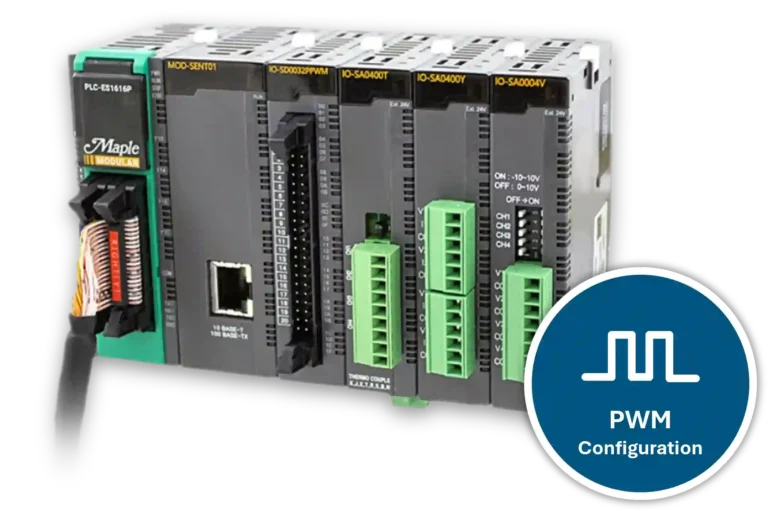
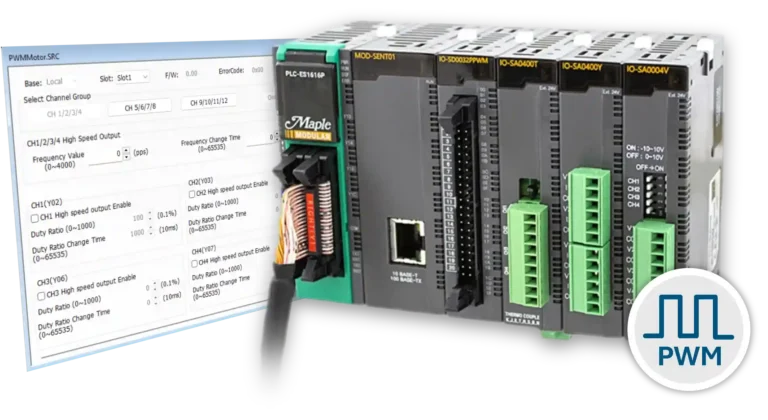
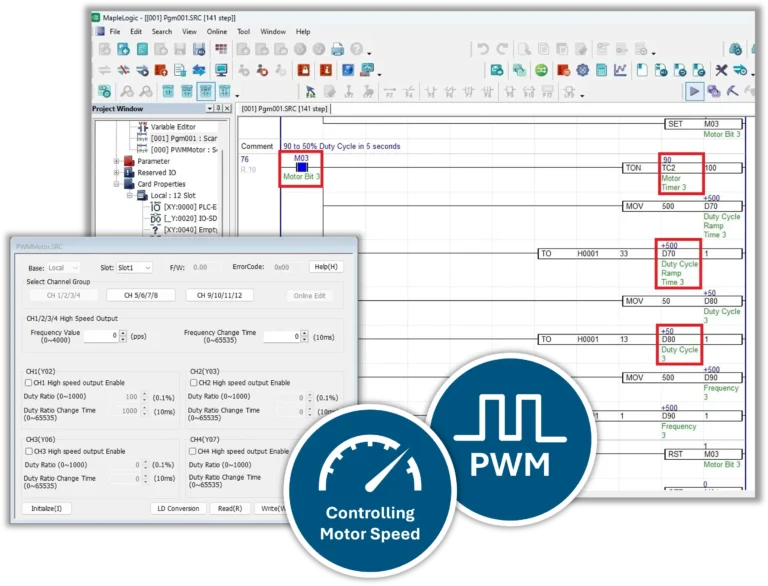
Yes. The Maple Modular can add PWM capability by connecting a Pulse Width module that includes 12-CH PWM outputs and 20 additional digital outputs with up to a 4000 Hz duty cycle.
Software Downloads & Upgrades
Manuals & Guides
Tutorials
Tech Notes
Solutions
Videos
See our list of
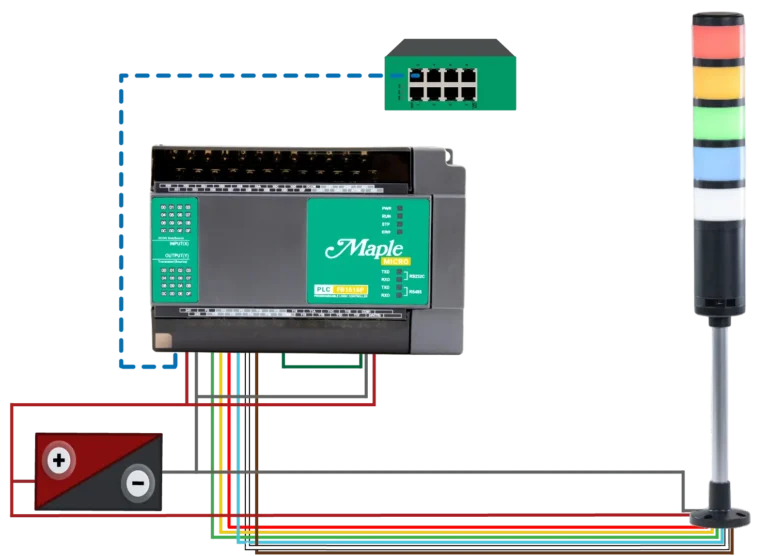
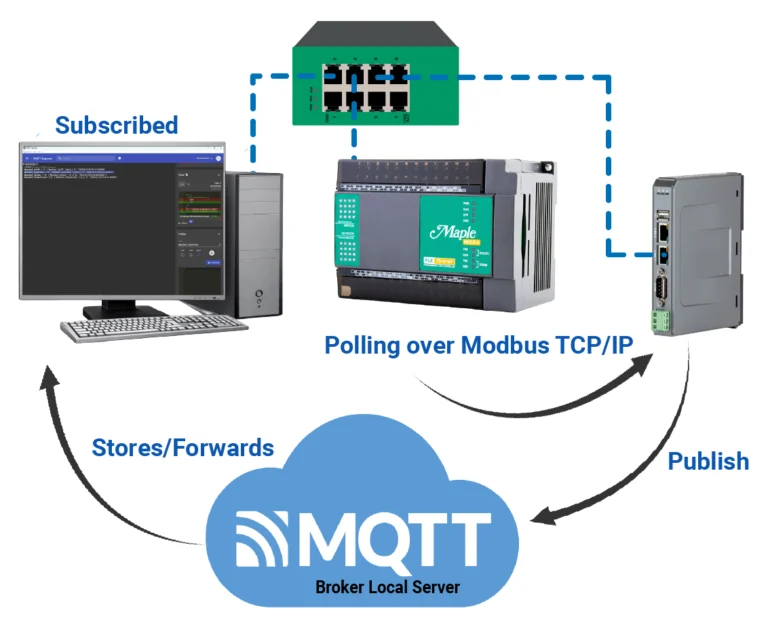
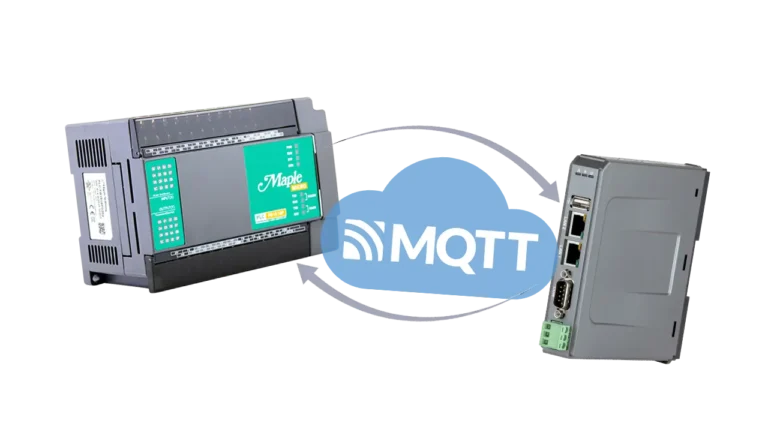
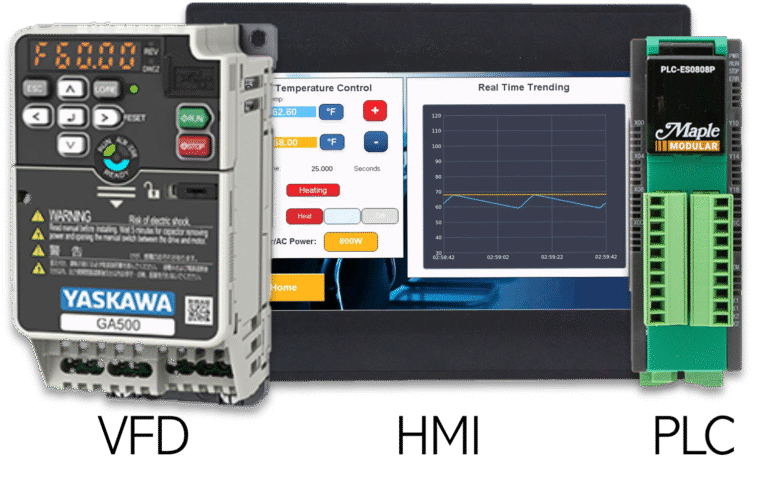















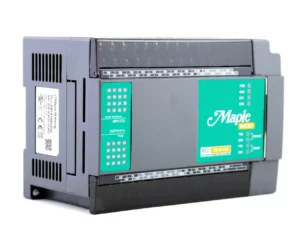
When you order the PLC-FB1616R0202 the following items are included in the box:
- PLC-FB1616R0202
- User Manual
|
Filters |
36-channel Micro PLC Relay PLC-FB1616R0202 $320
|

36-channel Micro PLC PLC-FB1616P0202 $320
|

16-channel Micro PLC PLC-FB0808P $220
|
|---|---|---|---|
| Loading product data… | |||