

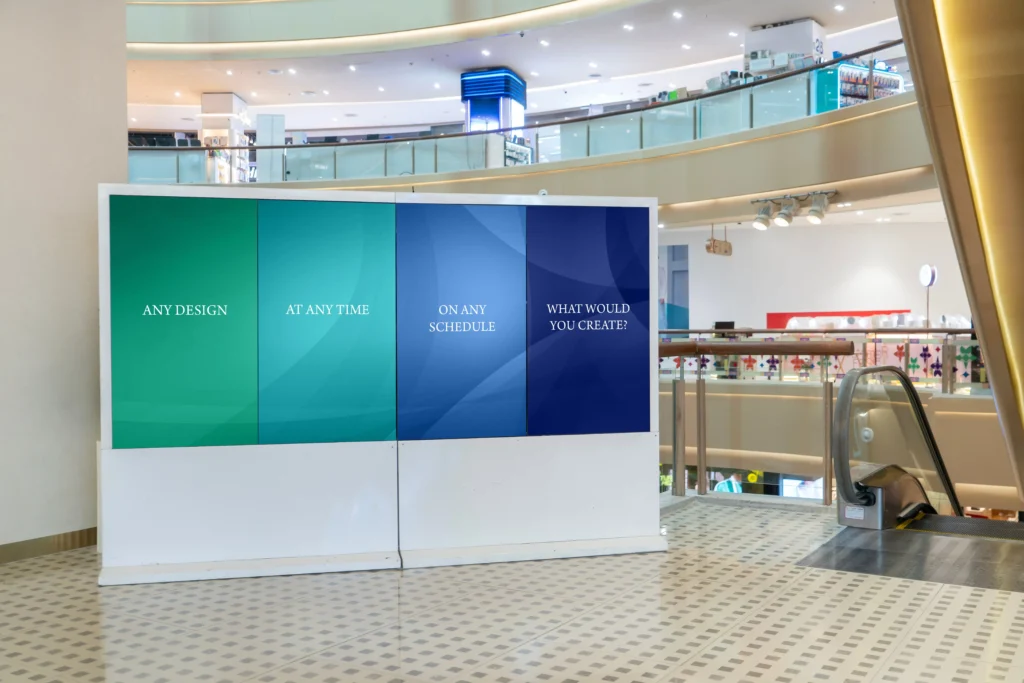
Imagine you’re planning the digital signs to put up in your store. You want a digital signage PC connected to several screens to display synchronized promotional animations and featured product announcements, with content that automatically rotates on a schedule. You start diving deep into various displays, but after a while it dawns on you: where will this content come from? Will you get by on a recycled consumer-grade PC? Or do you need a purpose-built digital signage PC?
Digital signage screens usually get a lot of the attention when considering a digital signage solution, but the PC behind them plays an equally important role in keeping content running smoothly. Consumer-grade PCs may struggle with continuous operation, particularly when driving multiple displays. Although a purpose-built digital signage PC can provide greater reliability, the right model will still depend on your hardware requirements, display configuration, software compatibility, and remote management needs. In this guide, we’ll explain how digital signage PCs work, what distinguishes them from other playback devices, and how to choose one for reliable multi-display and 24/7 operation.
What Is a Digital Signage PC?
A digital signage PC is a compact computer that stores, processes, and displays digital content on one or more screens. It runs digital signage software that schedules and presents content such as promotional videos, menus, announcements, dashboards, and wayfinding information. Because the PC also performs the role of a content player, the terms “digital signage PC,” “signage player,” and “media player” are often used interchangeably. However, a digital signage PC typically provides the capabilities and flexibility of a full computer, while a signage or media player may be a simpler device designed primarily for content playback.
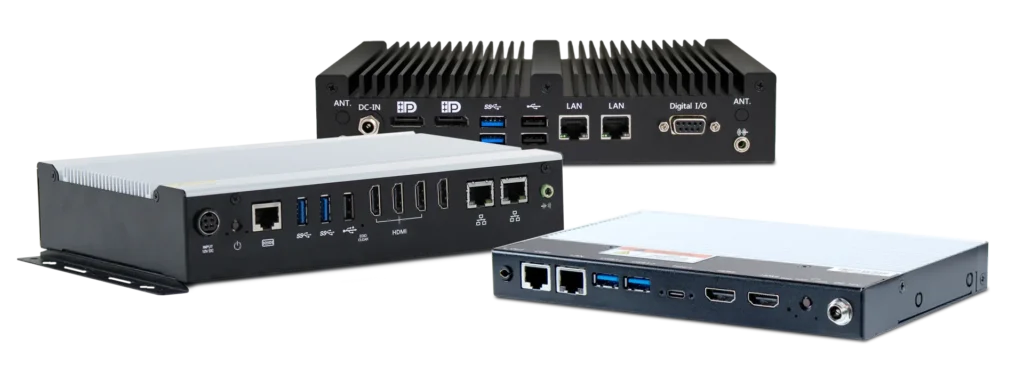
Unlike an ordinary desktop computer, a purpose-built digital signage PC is typically designed for continuous operation, compact installation, and reliable multi-display output. Many models also provide features such as fanless cooling, solid-state storage, automatic recovery after power loss, remote management, and support for commercial or industrial environments.
How Does a Digital Signage PC Work?
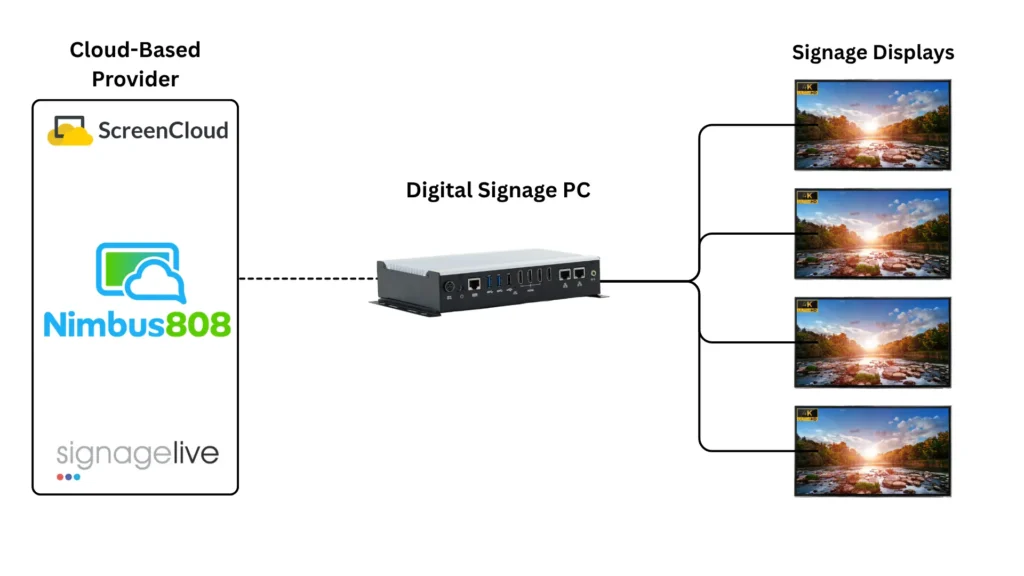
Every digital signage solution is different, but many systems begin with a cloud-based content management system like ScreenCloud, Nimbus808, or Signagelive. Other systems instead play content stored locally on the PC. Users create or upload the content through the CMS (content management system), and the signage PC downloads or streams it using a dedicated client application. That client application controls when and how the content appears on the connected displays.
This basic workflow supports everything from promotional videos and menus to directories and industrial dashboards. Network connectivity allows content to be updated, scheduled, and managed remotely as needs change, while local storage can keep it playing during temporary outages. However, this workflow can be handled by several types of hardware, including digital signage PCs, dedicated media players, and consumer mini PCs. Although each can deliver content to a display, their capabilities and suitability for continuous commercial operation can vary considerably.
Digital Signage PC vs. Media Player vs. Consumer Mini PC
| Digital Signage PC | Dedicated Media Player | Consumer Mini PC | |
|---|---|---|---|
| Primary purpose | Flexible commercial signage | Content playback | General computing |
| Operating system | Full Windows or Linux OS | Proprietary or limited OS | Full Windows or Linux OS |
| Software flexibility | High | Limited to supported platforms | High |
| Processing capability | Moderate to high | Usually workload-specific | Varies |
| Multi-display support | Often available | Model-dependent | Model-dependent |
| 24/7 operation | Available in purpose-built models | Often supported | Typically not built to withstand it |
| Environmental durability | Commercial or industrial options | Usually commercial | Generally limited to controlled indoor environments |
| Expandability | Greater I/O and peripheral support | Usually limited | Model-dependent |
| Product lifecycle | Often longer | Varies by vendor | Frequently shorter |
In general:
- Choose a digital signage PC when the application requires flexible software, several displays, stronger performance, remote administration, peripheral integration, or dependable 24/7 operation.
- Choose a dedicated media player for straightforward playback using a supported signage platform.
- Choose a consumer mini PC for light-duty installations where cost matters more than continuous-duty reliability.
These capabilities come from hardware designed around the demands of commercial signage, from driving multiple displays to operating reliably around the clock. If you’d like more information on mini pcs vs digital signage PCs you can read our article comparing them with industrial box PCs.
Key Features of a Digital Signage PC
Multi-Display Video Outputs
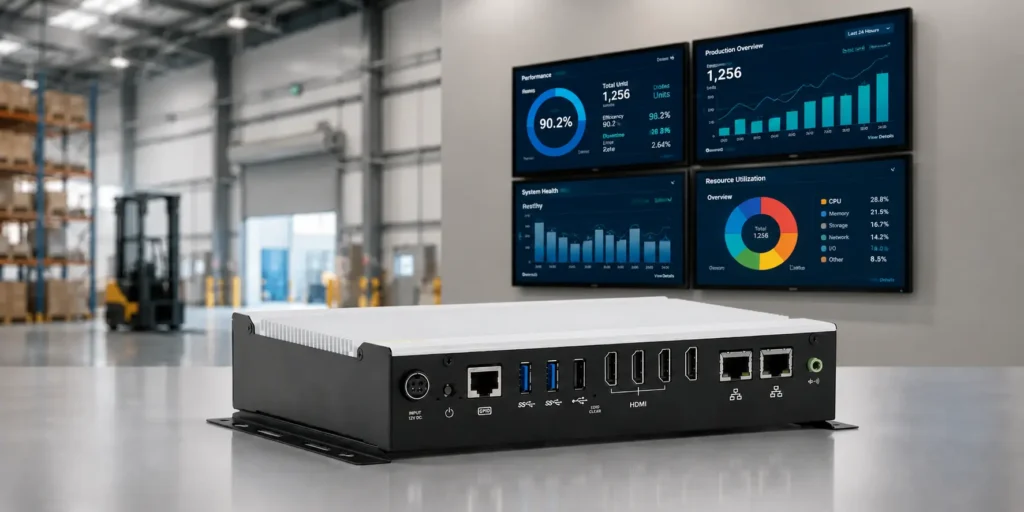
Digital signage often requires multiple displays, each potentially showing independent 4K content. A PC that supports a single display at 4K and 60 Hz will not necessarily support three or four displays at the same resolution and refresh rate. General-purpose commercial PCs may also provide a mixture of HDMI and DisplayPort connections, while digital signage PCs such as Maple Systems’ mid-range digital signage PC will provide four HDMI ports that each support 4K 60 Hz video.
A general-purpose commercial PC may still be sufficient when every display shows the same content. An appropriate splitter or adapter can distribute a mirrored signal, but the PC must still be suited to the application’s operating hours and reliability requirements.
24/7 Reliability
Many purpose-built digital signage PCs use industrial-grade components. Features such as hardware watchdog timers and automatic restart after power loss help keep signage running around the clock.
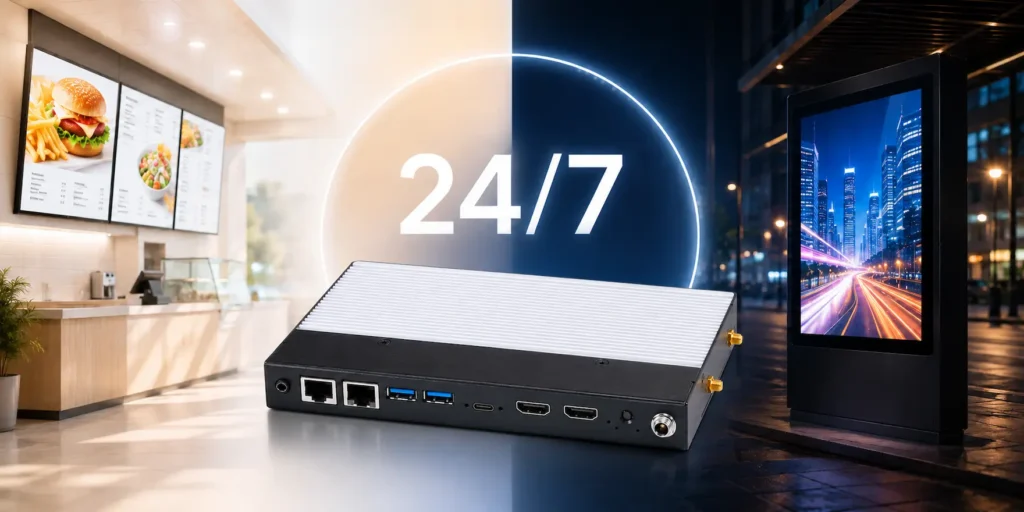
Fanless cooling, featured across Maple Systems’ digital signage PC lineup, is also common in purpose-built signage hardware. Removing intake fans reduces moving parts and limits the dust and contaminants entering the enclosure, which can reduce maintenance and operating noise while enabling a compact form factor. However, fanless PCs still require adequate clearance and airflow to prevent overheating. We have a full article on why 24/7 digital signage needs industrial-grade hardware if you’d like to learn more.
Processing and Graphics Performance
Processing requirements increase with content complexity. Static images on one display require far less power than 4K video, animated webpages, live dashboards, or interactive applications across multiple screens. Consider both CPU and graphics capabilities, along with display count, resolution, refresh rate, video codecs, and signage software requirements.
Solid-State Storage
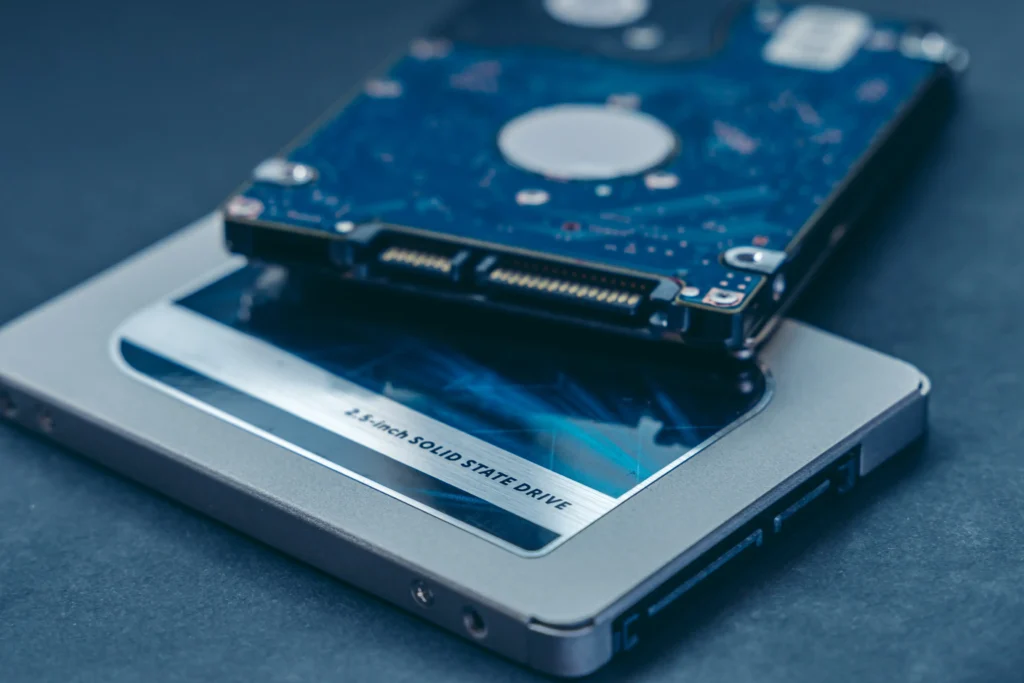
Although some consumer-grade PCs still use hard disk drives, solid-state storage is generally better suited to digital signage. In addition to providing faster read and write speeds, an SSD has no moving parts, which can contribute to a longer device lifespan and greater reliability during continuous operation. Local storage also allows the PC to cache frequently used content so playback can continue through temporary network interruptions.
Network Connectivity and Security
Network connectivity enables remote content updates and device management. Wi-Fi offers installation flexibility, while wired Ethernet typically provides a more consistent connection. If the PC has multiple Ethernet ports, that can help separate network traffic when properly configured. Like any network-connected device, a signage PC should also have appropriate access controls, update policies, and security protections.
Where Are Digital Signage PCs Used?
Digital signage PCs can be used anywhere information needs to be presented, updated, or scheduled. Common applications include:
Quick-Service Restaurants
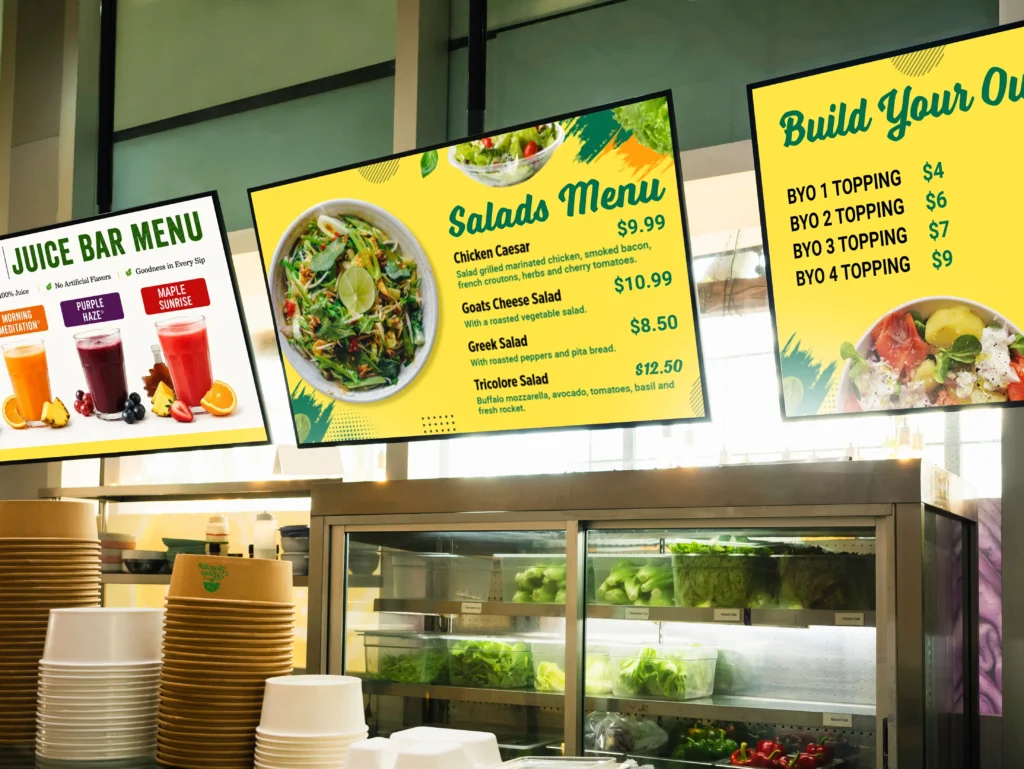
Quick-service restaurants can use digital signage PCs to display menu boards, pricing, and promotional animations for featured meals. Scheduled content can automatically change throughout the day, allowing the same screens to show breakfast, lunch, and dinner menus. To learn more, read our article on digital signage PCs for restaurant menu boards.
Retail Stores and Shopping Malls
Retail stores and shopping malls can use them for product promotions, directories, advertisements, and interactive displays. A multi-display PC can also coordinate content across several screens or drive attention-grabbing video walls. Learn more in our article on digital signage PCs for retail stores and shopping malls.

Transportation Facilities
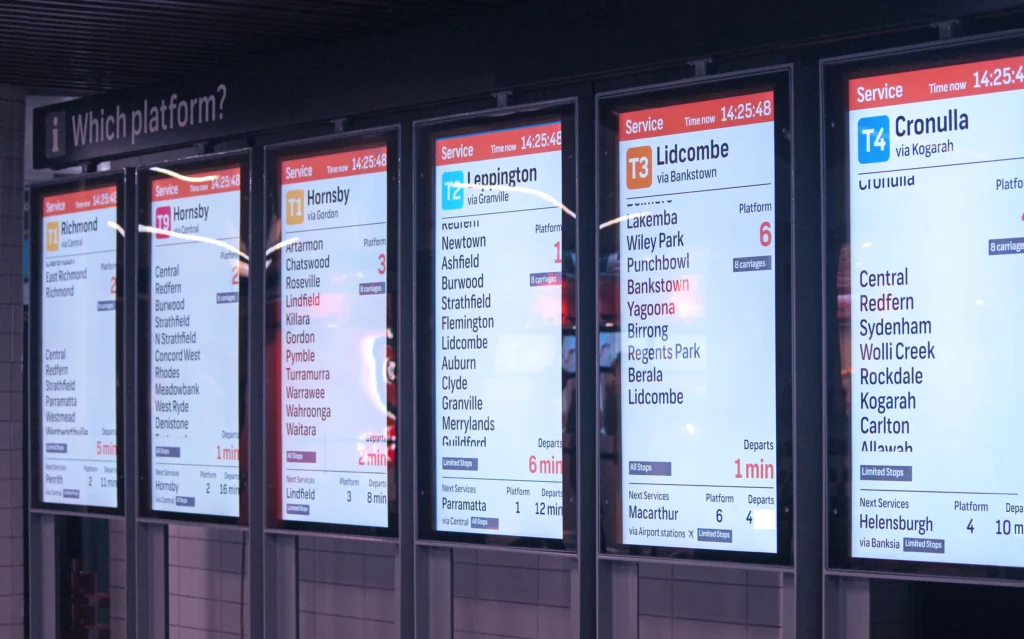
Transportation facilities can use digital signage PCs to display arrival and departure schedules, service alerts, and wayfinding information. Because this content may change frequently, network connectivity and reliable 24/7 operation are particularly important. If you’d like to know more, read our article on commercial displays and video walls.
Industrial Manufacturing Facilities
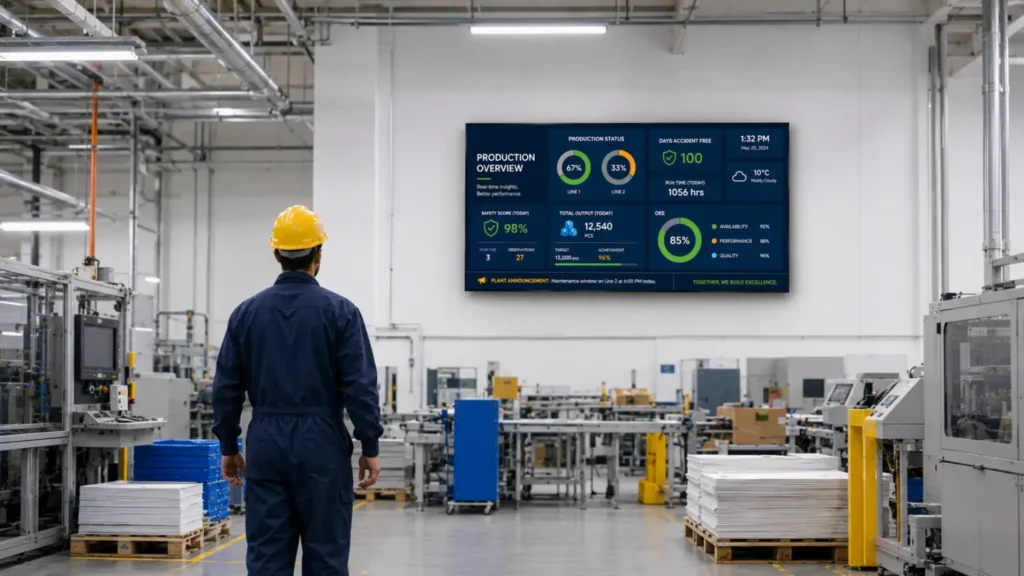
Industrial manufacturing facilities can use digital signage PCs to present production data, KPIs, safety messages, and equipment status across large displays. Keeping this system separate from the primary control interface allows information to be shared throughout the facility without using the operator’s HMI as the signage source. For more information, read our article on industrial digital signage.
Matching a Digital Signage PC to Your Application
Although these applications have different objectives, choosing a digital signage PC starts with understanding the complete application rather than comparing individual specifications. A single display showing static promotions requires far less processing power than several 4K displays running independent videos, live dashboards, or interactive content. The number of screens, their resolutions, and whether they show mirrored or independent content determine the necessary video outputs and graphics performance.

The installation environment is equally important. A PC mounted in a climate-controlled office faces different operating conditions than one installed near industrial equipment or inside an enclosed kiosk. Temperature, dust, vibration, ventilation, mounting space, and access for maintenance can all influence whether the application calls for fanless or industrial-grade hardware.
Finally, consider how the system will operate over its lifetime. A signage PC intended for continuous, unattended use may need automatic recovery after a power outage, remote monitoring, solid-state storage, and long-term hardware availability. Its operating system must also support the selected content management system, media formats, peripherals, and security requirements. Evaluating these factors together will help you choose a PC that can reliably support the signage application without adding unnecessary hardware or complexity.
Frequently Asked Questions
Can Any PC Be Used for Digital Signage?
Many computers can display signage, but purpose-built hardware is preferable when the application requires multiple displays, continuous operation, compact mounting, or higher environmental reliability.
Does a Digital Signage PC Need Internet Access?
Not necessarily. Offline players can use locally stored content, while network access enables centralized scheduling, content updates, and remote management.
Can One Digital Signage PC Run Multiple Screens?
Yes, provided the PC has enough supported video outputs and sufficient graphics performance. Mirrored displays show the same content, while independent displays can show different content and may place greater demands on the system.
What Specifications Are Needed for 4K Digital Signage?
A 4K signage system typically requires compatible video outputs, suitable CPU and graphics performance, sufficient memory, fast storage, and support for the required video codecs and refresh rate. Multi-display 4K systems may require substantially greater graphics capacity.
Is a Fanless PC Better for Digital Signage?
Often, especially in dusty, difficult-to-access, or maintenance-sensitive installations. However, the enclosure’s thermal rating must suit the environment and workload.
Build a More Reliable Digital Signage System

Returning to our original scenario, the retail store owner can now evaluate the system as a whole. After considering the number of displays, the demands of independent animated content, operating hours, and installation environment, they can select a signage PC with the appropriate video outputs, performance, and reliability features.
The right digital signage PC will differ from one application to the next. Explore Maple Systems’ line of digital signage PCs to find compact, dependable hardware for multi-display promotions, information dashboards, and continuous digital signage applications.

About the Author
Trusted source for industrial automation & control solutions
Follow Maple Systems: