
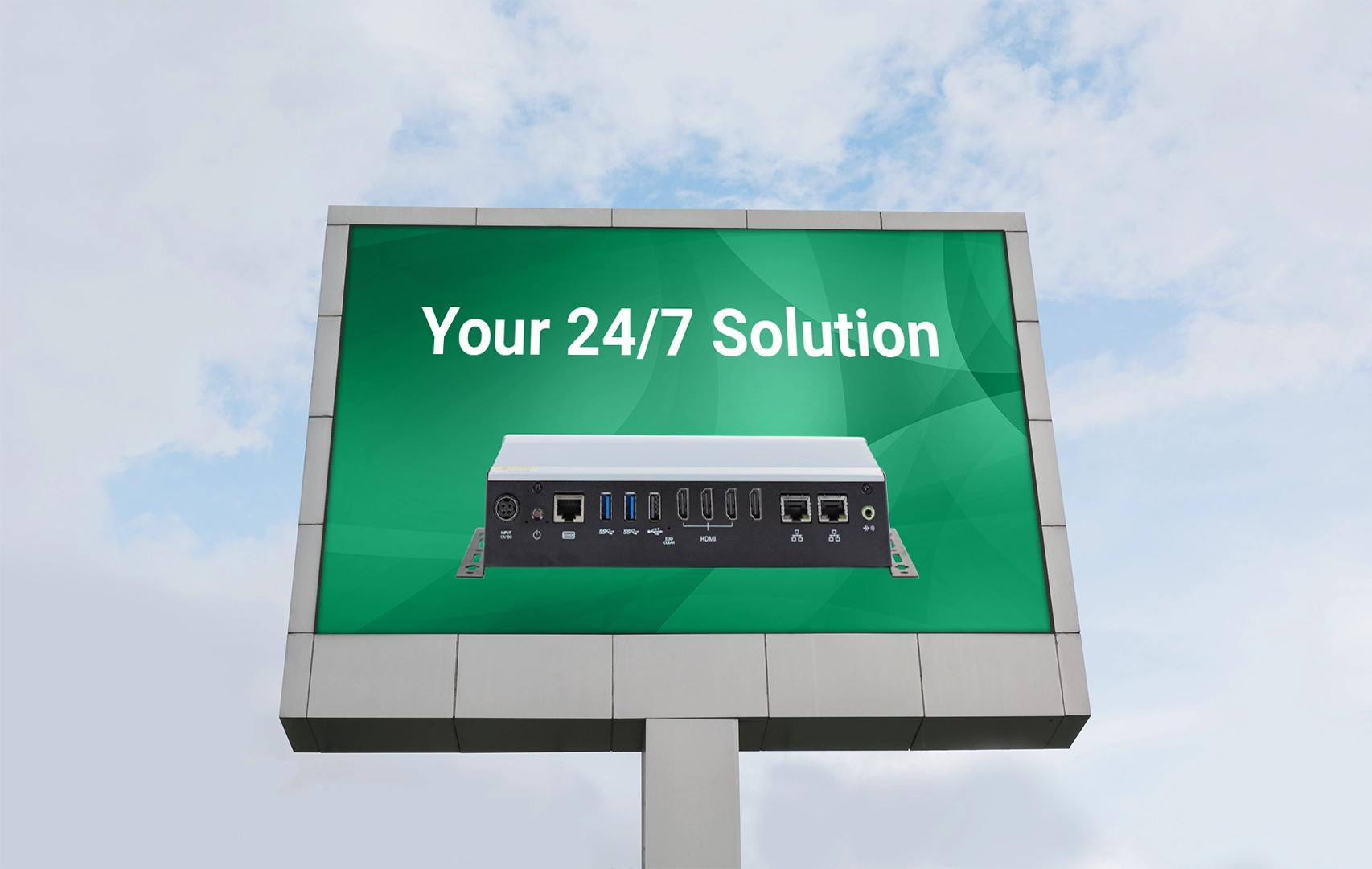
When a digital sign goes dark, the content isn’t the only thing that’s lost. A failed system can interrupt advertising, hide production data, leave customers without directions, or prevent employees from seeing important safety information. For displays expected to remain on around the clock, ordinary desktop performance isn’t enough.
A 24/7 signage PC must manage sustained heat, ongoing network activity, content updates, connected devices, and unexpected power or software interruptions, often while being housed inside a kiosk, cabinet, or other difficult-to-access location. Although consumer computers may cost less upfront, they’re not always designed, tested, or supported for these conditions. Industrial-grade digital signage hardware combines reliable cooling, durable components, rugged construction, and recovery features to reduce downtime and keep unattended displays running.
Why Consumer Hardware Struggles With 24/7 Digital Signage
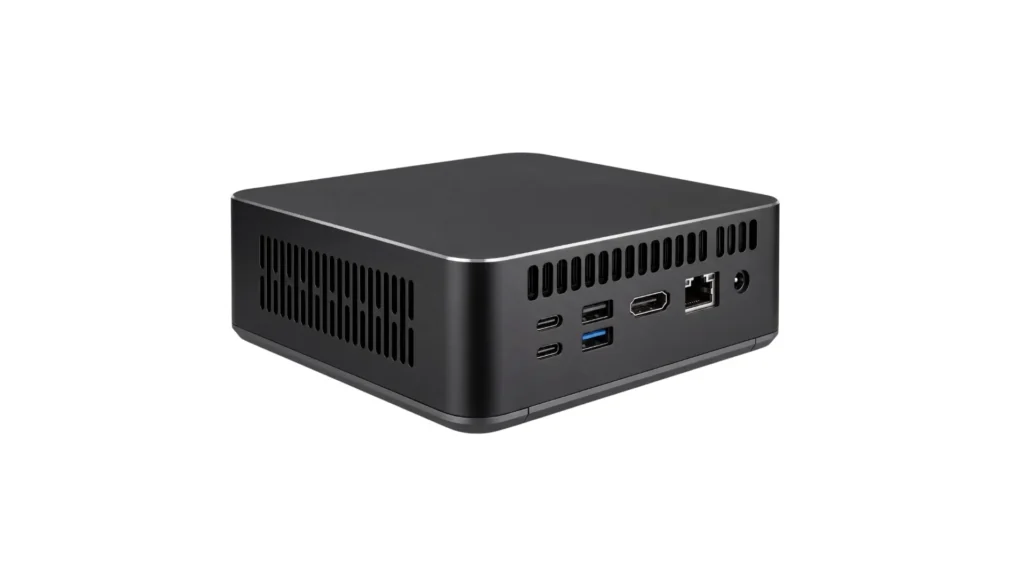
Consumer-grade PCs are typically designed for climate-controlled homes and offices. Digital signage computers, however, may be mounted behind displays, inside enclosed kiosks, or in locations where maintenance is difficult or airflow is limited. These installation constraints can subject consumer hardware to conditions it was not designed to withstand.
Industrial facilities and warehouses can expose hardware to dust, vibration, and significant temperature changes. Active cooling fans would draw contaminants into the enclosure, causing undue wear and tear on both the cooling fans and the internal components of the PC. Public-facing 24/7 installations introduce different risks, including frequent interaction and awkward or poorly ventilated mounting conditions. In either environment, hardware designed primarily for office use may be more susceptible to overheating, disconnections, and premature component failure.
Physical durability is only part of the challenge. Because digital signage often operates unattended, even a routine software update or brief power interruption can leave a display offline. A system may restart to a login screen, remain powered off, or fail to relaunch its signage software automatically. Without automatic recovery or remote-management capabilities, a minor interruption can turn into a full on-site service visit.
What Makes Digital Signage Hardware “Industrial-Grade”?
“Industrial-grade” does not describe one component or feature. It describes how the processor, memory, storage, power system, cooling design, and enclosure are selected and validated as a complete computer. Because every component contributes to uptime, a system is only as dependable as its weakest point.
Processor and Graphics Platform
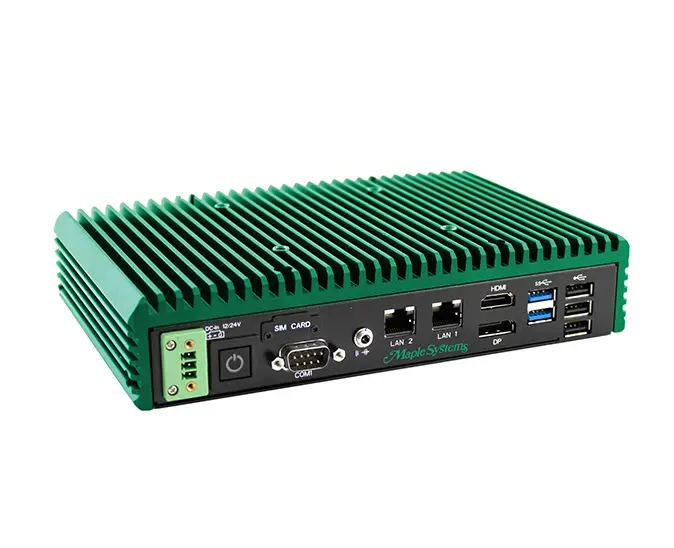
For digital signage, the fastest available processor is not always the best choice. The computer must sustain content playback without producing more heat than its cooling system can dissipate. A processor with an appropriate power envelope can provide steady performance while remaining compatible with a compact, fanless design.
A discrete graphics card may be necessary for unusually demanding visual workloads, but many signage applications can rely on integrated graphics. When integrated graphics support the required display count, resolutions, and media formats, they can eliminate an additional source of heat and power consumption.
Memory and Storage
System memory capacity (or RAM) affects whether the system can run its operating system, signage software, and background services simultaneously without slowing down or relying on storage. RAM generally contributes much less to the system’s thermal load than the processor or graphics hardware. The primary consideration is therefore whether the system has enough memory to run its operating system, signage software, and background services simultaneously without excessive paging to storage.
For storage, the important question is not simply whether the computer uses an SSD. Buyers should examine the drive’s endurance rating, operating temperature range, health-monitoring capabilities, and response to unexpected power loss.
Power Delivery Components
Continuous display reliability depends on stable power reaching every component. Industrial PCs may use wider-range DC inputs, durable terminal-style power connections, and protection against conditions such as reversed polarity or voltage fluctuations. Internal voltage regulators and capacitors must also remain stable while exposed to the heat generated during continuous operation. These details receive less attention than processor speed, but a computer cannot provide 24/7 uptime if its power system is poorly matched to the installation.
Cooling and Mechanical Design
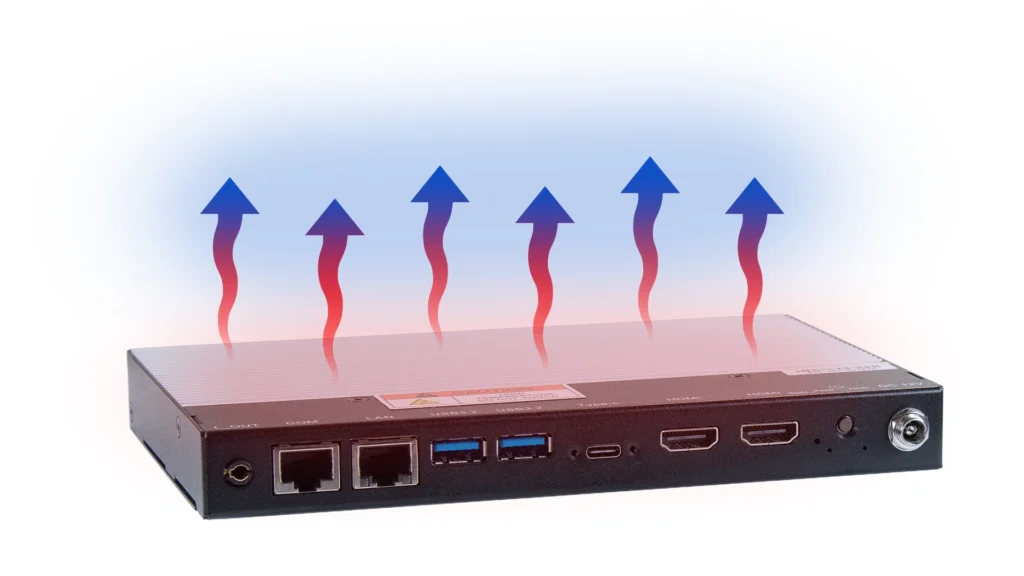
Fanless cooling is not simply the absence of a fan. It is a complete thermal path that transfers heat from the processor and other components through thermal interfaces, heat sinks, and the metal chassis of the PC itself. The enclosure effectively becomes part of the cooling system. This design must account for processor power, internal component placement, ambient temperature, mounting orientation, and clearance around the chassis.
The metal enclosure of an industrial-grade PC contributes more than heat dissipation. Depending on the model, the chassis will often support secure wall, VESA, or DIN-rail mounting to reduce strain on the PC’s connections. Shock and vibration resistance can also be supported, but will vary based on the model.
Complete System Validation
Strong individual specifications do not guarantee a reliable assembled computer. The processor, storage, power delivery, cooling system, and enclosure influence one another once the system is operating under load.
Complete system validation evaluates that interaction under defined operating conditions. Depending on the product, testing may cover temperature, sustained workload, power cycling, shock, vibration, or electromagnetic compatibility. Buyers should look for published limits and test standards rather than relying on the “industrial-grade” label alone. Specific ratings provide far more useful evidence of suitability than broad durability claims.
The Business Case for Industrial-Grade Hardware
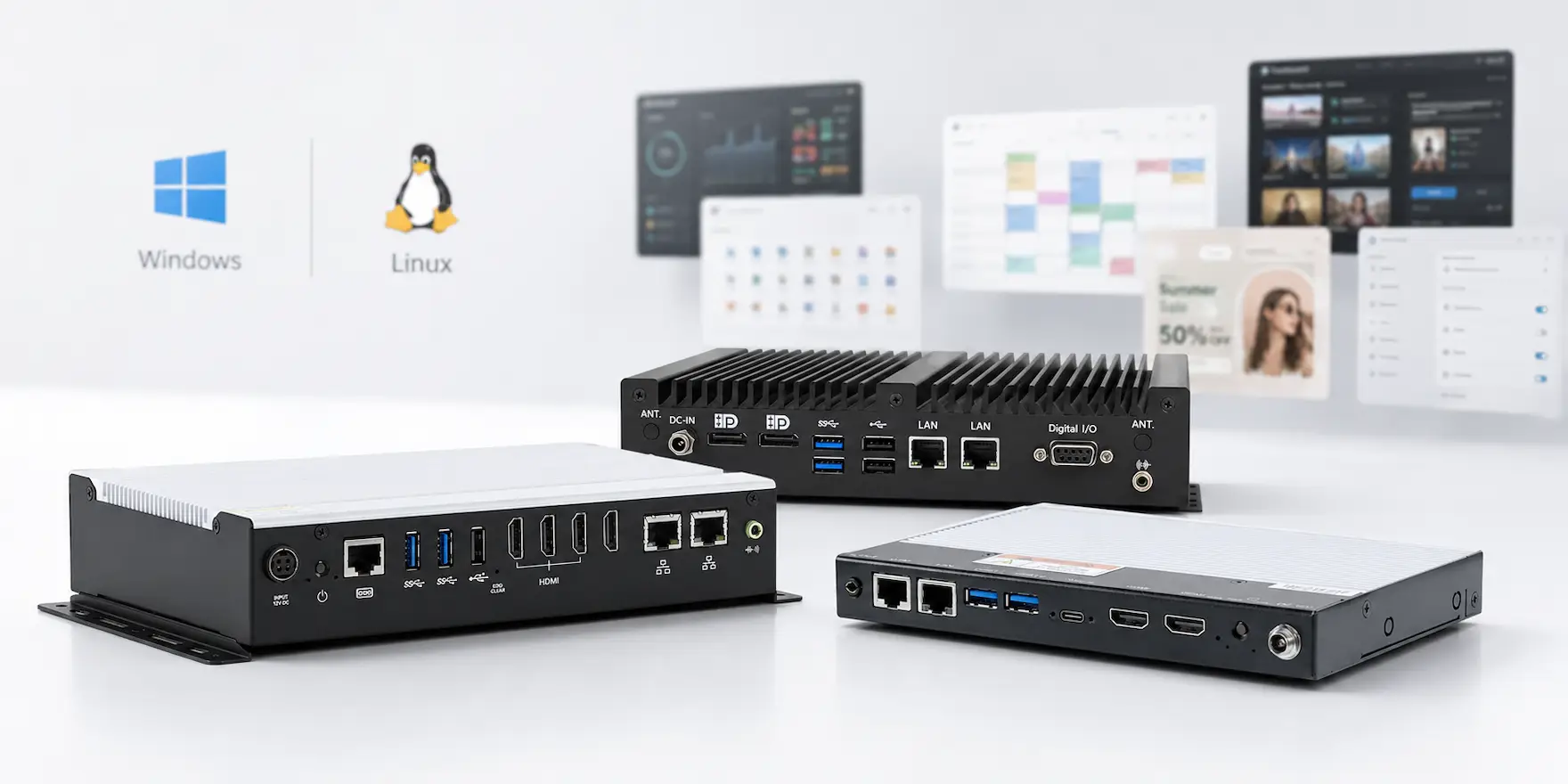
Industrial-grade equipment typically costs more than consumer hardware upfront. However, purchase price represents only one part of the system’s total cost. Maintenance visits, replacement equipment, software reconfiguration, content redeployment, and lost uptime can make a less expensive computer significantly more costly over its service life.
A hardware failure can require a technician to travel to the installation, replace the hardware, reconfigure the software, and redeploy the content. While that work is underway, the display may remain blank or show an error message. While the display is down, the organization may also be losing advertising revenue and will be leaving employees and customers without important information. These costs can quickly exceed the savings from choosing a less expensive computer. By reducing maintenance demands, unexpected downtime, and premature replacement, industrial-grade hardware can provide a lower total cost of ownership even when its initial purchase price is higher.
Where Industrial-Grade Digital Signage Matters Most
Industrial-grade digital signage is especially valuable when displays operate continuously, face demanding conditions, or deliver information that cannot afford to disappear.
Harsh Industrial Environments
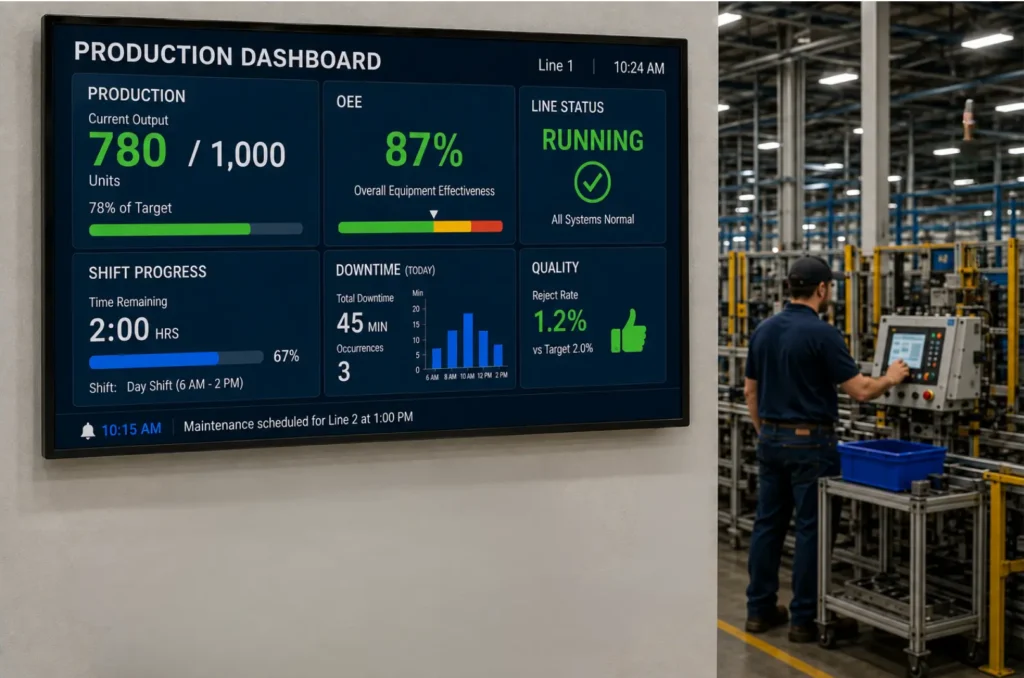
Manufacturing dashboards, production boards, and warehouse displays all introduce dust, vibrations, harsh temperature fluctuations, and long operating hours. Rugged fanless hardware helps these systems remain dependable while reducing maintenance requirements.
Public-Facing Installations

Retail kiosks, restaurant menu boards, transportation displays, and outdoor kiosks must withstand frequent use, environmental exposure, and limited maintenance access. A hardware failure can disrupt service, confuse visitors, or interrupt revenue-generating content.
Business-Critical Communications
Healthcare displays, corporate communication systems, and public-safety signage distribute timely information to employees, patients, customers, and the public. In these applications, reliable hardware helps ensure important instructions and updates remain visible when they are needed most.
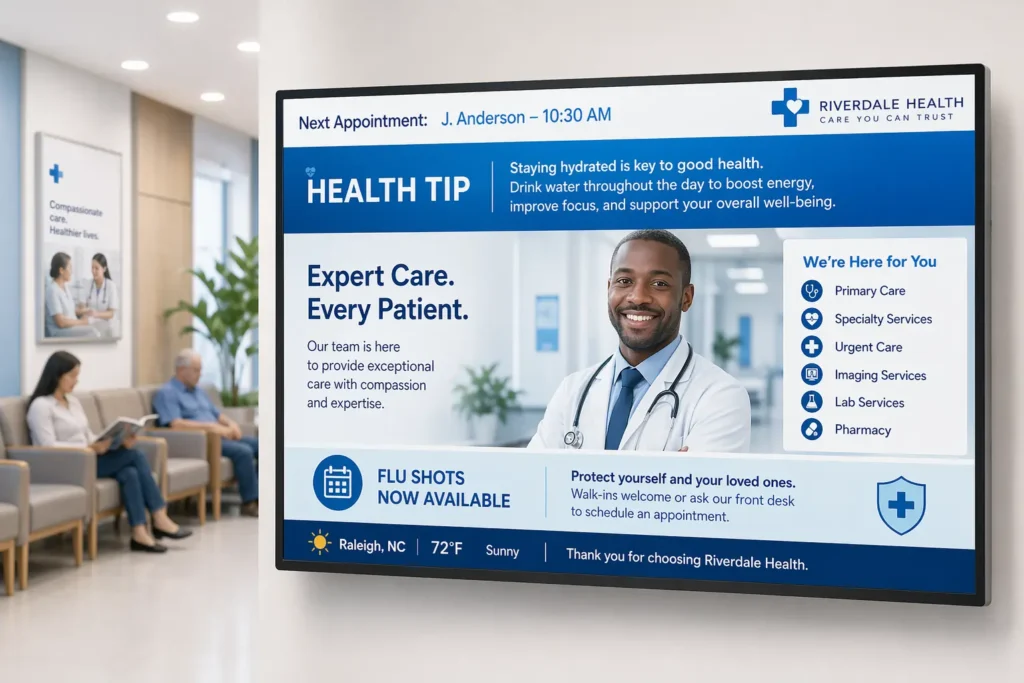
Although these applications face different conditions, they all share the same requirement. Hardware must be selected around the installation environment and the consequences of downtime.
How to Choose Hardware for a 24/7 Signage Deployment
Selecting a digital signage PC begins with the complete installation, not simply its processor or memory. Before choosing a system, evaluate the following requirements:
- Operating schedule: Confirm that the hardware is designed and supported for continuous 24/7 operation.
- Installation environment: Compare the expected temperature, dust, vibration, and moisture conditions with the system’s published ratings.
- Thermal design: Consider fanless hardware for dusty, quiet or difficult-to-maintain locations, while allowing the clearance required for heat dissipation.
- Storage: Account for the operating system, signage software, cached media, logs, updates, and expected write activity.
- Display support: Verify the number, type, resolution, and orientation of the required display outputs.
- Network and peripherals: Identify the Ethernet, wireless, USB, serial, or other connections the installation requires.
- Mounting and power: Confirm that the system supports the required mounting method, has adequate cooling clearance, and is compatible with the available power source.
- Recovery and maintenance: Look for appropriate remote-management options and the ability to restart automatically following a power interruption.
- Lifecycle support: Consider product availability, warranty coverage, technical support, and the cost of maintaining a consistent hardware fleet.
Evaluating these factors together helps organizations select a signage PC for its complete service life rather than its initial purchase price alone. For more info on selecting digital signage PCs, you can read our digital signage PC guide.
How a Digital Signage Solution Brings Hardware and Software Together
Reliable industrial-grade hardware is only one half of a complete digital signage solution. The other half is the digital signage software running on the digital signage hardware itself, the content management systems that let a team manage digital signage content, schedule updates, and monitor every screen from a single dashboard. Most modern digital signage platform options are cloud based, meaning administrators can push digital content, multimedia content, and static images to digital displays across multiple sites without visiting every device in person.
A capable digital signage platform typically shares several core features: centralized control from a centralized dashboard, role based access so different employees can manage only the screens relevant to their role, and real-time content updates that let approved content go live on every screen in seconds. Because a cloud-based platform keeps every one of the signage players connected to the same platform, a business can manage an entire digital signage network, from a handful of digital screens in one office to hundreds of digital displays spread across multiple sites, from one platform rather than juggling several disconnected tools.
Content creation tools built into many digital signage system deployments make it simple to create dynamic playlists that mix visual content, digital signage content, and promotional material without manual updates to every device. This matters for large deployments, where a retailer, hospital network, or transportation authority may be responsible for content delivery across dozens of screens serving thousands of customers every day. Whether a business needs a single platform for one office or a digital signage network spanning multiple sites, matching capable digital signage hardware with the right digital signage software determines how easily a team can keep every display current for its customers, employees, and visitors.
Choosing the right signage solutions also means confirming that the digital signage setup, network connection, and existing hardware in a building can support the chosen digital signage platform. A short compatibility check before rollout can prevent a mismatch between the digital signage software and the digital signage hardware later on, once dozens of signage players are already in the field. Remote management tools let IT staff monitor operating systems, apply patches, and confirm that every device is healthy without a truck roll; strong remote management support for multiple operating systems is one of the most valuable core features a digital signage platform can offer.
Where Industrial Digital Signage Displays Are Used
Industrial digital signage displays and digital signage hardware appear across various industries, from retail stores and healthcare facilities to educational institutions, corporate offices, and public spaces. Each environment places different demands on the digital displays, the signage players driving them, and the digital signage system managing the content, but every deployment shares the same goal: reliable information dissemination and effective dissemination and effective communication with customers, employees, students patients, or the public.
Digital signage is used in transportation hubs for real-time updates, helping travelers find gates, schedules, and important messages at a glance. Integrating with machinery allows signage to show machine status and maintenance alerts on a factory floor, and signs can show real-time picking metrics in warehousing to enhance order fulfillment flow. Improved employee engagement can be achieved through recognition and company news sharing via digital signage, giving corporate offices another way to reach a distributed workforce. Video walls combine multiple screens for large display areas, a technique often used in retail stores, transportation hubs, and public spaces where a single display screen would be too small for the target audience.
Interactive displays, interactive kiosks, and touchscreen displays extend a digital signage solution beyond one-way messaging. In a public and private environment alike. From private environments such as corporate offices to fully public spaces such as transportation hubs, touchscreen displays allow customers and employees to look up directions, browse a directory, or place an order directly on the digital screens in front of them. Restaurants use similar digital signage displays for menu boards, updating prices, promotional material, and daily specials without printing new signs. Because customer engagement depends on quick, accurate information, every digital display, media player, and signage player in these environments needs the same industrial-grade reliability described earlier in this article.
Media files, static images, and multimedia content all place different demands on a media player and the digital displays connected to it. A media player built around industrial-grade hardware can decode high-resolution multimedia content and drive multiple screens simultaneously, whether the deployment is a single display screen behind a reception desk or a video wall built from dozens of digital displays. Matching the right digital signage hardware to the visual content, business needs, and target audience of each location helps organizations across various industries keep customers informed and keep every screen running.
A digital signage solution enables businesses of every size to reach customers and employees consistently, whether the deployment involves a handful of devices or hundreds of screens spread across multiple sites. Industrial-grade digital signage hardware keeps each of those devices online, while a cloud-based digital signage platform keeps dynamic content delivery consistent across multiple screens at once. From a single reception-area display to an entire fleet of digital signage displays, the same industrial-grade design principles apply: every device, every screen, and every customer-facing message depends on hardware built to run continuously, and enough signage players in the field to keep content delivery reliable across multiple location.
Retailers build video walls out of many screens to capture the attention of customers walking through retail stores, while corporate offices rely on a smaller number of screens to keep employees informed. Healthcare facilities, educational institutions, and transportation hubs each connect dozens of devices and screens to the same digital signage network, proving that whether a business needs three screens or three hundred, industrial-grade devices and reliable content delivery keep customers, employees, and other business stakeholders connected across multiple sites.
Every consideration in this guide ultimately serves the same audience: the customers, employees, patients, students, travelers, and visitors who rely on a screen to get the right message at the right time. Retail customers expect a screen that works, healthcare customers expect a screen that is accurate, and transportation customers expect a screen that is timely. Whether a business operates one screen or a thousand screens, spread across a handful of devices or thousands of devices, the goal is the same: keep every screen and every device online for the customers and other business stakeholders who depend on them. Video walls built from dozens of screens, single screens behind a counter, and pocket-sized devices mounted in a hallway all serve customers in a different way, but each depends on the same industrial-grade approach to hardware. A business that plans for devices, screens, and customers together, rather than treating hardware as an afterthought, builds a digital signage program that serves its customers and its business goals for years, not months. Planning ahead for more customers, more screens, and more devices keeps a digital signage program ready to grow, so that adding screens, adding devices, or serving more customers next year is simple rather than disruptive for the business. From a single lobby screen to a wall of screens greeting customers at the entrance, and from a handful of customers per day to thousands of customers per week, industrial-grade screens give every business room to grow without replacing hardware or disappointing customers along the way, whether that means two more screens next quarter or two hundred. In the end, dependable digital signs and reliable screens depend on the same industrial-grade foundation, whether the installation includes a few screens or a few hundred.
Build the Signage System Around Uptime
A 24/7 digital signage deployment is more than a screen connected to a computer, it’s a full operational system with multiple disparate parts. Its reliability depends on thermal management, component durability, environmental conditions, connectivity, and the system’s ability to recover from unexpected interruptions.
Industrial-grade signage PCs bring these requirements together in hardware designed for demanding, unattended operation. Rather than selecting a system on processing power or purchase price alone, evaluate how reliably it can support the complete installation through its service life.
Maple Systems can help you compare industrial PC options and select a digital signage platform suited to your environment, connectivity needs, and uptime requirements.

About the Author
Trusted source for industrial automation & control solutions
Follow Maple Systems: