
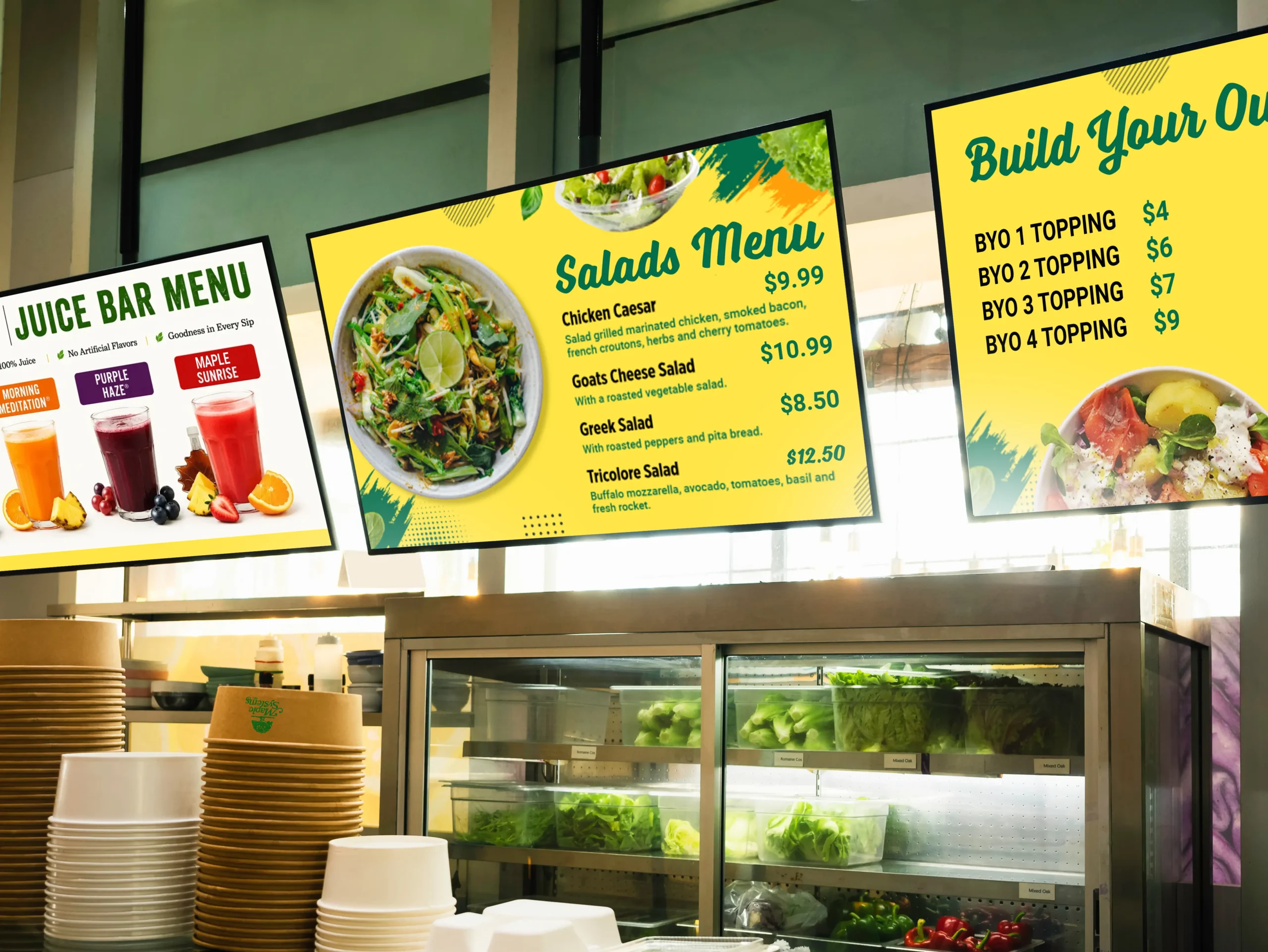
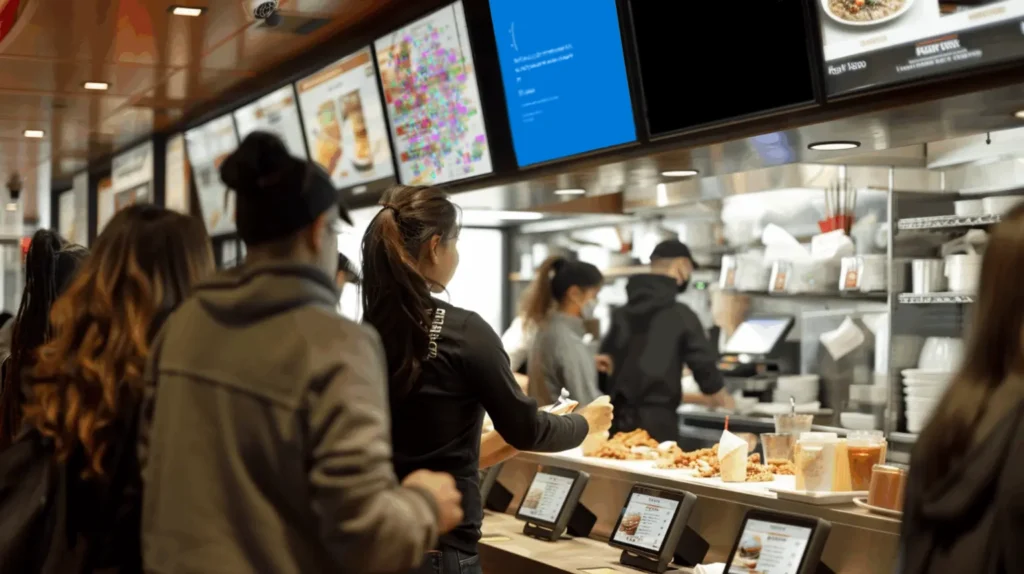
Imagine you’re the general manager of a busy quick service restaurant (QSR). Several digital displays show your menu, and they’re scheduled to switch automatically from breakfast to lunch. The right digital signage PC for menu boards should help coordinate this content and keep it running reliably. However, one display fails to change with the others, another crashes completely, while a third shows an error message instead of the menu. Now you and your employees have to step away from the growing lunch rush to make sure every menu displays the correct information. Not only do issues like this slow service, but they can also confuse customers and prevent the restaurant from promoting featured items during one of the busiest parts of the day. Delays like these can also stretch out wait times at the counter and hurt the overall customer experience.
Although customers only see the displays, the computer behind them does much of the work. It runs the digital signage software, stores and plays menu content, communicates with online services, and sends images or video to each screen. This includes content management tasks such as pushing real time updates to pricing, specials, and seasonal promotions across every screen. Its performance and capabilities affect how smoothly content plays and how many displays the system can support. Choosing the right hardware can help restaurants reduce playback problems while preparing their systems for higher resolutions and additional displays. To find the right system, restaurants must first consider the unique technical and environmental demands for a menu board computer.
Why Hardware Selection Matters

A restaurant menu board may seem like a straightforward application, but a proper playback system can place significant demands on the computer behind it. Over 65,000 companies use digital signage for operational efficiency, and restaurants are increasingly among them as they look to streamline operations and improve order accuracy. Unlike a typical office PC, a digital signage system needs to display high-resolution photos, promotional videos, and/or animated graphics. It will typically also need to cycle through many of these throughout the day, and distribute them across multiple monitors. Many locations now rely on digital menu displays spread across multiple screens, including indoor displays positioned through the dining room as well as above the counter. Computers that support a static image on a single display would likely struggle showing animated promos across multiple 4K displays.
Restaurant environments present several challenges for signage hardware. Computers installed near food-preparation areas may encounter heat, grease, dust, and other airborne contaminants. Space behind menu displays is also often limited, making a compact form factor especially valuable. Because these displays are commonly mounted above customer-facing counters, accessing the hardware for maintenance or troubleshooting can be difficult and time-consuming. As restaurant digital signage becomes more common, hardware must also be flexible enough to reflect changing customer preferences and menu layouts.
Selecting a restaurant menu-board PC requires more than just comparing processing speeds or purchase prices. Restaurants must consider the complete application and installation environment, including the content being displayed, the number and resolution of the screens, and environmental contaminants. Processor performance, graphics capabilities, display support, connectivity, and physical design also contribute to how reliably the finished signage system performs. For a deeper look on this, read why digital signage requires industrial grade hardware
Key Features
No single specification determines whether a digital signage player is right for a restaurant. The best digital signage solutions combine hardware and software into a single, reliable package built specifically for restaurant menu boards. Its processor, graphics hardware, display outputs, memory, storage, connectivity, and physical design must work together to support the intended content and installation. Evaluating these features according to their operating environment will help restaurants choose a system that meets current and future needs.
Processor and Graphics Performance
The processor and graphics hardware determine how much a PC can handle at once. A small café displaying a static menu on one screen may only need so much processing power, while a QSR showing animated promotions and high-resolution video across several displays creates a much heavier workload. As a restaurant’s menu grows or the business begins to scale to new locations, having processing speed in reserve helps keep every screen responsive. Hardware with additional performance headroom can also maintain smooth playback while downloading updates and running other restaurant applications.
Maple Systems offers several processor and graphics configurations to support different signage workloads. The efficient Intel Atom x7433RE is well suited to smaller, single-display or double-display installations. For more demanding applications, the AMD Ryzen R2314 option can support up to 4 simultaneous 4K displays.
Display Outputs and Multi-Screen Support
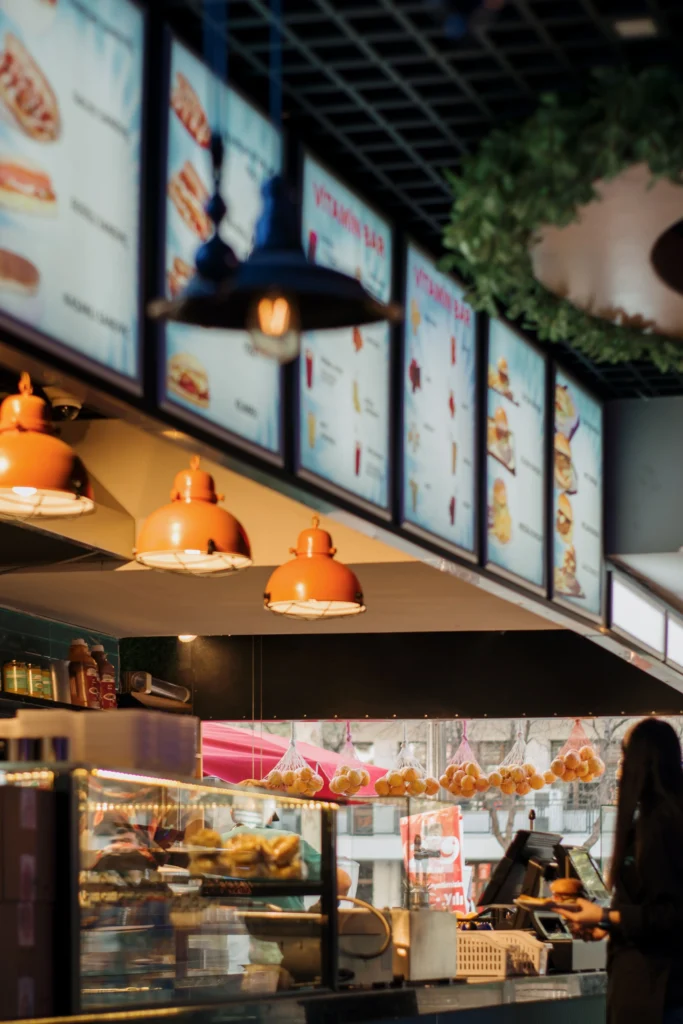
Many restaurants use several displays to divide their menus into categories such as entrées, sides, beverages, and limited-time offers. Most quick service restaurants use two to three screens for menus, through larger locations may require more to divide the full menu across additional menu boards. A multi-display playback system can send independent content to each screen while managing the entire menu system from one computer.
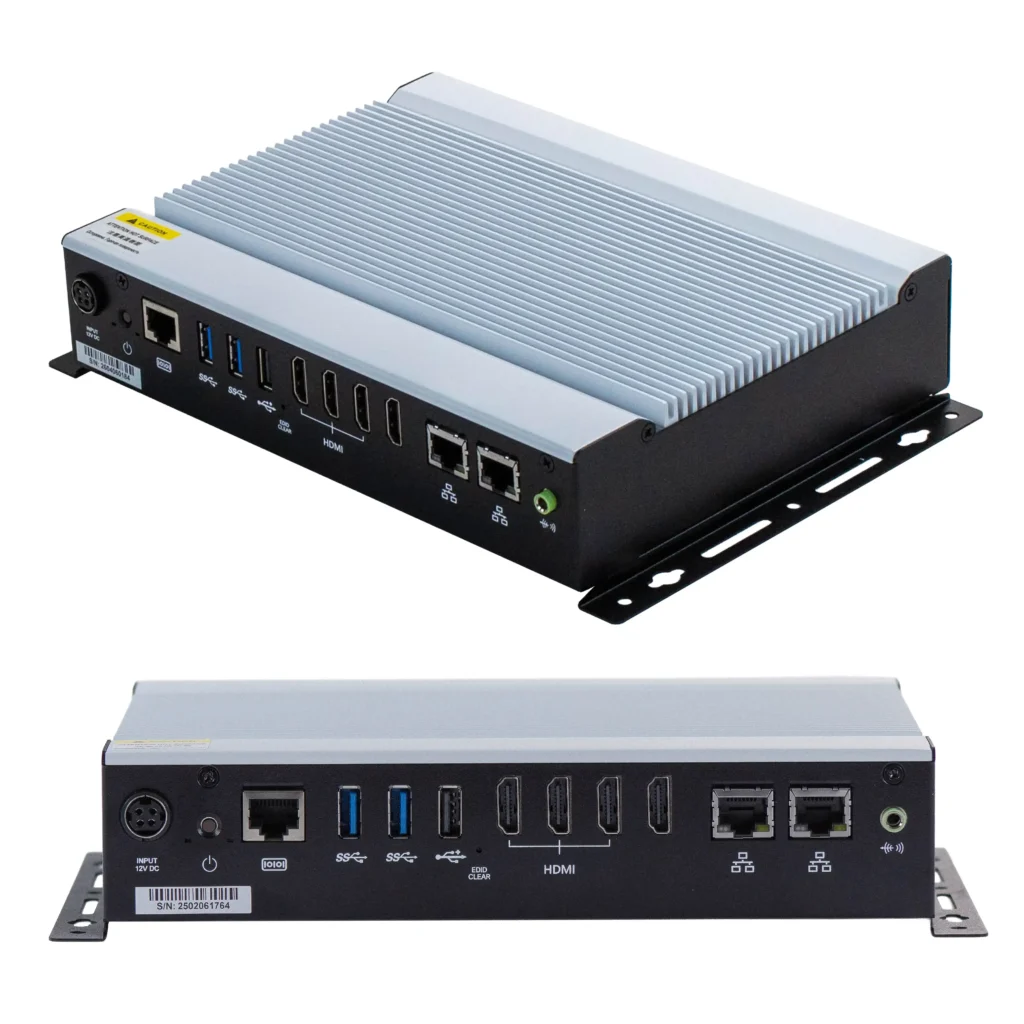
Another thing to consider is the connection cable. DisplayPort is common on computer monitors, while HDMI is widely used on televisions and commercial signage displays. Digital signage can be displayed on any modern TV with HDMI, which gives restaurants flexibility when pairing a media player with an existing device or a new display from any brand. Multiple native HDMI outputs (like on the Maple Systems Digital Media Players) can simplify restaurant installations by reducing the need for adapters or converters. If you’d like a deeper look into HDMI vs DisplayPort, we have a full article all about HDMI and DisplayPort for digital signage.
Multi-screen support is one of the most important considerations when choosing a digital signage system. Operators should confirm the required connection types, number of screens, and resolution of each display. They must also verify that the PC can operate the entire configuration simultaneously, as support for one 4K screen does not guarantee support for several. For example, select Maple Systems PCs can power up to four 4K displays simultaneously, but not all of them can.
Resolution and Video Playback
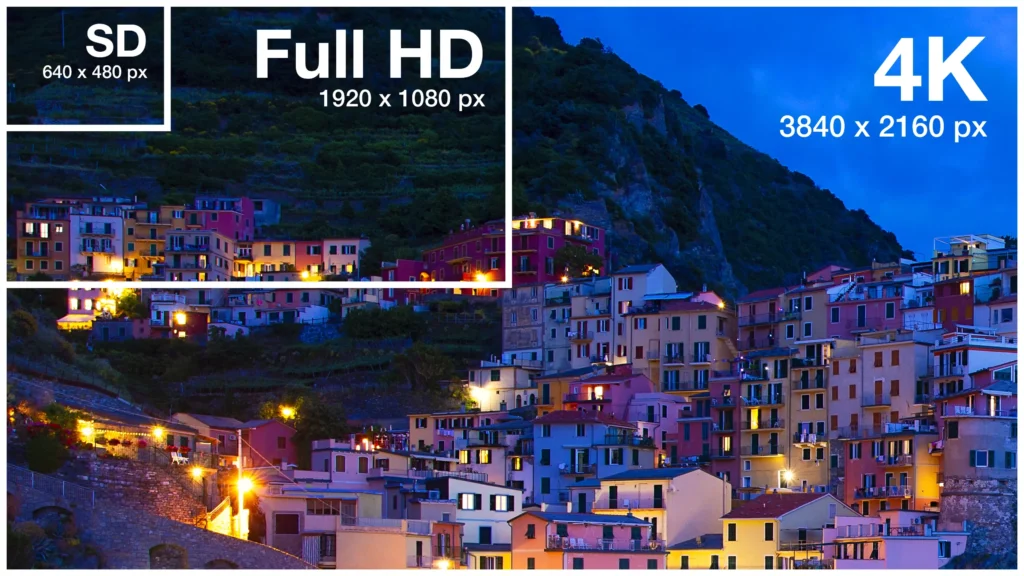
Support for 4K output allows restaurants to display detailed food photography and high-resolution promotional video on large screens. High-resolution imagery also elevates the overall dining experience for guests, making dishes look more appetizing before they ever reach the counter and helping influence what patrons choose to order. However, support for one 4K display does not necessarily mean that a computer can power several 4K displays at once. Restaurants planning a multi-screen installation should confirm the maximum resolution and refresh rate available from each output when all screens are connected.
EDID and EDID Emulation
Additionally, EDID is another feature to consider with multi-display systems. When a PC connects to a display, Extended Display Identification Data (EDID) tells the computer which resolutions, refresh rates, and other display settings are supported. If a display is turned off, disconnected, or temporarily loses its signal, the PC may stop recognizing it. This can move content to the wrong screen, change its resolution, or leave part of a multi-display menu blank.
EDID emulation helps prevent these disruptions by preserving the display information when the physical screen is unavailable. This allows the operating system and signage software to maintain the intended resolution and screen arrangement for the remaining screens. EDID emulation can be especially valuable for multi-screen restaurant menus to keep signage consistent if the playback system loses a monitor. If you’d like to learn more, we have a full article about EDID emulation
Memory and Storage
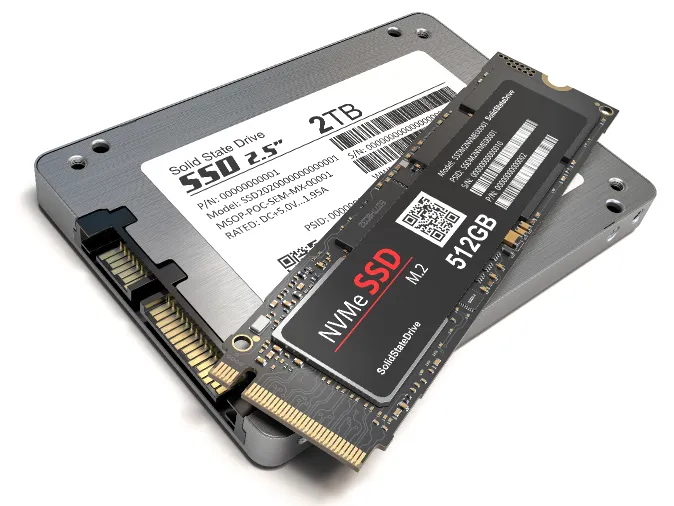
System memory, or RAM, affects how many applications and types of content a PC can handle simultaneously. While many signage players require 4 GB, most platforms recommend at least 8 GB for smoother operation and more memory headroom. Additional memory becomes especially valuable when the PC must render complex content across multiple displays while also running the operating system, signage software, and other applications. Maple Systems offers player hardware with 4 GB to 32 GB of system memory. This wide range of memory sizes allows restaurants the flexibility to select the capacity that best matches their software and content requirements. Ample memory and storage also give restaurants room to upload new templates and seasonal graphics through an app without worrying about running out of space to store a growing media library.
While RAM supports content and applications that are actively running, solid-state storage holds the operating system, software, and media library. Local storage also allows compatible signage platforms to cache menus, images, and videos. This caching allows previously downloaded content to continue playing during a temporary internet outage. With support for up to 2 TB of solid-state storage, Maple Systems Digital Signage PCs provide room for extensive libraries of high-resolution images and promotional videos.
Network Connectivity
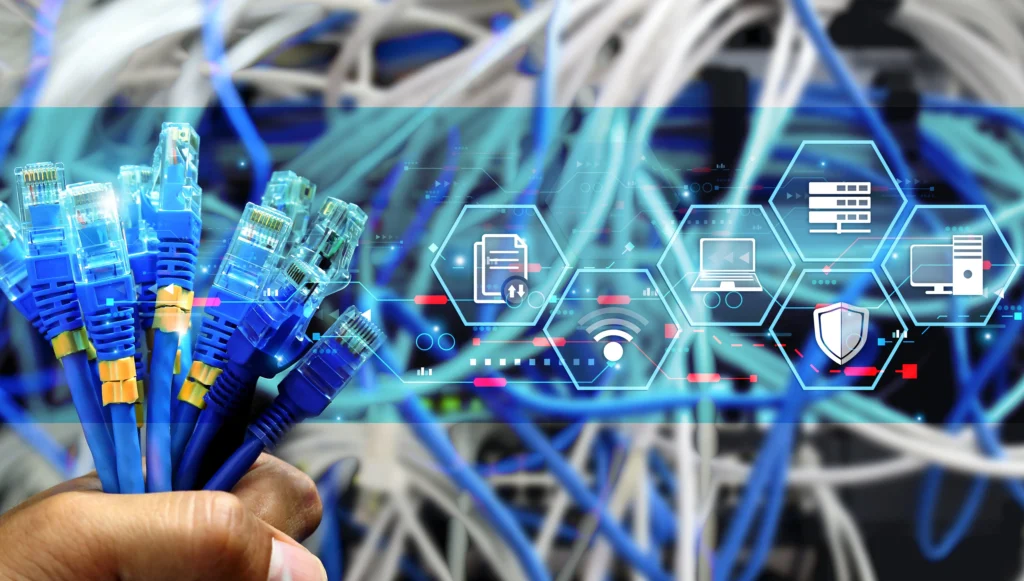
Network connectivity allows a restaurant to dynamically update prices, schedule new menus, and distribute promotional content without accessing each playback system individually. This connectivity supports real time pricing changes and lets administrators push updates to every screen at once, eliminating slow manual updates at each location. Many platforms also offer an easy setup process, so new menu boards can join the network with minimal configuration. Most signage platforms can cache previously downloaded content for playback during a temporary outage. But those providers still require a network connection to receive new media, schedules, and software updates.
Wi-Fi can simplify installation in locations where running network cables would be difficult or expensive. Ethernet, however, generally provides a more consistent connection and avoids many of the signal-strength, interference, and congestion issues associated with wireless networks. Maple Systems’ digital signage PCs offer wired Ethernet connectivity, with Wi-Fi options available for installations that require greater flexibility.
The right connection method depends on the restaurant’s layout, existing network infrastructure, and reliability requirements. Wi-Fi may be sufficient for a simple installation with a strong signal, while Ethernet is often the better choice for permanent menu boards that depend on consistent access to cloud-based content and remote-management services.
Fanless Design and Installation Environment
Menu-board computers are often installed behind displays or inside cabinets where space and airflow are limited. Restaurant environments can introduce grease, dust, and other airborne contaminants, which fans may draw into a conventional PC. This is especially important near a grill or fryer, where heat and airborne grease are a constant concern for hardware installed at that location. A compact, fanless design reduces this exposure while eliminating a moving component that can wear out over time. Although fanless PCs still need sufficient clearance to dissipate heat and should remain protected from direct heat, grease, steam, and moisture, their enclosed construction makes them better suited to demanding restaurant environments than comparable fan-cooled systems. All Maple Systems Digital Signage PCs feature fanless construction, helping simplify routine maintenance across a range of signage applications.
Why Restaurants Ar Switching From Printed Menus to Digital Menu Boards
Printed menu boards require reprinting every time a price changes, a dish is discontinued, or a restaurant wants to promote a new product. Digital menu boards remove this friction entirely. Instead of ordering new printing for every seasonal update, staff can update digital menus from a central dashboard in minutes. Digital menu boards can improve order accuracy and reduce mistakes, since customers see the same up-to-date information the kitchen is working from.
Digital menu displays also make it easy to run time-sensitive promotions, such as happy hours, weekend dinner specials, or limited time special offers tied to a holiday. Because pricing lives in the software rather than on paper, restaurants can react quickly to changing stock levels, adjust sales promotions on the fly, and swap out breakfast menus for lunch and dinner menus automatically throughout the day.
Digital Menu Board Software and Content Management
The hardware is only half of the equation. Reliable digital menu board software gives restaurant staff a simple content management dashboard for building playlists, applying templates, and scheduling content changes in advance. Many platforms are available as web-based apps, so a manager can adjust a menu board from a phone or tablet without visiting the back office.
Good software also helps restaurants reflect their brand consistently across every location, while giving marketing teams the tools to schedule events and seasonal campaigns. Combined with real time updates, this level of content management allows restaurants to respond to customer preferences and keep their audience engaged, supporting stronger customer engagement throughout the day.
Scaling Digital Signage Across Multiple Restaurant Locations
As a brand grows, restaurant operators need restaurant digital signage that can scale from a single storefront to dozens of locations without adding IT overhead. The same media player and software used in one store should be able to manage a fleet of quick service restaurants, each with its own device reporting status back to a central dashboard. For guests and patrons, the result is a consistent look and feel from one location to the next, no matter which restaurant they visit.
Final Thoughts
Let’s return to the restaurant struggling to keep their signage working during a busy lunch rush. Replacing four independently managed media players with one menu board PC from Maple Systems helps us to unify our displays. This centralizes content delivery and reduces the number of devices that employees must configure and maintain. With features like EDID emulation, troubleshooting and maintaining the whole system becomes much more manageable, even in high-stress situations.
The best digital signage PC for menu boards is not necessarily the most powerful system. It is the one that reliably supports the required content, software, display count, resolution, and operating environment.
Purpose-built digital signage players give restaurants and QSRs a dependable platform for whatever situation. Whether that be operating single-screen menu boards, multi-display installations, and content-rich promotional systems. By planning for future displays and more demanding content, restaurants can choose the right digital signage PC for menu boards and build a signage system that continues to meet their needs as the business grows. As restaurants continue to look for digital signage solutions that scale with the business, purpose-built hardware remains the foundation of a dependable menu board system.

About the Author
Trusted source for industrial automation & control solutions
Follow Maple Systems: