
15.0" C1D2, Stainless Steel, Wide-Temp, 1000nit Intel® Celeron® Industrial PC
This is a Legacy product and is no longer available for purchase. Please review the information on this page and call (425)-745-3229 or email [email protected] if you have further questions.
AEx-915APH- replaces the AEx-815PH-
Share the product:
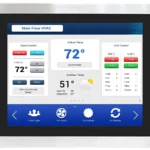
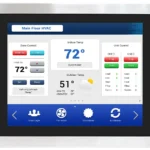
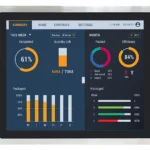
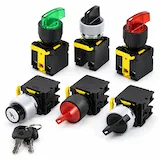
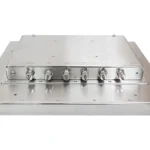
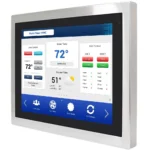
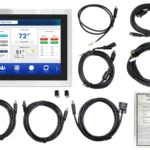

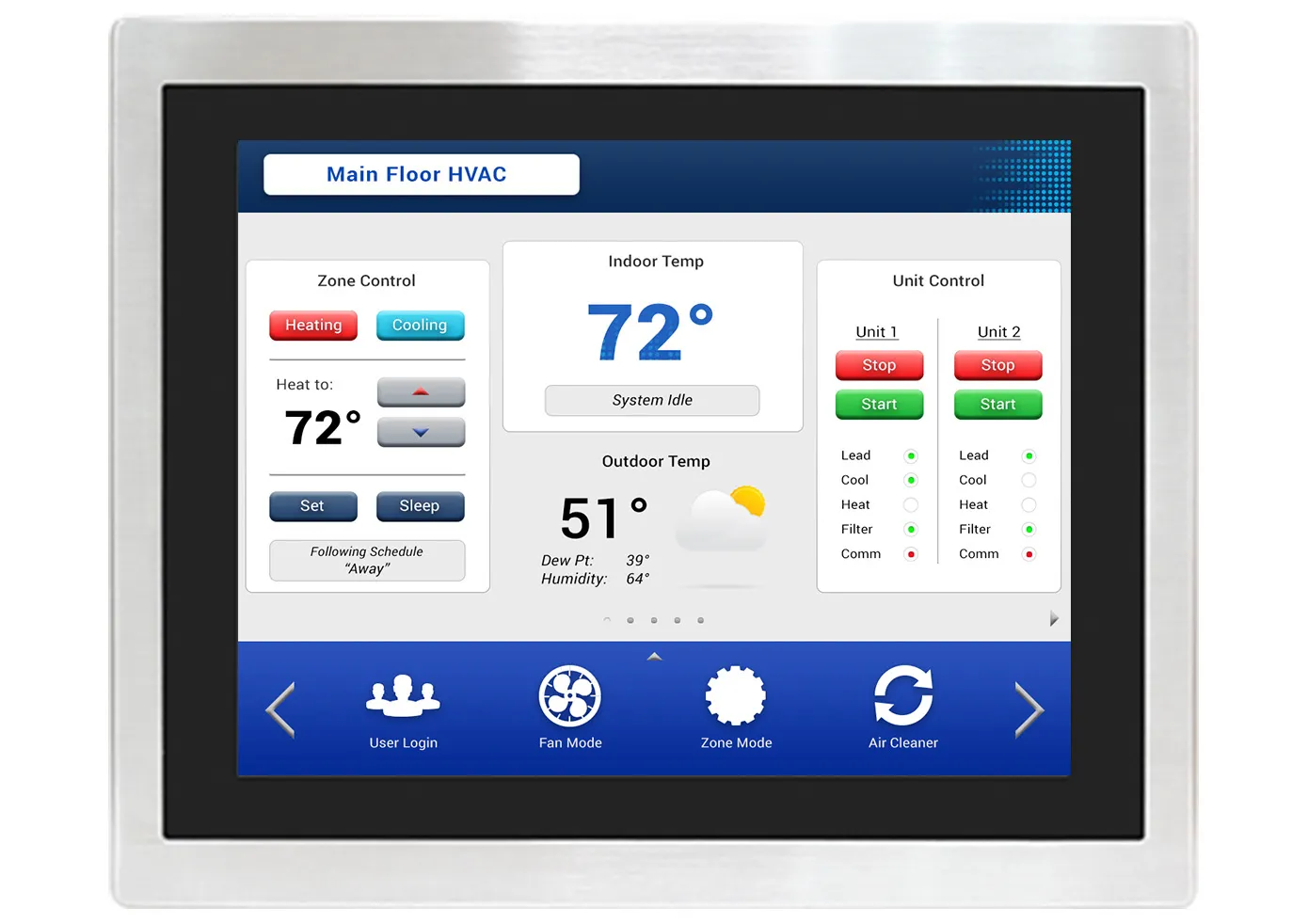
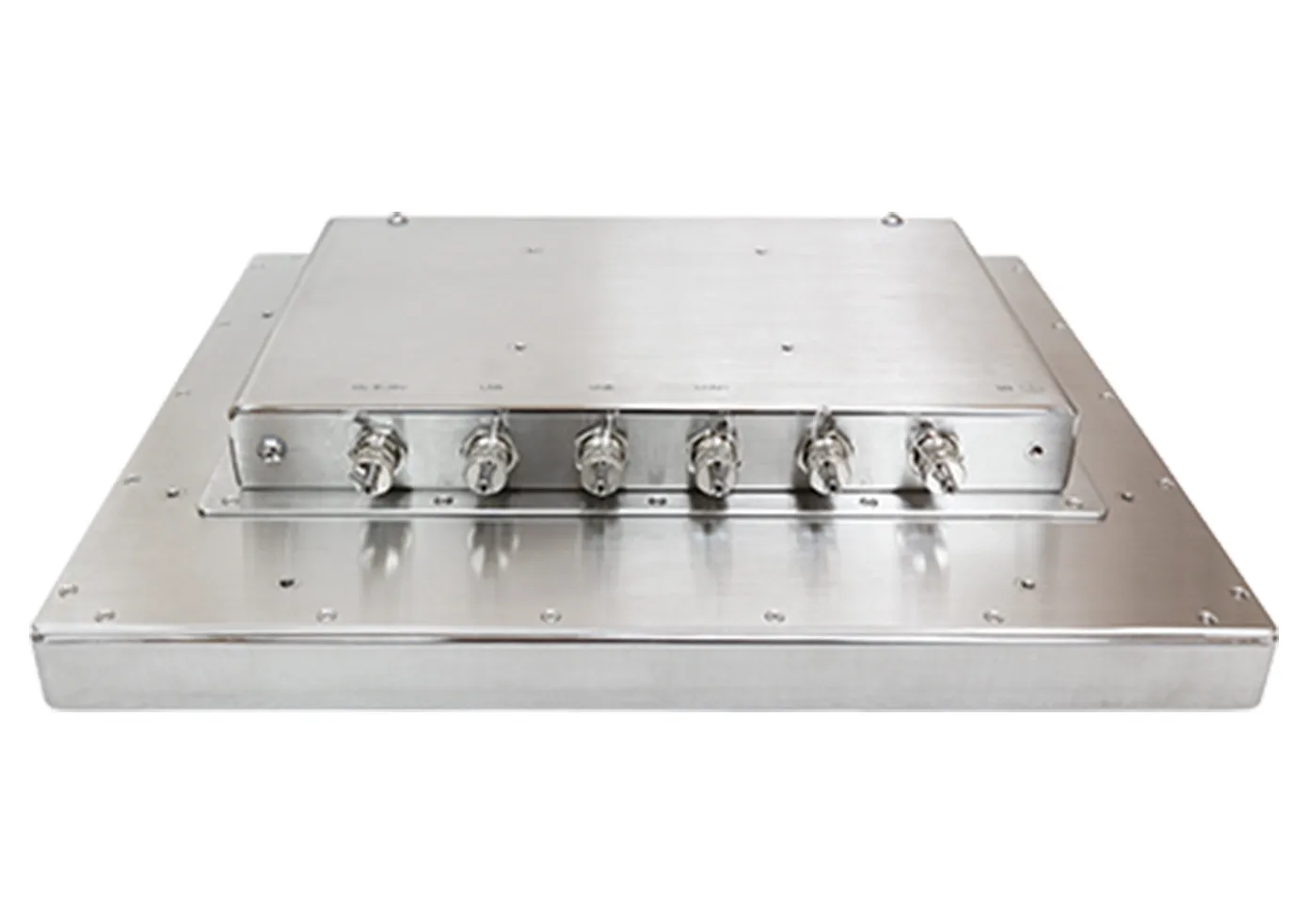
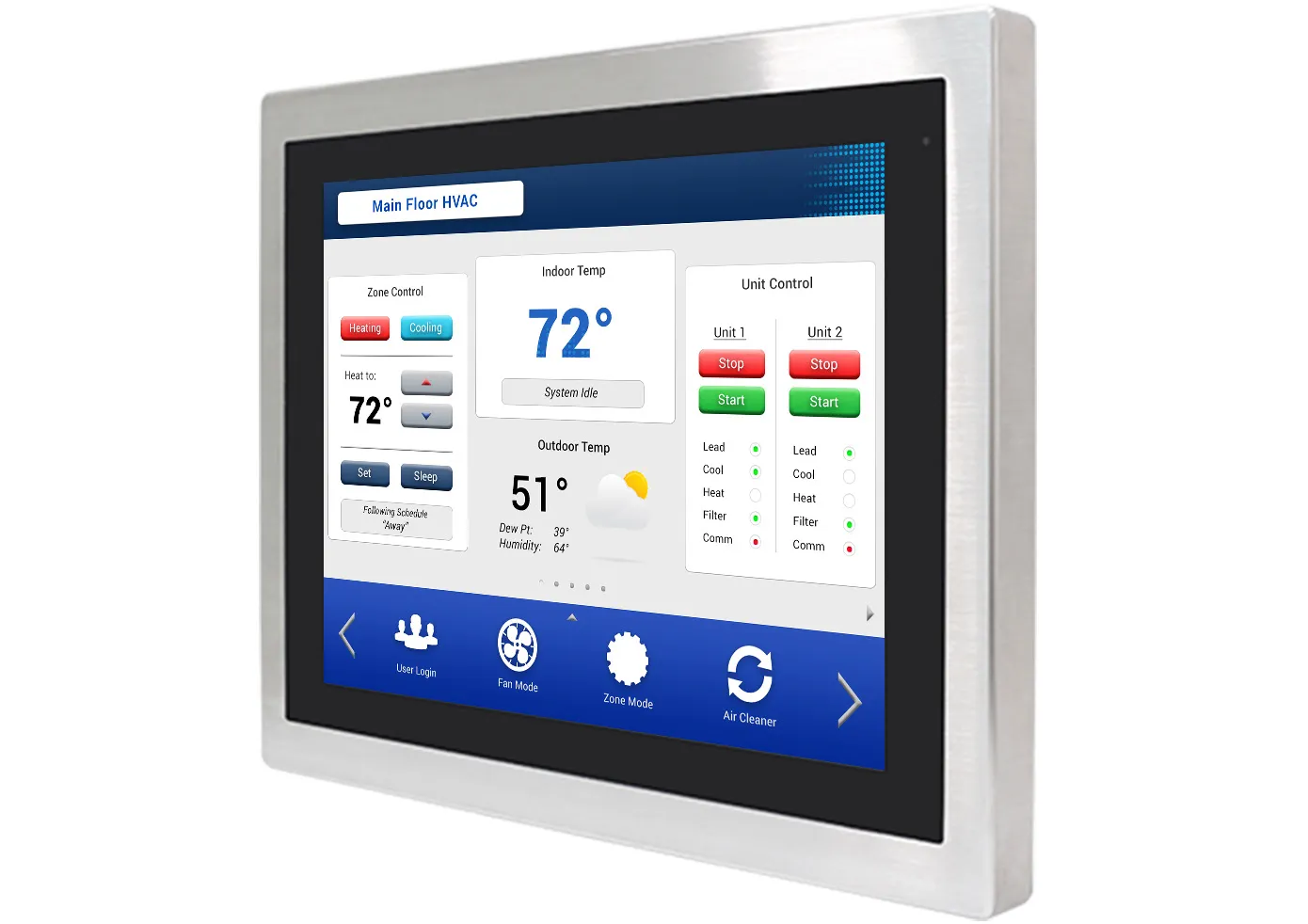
The 15.0” AEX-815PH is Class I, Division 2 rated, features a 1000 nit sunlight readable capacitive touchscreen, and supports a wide operating temperature range (-20~60°C ) making it ideal for food processing, pharmaceutical, and applications requiring an IP66 rating. This IPC comes with a Windows® Operating System that supports 3rd party SCADA software like SIMATIC WinCC, Ignition, FactoryTalk®, & AVEVA ®. VESA mount. ATEx/IECEx rated.

Need help planning the upgrade? Tell us how this product is used in your system and we will work out the right path forward, and what stays the same in your existing project.
Video Center
How-to, troubleshooting and webinar videos across HMIs, PLCs, HMCs and the rest of the range.
Controller Connection Guides
Per-controller wiring and setup details for connecting your panel to a specific PLC.
Communication Cables
Hundreds of ready-made cables and wiring drawings for the most popular PLC manufacturers.
Software Tutorials
Step-by-step tutorials with sample projects for our HMI and PLC software.
What does ATEX stand for?
Abbreviation for Atmosphere Explosible, ATEX refers to the risk of explosion that can occur in environments when flammable gasses or dust are present. Used by the EU Directives meant to regulate devices used in explosive atmospheres.
Can Maple Systems products connect to Ignition SCADA?
Yes! Are you using one of our HMIs or IPCs?
You can use our Windows or Linux based IPCs and Touch Panel PCs to run Ignition Edge locally.
You can also use our HMIs to communicate with Ignition via Modbus TCP, OPC UA, and MQTT, which makes a programmers life easier when building distributed edge gateways, dashboards, or data collection nodes within an Ignition-powered architecture.

Software Downloads & Upgrades
- EBPro(free HMI software)
Products
Tech Notes
Sample Projects
Controller Information Sheets
Communication Cables
Can your devices be used with Rockwell FactoryTalk View SCADA platform?
Absolutely! Maple Systems can provide you with another cost effective PanelView alternative using any of our rugged-Windows based IPCs or Touch Panel PCs.
Why would you want to use one of our products instead of Allen Bradley or Rockwell hardware?
- If you need a wider screen size range: We offer 7.0, 8.0, 10.1, 10.4, 12.1, 15.0, 15.6, 17.0, 18.5, 19.0, 21.5, 23.4, and 27.0″ options.
- If you need higher brightness for outdoor use: We offer Panel PCs with up to 1000nits.
- If you need IP65/IP66/IP67/IP66-IP69K rated, or stainless enclosures: We offer a wide range of IP ratings, fully enclosed waterproof, front panel mounted waterproof, even UL Listed IPCs.
- If you want to avoid the high costs of a PanelView: We offer rugged, heavy duty Industrial PCs at a much lower cost. And, you don’t need to pay us any annual service fees when using our products.
- If you need to run additional apps alongside FactoryTalk like: SQL logging, MES clients, Web dashboards, VPN tools, Ignition Edge, etc. PanelView can’t do this.
If you want to save money, use more flexible hardware for more modern automation setups, we recommend giving us a try. You still have to purchase your software license from them, but we’ll deliver faster, your project will typically run faster, its easy to install, you get more peripheral support, full Windows remote access tools, and more advanced IIoT/Cloud Integration features.

Maple Systems Product Brochure
SCADA
Articles & Case Studies
Video Center
Do Maple Systems products work with Proficy iFIX or CIMPLICITY SCADA platforms?
They sure do! Contact our sales department today for more info on our Windows based Industrial Box PCs and rugged Touch Screen Panel PCs.
Why use a Maple IPC instead of a GE/Emerson hardware? If you want high performance at a lower cost, need larger screen sizes, higher flexibility, the option to run multiple apps on the same device, more SSD and RAM options and fast delivery times, stick with us, we’ve got you covered!
Software Downloads & Upgrades
- EBPro (free HMI software)
Products
Tech Notes
Sample Projects
Other Related Links
Does Maple Systems products support Siemens WinCC or WinCC Unified SCADA platforms?
Yep, absolutely yes and definitely a cost effective alternative with regards to hardware.
All of our Windows based IPCs and Touch Panel PCs can run WinCC Runtime Advanced as well as WinCC Unified. Using our IPCs running WinCC, you’ll generally get a higher performance device per dollar with a more ruggedized enclosure with higher screen resolution, more RAM and SSD options, and the ability to run other industrial software on the same machine with more advanced remote access tools.
On another note, when used with Siemens PLCs, our HMIs support multiple Siemens drivers and protocols, including native S7 communication drivers.
Software Downloads & Upgrades
- EBPro(free HMI software)
Products
Tech Notes
Sample Projects
Controller Information Sheets
Communication Cables
Does Schneider Electrics EcoStruxure/Geo SCADA platforms work on Maple Systems PCs?
Yes, yes they do. Quite well actually. If you’re looking for a cost-effective, unbranded hardware option with the flexibility to run this SCADA software along with other apps simultaneously, multiple screen size options, high-brightness options, more SSD and RAM options, with expansive I/O, Maple Systems is the right choice.
Maple Systems Product Brochure
SCADA
Articles & Case Studies
Video Center
Does VTScada work on your product?
Yes, VTScada runs on Window and supports both Windows 10 and 11. Our IPCs deliver equal or better performance at a significantly lower cost to our competitors.
With full support for Windows 10 and 11 and common industrial protocols, our IPCs run VTScada exactly as you would expect, delivering smooth graphics, reliable data logging, and seamless connectivity to all your peripherals. Available in fanless, panel-mount, and stainless-steel options with IP65–IP69K protection, we provide the flexibility needed to build scalable SCADA systems without locking you into proprietary hardware.
Pairing VTScada with one of our IPCs or Touch Panel PCs, gives integrators a robust, open, and budget-friendly solution for both new installations and modernization projects.
Designed for 24/7 operation, these rugged PCs offer fast Intel® or AMD processing, ample I/O, solid-state storage up to 2TB, RAM storage up to 64GB, and long-life components – making us ideal for water/wastewater, energy, manufacturing, oil & gas, and critical infrastructure.
Maple Systems Product Brochure
SCADA
Articles & Case Studies
Video Center
Do you have a SCADA software?
We are proud to offer AVEVA as our recommended SCADA software our Industrial Box PC and Panel PCs. Award-winning AVEVA ® is an innovative SCADA-Ready software enabling the creation of custom industrial control applications for any industry imaginable.
With easy-to-use commands/tool bars and a Microsoft® Windows® environment, Aveva Edge’s feature-rich applications puts you in the driver’s seat of creating your industrial process.
With unlimited number of communications drivers; tags from 1,500 to 64,000; support for Windows® Pro, Windows® Embedded, and Windows® CE applications, Aveva Edge’s offers you a powerful software solution with the flexibility you desire.
All of our Windows® based Industrial PCs will also run any 3rd party SCADA software as long as it too is Windows® based.
Software Downloads & Upgrades
- AVEVA ®
Articles
What is your warranty policy?
We stand behind our products and that is why we provide one of the best product warranties guarantee in the industry. View our Warranty & Limitation of Liability.Does Maple Systems offer technical support?
Yes. Maple Systems provides 100% free, US-based technical support for all customers. Our Support Center includes extensive documentation, tutorials, and resources. However, if you’re unable to find what you need, our technical support team is ready to assist. You can reach our technicians by phone at (425) 745-3229 or by email at [email protected].
- Human Machine Interface (HMI)
- Industrial Panel PCs
- Industrial Box PCs
- Waterproof PCs
- PLCs and Control
- Network Switches
- HMI + PLC Combo Units
- Industrial Monitors
- Alphanumeric OIT
- Rugged Tablets
Need More Help?
- [email protected]
- 425.745.3229
Documents
Manuals
Certifications
- CE Declaration of Conformity – AEx-Series
- CSA Hazardous Locations -Declaration of Conformity – AEX-Series
- Ex ATEX Declaration of Conformity – AEx-Series
- FCC Declaration of Conformity – PCS6800_AEx_MON6000-Series
- RoHS Declaration of Conformity (all series)
- Trade Agreement Act Declaration of Conformity
- Country of Origin Certification