
5 Port Premium Unmanaged Network Switch
$140.00
For use with all product
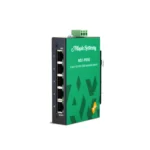
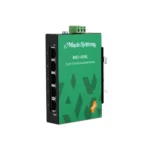
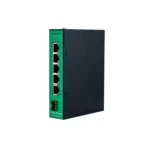
The 5 port ethernet switch MS1-P05G with premium features for communication between controllers and devices in automation settings, with important traffic requirements.
The Premium 5 port gigabit switch offers auto-negotiation on all its ports to aggregate devices easily in industrial ethernet applications. The unmanaged network switch offers various in-built traffic optimization and network performance features to prioritize important industrial data packets, prevent the loss of data during communication, and stable transmission. iQoS Support for EtherNet I/P, PROFINET, GOOSE and Port Priority on Port 1 support.
Designed to withstand vibration, shock, free fall, and interference it suits extreme industrial environments.
- US-based technical support.
Share the product:

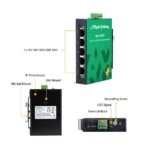


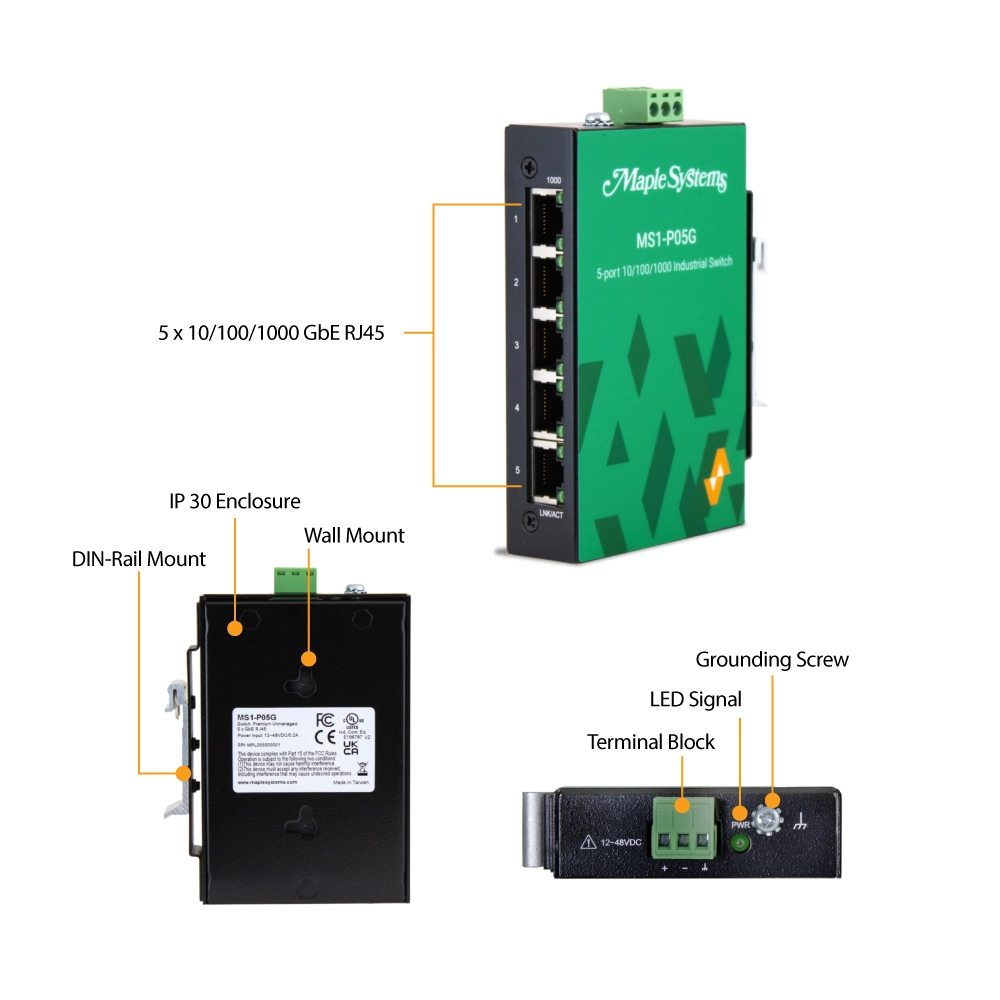

- 5 x 10/100/1000 RJ45 ports
- Industrial QoS (EIP (EtherNet/IP), PROFINET, and GOOSE packets)
- Auto-Negotiation, Flow Control, Storm Control, VLAN passthru
- Operating temperature -40℃~75℃ (-40°F~167°F)
- Aluminum Housing, Din-Rail / Wall Mount
- IP30, UL, CE, FCC, RoHS, EMI, EMS, Shock, Vibration
Port Specifications
| RJ45 Copper Ports | Five (5) |
|---|---|
| RJ45 Speed | 10/100/1000BASE-T |
| Auto Negotiation & MDI/MDI-X | Supported |
| RJ Nominal Max. Distance | 328 feet (100 meters) |
Performance
| Packet Buffer | 1.5Mbits |
|---|---|
| Jumbo Frame Size | 9216 Bytes |
| MAC Table Size | 2K entries |
| L2 Forwarding Rate | 7.4Mpps |
| Switch Fabric | 10 Gbps |
| Throughput | 14,880 pps to 10 Mbps Ethernet ports 148,800 pps to 100 Mbps Fast Ethernet ports 1,488,000 pps to 1000 Mbps Gigabit Ethernet ports |
Traffic Control
| Flow Control | Yes |
|---|---|
| Storm Control | Yes |
| VLAN Passthru | Supports up to 4094 VLAN IDs |
| LLDP Filter | Yes |
| Port Priority | Port 1 |
| QoS Queue | 8 per port (FIFO) |
| Industrial QoS | EtherNet/IP, PROFINET, GOOSE |
| 802.1p QoS/CoS | Prioritize QoS Tags (not configurable) |
VLAN
| VLAN Passthru | Yes |
|---|
IEEE Standards
| Compliance | 802.3, 802.3u, 802.3x, 802.3ab, 802.1p |
|---|
Power Details
| Input Connector | Terminal Block |
|---|---|
| Max Input Current | 0.125A @ 24VDC |
| Max Power Consumption | 3W |
| Current Overload Protection | Yes |
| Redundant Power System | N/A |
| Input Voltage | 12-48 VDC |
| Reverse Polarity Protection | Yes |
| Power Input Polarity Protection | Yes |
Network Management Features
| LLDP Filter | Yes |
|---|
Mechanical
| LED Panel | 1000, LNK/ACT |
|---|---|
| Dip Switches | N/A |
| Alarm Relay | N/A |
| Enclosure Material | Black Powder-Coated Aluminum |
| Dimensions WxHxD | 23.6 x 111.5 x 73.8 mm (0.93 x 4.39 x 2.90”) |
| Weight | 185g (0.41 lb) |
| Mounting | 35 mm DIN Rail, Wall Mount |
Environmental
| Operating Temperature | -40°F~167°F (-40°C~75°C) |
|---|---|
| Storage Temperature | -40°F~185°F (-40°C~85°C) |
| Operating/Storage Relative Humidity | 5 to 95% RH (non-condensing) |
Certifications/Standards
| UL | cULus Listed |
|---|---|
| RoHS | Compliant |
| FCC | Class A Compliant |
| Ingress Protection | IP30 |
| Shock Test | IEC 60068-2-27 |
| Freefall Test | IEC 60068-2-31 |
| Vibration | IEC 60068-2-6 |
| EMI / CE | FCC Part 15 Class A, EN 55011 / BS EN 55011 Class A, EN 55032 / BS EN 55032 Class A, EN 61000-6-4 / BS EN 61000-6-4 |
| EMS / CE | IEC 61000-4-2 (ESD), IEC 61000-4-3 (RS), IEC 61000-4-4 (Burst), IEC 61000-4-5 (Surge), EN 61000-4-6 (CS), IEC 61000-4-8 (PFMF) EN 55035 / BS EN 55035 EN 61000-6-2 / BS EN 61000-6-2 |
| CE UKCA | Yes |
| CE | Yes |
Unmanaged Switch Unboxing
We'll unbox our Unmanaged Industrial Network Switch, show all unmanaged options, features, and how to connect them to your network.
What is the first step to take in getting my Maple Systems Network Switch online?
First, you should determine if its an unmanaged or managed switch:
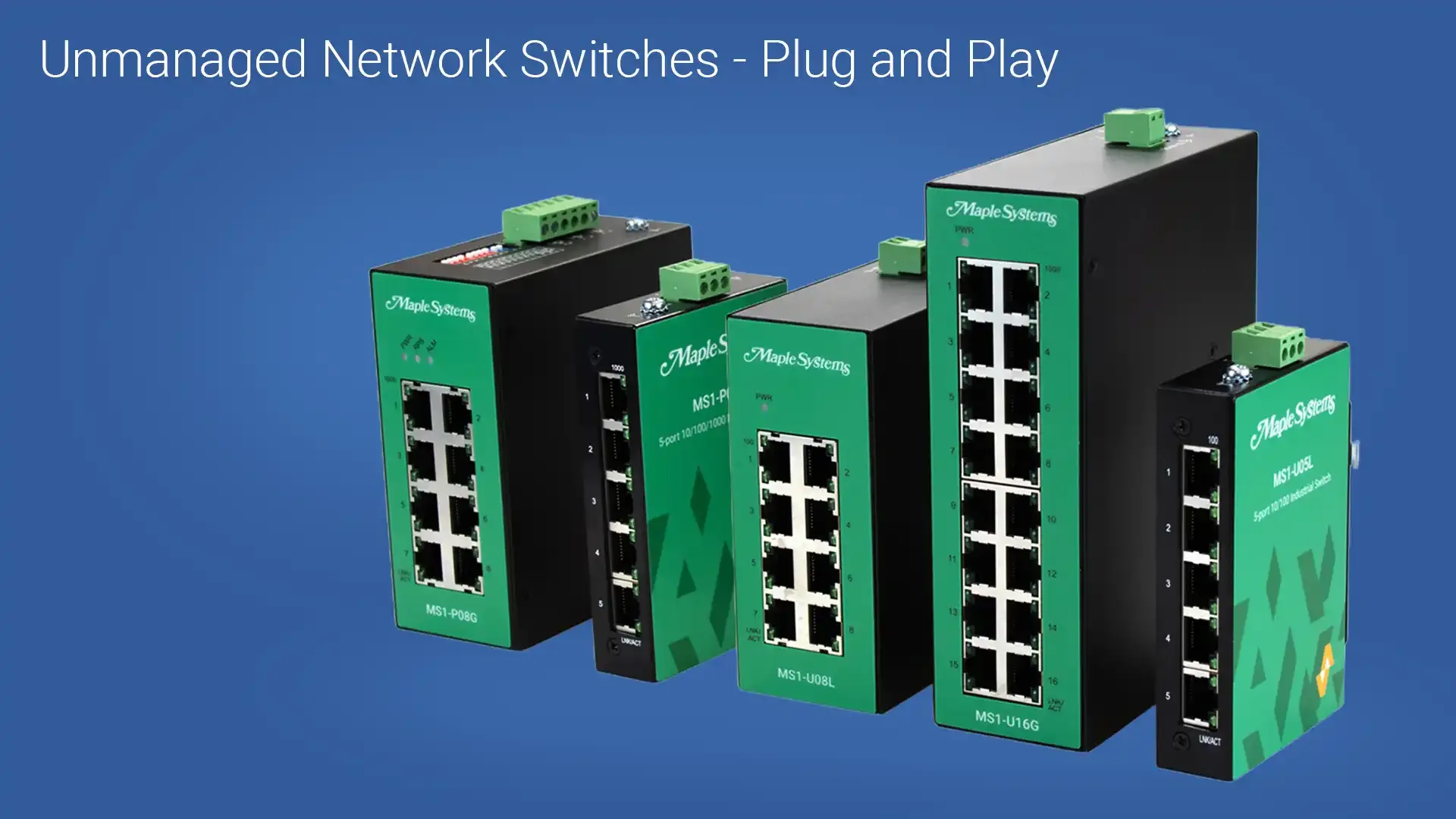
- If unmanaged, its plug and play.
- If managed, you’ll need to know how to reach the switch’s web interface.
To access the managed switch’s web interface, you’ll need to determine the switch’s IP address:
- The default IP address for Maple Systems managed Network Switches is 192.168.100.254
Once you’ve determined the IP address:
- Connect your PC or laptop directly to the switch via Ethernet
- Open a browser and enter the switch’s IP address directly into the URL and press Enter
If you’re using managed switch, your browser should open up to either:
- MapleLink (Managed Switch)
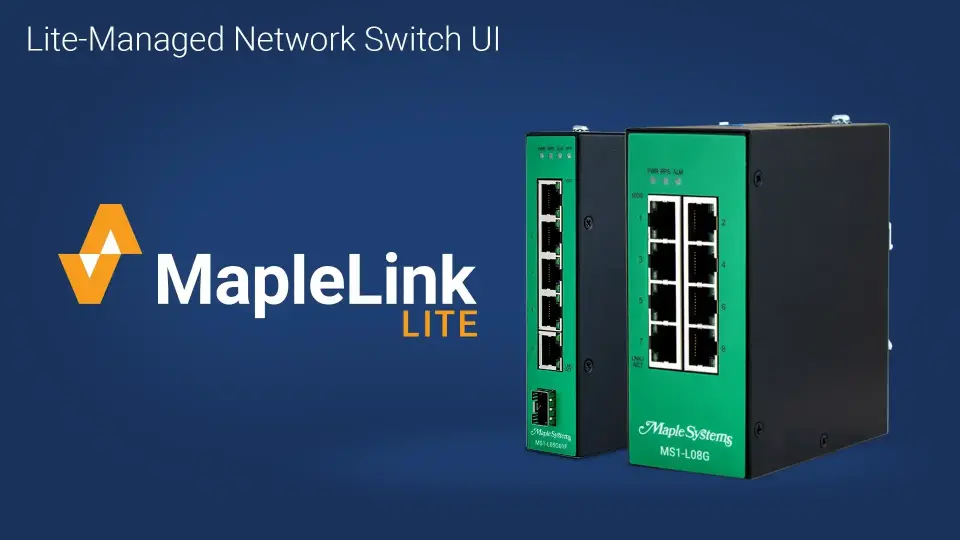
- MapleLink Lite (Lite-Managed Switch)
With straightforward configuration menus, both MapleLink and MapleLink Lite let you quickly set up your lite or fully managed network switch. The integrated topology map of connected devices and neighboring switches gives you key information such as IP address and link status. All the while, our unmanaged and premium unmanaged switches are plug and play for easy and quick installation.
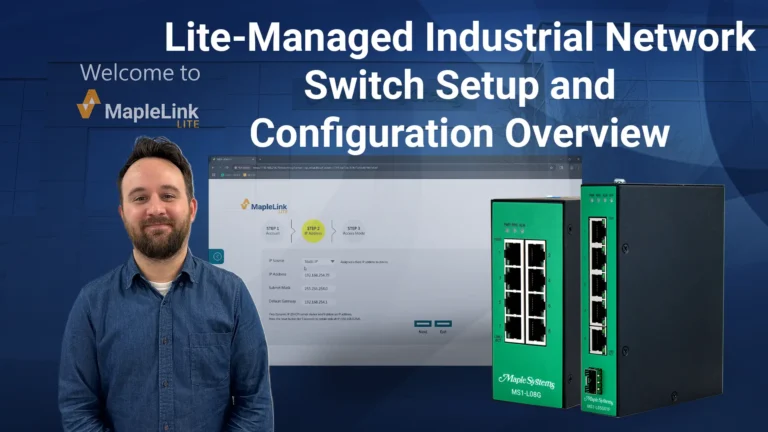
Tutorial: Lite-Managed Industrial Network Switch Setup and Configuration Overview

Landing Page
Manuals & Guides
- MS1-U16G Quick Start Guide
- MS1-L05G01F Quick Start Guide
- MS1-P05G Quick Start Guide
- MS1-U05L Quick Start Guide
- MS1-M08G Quick Start Guide
- MS1-L08G Quick Start Guide
- MS1-P08G Quick Start Guide
- MS1-U08L Quick Start Guide
Product Pages
Tech Notes
Solutions
Videos
Require additional support
What is the default IP address for your Network Switches?
The default IP address for our Fully-Managed and Lite-Managed Network Switches is 192.168.100.254.
Here is a tutorial we created showing the setup and configuration of one of our Lite-managed Industrial Network Switches.
Landing Page
Manuals & Guides
- MS1-U16G Quick Start Guide
- MS1-L05G01F Quick Start Guide
- MS1-P05G Quick Start Guide
- MS1-U05L Quick Start Guide
- MS1-M08G Quick Start Guide
- MS1-L08G Quick Start Guide
- MS1-P08G Quick Start Guide
- MS1-U08L Quick Start Guide
Product Pages
Tech Notes
Solutions
Videos
Require additional support
What is an Industrial Network Switch?
An Industrial Network Switch is a type of switch designed to operate in harsh environments typically found in industrial settings. It is built to withstand factors like temperature extremes, humidity, vibration, and electrical interference, which are common in factories, power plants, and other industrial locations. These switches are optimized for industrial control systems, offering high reliability and performance. They support features like Power over Ethernet (PoE), network redundancy, and long-distance communication, ensuring uninterrupted data transmission in mission-critical applications.
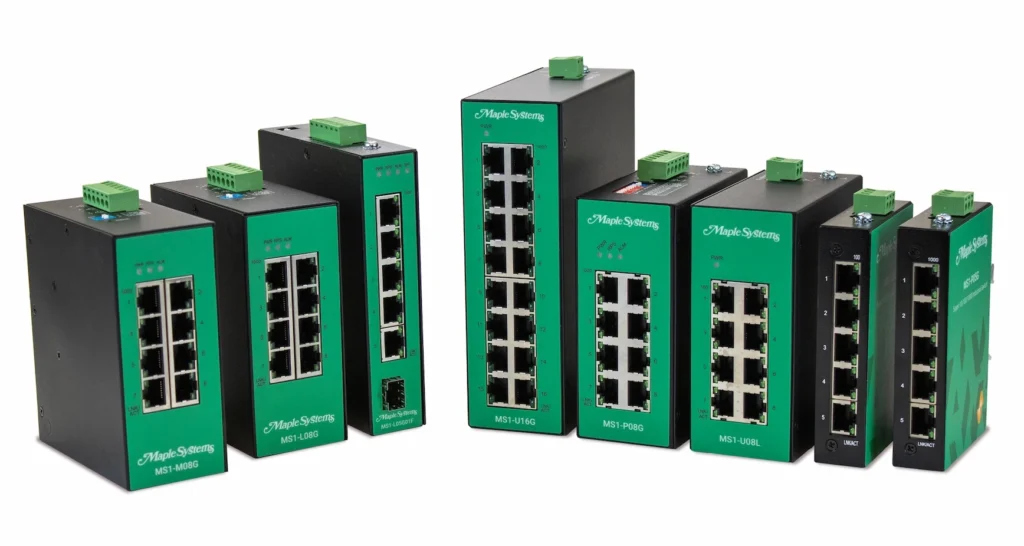
Industrial network switches come in four main types: Managed, Lite-Managed, Premium-Unmanaged, and Unmanaged. Each type offers different levels of control and functionality, depending on the needs of the network.
- Managed
- Configurable switch with lite-managed features and more like DHCP Client/Relay/Option82, LACP, MAC-based VLAN, IGMP Snooping and more!
- Lite-Managed
- Configurable switch with advanced features like Port Configuration, Syslog, 802.1p QoS, ACL, and more!
- Premium Unmanaged
- Simple plug and play switch with some advanced features like Port Priority, and industrial QoS.
- Unmanaged
- Simple plug and play switch with minimal features like Storm and Flow control.
Landing Page
Manuals & Guides
- MS1-U16G Quick Start Guide
- MS1-L05G01F Quick Start Guide
- MS1-P05G Quick Start Guide
- MS1-U05L Quick Start Guide
- MS1-M08G Quick Start Guide
- MS1-L08G Quick Start Guide
- MS1-P08G Quick Start Guide
- MS1-U08L Quick Start Guide
Product Pages
Tech Notes
Solutions
Videos
Require additional support
What is the main differences between an industrial switch and a commercial switch?
Commercial switches rely on a single power supply to power the switch, while industrial switches typically run off DC power, and have redundant power inputs. This allows the weakest link (the power supply) to have a hot standby back up, insuring maximum up time.
Industrial switches are designed for harsh environments, featuring an IP rating for dust and water resistance, as well as ESD, EMI, power surge, over-voltage, and power spike protection to withstand extreme conditions. These switches are built to endure temperature fluctuations, vibration, and moisture, making them ideal for factories, outdoor, and industrial settings. In contrast, commercial switches are typically used in controlled office or business environments, offering standard performance without the extensive protection found in industrial models. While commercial switches are more affordable and easier to manage, industrial switches ensure durability and reliability in more demanding environments.
Some Industrial switches are also designed for specific use cases like maritime, subway, or railway stations. These switches would be accommodated with their respective certifications.
Landing Page
Manuals & Guides
- MS1-U16G Quick Start Guide
- MS1-L05G01F Quick Start Guide
- MS1-P05G Quick Start Guide
- MS1-U05L Quick Start Guide
- MS1-M08G Quick Start Guide
- MS1-L08G Quick Start Guide
- MS1-P08G Quick Start Guide
- MS1-U08L Quick Start Guide
Product Pages
Tech Notes
Solutions
Videos
Require additional support
Can I use PROFINET with Maple Systems Product?
YES! We have several products that support PROFINET!
Maple Systems Network Switches support IEE.802.1P Quality of Service (QoS), which is the core mechanism PROFINET uses to ensure real time packet priority.
- Detecting 802.1p priority tags in PROFINET RT frames
- Prioritizing PROFINET traffic above standard Ethernet traffic
- Maintains low latency and low jitter during heavy network load
- allows traffic classification and custom QoS rules.
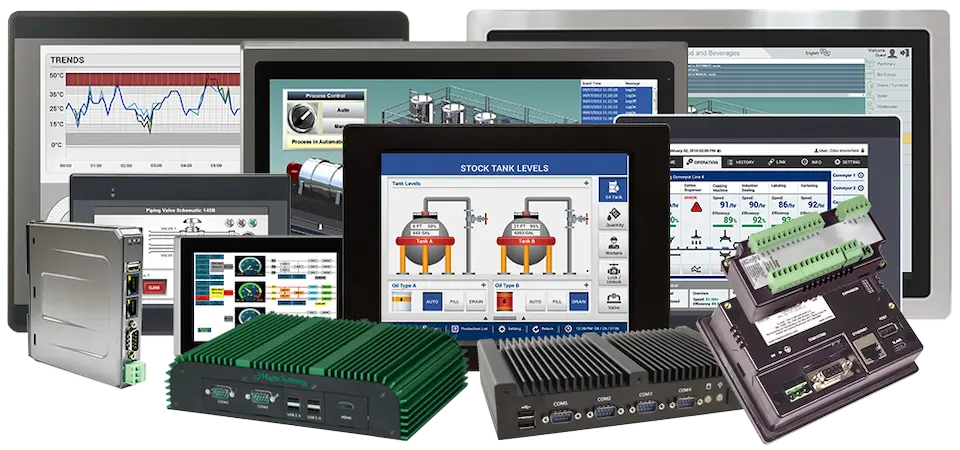
Maple Systems CODESYS Enabled HMIs support PROFINET IO Master functionality where you can seamlessly connect to multiple major brand PROFINENT IO Slave devices, enabling easy selection and rapid deployment of field devices for enhanced communication and control.
- Divers Device Communications
- Easy setup via CODESYS
- Real-time, stable performance
- Multi-protocol Integration
Maple Systems Advanced and High-performance HMIs can communicate with Siemens SIMATIC –S7-1200/S7-1500 PLCs using the PROFINET interface connector on the CPU. Up to 3 HMIs can be connected to one PLC. We’ve created instructions to follow showing how this works:
Supported Product
Tech Notes
Solutions
Videos
Require additional support
What is a Layer 2 Network Switch?
A layer 2 network switch operates at the Data Link Layer of the OSI model. Read more information about the OSI Model. Layer 2 network switches forward data based on MAC addresses. They are responsible for directing traffic within a local area network (LAN).
Layer 2 switches do not inspect IP addresses, and their main focus is on MAC-level communication.
Landing Page
Manuals & Guides
- MS1-U16G Quick Start Guide
- MS1-L05G01F Quick Start Guide
- MS1-P05G Quick Start Guide
- MS1-U05L Quick Start Guide
- MS1-M08G Quick Start Guide
- MS1-L08G Quick Start Guide
- MS1-P08G Quick Start Guide
- MS1-U08L Quick Start Guide
Product Pages
Tech Notes
Solutions
Videos
Require additional support
What is a Layer 3 Network Switch?
A layer 3 network switch operates at the Network Layer of the OSI model. Read more information about the OSI Model. Layer 3 network switches forward data based on IP addresses.
Unlike layer 2 network switches, layer 3 switches route traffic between different subnets. These switches combine the features of a traditional router and a layer 2 network switch. Layer 3 switches enable faster data forwarding with reduced latency compared to traditional routers.
Landing Page
Manuals & Guides
Product Pages
Tech Notes
Solutions
Videos
Require additional support
Can you daisy chain Maple Systems Network switches?
Yes, you can daisy chain Maple Systems network switches to scale a network. Daisy chaining is a simple way to connect switches in series, similar to the petals of a daisy. It’s generally recommended to daisy chain no more than three to four switches.
Landing Page
Manuals & Guides
- MS1-U16G Quick Start Guide
- MS1-L05G01F Quick Start Guide
- MS1-P05G Quick Start Guide
- MS1-U05L Quick Start Guide
- MS1-M08G Quick Start Guide
- MS1-L08G Quick Start Guide
- MS1-P08G Quick Start Guide
- MS1-U08L Quick Start Guide
Product Pages
Tech Notes
Solutions
Videos
Require additional support
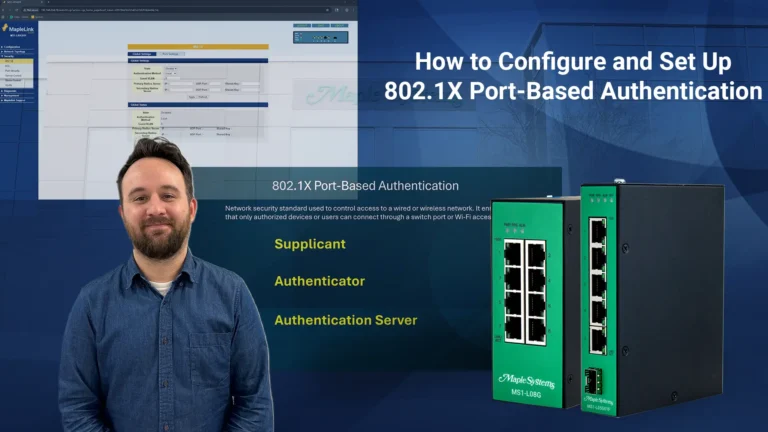
When you order the MS1-P05G the following items are included in the box:
1 x MS1-P05G
1 x Power Connector
2 x Wall Mount Screws
1 x Quick Start Guide