
Legacy Standard Headless HMI with Wi-Fi
This is a Legacy product and is no longer available for purchase. Please review the information on this page and call (425)-745-3229 or email [email protected] if you have further questions.
cMT-SVR-200v2 replaces the cMT-SVR-200
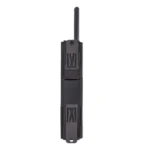
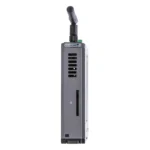
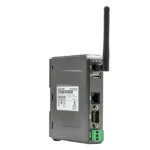
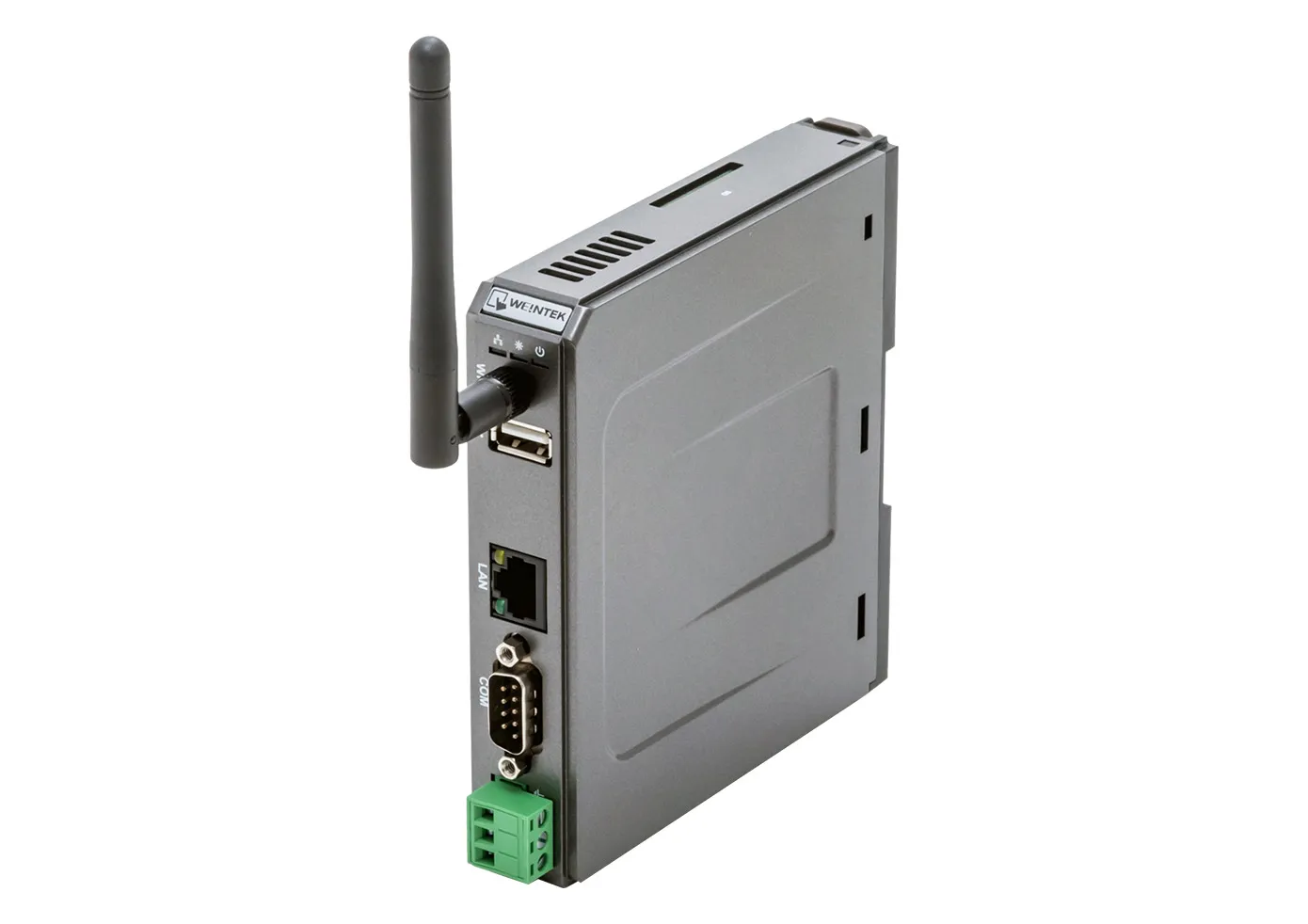
The cMT-SVR-200 is a Wi-Fi enabled HMI, great for applications requiring straight-forward HMI functionality without a touchscreen.
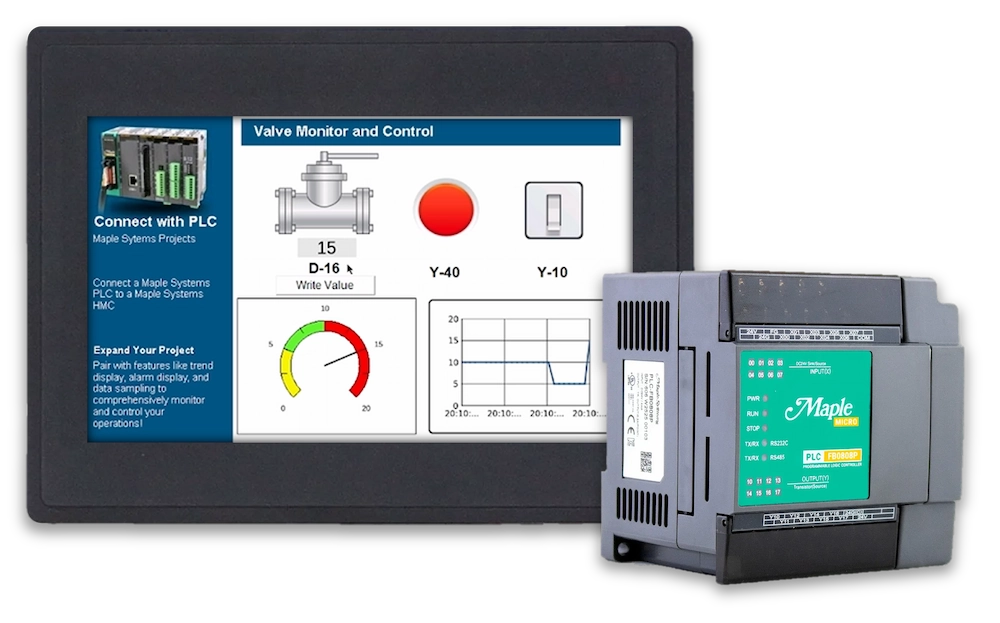
Monitor PLC Operations, gather PLC data, and remotely access your control system via the FREE cMT Viewer App on your smart phone, tablet, laptop, or PC. If you’d like a local device for viewing, try our cMT IV Series secondary display units with built-in cMT Viewer or our Web HMI Series. Add an EasyAccess2.0 license for additional remote capabilities.
- All the same HMI features you’re used to, just without a screen
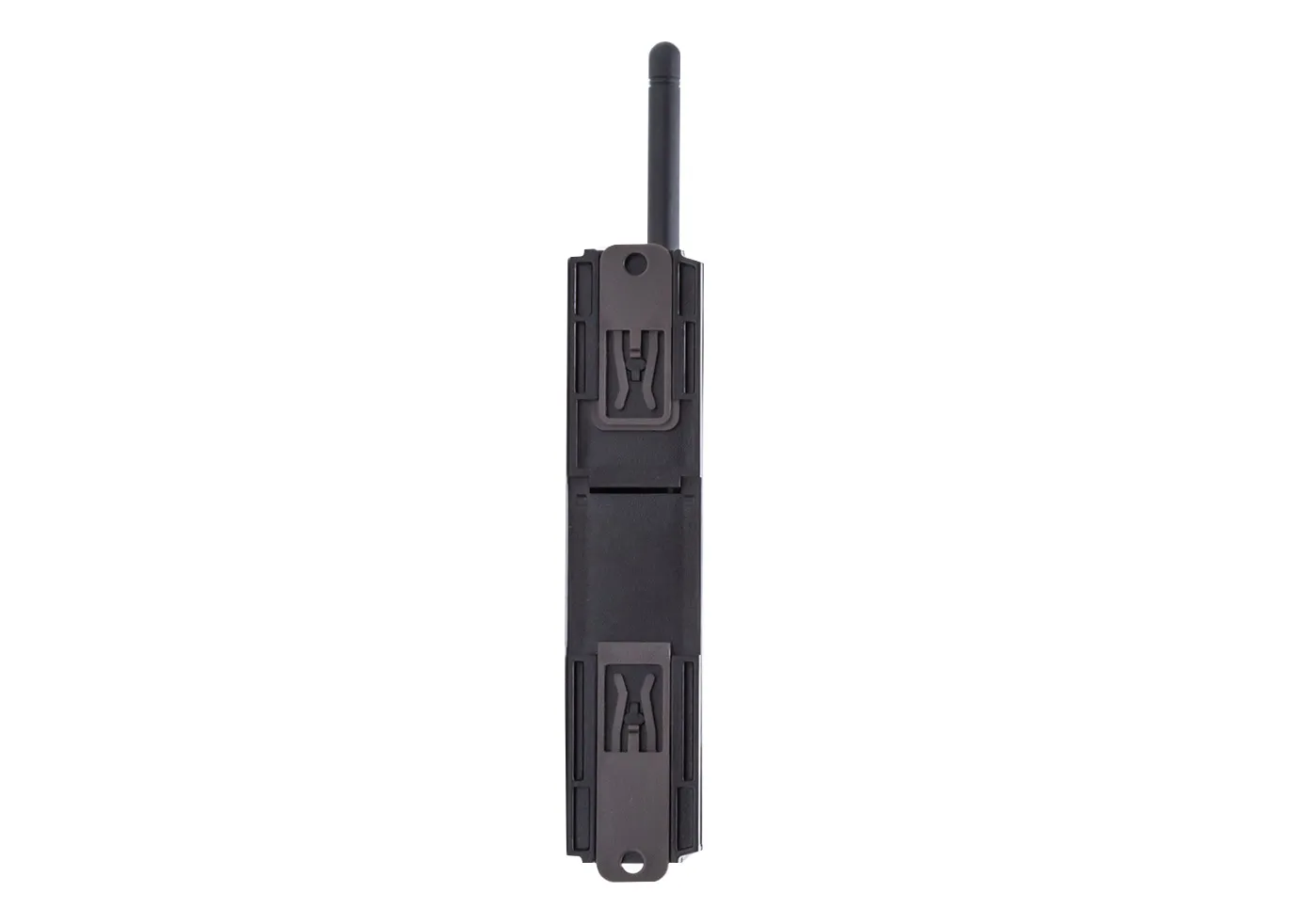
- Our headless HMIs are compact and can be DIN Rail mounted with ease
- You have the option of displaying HMI screens served by a Maple headless HMI to any user with cMT Viewer installed on their Tablet, PC, or Smartphone
- Enough horsepower to ingest, process, and publish data from dozens of local or remote devices, sensors, etc.
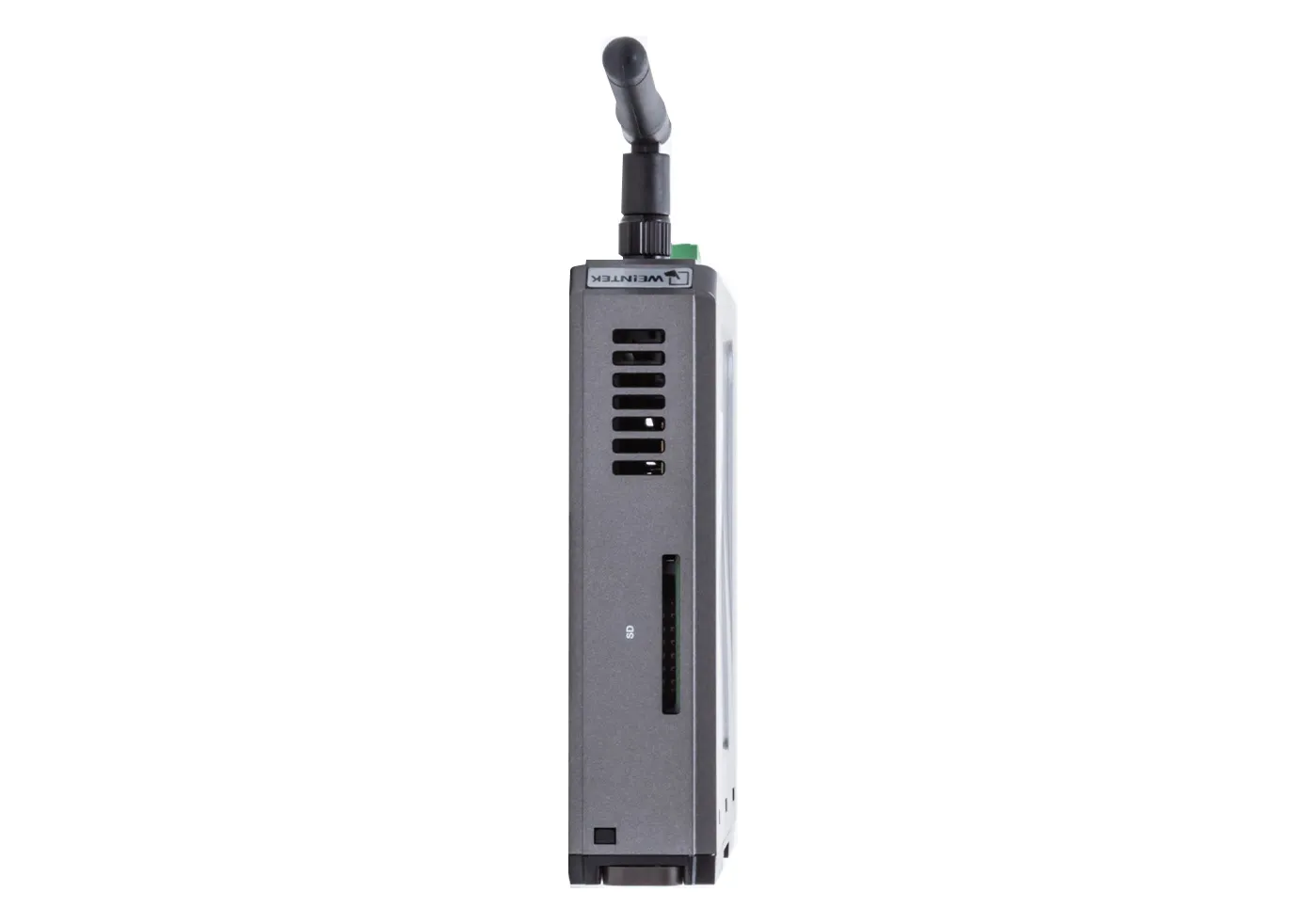
- Built-in flash storage, with SD card slot for expansion and data backup
- Supports OPC UA and CODESYS too!
Share the product:
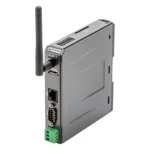
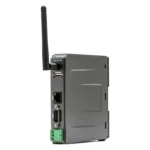

Upgrading your EBPro Project to the new V2 model is as simple as visiting our Software and Upgrades page and clicking on EBPro Full Version, then you’ll be able to select the new V2 model number.
Your original project should work just the same in the new HMI version.
The new cMT-SVR-200v2 model has a faster processor, micro SD Card Slot, 10/100 Base T Ethernet port, slightly different power requirements, and a slightly wider operating temperature.
If you have any questions, please contact [email protected] or give us a call at 425.745.3229

Need help planning the upgrade? Tell us how this product is used in your system and we will work out the right path forward, and what stays the same in your existing project.
Video Center
How-to, troubleshooting and webinar videos across HMIs, PLCs, HMCs and the rest of the range.
Controller Connection Guides
Per-controller wiring and setup details for connecting your panel to a specific PLC.
Communication Cables
Hundreds of ready-made cables and wiring drawings for the most popular PLC manufacturers.
Software Tutorials
Step-by-step tutorials with sample projects for our HMI and PLC software.
|
Filters |
Legacy Standard Headless HMI with Wi-Fi cMT-SVR-200 Price Not Available (N/A)
|
Standard Headless HMI with Wi-Fi cMT-SVR-200v2 $450
|
|---|---|---|
| Loading product data… | ||
FREE User Friendly HMI Software
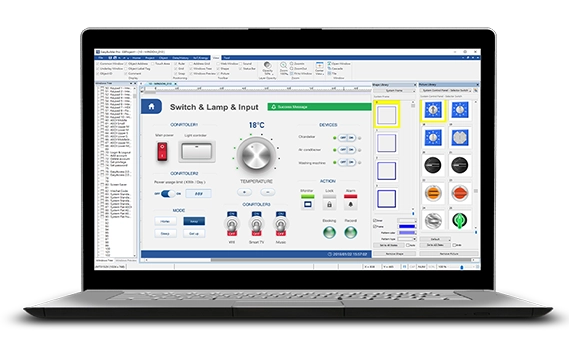
Download our free, full-featured HMI configuration software to create custom control applications for your industrial process. EBPro supports over 300 PLC & controller protocols, ensuring seamless integration with new or existing systems. No license or key required.
Are EBPro projects backwards compatible with older versions of EBPro and EZwarePlus?
EBPro projects are not backwards compatible with EZwarePlus or older versions of EBPro.
Newer versions of EBPro will save a copy of the project created in an older version when it is modified. This older copy will have the version number of the older software appended to it and will be saved to the same directory.
Software Downloads & Upgrades
Manuals & Guides
Videos
Sample Projects
Controller Information Sheets
Communication Cables
What if I have multiple older HMIs still in operation out in the field?
You will have to maintain separate projects. Once your project is converted from HMI series to cMT series, it cannot go back to HMI. If project updates are needed, make sure to update the HMI project first, save it, then convert that to cMT, and save that separately.
Can I use a headless HMI without a display?
Yes, our headless (without an integrated display) units are fully functional HMIs. Utilizing EBPro software, you can configure the headless device to communicate with your PLC/controller the same way you would program any Maple Systems HMI. If a display is required, a Windows® PC, Apple or Android smart device, or one of our cMT iV Series Displays or Web HMI’s can be used. The CMT-FHDX devices can be paired with any HDMI supported Monitor or large screen TV, as well as your Windows PC.
Software Downloads & Upgrades
Manuals & Guides
Videos
Controller Information Sheets
Communication Cables
Do your cMT Display units work with the Headless HMIs?
Yes! Adding a cMT Display unit to your existing Headless HMI system gives you an easier view into your HMIs operations.

Software Downloads & Upgrades
Manuals & Guides
- cMT iV Series Display User Manual
- cMT3108XP(IV) Installation Instruction
- cMT3162X(IV) Installation Instruction
- EBPro Programming Manual
Technical Articles
Products
Products
Why would I use a headless HMI unit instead of a touchscreen HMI?
Most HMIs have a built-in touchscreen to provide feedback and allow input from on-site personnel. If that is all that’s required, a standard HMI may be sufficient. On the other hand, if you have limited panel space, no need for a touch screen, and want the convenience of monitoring and accessing your system without having to walk to where the HMI is physically located, one of our headless HMIs would be a great option. Utilize your Apple or Android smart phone or tablet to access unit remotely.Software Downloads & Upgrades
Manuals & Guides
- EasyAccess 2.0 Manual
- EBPro Programming Manual
- EBPro Quick Start Guide
- MQTT User Manual
- EasyWeb 2.0 Operations Manual
- cMT-SVR-2XX Installation Guide
- cMT-SVRX Installation Guide
Tech Notes
Videos
Controller Information Sheets
Communication Cables