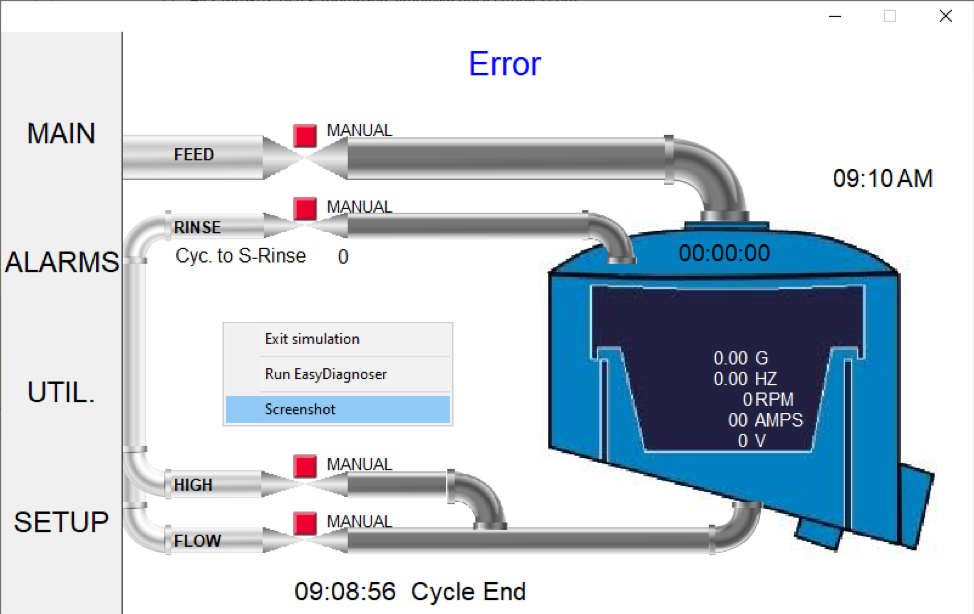
The HMI configuration software provides the option of taking a screenshot of the windows in your project for documentation or other purposes. When running the Offline or Online Simulator, right-clicking on it and select “Screenshot.” See
Tech Note 5098 – Screenshots with EZware.
In addition, you can get screenshots of the
HMI screen by configuring a Function Key for “Screen hardcopy” or using the PLC Control object. The screenshot can be saved to a USB flash drive, SD card, or sent to a printer for a hardcopy printout.
Software Downloads & Upgrades
Manuals & Guides
Tech Notes
Sample Projects
Controller Information Sheets
Communication Cables
