
Introduction
All Maple Systems HMIs programmed with EBPro (EasyBuilder Pro), including every cMT X Series and cMT Series model, are compatible with Bosch Rexroth SIS (Symbolic Addressing). Configure your Controller and HMI/cMT with the following parameters to establish reliable communication.
Supported Series: IndraDrive HCS02
HMI Settings
| Parameters | Recommended | Options | Notes |
|---|---|---|---|
| PLC type | Bosch Rexroth SIS (Symbolic Addressing) | ||
| PLC I/F | RS232 | ||
| Baud rate | 38400 | ||
| Data bits | 8 | ||
| Parity | None | ||
| Stop bits | 1 |
How to Import Tags
Add Driver and Open Tag Manager
Click New to add the Bosch Rexroth SIS (Symbolic Addressing) driver, then click Tag Manager.
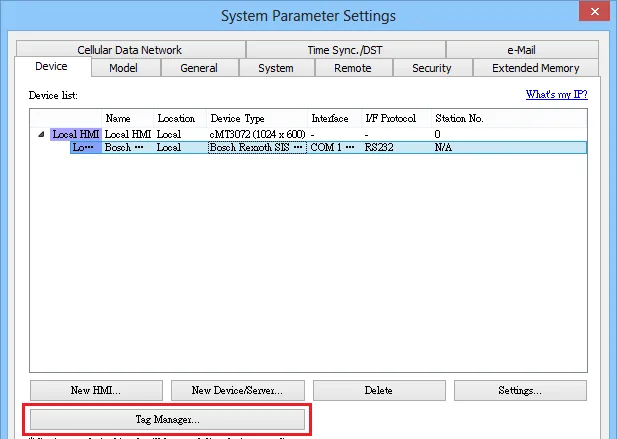
Select Tag File to Import
Select the tag (.SYM_XML) file to be imported.NOTE: To generate a
*.SYM_XMLfile: go to Project → Options → Symbol configuration, enable Dump symbol entries and Dump XML symbol table. Then open Configure symbol file and select Export data entries.Enable Binary Access
Choose whether to enable the binary access function.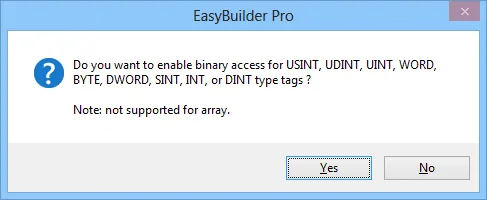
Confirm Import Success
EBPro (EasyBuilder Pro) displays a confirmation when the tag information has been imported successfully.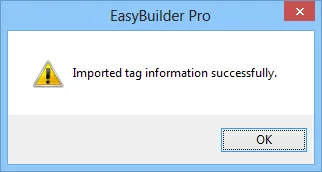
Review Imported Tag List
The imported tags are displayed with their name and data type.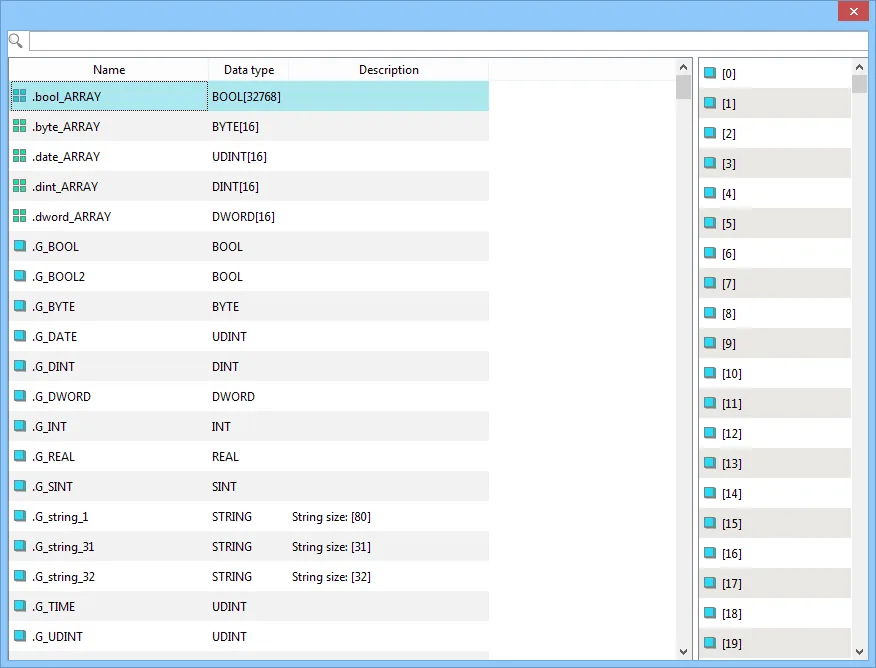
Wiring Diagrams
NOTE: The serial port pin assignments may vary between HMI models.
RS-232 (CM1-SC02A: 9P D-Sub)
| HMI | Direction | PLC |
|---|---|---|
| Pin assignments | RS232 9P D-Sub Male | |
| Rx | ↔ (bidirectional) | 3 TX |
| Tx | ↔ (bidirectional) | 2 RX |
| GND | ↔ (bidirectional) | 5 GND |