
17.0" Intel Core i3/i5/i7 Panel PC with Windows® OS
This is a Legacy product and is no longer available for purchase. Please review the information on this page and call (425)-745-3229 or email [email protected] if you have further questions.
OMI6817C replaces the PC2317B
Made with industrial grade components and an aluminum front/metal enclosure the PC2317B is built for harsh environments. This high-quality unit is extremely scalable and customizable. Modify this IPC to meet your specific needs! VESA or Panel mount. Because it has a Windows® OS, it supports most 3rd party SCADA software like SIMATIC WinCC, Ignition, FactoryTalk®, & Aveva Edge®.
Share the product:
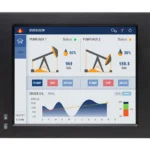
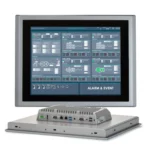
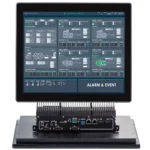
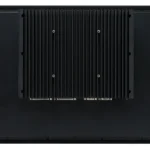
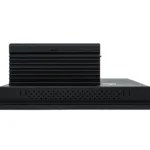
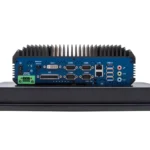
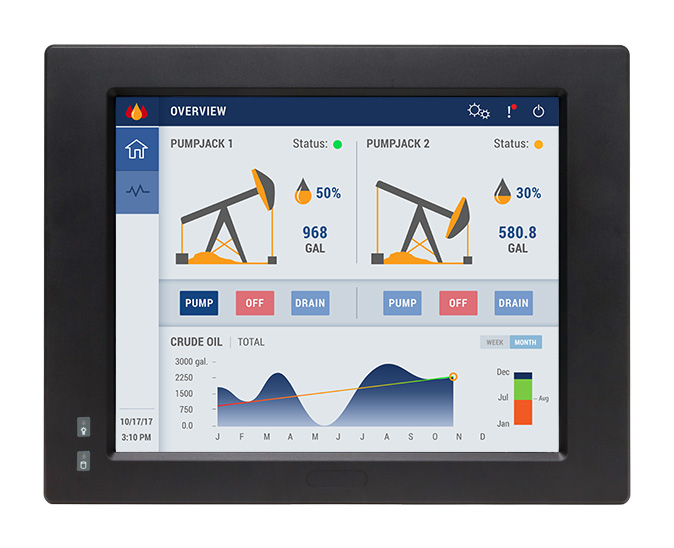
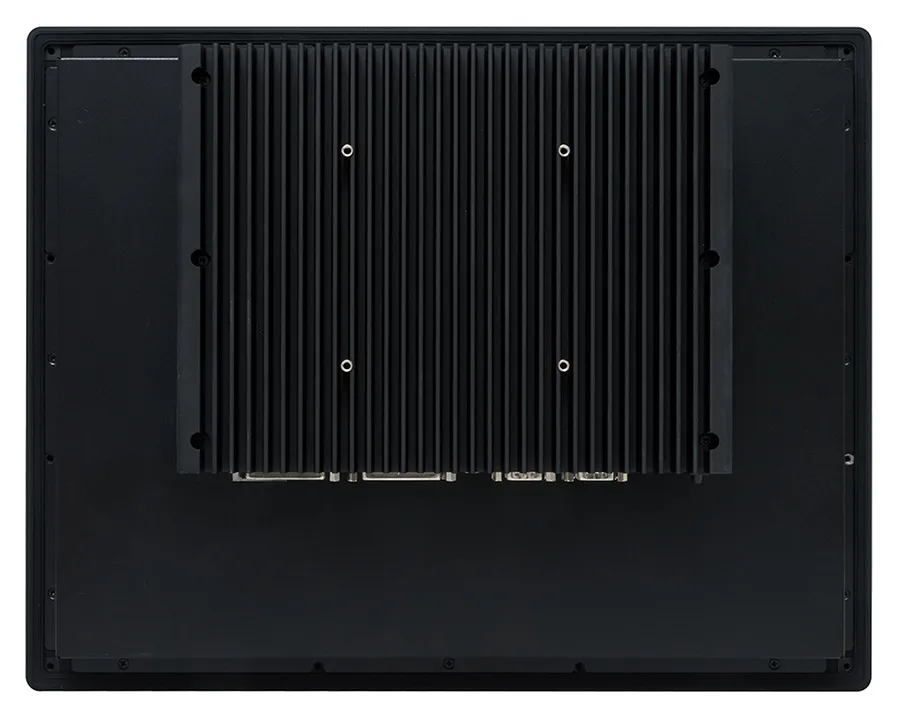
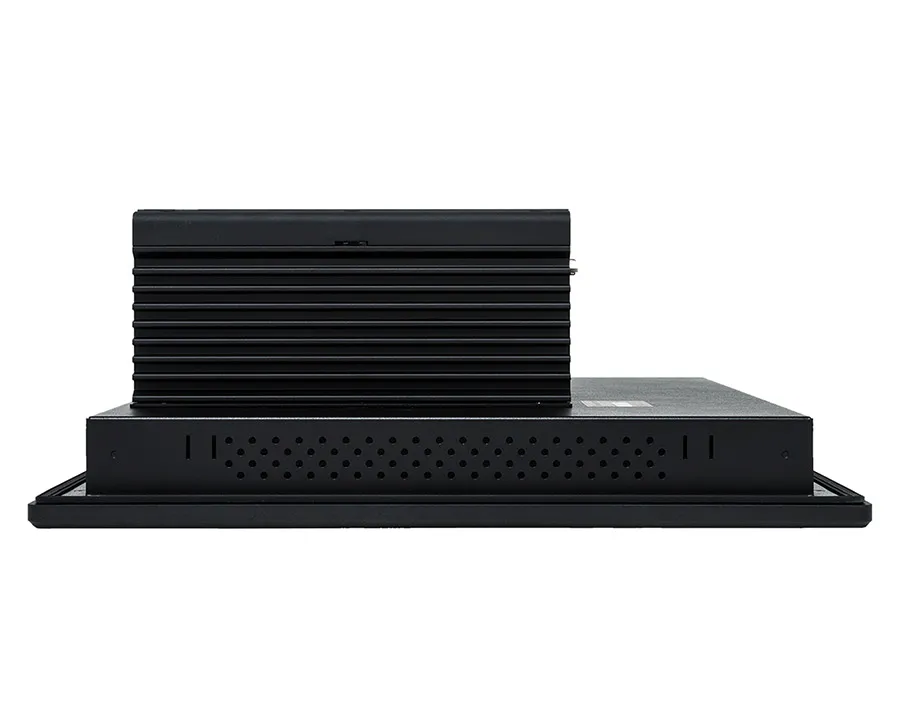
The PC2317B has reached end of life, the OMI6817CR is the closest replacement option. The panel cut-out is slightly bigger, so panel modification will be needed. All other 17″ Panel PC’s have a smaller panel cut-out.
PC2317B panel cut-out: 15.98 x 12.20 inches [406 x 310 mm]
OMI6817C panel cut-out: 16.61 x 13.03″ [422 x 331 mm]
Please note: the OMI6817C has a resistive or capacitive touch option, selectable within its configurator on its product page.

Need help planning the upgrade? Tell us how this product is used in your system and we will work out the right path forward, and what stays the same in your existing project.
Video Center
How-to, troubleshooting and webinar videos across HMIs, PLCs, HMCs and the rest of the range.
Controller Connection Guides
Per-controller wiring and setup details for connecting your panel to a specific PLC.
Communication Cables
Hundreds of ready-made cables and wiring drawings for the most popular PLC manufacturers.
Software Tutorials
Step-by-step tutorials with sample projects for our HMI and PLC software.
- Windows
- SCADA – AVEVA
What is the lead time on you Industrial Panel PCs?
We typically have all necessary parts in stock and can ship within 2 days after purchase.
Products
Manuals and Guides
- PC1000 Operations Manual
- PC2300B Operations Manual
- OMI6000CP Operations Manual
- PC8100AP Operations Manual
- OMI6900BP Operations Manual
- PCS6800 Operations Manual
- AEX Series Operations Manual
- SCADA HMI Design Guide
Technical Articles
Integrations
What are PKEA and ePKEA Product Keys?
When installing or reinstalling the Microsoft® Windows® Operating System to a PC, it must be activated using a Product Key. For Maple Systems products, Product Keys come in one of two forms: PKEA and ePKEA.
PKEA (Product Key Entry Activation) are non-embedded Product Keys purchased by the end-user either individually, or alongside a PC. If purchased with a PC, it will be on a sticker attached to the unit. The end user must manually activate Windows® before use by entering the Product Key into the Activation page while connected to the internet. The Product Key can be re-used on the same PC if Windows® needs to be re-installed.
A PKEA unit will feature a badge that looks something like below:
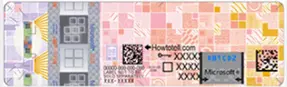
NOTE: The PKEA label on some units may appear with a different color scheme depending on the release of Microsoft® Windows® it is for
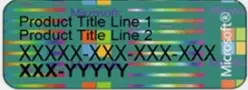
ePKEA (Embedded Product Key Entry Activation) are embedded Product Keys that are only be purchased alongside a PC. The Product Key is embedded in the PC and activated by Maple Systems. If Windows® needs to be reinstalled on the PC, it must come back to Maple Systems for re-activation.
An ePKEA unit will feature a badge that looks something like below:
Software Downloads & Upgrades
- AVEVA ®
Maple Systems Product Brochure
SCADA
Articles & Case Studies
Video Center
What operating systems are available for the Maple Systems Industrial PCs?
The following operating systems are available for Maple Systems Industrial PC computers:
- Windows® 11 Pro
- Windows® 11 IoT Enterprise LTSC (EPKEA & PKEA)
- Windows® 10 Ent. LTSB Embedded (EPKEA)
- Windows® 10 Ent. LTSB Non-Embedded (PKEA)
- Linux® Ubuntu Desktop and Server
Software Downloads & Upgrades
- AVEVA ®
Articles
What is your warranty policy?
We stand behind our products and that is why we provide one of the best product warranties guarantee in the industry. View our Warranty & Limitation of Liability.Are Maple Systems Industrial Computers Fanless?
Yes, all our Industrial Panel PC and Embedded Box PC units are fanless design.
Fanless PCs, also known as passively cooled systems, offer benefits like silent operation, enhanced reliability (fewer moving parts, less dust), greater durability (vibration resistance), improved energy efficiency, and suitability for harsh/dusty environments, making them great for quiet spaces, industrial settings, or anywhere you need a low-maintenance, long-lasting computer.
See our What are the benefits of Fanless Industrial PCs FAQ for a deeper dive into the benefits.
Software Downloads & Upgrades
- AVEVA ®
Articles
How to get a site code for an AVEVA Edge license
Go to (on the machine you want to license):
>Start Menu
>All Programs
>IWS vX.x
> Register
> Click Soft Key/Hardkey (if you have a hardkey please make sure it is plugged in)
>Click Check
>Click Change License
*If a drop down menu appears choose the most stable adapter on machine, i.e. LAN Ethernet adapter
For more information on activating an AVEVA Edge license, visit the AVEVA website for more information.
Learn more about AVEVA Edge
Software Downloads & Upgrades
Manuals & Guides
- PC2300B Operations Manual
- IPC2110A Series Operations Manual
- IPC2200A Series Operations Manual
- IPC2400A Series Operations Manual
- IPC2550A Operations Manual
- IPC2600A Series Operations Manual
- IPC2700A Operations Manual
- PC1000 Series Operations Manual
- OMI6800CP Series Operations Manual
- OMI6900BP Series Operations Manual
- AEX Series Operations Manual
Articles
Can Maple Systems products connect to Ignition SCADA?
Yes! Are you using one of our HMIs or IPCs?
You can use our Windows or Linux based IPCs and Touch Panel PCs to run Ignition Edge locally.
You can also use our HMIs to communicate with Ignition via Modbus TCP, OPC UA, and MQTT, which makes a programmers life easier when building distributed edge gateways, dashboards, or data collection nodes within an Ignition-powered architecture.

Software Downloads & Upgrades
- EBPro(free HMI software)
Products
Tech Notes
Sample Projects
Controller Information Sheets
Communication Cables
Do Maple Systems products work with Proficy iFIX or CIMPLICITY SCADA platforms?
They sure do! Contact our sales department today for more info on our Windows based Industrial Box PCs and rugged Touch Screen Panel PCs.
Why use a Maple IPC instead of a GE/Emerson hardware? If you want high performance at a lower cost, need larger screen sizes, higher flexibility, the option to run multiple apps on the same device, more SSD and RAM options and fast delivery times, stick with us, we’ve got you covered!

Software Downloads & Upgrades
- EBPro (free HMI software)
Products
Tech Notes
Sample Projects
Other Related Links
Can your devices be used with Rockwell FactoryTalk View SCADA platform?
Absolutely! Maple Systems can provide you with another cost effective PanelView alternative using any of our rugged-Windows based IPCs or Touch Panel PCs.
Why would you want to use one of our products instead of Allen Bradley or Rockwell hardware?
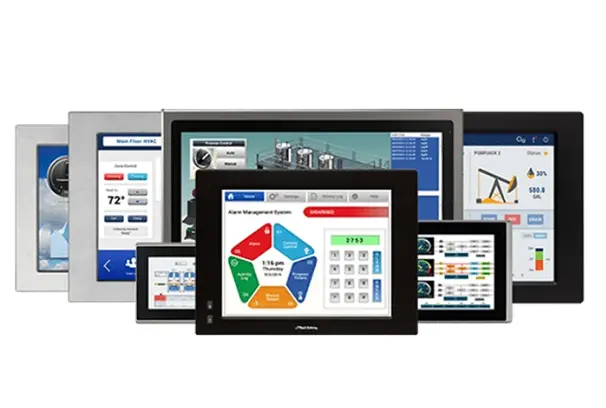
- If you need a wider screen size range: We offer 7.0, 8.0, 10.1, 10.4, 12.1, 15.0, 15.6, 17.0, 18.5, 19.0, 21.5, 23.4, and 27.0″ options.
- If you need higher brightness for outdoor use: We offer Panel PCs with up to 1000nits.
- If you need IP65/IP66/IP67/IP66-IP69K rated, or stainless enclosures: We offer a wide range of IP ratings, fully enclosed waterproof, front panel mounted waterproof, even UL Listed IPCs.
- If you want to avoid the high costs of a PanelView: We offer rugged, heavy duty Industrial PCs at a much lower cost. And, you don’t need to pay us any annual service fees when using our products.
- If you need to run additional apps alongside FactoryTalk like: SQL logging, MES clients, Web dashboards, VPN tools, Ignition Edge, etc. PanelView can’t do this.
If you want to save money, use more flexible hardware for more modern automation setups, we recommend giving us a try. You still have to purchase your software license from them, but we’ll deliver faster, your project will typically run faster, its easy to install, you get more peripheral support, full Windows remote access tools, and more advanced IIoT/Cloud Integration features.
Maple Systems Product Brochure
SCADA
Articles & Case Studies
Video Center
Do you have a SCADA software?
We are proud to offer AVEVA as our recommended SCADA software our Industrial Box PC and Panel PCs. Award-winning AVEVA ® is an innovative SCADA-Ready software enabling the creation of custom industrial control applications for any industry imaginable.
With easy-to-use commands/tool bars and a Microsoft® Windows® environment, Aveva Edge’s feature-rich applications puts you in the driver’s seat of creating your industrial process.
With unlimited number of communications drivers; tags from 1,500 to 64,000; support for Windows® Pro, Windows® Embedded, and Windows® CE applications, Aveva Edge’s offers you a powerful software solution with the flexibility you desire.
All of our Windows® based Industrial PCs will also run any 3rd party SCADA software as long as it too is Windows® based.
Software Downloads & Upgrades
- AVEVA ®
Articles
Does Maple Systems products support Siemens WinCC or WinCC Unified SCADA platforms?
Yep, absolutely yes and definitely a cost effective alternative with regards to hardware.
All of our Windows based IPCs and Touch Panel PCs can run WinCC Runtime Advanced as well as WinCC Unified. Using our IPCs running WinCC, you’ll generally get a higher performance device per dollar with a more ruggedized enclosure with higher screen resolution, more RAM and SSD options, and the ability to run other industrial software on the same machine with more advanced remote access tools.
On another note, when used with Siemens PLCs, our HMIs support multiple Siemens drivers and protocols, including native S7 communication drivers.
Software Downloads & Upgrades
- EBPro(free HMI software)
Products
Tech Notes
Sample Projects
Controller Information Sheets
Communication Cables
Does Schneider Electrics EcoStruxure/Geo SCADA platforms work on Maple Systems PCs?
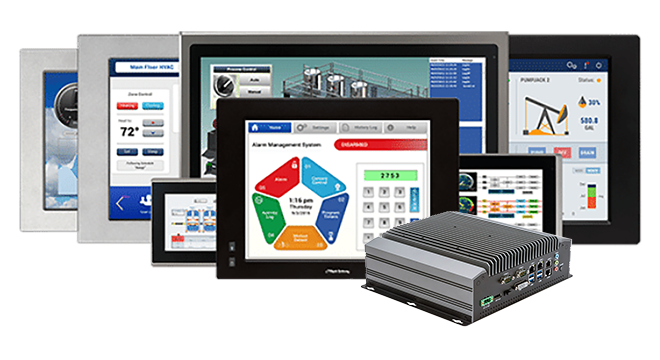
Yes, yes they do. Quite well actually. If you’re looking for a cost-effective, unbranded hardware option with the flexibility to run this SCADA software along with other apps simultaneously, multiple screen size options, high-brightness options, more SSD and RAM options, with expansive I/O, Maple Systems is the right choice.
Maple Systems Product Brochure
SCADA
Articles & Case Studies
Video Center
Does VTScada work on your product?
Yes, VTScada runs on Window and supports both Windows 10 and 11. Our IPCs deliver equal or better performance at a significantly lower cost to our competitors.
With full support for Windows 10 and 11 and common industrial protocols, our IPCs run VTScada exactly as you would expect, delivering smooth graphics, reliable data logging, and seamless connectivity to all your peripherals. Available in fanless, panel-mount, and stainless-steel options with IP65–IP69K protection, we provide the flexibility needed to build scalable SCADA systems without locking you into proprietary hardware.
Pairing VTScada with one of our IPCs or Touch Panel PCs, gives integrators a robust, open, and budget-friendly solution for both new installations and modernization projects.
Designed for 24/7 operation, these rugged PCs offer fast Intel® or AMD processing, ample I/O, solid-state storage up to 2TB, RAM storage up to 64GB, and long-life components – making us ideal for water/wastewater, energy, manufacturing, oil & gas, and critical infrastructure.
Maple Systems Product Brochure
SCADA
Articles & Case Studies
Video Center
Documents
Manuals
Certifications
- CE-Declaration of Conformity – PC2300B
- RoHS Declaration of Conformity (all series)
- Trade Agreement Act Declaration of Conformity
- REACH EU Declaration of Conformity
- EU Declaration of Conformity (Battery Regulations)
- Russian Iron and Steel Declaration
- Belarusian Iron and Steel Declaration
- Country of Origin Certification