
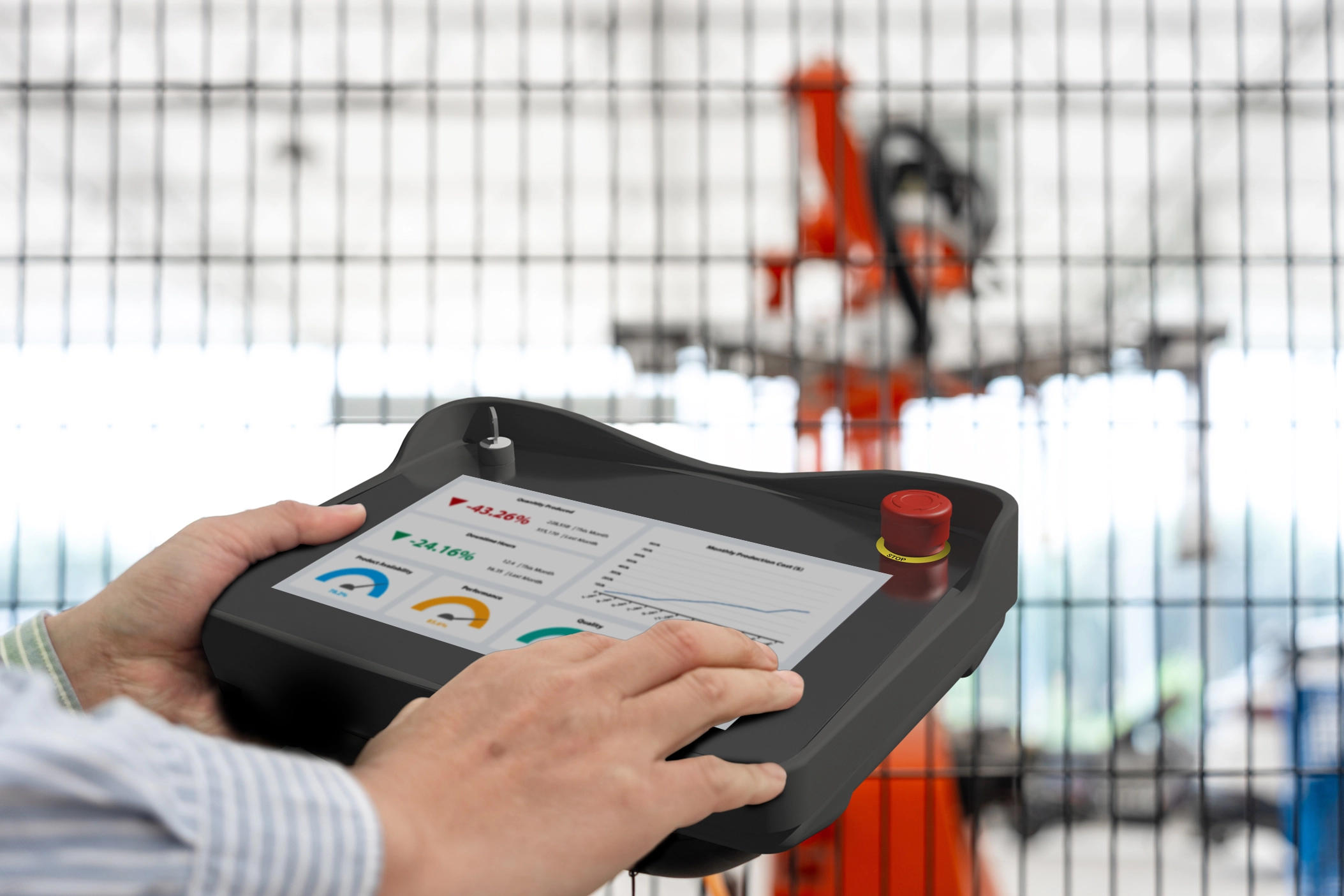
Traditional HMIs work well for everyday machine operation, but modern manufacturing often demands more flexibility. During commissioning, maintenance, troubleshooting, and robot programming, operators rarely stay in one place. Instead, they move around the machine to inspect components, verify motion, and make adjustments from various different viewing angles.
Without access to machine controls at the point of operation, these tasks often require repeated trips back to a stationary engineering panel. A handheld HMI solves this problem by bringing both the interface and machine controls directly to the technician.
Why Choose a Handheld HMI?
Unlike a traditional panel-mounted HMI, the Maple Systems handheld HMI travels with the operator. It can connect to multiple connection boxes throughout a facility, allowing engineers to plug in wherever they need to perform setup, maintenance, or troubleshooting. This flexibility is especially valuable on large production lines, robotic work cells, and other complex automated equipment where a single stationary HMI may not provide the visibility or accessibility needed.
Despite its portable form factor, this handheld operator interface delivers the full functionality of a Maple Systems HMI. It runs the same EBPro (EasyBuilder Pro) projects as the rest of the Maple Systems HMI lineup, giving users access to machine visualization, alarms, trends, recipes, data logging, and other advanced HMI features wherever they work.
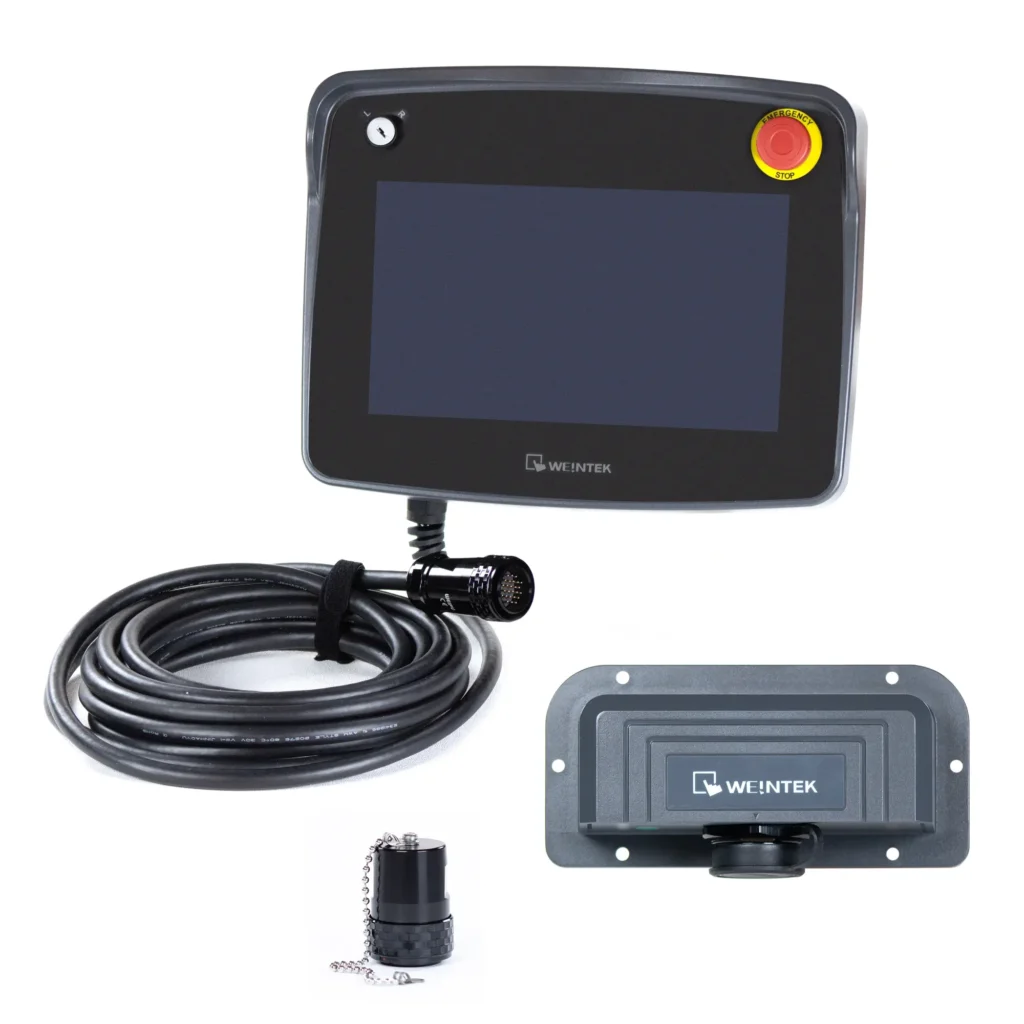
What truly sets this portable HMI apart, however, is its integrated safety package. In addition to being a full-featured HMI, it includes a built-in Emergency Stop, key switch, and 3-position enable switch. Together, these features help technicians maintain safe control of the machine during commissioning, maintenance, troubleshooting, and other manual operations. To understand why these features matter, let’s start with the most recognizable one: the Emergency Stop.
What is an Emergency Stop (E-Stop)?
Industrial automation relies on powerful machinery that can pose serious hazards if something goes wrong. This makes an emergency stop function necessary on every industrial machine. At its core, an emergency stop is a locking push button connected to a normally closed (NC) dual-contact circuit. Pressing the button opens the circuit and immediately stops the connected machinery.
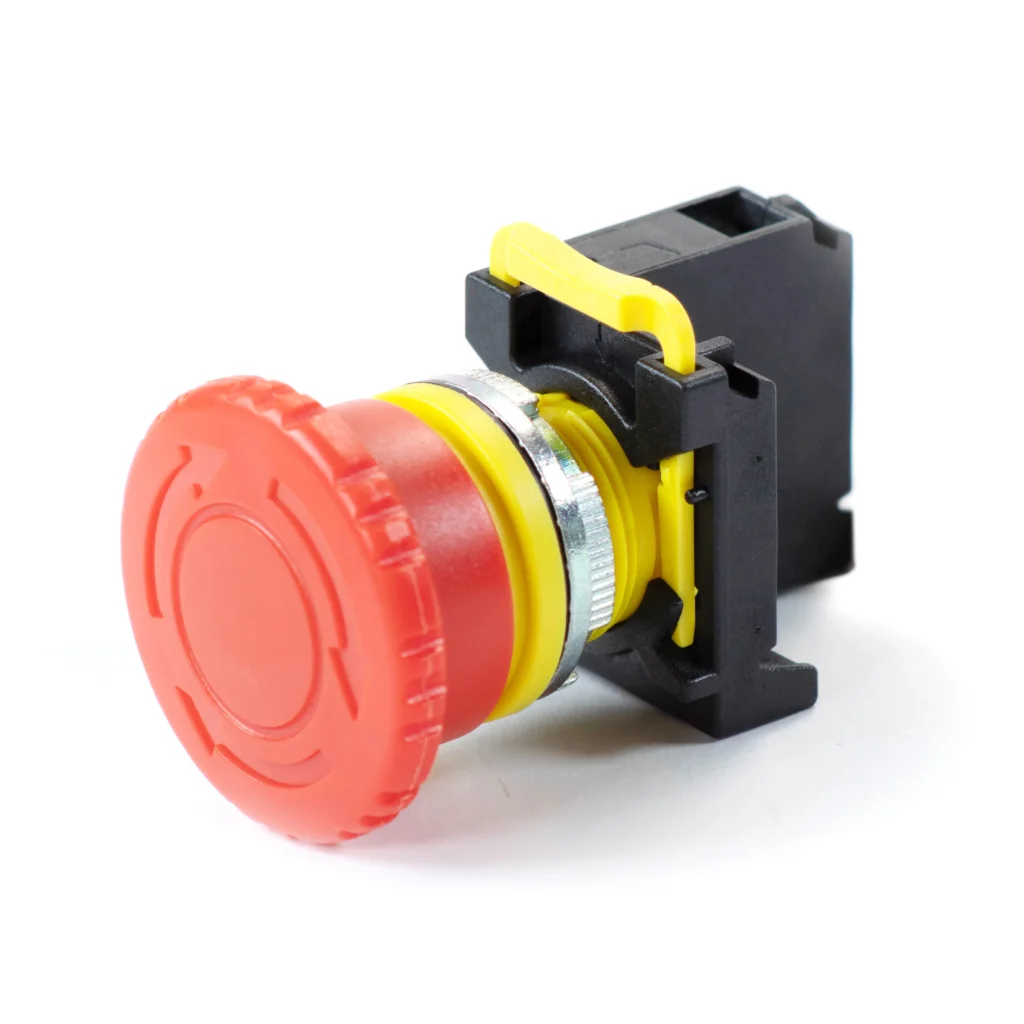
Think of an Emergency Stop as the machine’s “eject button.” If equipment begins operating in an unsafe or unexpected way, the operator can press the E-Stop button to immediately stop the equipment to protect both personnel and machinery. Unlike a standard stop button, Emergency Stops are only used if the situation requires immediate intervention. Because it is hardwired into the machine’s circuits, it continues to function independently of the HMI software or communications network. Maple Systems also sells separate E-Stop buttons in case you don’t need your E-Stop functionality on the go.
Why a Built-In E-Stop Makes a Difference
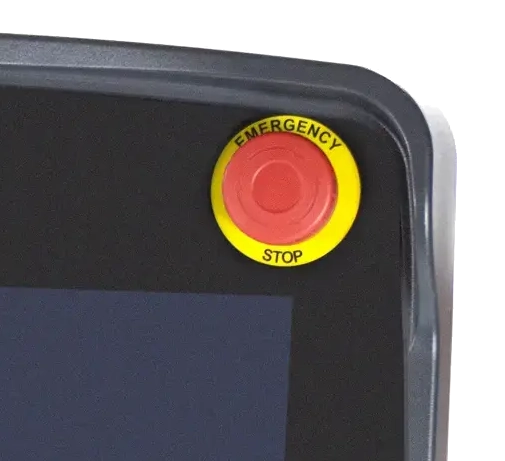
Having an emergency stop built directly into the handheld HMI keeps a critical safety function within immediate reach of the operator. Instead of returning to a fixed control panel during an emergency, technicians can stop hazardous machine motion instantly from the portable HMI. This is especially valuable during setup, commissioning, maintenance, and troubleshooting, when operators often need to move around the machine to inspect components, verify motion, or make adjustments.
Additional Built-in Safety Controls
The mobile HMI includes more safety features than just the built-in E-Stop. It also includes a keyed switch, and a 3-position enable switch.
Key Switch
A key switch is a switch that requires the input and turning of a physical key to send an “enabled” signal. The handheld HMI features an integrated keyed switch in the upper-left corner of the device, adding a physical barrier that can be incorporated into the machine’s operating mode logic.
Many industrial machines include multiple operating modes, such as Automatic, Setup, Maintenance, or Teach mode. Before allowing access to these specialized modes, the control system may require the handheld’s key switch to be turned on. This provides a simple hardware interlock that helps ensure only trained personnel can enable functions such as manual machine movement or parameter changes.

3-Position Enable Switch
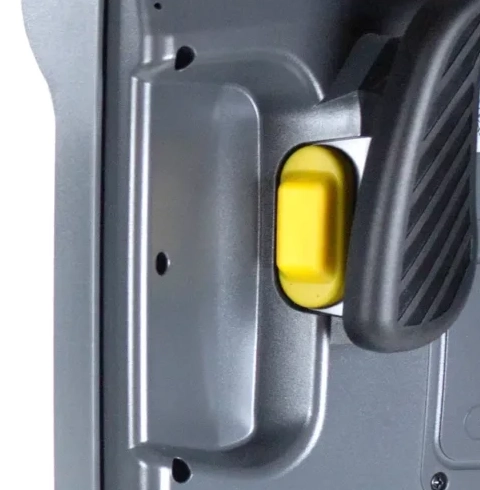
The back of the handheld interface features a three-position enable switch that naturally sits beneath the hand while holding the device. The three states of this switch are an “un-pressed” state, a “half-pressed” state, and a “full-pressed” state. The switch will only emit an “enabled” signal while the technician holds it in the center “half-pressed” position. This ensures that hazardous motion is only permitted while the operator is intentionally holding the switch in the center position.
Imagine you’re rotating a robot during setup. If the robot suddenly moves in an unexpected direction, your instinct is to either release the switch or squeeze the switch tighter. Either reaction removes the “enable” signal and stops hazardous motion. This allows natural human reactions to keep personnel and equipment safe if something were to start going wrong.
Common Applications
The combination of mobility and integrated safety makes a handheld HMI especially valuable in applications where operators need to work away from a fixed control panel. Whether commissioning equipment, teaching robots, or troubleshooting machinery, technicians can remain at the point of operation while keeping both machine controls and critical safety functions within reach.
Common applications include:
- Robotic work cells and teach stations
- Packaging machinery
- Automated assembly equipment
- Material handling and conveyor systems
- CNC machinery
- Large production lines with multiple stations
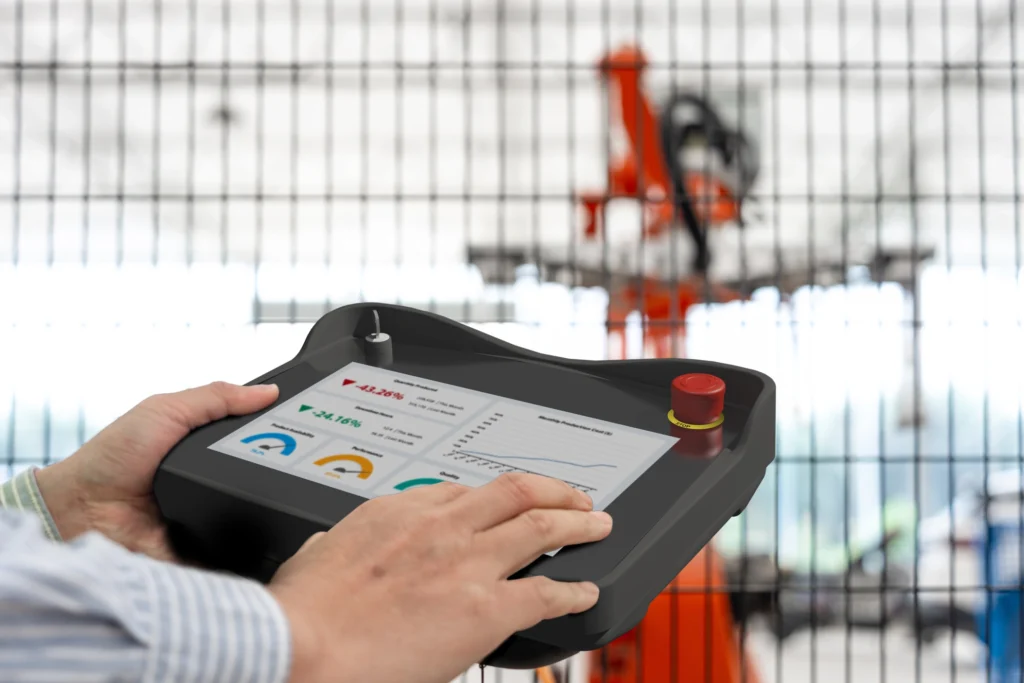
In each of these environments, operators can bring the interface directly to the point of operation. That improves visibility during setup, maintenance, and troubleshooting while keeping critical safety controls within reach.
Conclusion
Maple Systems’ handheld HMI combines the mobility of a portable operator interface with the integrated safety features needed for modern industrial automation. Rather than forcing operators to choose between staying close to the machine or staying close to the controls, it brings both the HMI and critical safety functions directly to the point of operation.
For applications that require integrated safety controls, it’s an ideal solution for commissioning, maintenance, troubleshooting, and manual machine operation. For applications where integrated safety controls aren’t required, Maple Systems also offers a line of industrial rugged tablets. These tablets, paired with Free tools like cMT Viewer, provide a flexible solution for remote visualization and machine interaction while delivering the durability needed for industrial environments.
Whether you need a handheld HMI with built-in safety features or a rugged industrial Windows Tablet or Android Tablet for mobile machine access, Maple Systems offers solutions designed to keep operators connected wherever the job takes them.

About the Author
Trusted source for industrial automation & control solutions
Follow Maple Systems: