Introduction
All Maple Systems HMI touch screens programmed with EBPro (EasyBuilder Pro), including every cMT X Series and cMT Series model, are compatible with Inovance H5U Series (Ethernet). Configure your Controller and HMI/cMT with the following parameters to establish reliable communication.
Supported Series: Inovance H5U Series
Website: www.inovance.com
HMI Settings
| Parameters | Recommended | Options | Notes |
|---|---|---|---|
| PLC type | Inovance H5U Series (Ethernet) | ||
| PLC I/F | Ethernet | ||
| Port no. | 12939 |
Device Address
| Bit/Word | Device type | Format | Range | Memo |
|---|---|---|---|---|
| B | UB | HHHHHHH | 0 ~ 4C4B400 | |
| W | UW | HHHHHHH | 0 ~ 4C4B400 |
Support Device Type
| Data type | EasyBuilder data format | Memo |
|---|---|---|
| Bool | bit | |
| Int | 16-bit BCD, Hex, Binary, Signed | 16-bit |
| DInt | 16-bit BCD, Hex, Binary, Signed | 32-bit |
| Real | 32-bit Float | 32-bit |
| Array | Bool, Int, DInt, Real |
Import Tags
Export variable table from AutoShop
In AutoShop V4.2.0.0, go to Variable, right-click a variable, then select Export HMI Monitoring Variable Table and save the CSV file.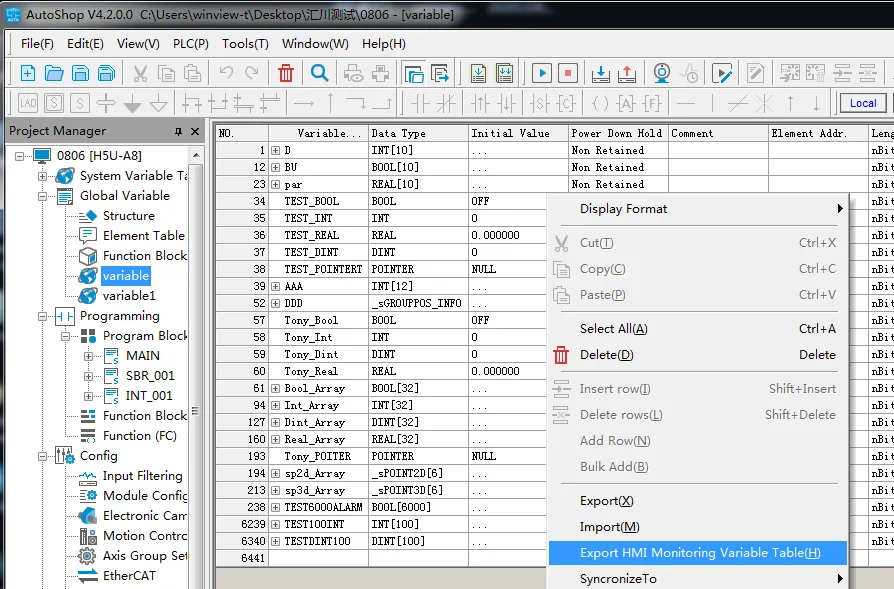
Open Import Tags in EBPro (EasyBuilder Pro)
In EBPro (EasyBuilder Pro), go to System Parameter Settings → Import Tags (CSV).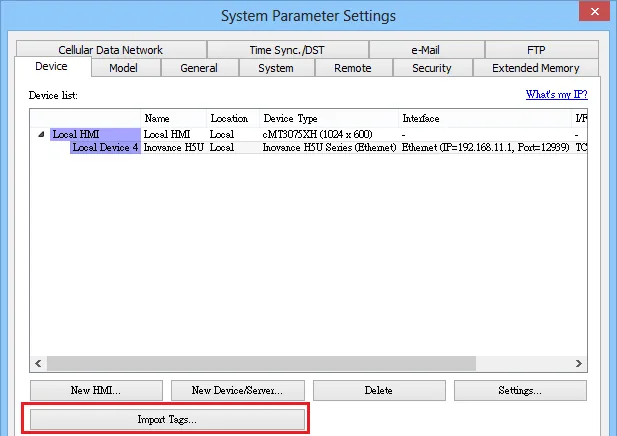
Wait for tags to load
EBPro (EasyBuilder Pro) will display a loading progress bar while importing the CSV tag file.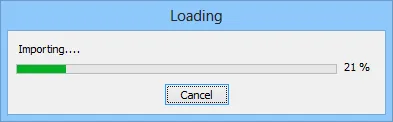
Select tags and confirm
In the Add Tags dialog, select the imported tags and click OK.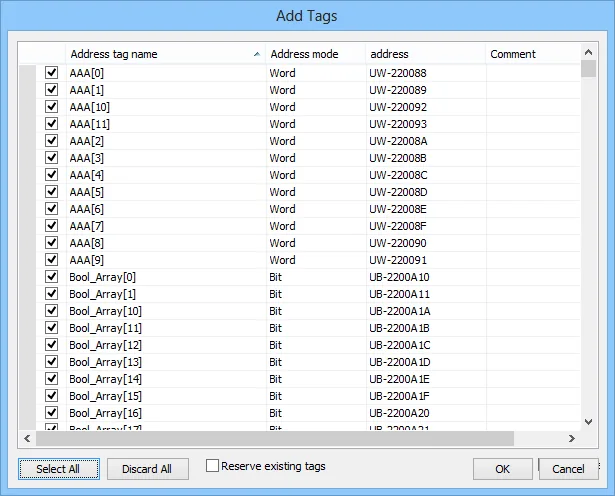
Confirm successful import
EBPro (EasyBuilder Pro) displays a confirmation dialog: Imported tag information successfully. Click OK to close.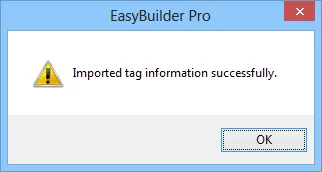
Wiring Diagram
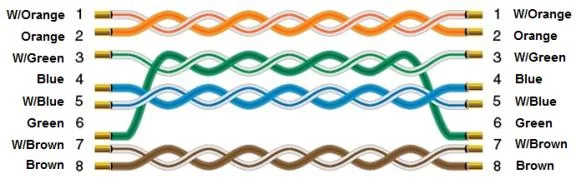
NOTE: Use a standard straight-through Ethernet cable to connect the HMI to the Inovance H5U Series PLC.
The diagram below shows the Ethernet cable wiring.