
Legacy I/O Expansion Module, 8 DI, 8 DO (PNP)
This is a Legacy product and is no longer available for purchase. Please review the information on this page and call (425)-745-3229 or email [email protected] if you have further questions.
PLC-ES0808P replaces the MLE-D0808PH
Our Modular PLCs replace the EX PLC Series and I/O modules
Share the product:
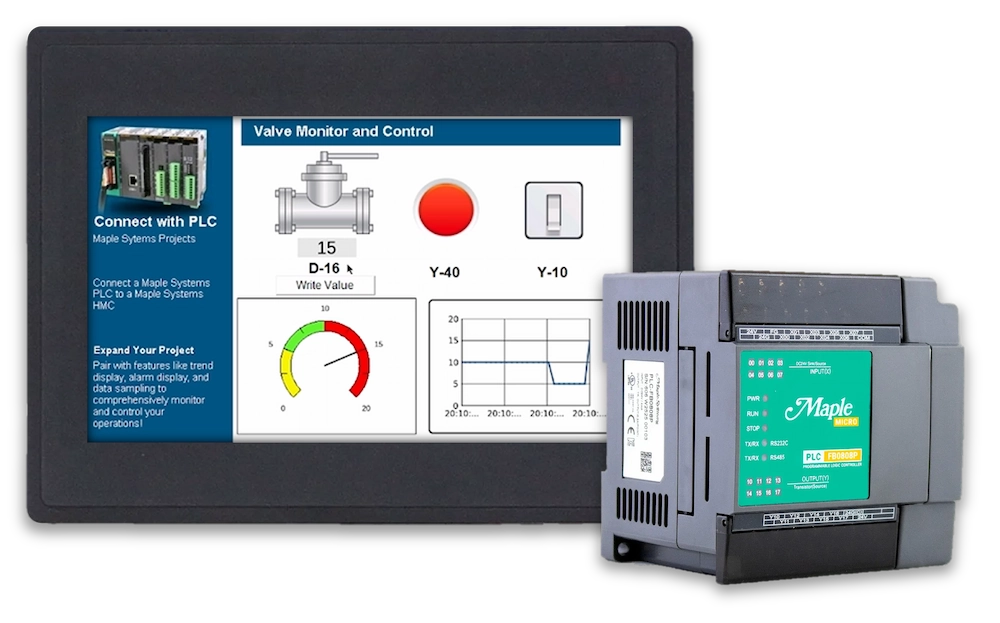
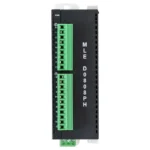
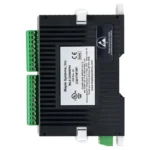
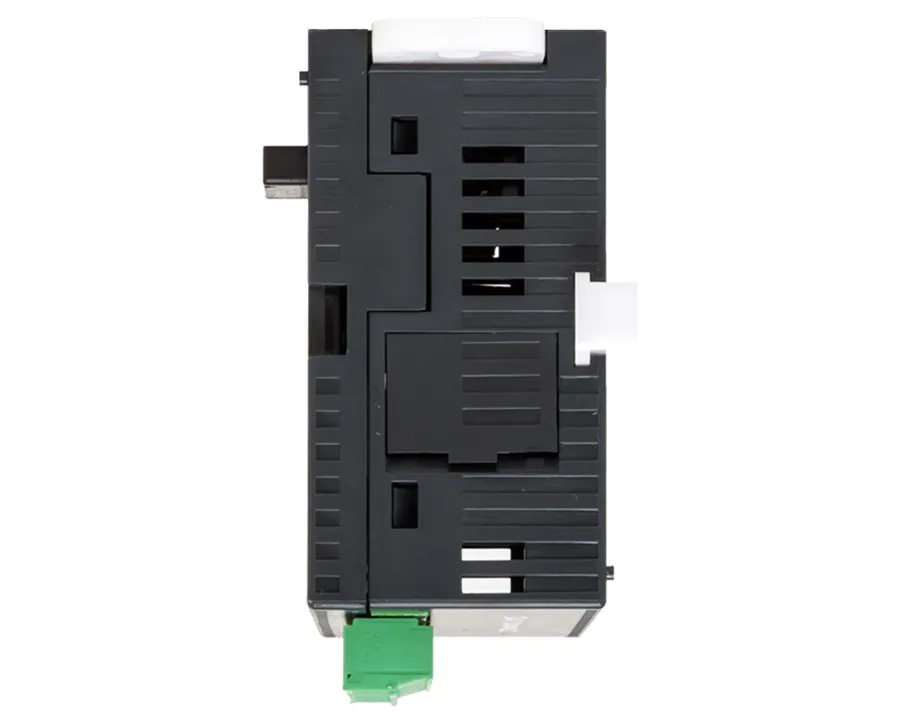
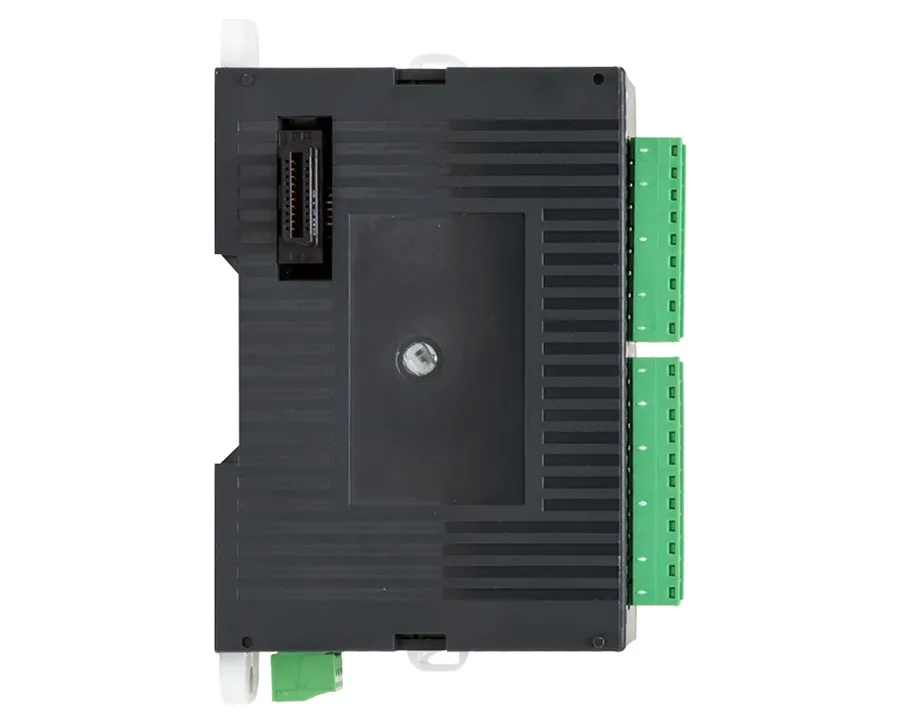
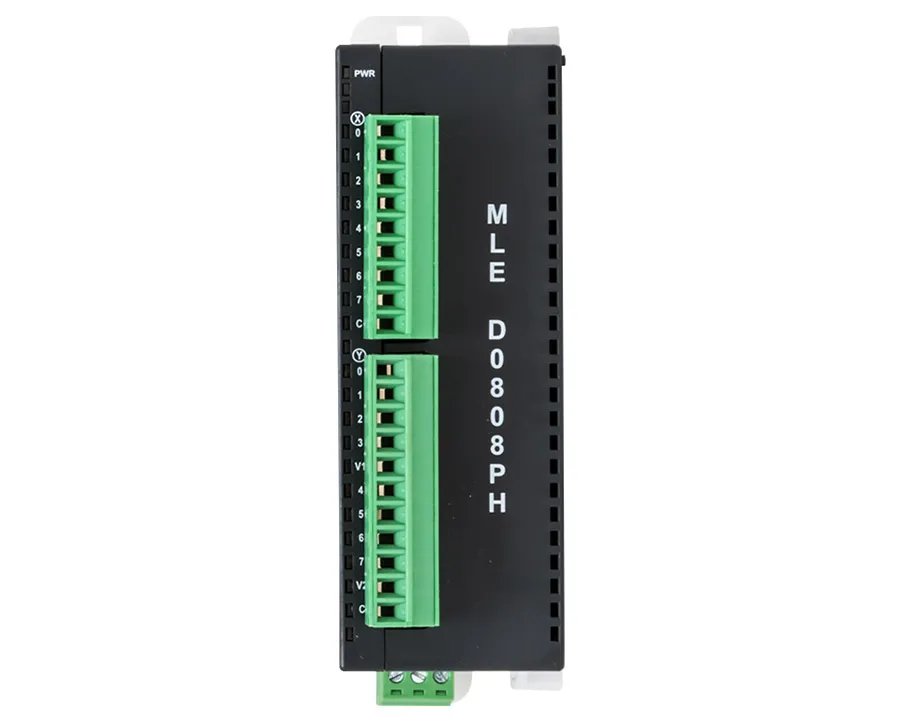
The MLC PLC series and MLE I/O Modules were discontinued several years ago. They’ve been replaced with our Modular PLC series and their I/O Modules.

Need help planning the upgrade? Tell us how this product is used in your system and we will work out the right path forward, and what stays the same in your existing project.
Video Center
How-to, troubleshooting and webinar videos across HMIs, PLCs, HMCs and the rest of the range.
Controller Connection Guides
Per-controller wiring and setup details for connecting your panel to a specific PLC.
Communication Cables
Hundreds of ready-made cables and wiring drawings for the most popular PLC manufacturers.
Software Tutorials
Step-by-step tutorials with sample projects for our HMI and PLC software.
FREE User Friendly PLC Software
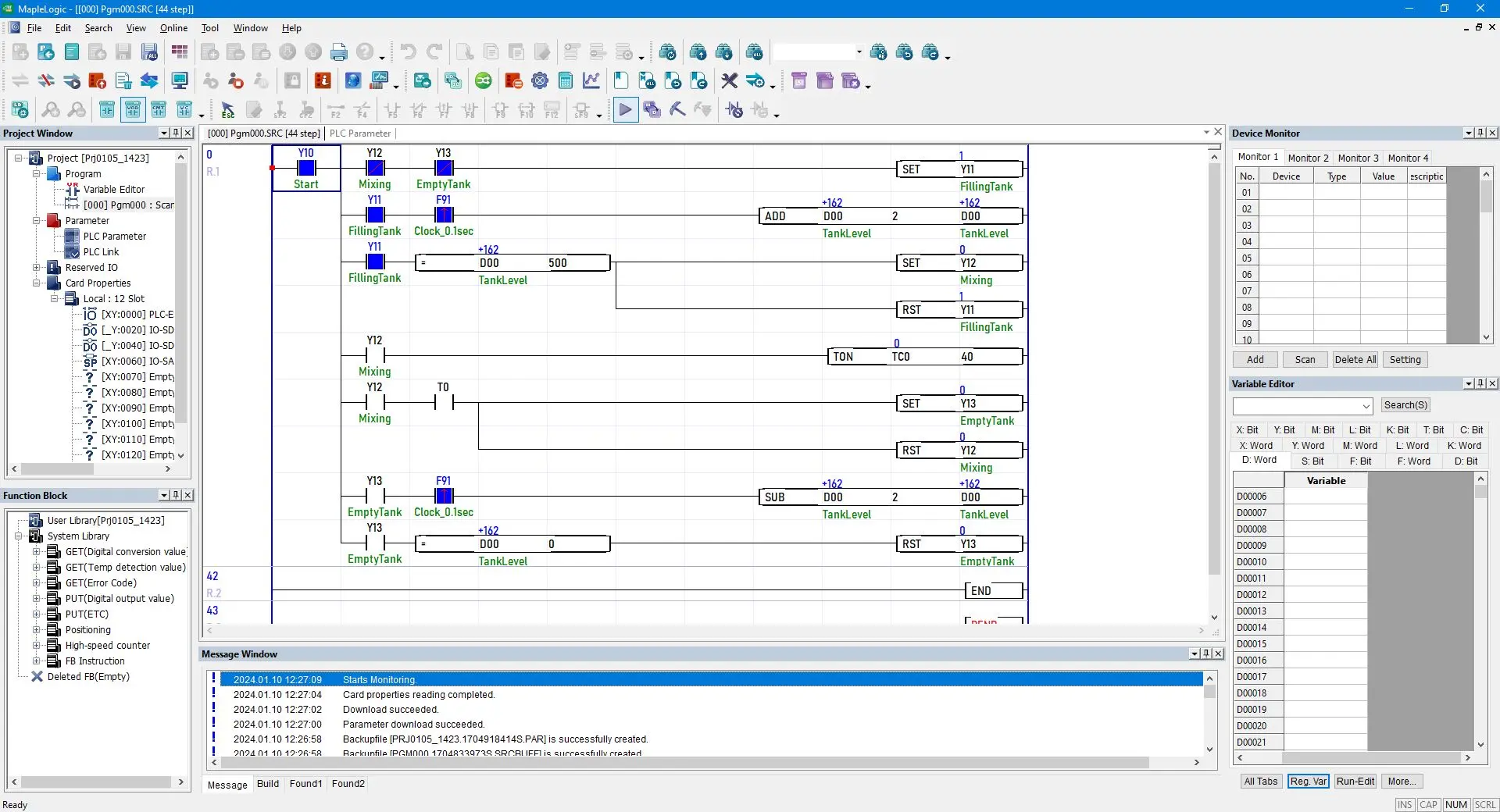
Download our free, powerful PLC configuration software. Using your preferred programming language—Ladder Diagram, Instruction List, Sequential Function Chart, or Function Block—you can create your project, your way, for a one-of-a-kind control solution.
Can I pair a Maple HMI with a Maple PLC?
Yes. Our HMIs can be paired with our PLC products via Modbus RTU or TCP. The Modbus Slave driver is configured in the PLC software, and the Modbus Master driver is configured in HMI software (EBPro). Tags can be exported and imported in both directions.Software Downloads & Upgrades
Manuals & Guides
- EBPro Quick Start Guide
- HMI5000L Series Installation Guide
- HMI5000P Installation Guide
- EBPro Programming Manual
- HMC Series Installation Guide
- MAPware-7000 Programming Manual
- MAPware-7000 Ladder Logic Guide
- Mapware-7000 Getting Started Guide
- MAPware-7000 IEC61131 Programming Guide
- MLC Series PLC Programming Manual & Installation Guide
- MLC I/O Module Guide
Videos
- Product Overview
- Quick Start: Part 1 – Introduction and Installation
- Quick Start: Part 2 – Create a Project
- Quick Start: Part 3 – Creating Windows
- Quick Start: Part 4 – Creating Static Elements
- Quick Start: Part 5 – Creating Digital Objects
- Quick Start: Part 6 – Create and Group Analog Objects
- Quick Start: Part 7 – Simulation Mode
- Part 1 – Introduction and Installation
- Part 2 – Creating a Native Ladder Project
- Part 3 – Adding and Initializing Tags
- Part 4 – Adding Logic
- Part 5 – Creating an HMI Screen
- Part 6 – Duplicating an HMI Screen
- Part 7 – Downloading and Testing the Project
- Part 8 – Creating an IEC Project Videos
- Part 9 –Creating a UDFB
- Part 10 – Adding a Structured Text UDFB
- Part 11 – Adding Power Up and Main Routine Logic
- Part 12 – Creating Screen Objects
- Part 13 – Downloading the Project and Online Monitoring
Sample Projects
- Modbus Example Project for HMC3070A-M and HMC3102A-M (IEC)
- Modbus Example Project for HMC3043A-M (IEC)
Controller Information Sheets
Communication Cables