
All parameters related to the web browser can be configured here, including the default URL and countdown timer settings.
Web Browser Settings
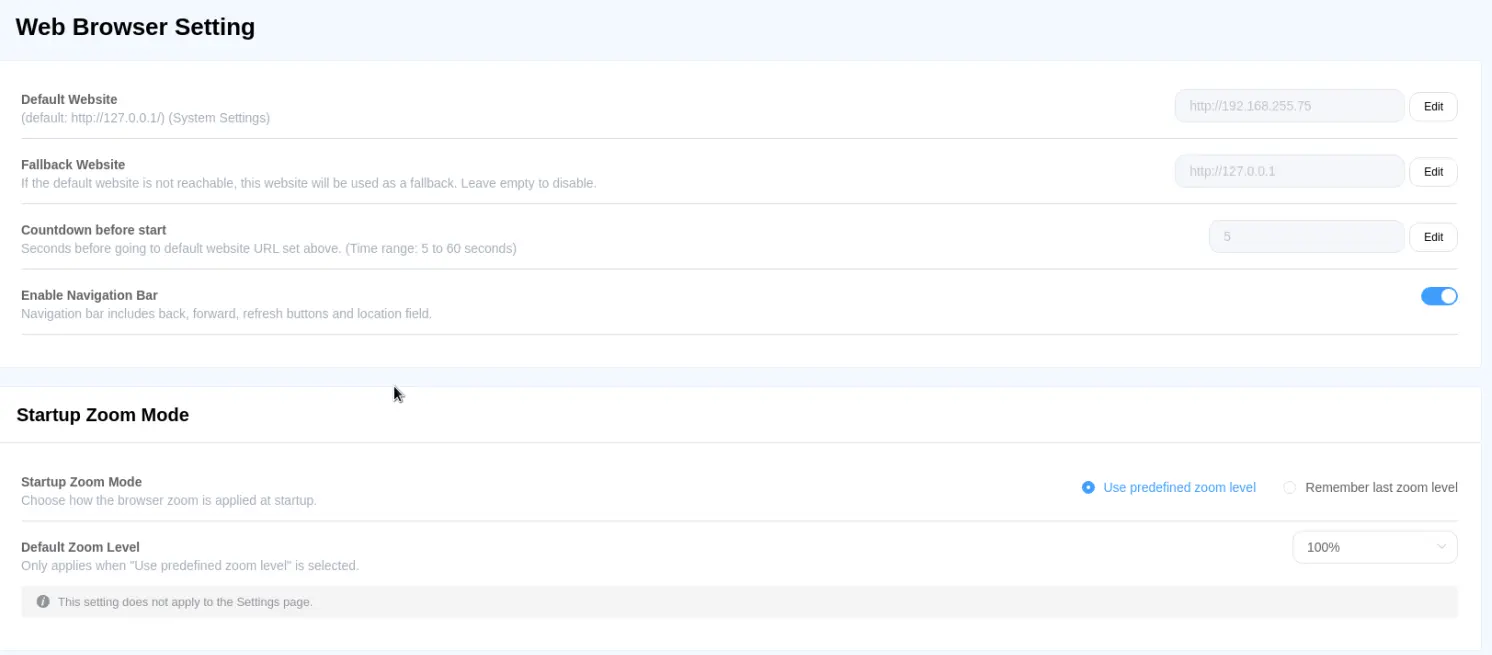
| Setting | Description |
| Default Website | Set the URL that will be accessed after the countdown finishes on the default screen. |
| Countdown before Start | The waiting time after entering the default screen before attempting to access the preset URL. |
| Enable Navigation Bar | When enabled, a navigation bar will appear at the top of the web browser. |
| Startup Zoom Mode | Choose how the browser zoom is applied at startup |
| Default Zoom Level | Only applies when “Use predefined zoom level” is selected |
Web Browser Diagnostics
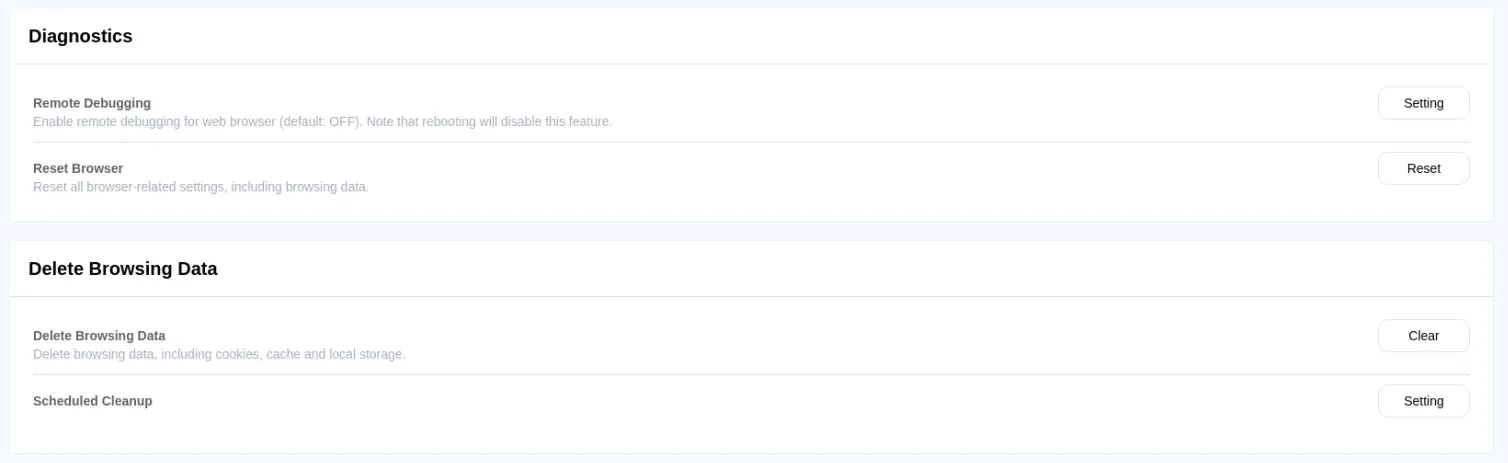
| Setting | Description |
| Remote Debugging | Determine whether to enable remote debugging for the web browser. The communication port must be configured. |
| Delete Browsing Data | Delete browsing data from the web browser. |
| Reset Browser | Reset the web browser settings. |