
First, you should determine if its an unmanaged or managed switch:
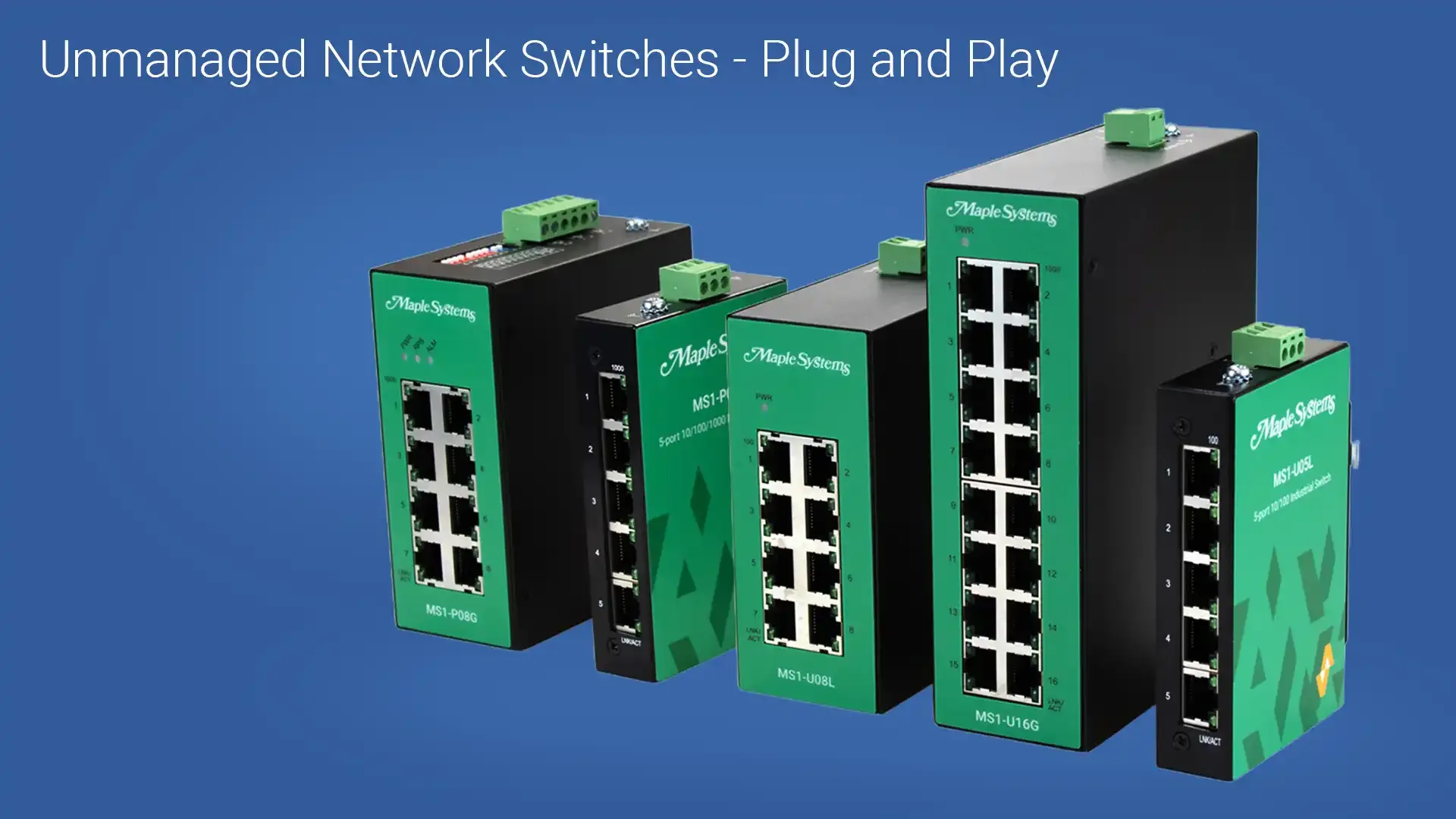
- If unmanaged, its plug and play.
- If managed, you’ll need to know how to reach the switch’s web interface.
To access the managed switch’s web interface, you’ll need to determine the switch’s IP address:
- The default IP address for Maple Systems managed Network Switches is 192.168.100.254
Once you’ve determined the IP address:
- Connect your PC or laptop directly to the switch via Ethernet
- Open a browser and enter the switch’s IP address directly into the URL and press Enter
If you’re using managed switch, your browser should open up to either:
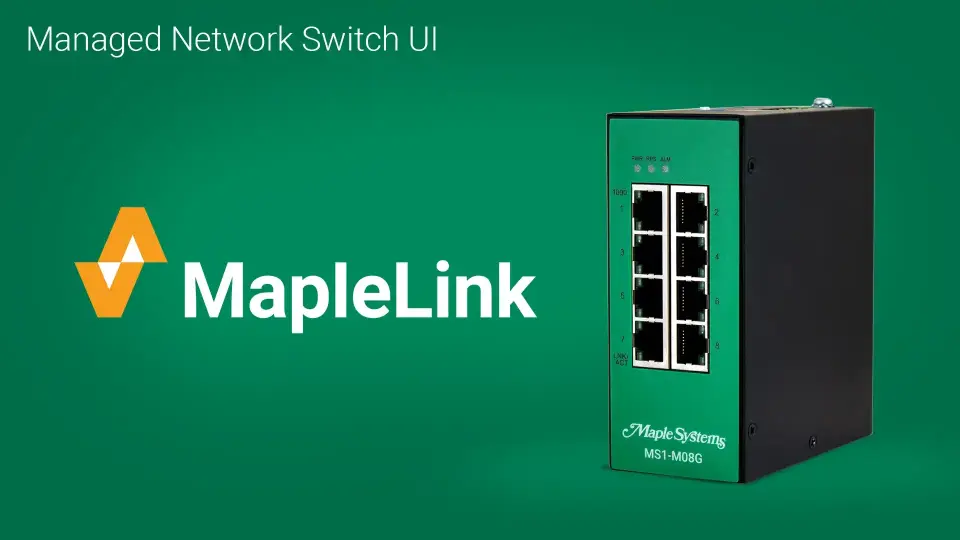
- MapleLink (Managed Switch)
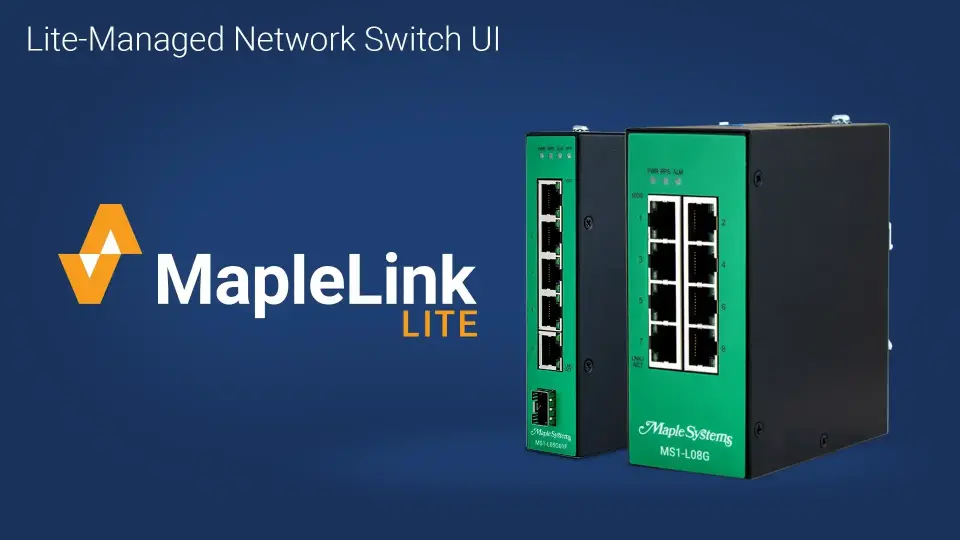
- MapleLink Lite (Lite-Managed Switch)
With straightforward configuration menus, both MapleLink and MapleLink Lite let you quickly set up your lite or fully managed network switch. The integrated topology map of connected devices and neighboring switches gives you key information such as IP address and link status. All the while, our unmanaged and premium unmanaged switches are plug and play for easy and quick installation.
Tutorial: Lite-Managed Industrial Network Switch Setup and Configuration Overview
Landing Page
Manuals & Guides
- MS1-U16G Quick Start Guide
- MS1-L05G01F Quick Start Guide
- MS1-P05G Quick Start Guide
- MS1-U05L Quick Start Guide
- MS1-M08G Quick Start Guide
- MS1-L08G Quick Start Guide
- MS1-P08G Quick Start Guide
- MS1-U08L Quick Start Guide
Product Pages
Tech Notes
Solutions
Videos
Require additional support