
Legacy Rugged, Heavy Duty Intel Core® i7 Wide-Temp Fanless Industrial Computer
This is a Legacy product and is no longer available for purchase. Please review the information on this page and call (425)-745-3229 or email [email protected] if you have further questions.
The rugged, heavy duty IPC2550A industrial computer system has a powerful i7 CPU, up to 64 GB RAM, extended operating temperature (-20~60°C), supports high-definition resolution displays, and rugged construction. With a Windows® or Linux® Operating System, this fanless IPC supports 3rd party and SCADA software like FactoryTalk®, SIMATIC WinCC, Ignition, & Aveva® Edge.
Share the product:
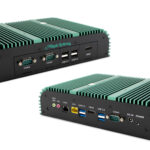
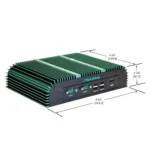
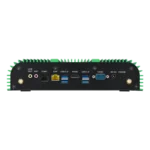


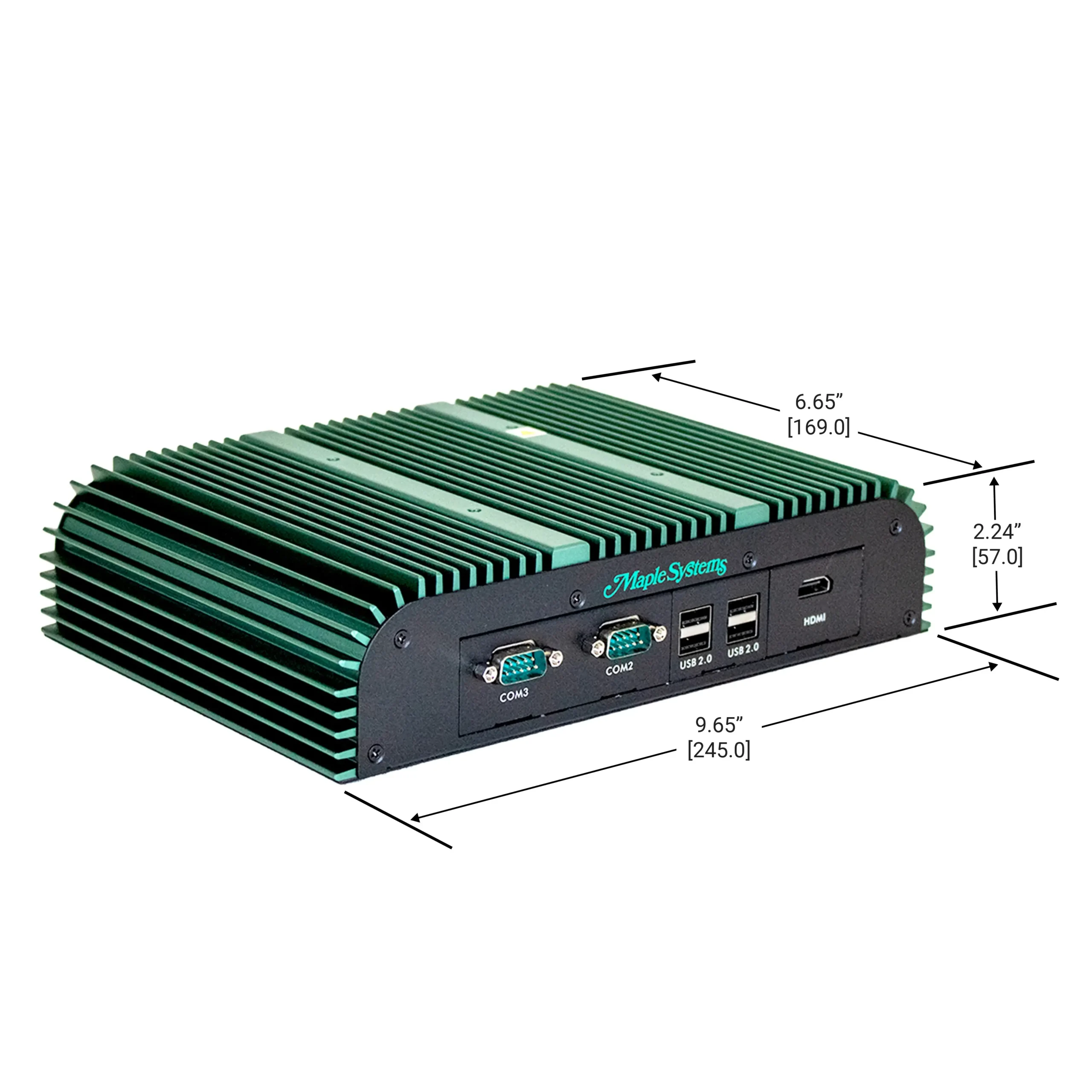
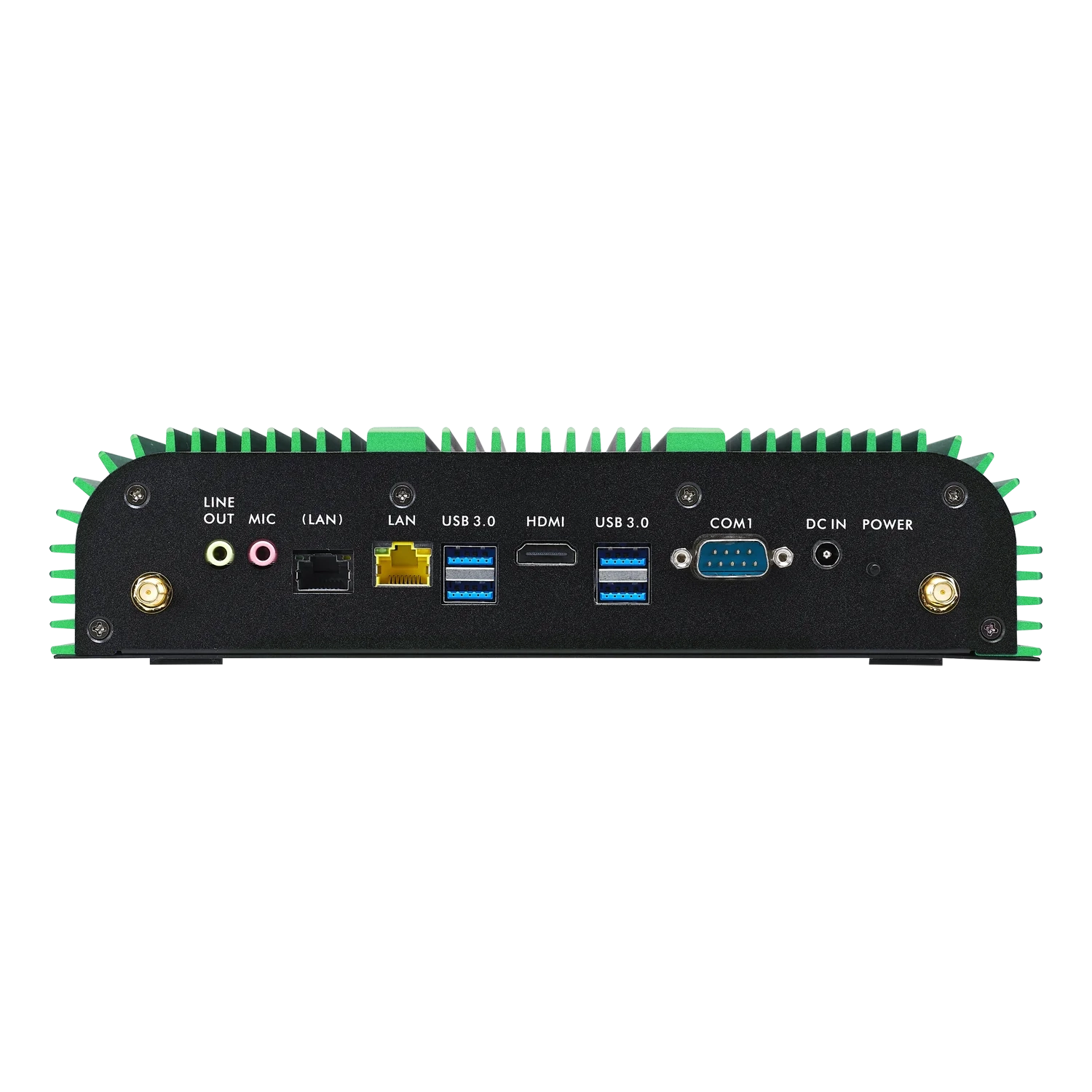
With this upgrade, you’re getting a more powerful CPU with DDR5 support, better integrated GPU performance. It means faster load times, higher performance in graphics-heavy apps, and broader ecosystem support. Updated USB and HDMI ports, Bluetooth 5.2 support, as well as Intel Iris Xe CPU Graphics. In summary, you’re getting an updated IPC that is overall better in raw performance, modern features, power efficiency, and future compatibility.

Need help planning the upgrade? Tell us how this product is used in your system and we will work out the right path forward, and what stays the same in your existing project.
Video Center
How-to, troubleshooting and webinar videos across HMIs, PLCs, HMCs and the rest of the range.
Controller Connection Guides
Per-controller wiring and setup details for connecting your panel to a specific PLC.
Communication Cables
Hundreds of ready-made cables and wiring drawings for the most popular PLC manufacturers.
Software Tutorials
Step-by-step tutorials with sample projects for our HMI and PLC software.
- Linux
- Windows
- SCADA – AVEVA
How long is the life cycle of embedded computers?
Embedded systems can have long life cycles, typically designed for 5-10 years, depending on their environment. Maple Systems offers a 2 year warranty on all our IPCs.
Products
Manuals & Guides
- IPC2110A Series Operations Manual
- IPC2200A Series Operations Manual
- IPC2400A Series Operations Manual
- IPC2550A Series Operations Manual
- IPC2600A Series Operations Manual
- IPC2700A Series Operations Manual
- BPC2300 Operations Manual
- AEX Series Operations Manual
Technical Articles
Industrial PC (IPC)
An Industrial PC or IPC is also known as a Box PC, Embedded PC, Panel PC, Panel Mounted Computer, Touch Panel PC, or Industrial Panel PC. IPCs can be sold with or without an integrated industrial display. An integrated display allows the entire computer to be mounted in any manner available for the display alone, ex panel mount, VESA, wall, etc., and eliminates the need for a separate space for the computer. A Panel PC is typically ruggedized for use in industrial or high-traffic settings.
Do your Embedded IPCs support Windows 11?
Our Embedded IPCs have drivers for Win 10 IoT Enterprise, Win 11 IoT Enterprise, Win 11 Pro, and Linux Ubuntu. See specific product pages for Operating System Options.
Products
Manuals & Guides
- IPC2110A Series Operations Manual
- IPC2200A Series Operations Manual
- IPC2400A Series Operations Manual
- IPC2550A Series Operations Manual
- IPC2600A Series Operations Manual
- IPC2700A Series Operations Manual
- BPC2300 Operations Manual
- AEX Series Operations Manual
Technical Articles
Need more support
Contact Us
What if I want Windows® 10 Pro instead of Enterprise?
Maple Systems does not provide support for Windows® 10 Pro. If Windows® 10 Pro is a must have, the customer will have to find and install the Pro OS on their own and know that Maple Systems will not be able to provide support for the OS.
Select IPCs come pre-loaded with Windows 11 Pro.
Software Downloads & Upgrades
- AVEVA ®
Articles
What types of I/O and wireless connectivity do your embedded PCs offer?
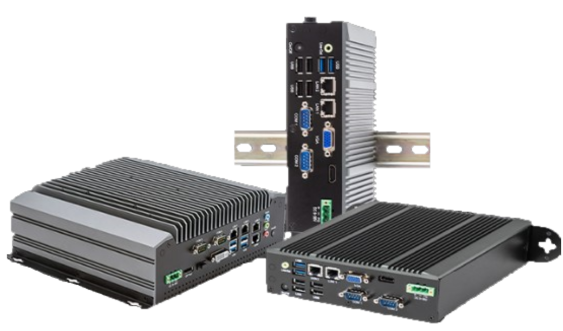
Our IPCs come with up to 4 serial communication ports, RS-232/422/485 supported, Wi-Fi with Bluetooth 5.2 supported on each, GbE and 2.5 GbE ports, USB 2.0 Type A, USB 3.0 Type A, USB 3.2 Type A, USB 3.2 Type C, HDMI, DVI-I, DisplayPorts, DP++, Audio (Line-In, Line-Out, Mic-In), SIM Card/4G/LTE, Digital I/O, PoE and more!
Products
Manuals & Guides
- IPC2110A Series Operations Manual
- IPC2200A Series Operations Manual
- IPC2400A Series Operations Manual
- IPC2550A Series Operations Manual
- IPC2600A Series Operations Manual
- IPC2700A Series Operations Manual
- BPC2300 Operations Manual
- AEX Series Operations Manual
Technical Articles
Need more support
What operating systems are available for the Maple Systems Industrial PCs?
The following operating systems are available for Maple Systems Industrial PC computers:
- Windows® 11 Pro
- Windows® 11 IoT Enterprise LTSC (EPKEA & PKEA)
- Windows® 10 Ent. LTSB Embedded (EPKEA)
- Windows® 10 Ent. LTSB Non-Embedded (PKEA)
- Linux® Ubuntu Desktop and Server
Software Downloads & Upgrades
- AVEVA ®
Articles
What are PKEA and ePKEA Product Keys?
When installing or reinstalling the Microsoft® Windows® Operating System to a PC, it must be activated using a Product Key. For Maple Systems products, Product Keys come in one of two forms: PKEA and ePKEA.
PKEA (Product Key Entry Activation) are non-embedded Product Keys purchased by the end-user either individually, or alongside a PC. If purchased with a PC, it will be on a sticker attached to the unit. The end user must manually activate Windows® before use by entering the Product Key into the Activation page while connected to the internet. The Product Key can be re-used on the same PC if Windows® needs to be re-installed.
A PKEA unit will feature a badge that looks something like below:
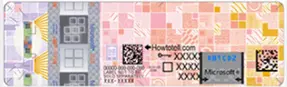
NOTE: The PKEA label on some units may appear with a different color scheme depending on the release of Microsoft® Windows® it is for
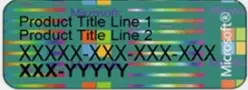
ePKEA (Embedded Product Key Entry Activation) are embedded Product Keys that are only be purchased alongside a PC. The Product Key is embedded in the PC and activated by Maple Systems. If Windows® needs to be reinstalled on the PC, it must come back to Maple Systems for re-activation.
An ePKEA unit will feature a badge that looks something like below:
Software Downloads & Upgrades
- AVEVA ®
Maple Systems Product Brochure
SCADA
Articles & Case Studies
Video Center
What happens if my Embedded operating system (EPKEA) needs to be reinstalled?
Because of the embedded product key the system must come back to Maple Systems for repair.
Software Downloads & Upgrades
- AVEVA ®
Articles
What is a Windows® Non-Embedded (PKEA) operating system?
For Non-Embedded operating systems, the customer must enter the product key (shown on a sticker attached to the back of the unit) to activate the Windows® license on the unit. If needed, this means that the customer can reinstall Windows® without needing to send the unit in for repair.
Software Downloads & Upgrades
- AVEVA ®
Articles
What is a Windows® Embedded operating system?
A Windows® Embedded (EPKEA) Operating System has the Windows® product key pre-installed by Maple Systems before shipping the unit to the customer.
Software Downloads & Upgrades
- AVEVA ®
Articles