Configure network-related settings like Ethernet, wireless networks, and hotspots.
Ethernet
Setting
Description
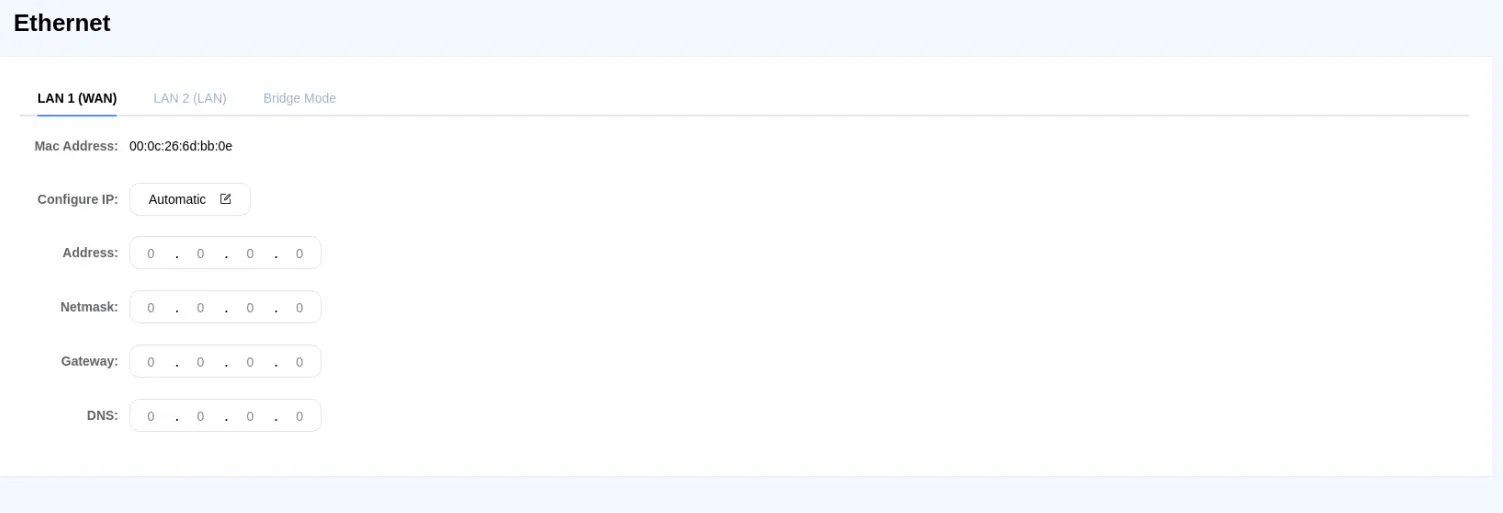
LAN 1 (WAN)
Configure the IP parameters for LAN 1. Usually used for external network connections, requiring the setup of IP address, subnet mask, gateway, and domain name system.
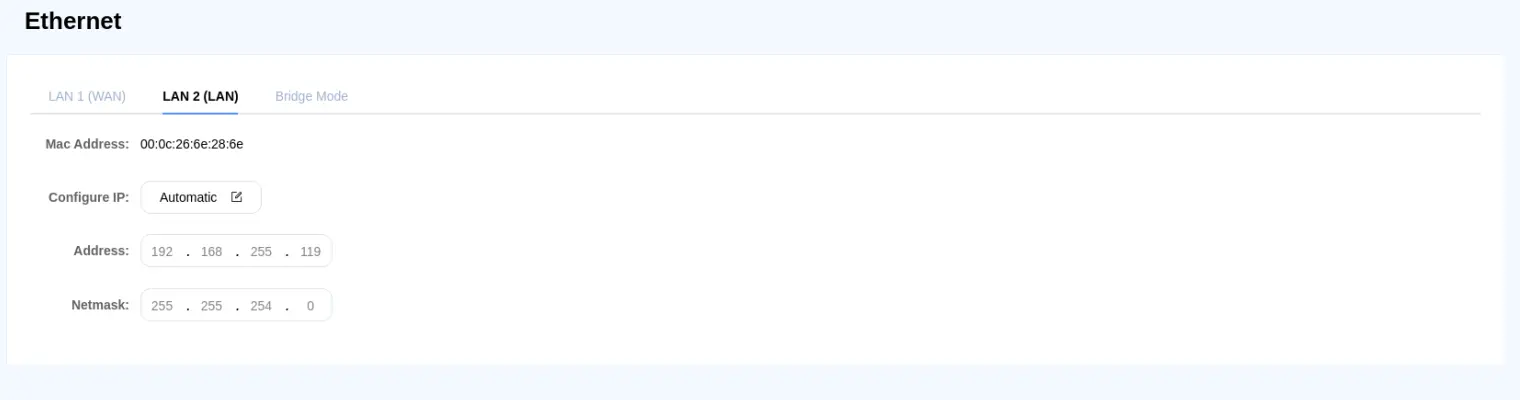
LAN 2 (WAN)
Configure the IP parameters for LAN 2. Usually used for internal network connections to isolate internal networks from external ones. To avoid network conflicts, LAN1 and LAN2 should be set in different domains.
Bridge Mode
Enable bridge mode to connect LAN1 and LAN2 within the same domain, achieving switch functionality. Users must confirm the connections of both network ports; improper connections may create loops, leading to broadcast storms. After confirmation, click to execute.
Wi-Fi
This information only applies for the cMT3108XPW only
Setting
Description
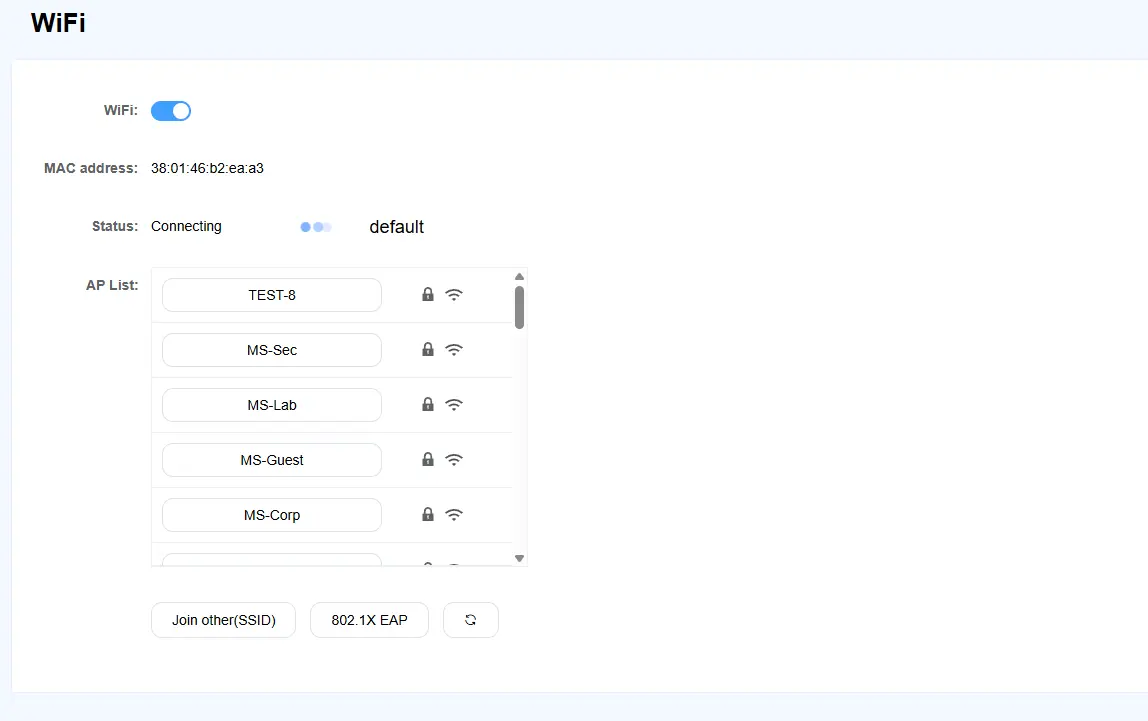
Wi-Fi
Enable Wi-Fi Functionality
AP List
Search for wireless access points in the area. Connect by entering the password.
Join Other (SSID)
Manually join a wireless access point.
801.1X EAP
Configure encryption communication for the wireless network.
Hotspot
This information only applies for the cMT3108XPW only
Setting
Description
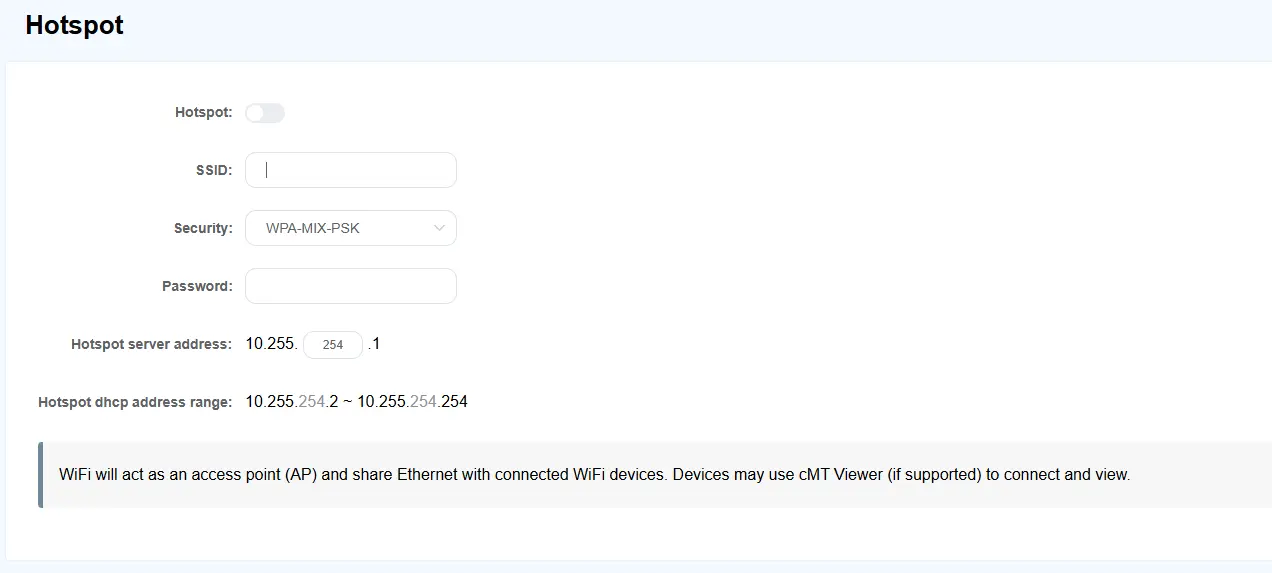
Hotspot
Enable hotspot functionality to share wireless network from the cMT Web HMI.
SSID
Set the display name for the wireless access point.
Security
Choose the encryption method for communication.
Password
Set the access password for the wireless access point.
Hotspot server address
Configure the IP address for the cMT Web HMI to act as a server hotspot.
Hotspot DHCP address range
Specify the range of IP addresses that will be allocated when connected to the hotspot.