
AVEVA™ InTouch HMI 2023 R2 2,500 Tag License – No I/O
$2,675.00
AVEVA™ InTouch HMI delivers powerful visualization, monitoring, and control capabilities for industrial automation applications, providing operators with an intuitive interface for viewing process data, responding to alarms, monitoring equipment, and controlling connected systems. INTCH-14-N-231 supports up to 2,500 tags (no I/O), making it a perfect addition to your system where communication infrastructures already exist, and a visualization/SCADA software is needed to process data.
Core Visualization and Graphics
- Industrial Graphics Library: Pre-built, vector-based symbols and situational awareness components.
- HTML5 Web Client: Remote browser access without needing local client installations.
- Personal Workspaces: Ad-hoc run-time displays configured dynamically by operators.
- Map Integration: Embedded zoomable map widgets for geo-context tracking.
Data and Connectivity
- Communication Drivers: Native connectivity to hundreds of industrial automation devices, PLCs, and controllers.
- Historical Data Logging: Built-in high performance data recording and integration with AVEVA Historian.
- Database & Cloud Connectivity: Native support for SQL databases and cloud-based operational dashboards
Management and Security
- Alarm and Event Engine: Real-time annunciating, filtering, visualization, and acknowledgement.
- Enterprise Security: Windows authentication, Active Directory, and federated identity management.
- Scripting Language: Built-in logic execution to control graphic behavior and application events.
Applications
- SCADA Visualization: Display process data from an existing from an existing communication system.
- OPC Based Applications: Connect InTouch to PLC and device data through an OPC server.
- Factory Monitoring: Monitor production processes, equipment status, and system conditions.
- Machine Monitoring: Provide operators with real-time equipment data and diagnostics.
- Facility Monitoring: Visualize building, utility, and factory system data.
- Centralized Data Visualization: Bring data from multiple systems into a single HMI interface.
- Existing InTouch Systems: Expand or replace workstations without adding I/O driver connectivity.
- Third-Party Communication Systems: Use InTouch w/out I/O when PLC and other connected devices communications are handled by another platform.
Product Manual: Refer to the AVEVA InTouch HMI User Guide for common questions
- US-based technical support.
Share the product:
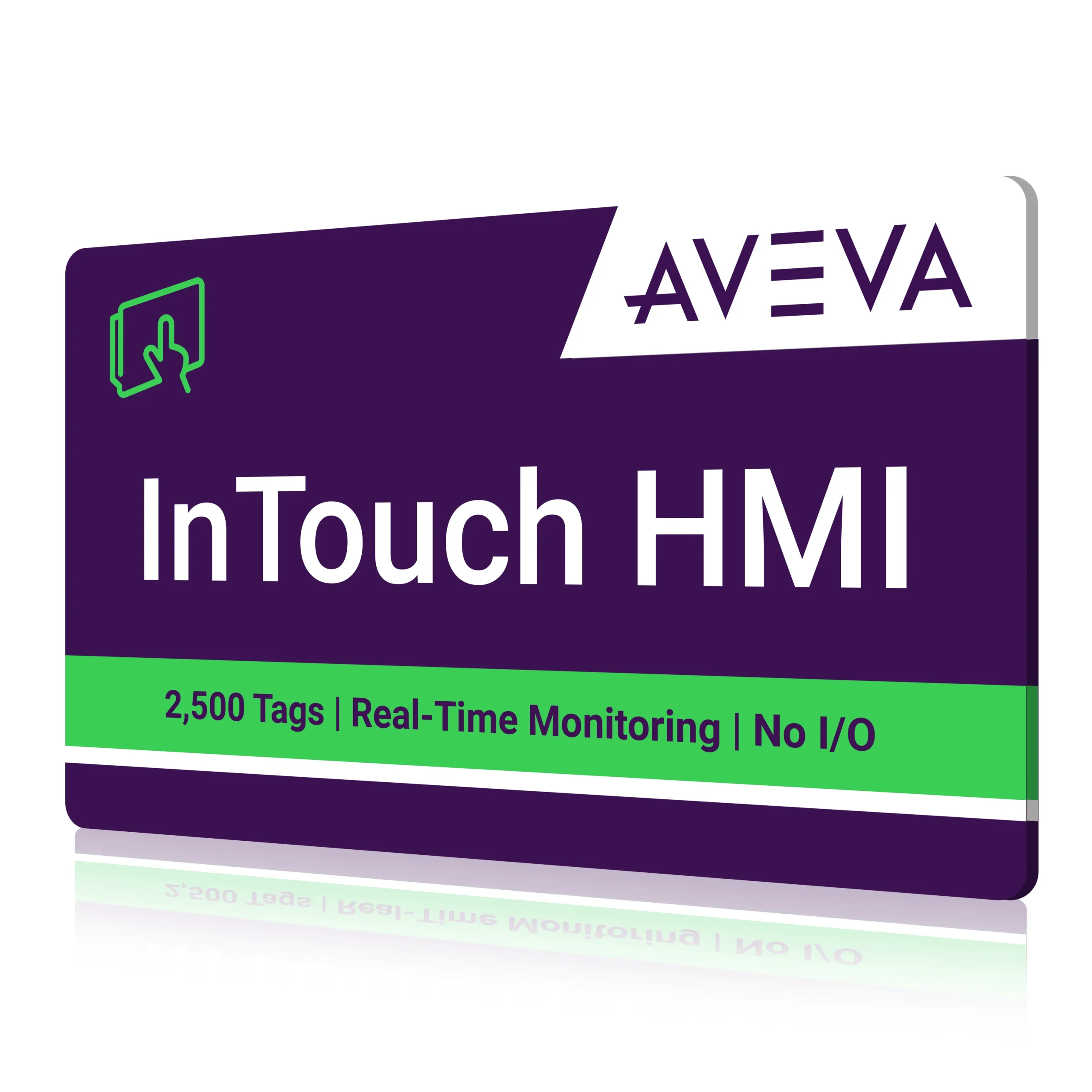
- 2,500 Tags
- Development (WindowMaker) Included
- No I/O Drivers Included for PLC Connectivity
- Standalone InTouch HMI
- Alarms & Alarm Management
- Industrial Graphics & Animation
- OPC UA Integration
- User Defined Types (UDTs)
- SVG Graphic Import
- Scripting Support
- Secure Credential Management