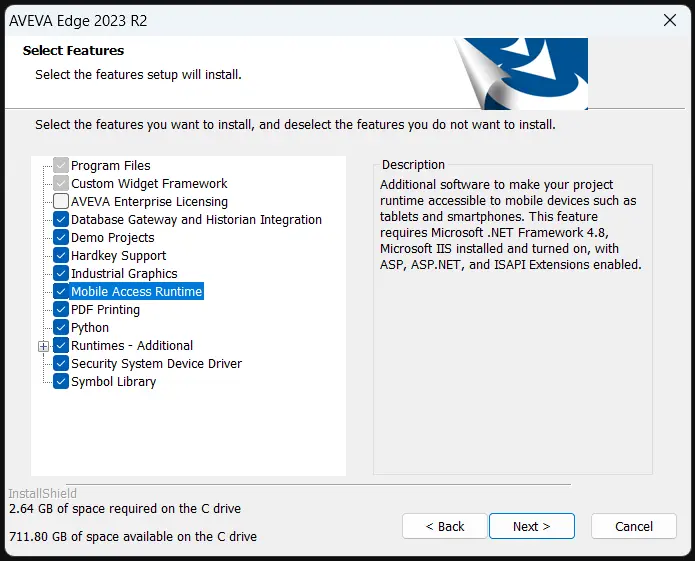
Summary
The “Mobile Access Runtime” feature of AVEVA Edge allows you to access your AVEVA Edge project
and server from web browsers and mobile devices. But on a base installation of AVEVA Edge, you may
not be able to install it.
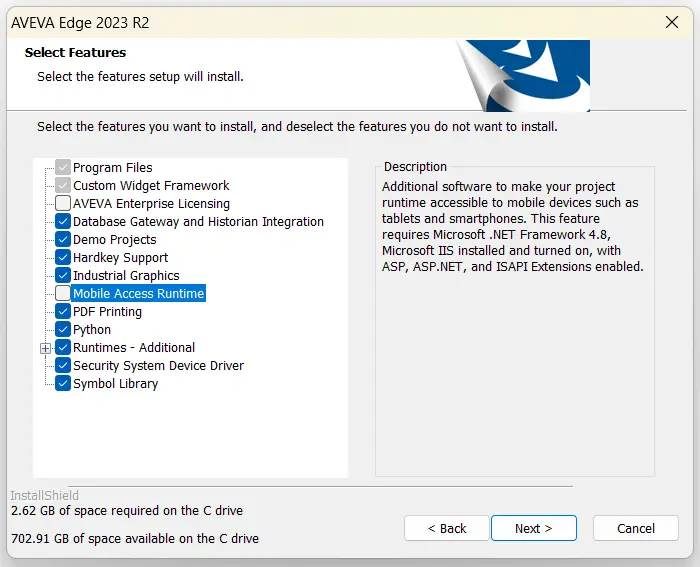
This is due to a lack of dependencies on your Windows device. This guide will walk you through installing the dependencies necessary to use “Mobile Access Runtime” in your AVEVA Edge installation.
Solution
To start, you’ll need to open the Windows Control Panel.
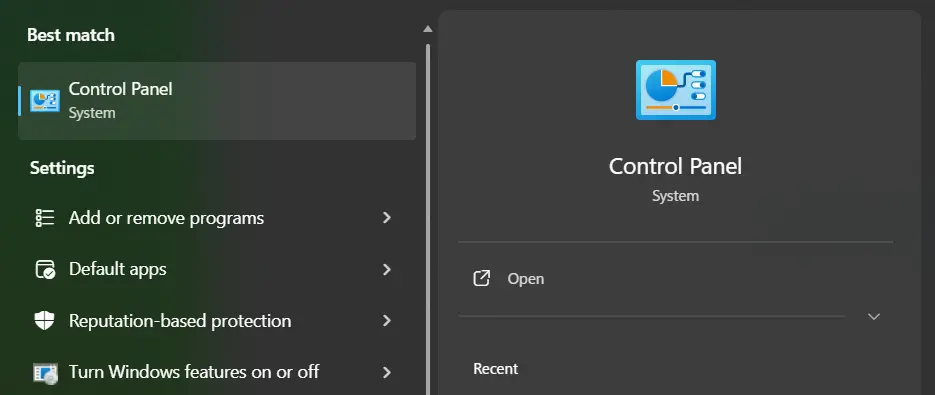
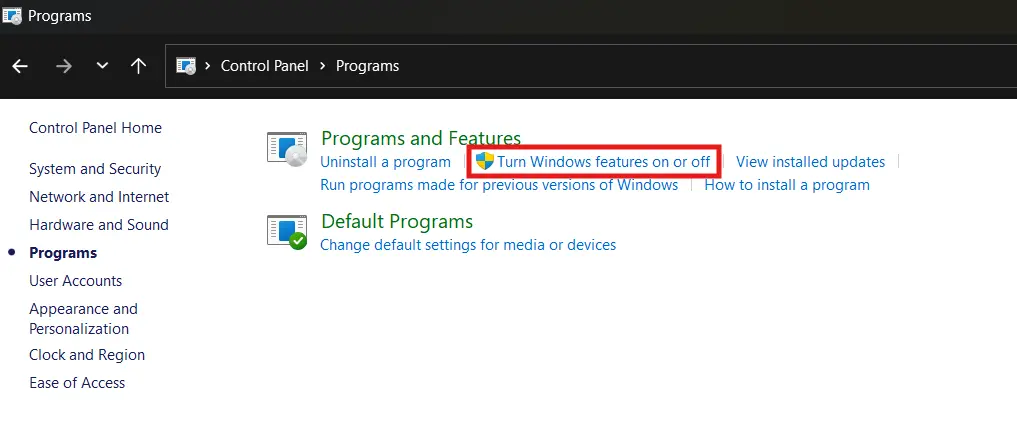
Navigate to “Programs > Turn Windows features on or off”.
Then we’ll want to enable “Internet Information Services > World Wide Web Services > Application Development Features” and then every service within there.
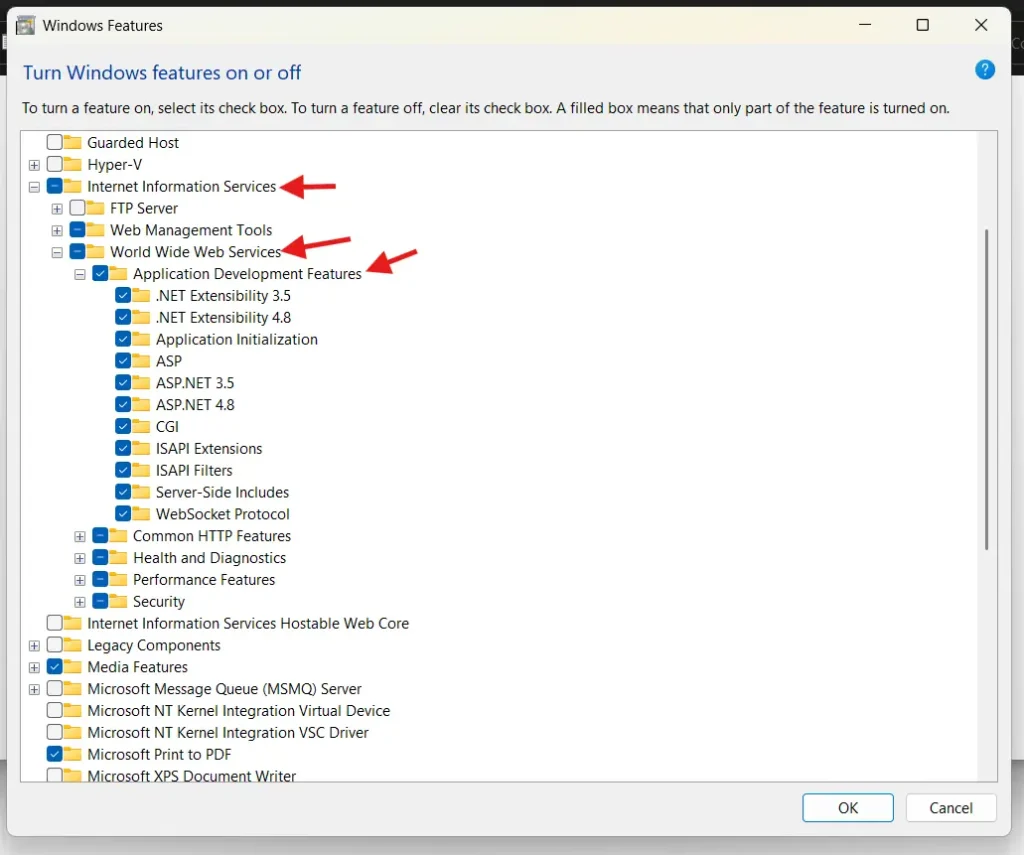
Once you’ve done so, and allowed Windows to automatically install these dependencies, you’ll be able to install and enable the Mobile Access Runtime in the AVEVA Edge installer.