
UL Certified, Embedded PC with Multi-Display Support
$1,350.00
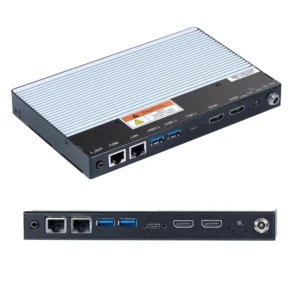
This UL listed, embedded system is designed to deliver reliable performance in demanding environments, while providing the graphics capability and connectivity required for modern control rooms and monitoring stations. Combining durability with multimedia performance, the BPC2620A is an ideal solution for industries requiring both operational computing and visual communication. Works with all cloud-based digital signage software platforms like Nimbus808, Yodeck, OptiSigns, and NoviSign.
Pair with one of our Industrial Monitors
- Customize product with your company logo. Minimum quantities apply.
- US-based technical support.
Share the product:
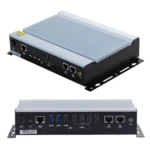
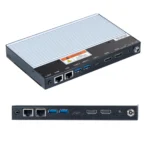
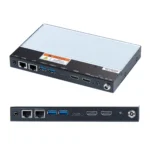

The base options are selected by default. Select the options to get the desired configuration.
System
| CPU | AMD® Ryzen R2314 Processor (Zen+) |
| Memory (RAM) | 1 x DDR4 260-pin SO-DIMM RAM (8, 16, 32 GB) |
| System Chipset | SoC |
| Solid State Drive Type | SATA 3 |
| Solid State Drive Capacity | 64, 128, 256, 512 GB, 1TB, 2TB SSD |
| CPU Graphics | Next-Gen AMD Radeon® HD GPU Graphics Integrated |
| TPM Module | AMD® fTPM 2.0 |
Storage
| Solid State Drive | 1 x M.2 SATA 3, 3D TLC (64, 128, 256, 512 GB, 1TB, 2TB SSD) |
| SD Card Slot | N/A |
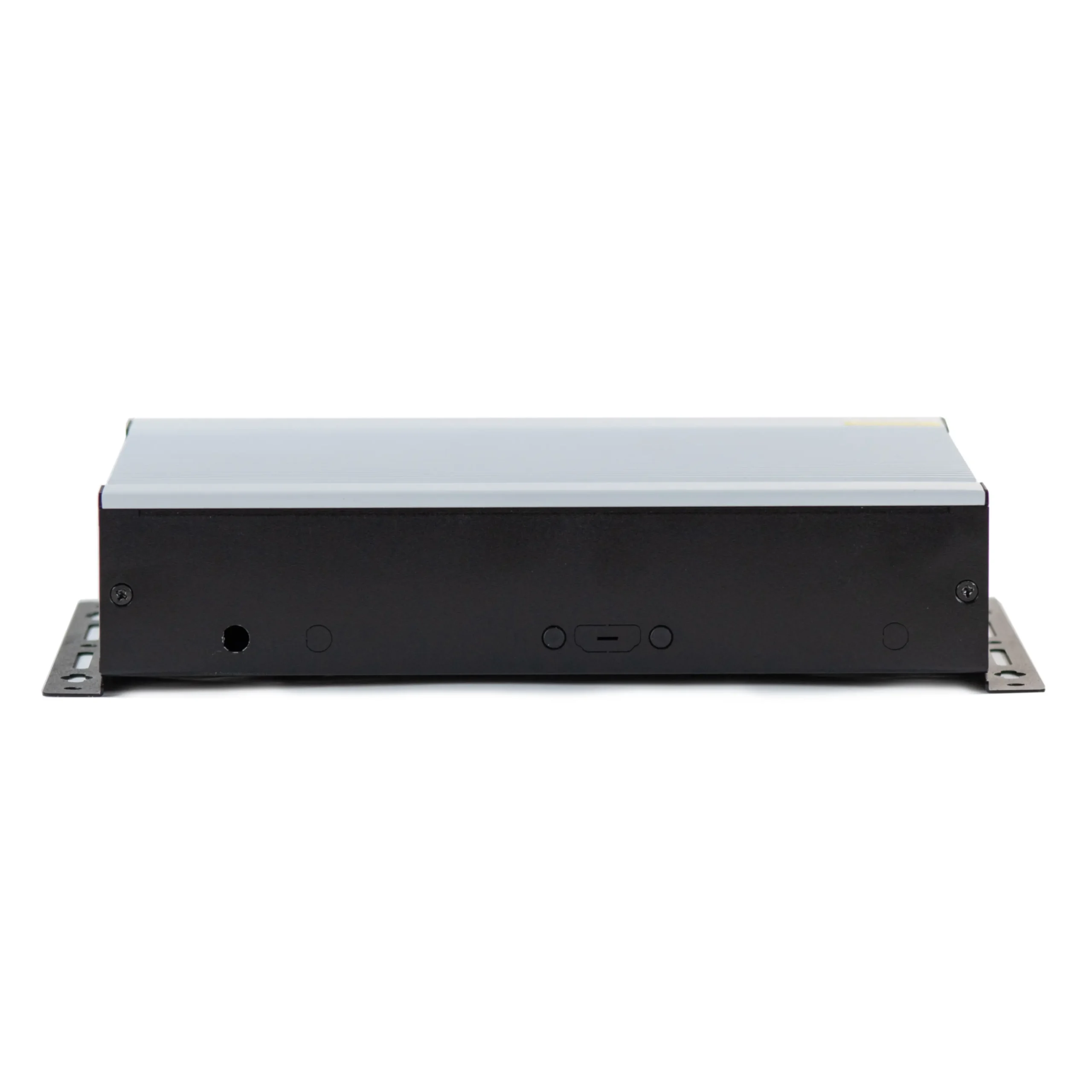
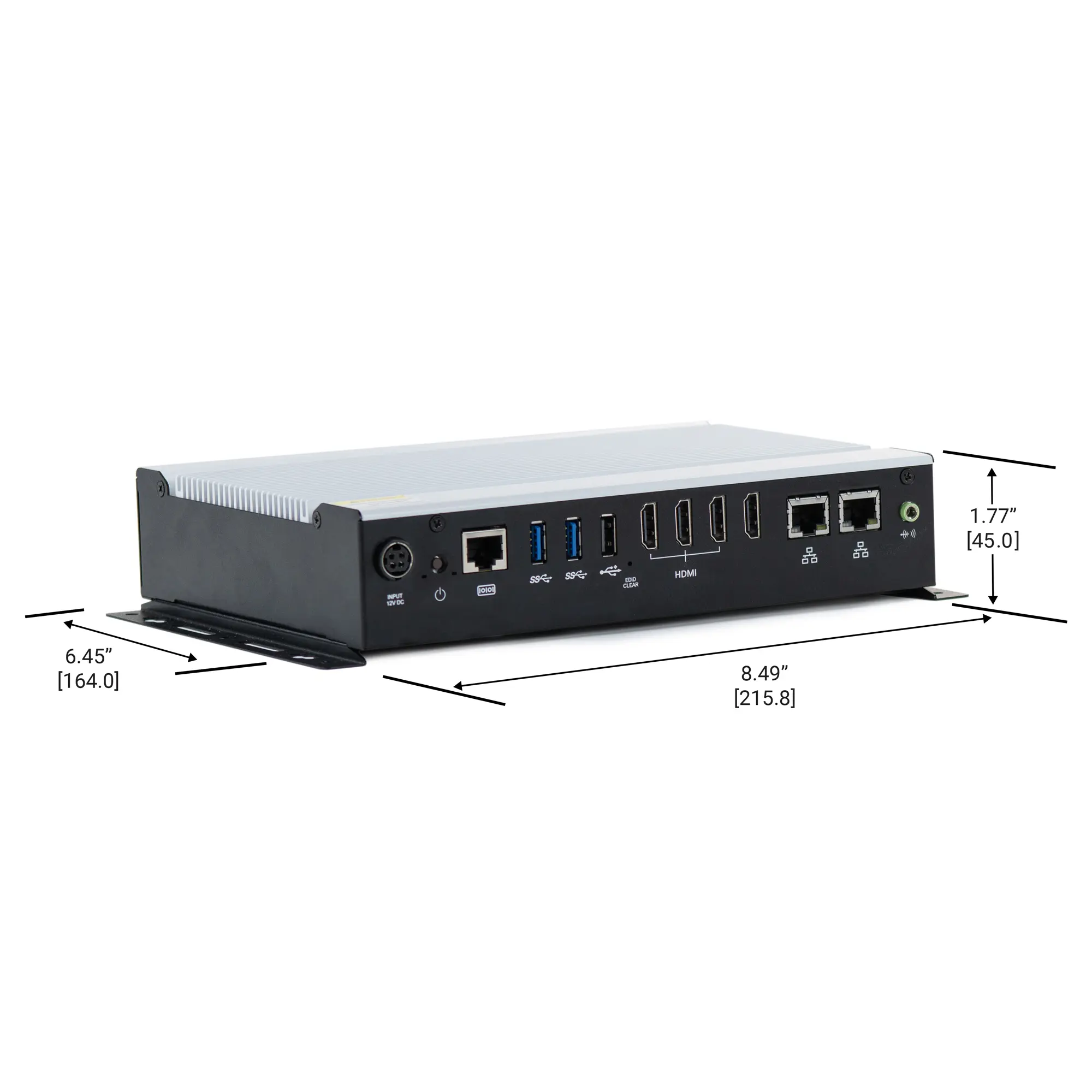
Front I/O
| Wireless LAN | 2x Wireless LAN Antenna ports (covered unless optional Wi-Fi Expansion kit purchased) |
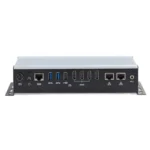
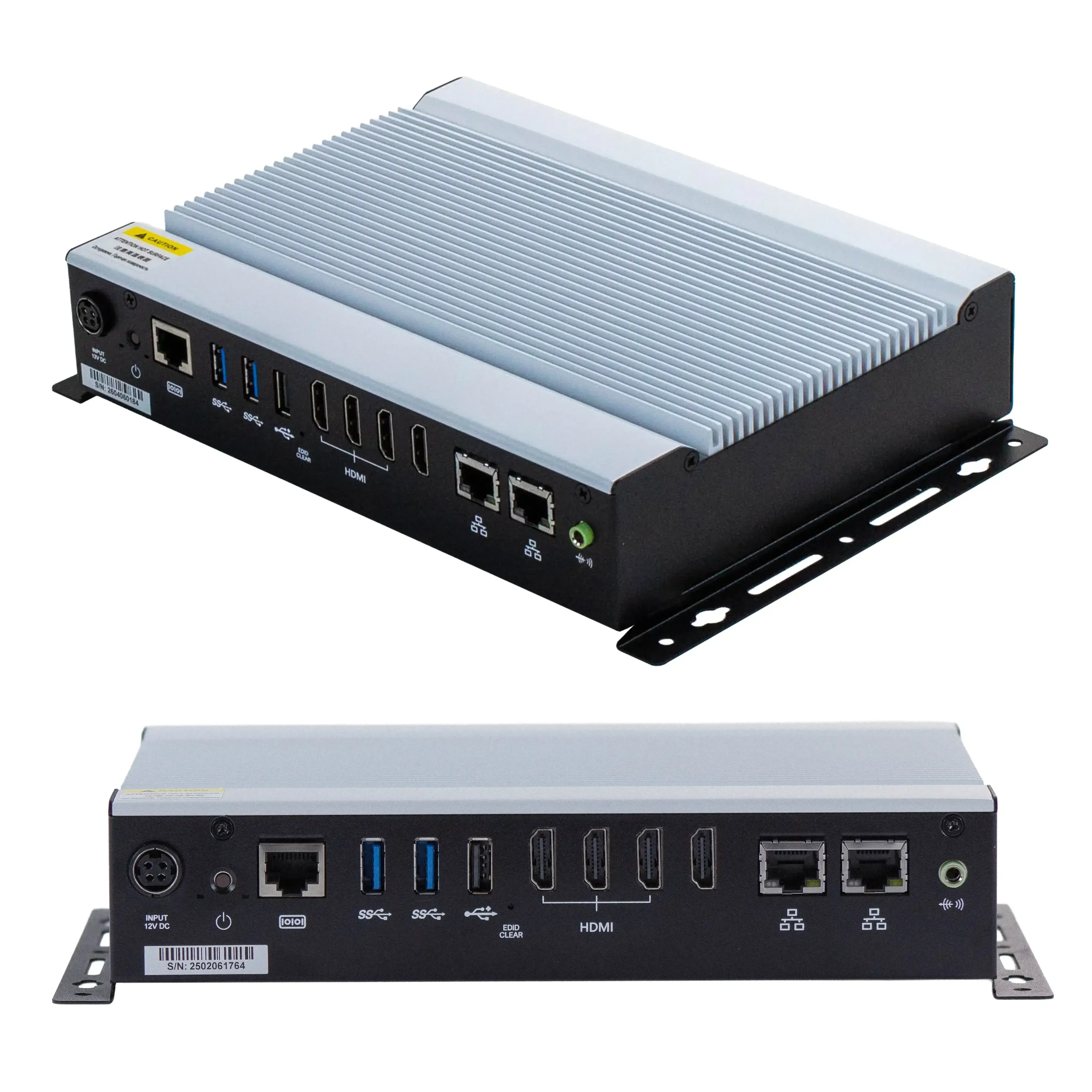
| Ethernet/LAN | 2 x Realtek RTLB111H-CG Gigabit LAN |
| Audio Output | 1 x 3.5 mm Line-out |
| Power | 1 x DC Jack Input Connector |
| USB 2.0 Type A | 1 |
| USB 3.0 Type A | 2 |
| Power Switch | 1 x Momentary Pushbutton |
| Serial | 1 x RS-232 RJ50: COM 1 |
| Display Interface | 4 x HDMI 2.0 with hardware EDID emulation (max. 4096 x 2160 pixels @60Hz) |
| EDID | Yes
|
Auto Control and Monitoring
| Watchdog Timer | 256 Segments, 0, 1, 2…255 (sec/min)
|
| Energy Saving Technology | Yes
|
Expansion I/O
| Expansion Option | Optional Wi-Fi kit (IEEE802.11ax card and 2 x antenna, Bluetooth 5.2 Support |
Electrical
| Input Power | 84 W max. |
| Input Voltage | 12 VDC +/- 10% |
| Input Current | 7 A max. |
Mechanical
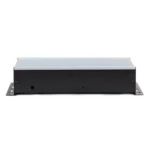
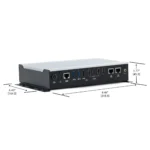
| Dimensions WxHxD | 8.49 x 1.77 x 6.45 inches [215.8 x 45.0 x 164.0 mm] |
| Weight | Approx. 3.1 lbs. [1.5 kg] |
| Mounting | Wall Mount kit included |
| Construction | Silver Anodized Aluminum Heatsink, Grey Steel Chassis |
Environmental
| Operating Temperature | 32° ~ 113°F (0° ~ 45°C) |
| Storage Temperature | -4~176°F [-20~80°C] |
| Storage Humidity | 10% ~ 90% (non-condensing) |
Certification
| IP Rating | IP30 |
| CE | Yes |
| UL | Yes |
| RoHS | Yes |
| FCC | Class B |
- Windows
- SCADA – AVEVA
Why is Intelligent Energy Saving highlighted on some of your PC products?
Intelligent Energy Saving is a built-in power management feature that allows users to schedule when the PC automatically turns on and off.
This feature helps reduce energy consumption by ensuring the system only runs during required operating hours. For example, in digital signage, or kiosk applications, the PC can be set to power on before business hours and shut down after closing, eliminating unnecessary runtime.
In addition to energy savings, this technology also supports:
- Improved system lifespan by reducing continuous usage
- Consistent daily scheduling for reliable deployment
Overall, this technology is an intelligent power scheduling feature that allows the PC to automatically turn on and off at set times, helping to reduce energy use and enable dependable, unattended operations in industrial and commercial environments.
Products:
Manuals & Guides:
Technical Articles:
What is EDID Emulation?
Extended Display Identification Data. EDID is the data a monitor sends to the PC telling it what its capabilities are. The emulator basically mimics that data so the IPC thinks the monitor is always connected and powered on, which prevents connection loss, even when changing out displays or providing maintenance, allowing for 24/7 operation.
EDID Emulation provides several important advantages:
- Prevents display resolution issues when monitors are disconnected
- Maintains stable video output during power cycling or hot-swapping
- Reduces system downtime in industrial environments
- Ensures consistent display configuration across reboots
- Improves reliability for remote or unattended systems
Without EDID Emulation:
- The system may lose display signal when a monitor is disconnected
- Resolution may default to a lower setting
- Applications may resize or fail to display correctly
- remote access sessions may be disrupted
Contact [email protected] today and learn more about how EDID Emulation can reduce your downtime and ensure dependable performance in all environments.
Products:
Manuals & Guides:
Technical Articles:
Are these digital signage players fanless?
Yes. Every Maple Systems signage player is fanless and solid-state, with no moving parts to fail, a design that makes 24/7 unattended operation reliable and dust/vibration tolerant. They’re cULus-listed for commercial installation.
Products:
Manuals & Guides:
Technical Articles:
What is a digital signage player?
A digital signage media player is a compact computer that stores, decodes, and outputs content (video, images, web pages, live data) to one or more commercial displays. Unlike a consumer streaming stick, a commercial signage player is built to run unattended 24/7 and to be managed remotely at scale. Maple Systems players are industrial box PCs running Windows or Linux, so they drive standard displays over HDMI/DisplayPort and run any signage software you choose.
Products:
Manuals & Guides:
Technical Articles:
Do Maple Systems digital signage players support multiple monitors or video walls?
Yes. Select models drive up to four simultaneous 4K displays from a single player, so you can build video walls and multi-zone layouts without one player per screen. Hardware EDID emulation keeps every display recognized as “always connected,” so screens don’t go black during reboots, maintenance, or display swaps.
Products:
Manuals & Guides:
Technical Articles:
What does HDMI-CEC support mean for Digital Signage Players?
HDMI Consumer Electronics Control (HDMI-CEC) is a feature that allows compatible devices connected through HDMI to communicate and control one another. For Digital Signage Players, HDMI-CEC enables automatic control of connected displays, including powering the display on or off, switching inputs, and synchronizing operation without requiring additional control cables. This simplifies installation, reduces energy consumption, and makes managing digital signage deployments more efficient.
Products:
Manuals & Guides:
Technical Articles:
What does Wake on LAN (WoL) mean for Digital Signage Players?
Wake on LAN (WoL) is a networking feature that allows a device to be powered on remotely by sending a special “magic packet” over the network. This enables administrators to start, update, and troubleshoot signage systems without physical access, reducing maintenance time and improving efficiency. Wake on LAN is especially useful for large-scale digital signage deployments where remote management is essential.
Benefits of Wake-on-LAN include:
- Remotely powering on devices without physical access.
- Recovering systems after unexpected shutdowns or power interruptions.
- Simplifying maintenance for devices installed in hard-to-reach locations, such as kiosks, digital signage, and industrial PCs.
- Enabling after-hours software updates, security patches, and system maintenance.
- Reducing service calls and on-site technician visits.
In summary, Wake-on-LAN provides a simple and efficient way to remotely start, manage, and maintain network connected devices without requiring on-site access.
Products:
Manuals & Guides:
Technical Articles:
Which Digital Signage player is best for outdoor or unheated environments?
For extended temperature ranges, the IPC2210A operates from -40°C to 70°C.
Products:
Manuals & Guides:
Technical Articles:
What is Hardware Root of Trust (RoT) in Digital Signage?
A Hardware Root of Trust (RoT) is a built-in hardware security foundation that helps protect devices from unauthorized access, tampering, and malware. It verifies system integrity during startup, secures encryption keys, and helps ensure only trusted firmware and software can run.
For digital signage systems, Hardware Root of Trust can provide:
- Secure boot and system integrity verifcation
- Protection of encrypted keys and credentials
- Tamper and unauthorized modification detection
- Protection against malware during startup
- Secure device authentication and cloud connectivity
- Enhanced security for stolen or compromised devices
Hardware Root of Trust typically uses dedicated security hardware to verify critical system components and protect cryptographic keys throughout the device lifecycle.
Products:
Manuals & Guides:
Technical Articles:
Documents
Manuals
Certifications
- UL Certification Declaration – IPC2610A, BPC2620A, BPC5023A, BPC5024A
- CE Declaration of Conformity – BPC2620A
- FCC Declaration of Conformity – BPC2620A
- RoHS Declaration of Conformity (all series)
- REACH EU Declaration of Conformity
- Trade Agreement Act Declaration of Conformity
- Country of Origin Certification
CAD Files
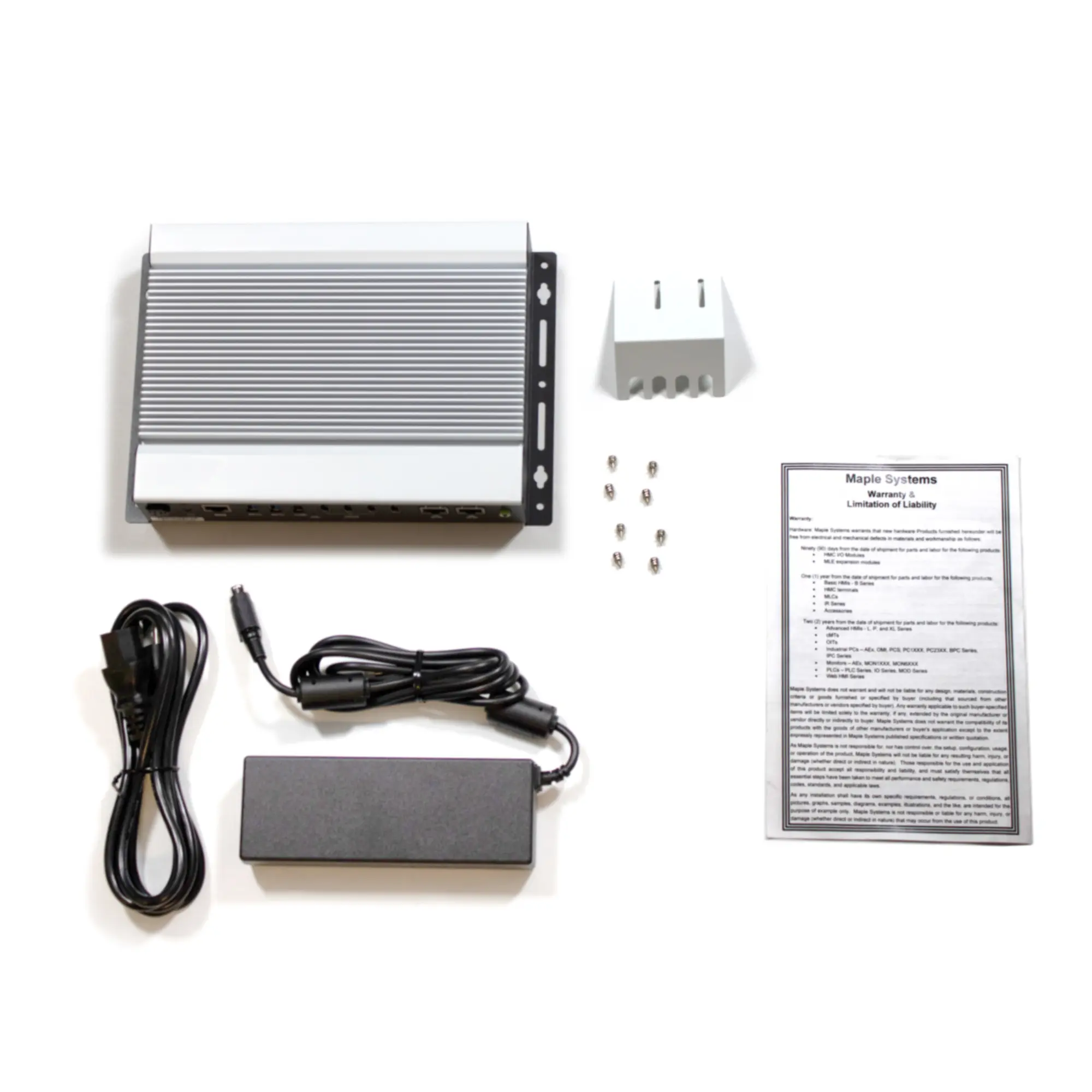
When you order the BPC2620A the following items are included in the box:
- BPC2620A Series Box PC unit
- Wall Mounting Kit (installed)
- HDMI Securing Plate
- Screw Kit (4 x mounting screws, 2 x HDMI securing plate)
- 84W Power Adaptor
- Warranty Statement Insert
|
Filters |
UL Certified, Embedded PC with Multi-Display Support BPC2620A $1350.00
|
UL Certified, Dual 4K Fanless Digital Signage Player BPC5023A $1200.00
|
UL Certified, Dual 4K Fanless Digital Signage Player BPC5024A $1425.00
|
|---|---|---|---|
| Loading product data… | |||