
Legacy Rugged, Heavy Duty Intel Core® i7 Wide-Temp Fanless Industrial Computer
IPC2550B replaces IPC2550A if an i7 processor is needed
IPC2550C replaces IPC2550A if i3 or i5 processor is needed
This is a Legacy product and is no longer available for purchase. Please review the information on this page and call (425)-745-3229 or email [email protected] if you have further questions.
Share the product:
Compare to Similar Models
Compare IPC2550A with 2 other products
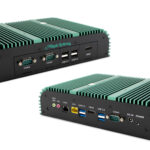
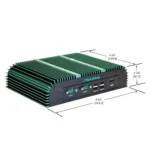


|
Filters |
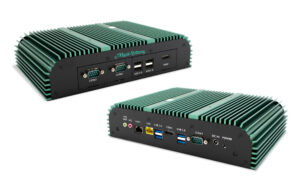
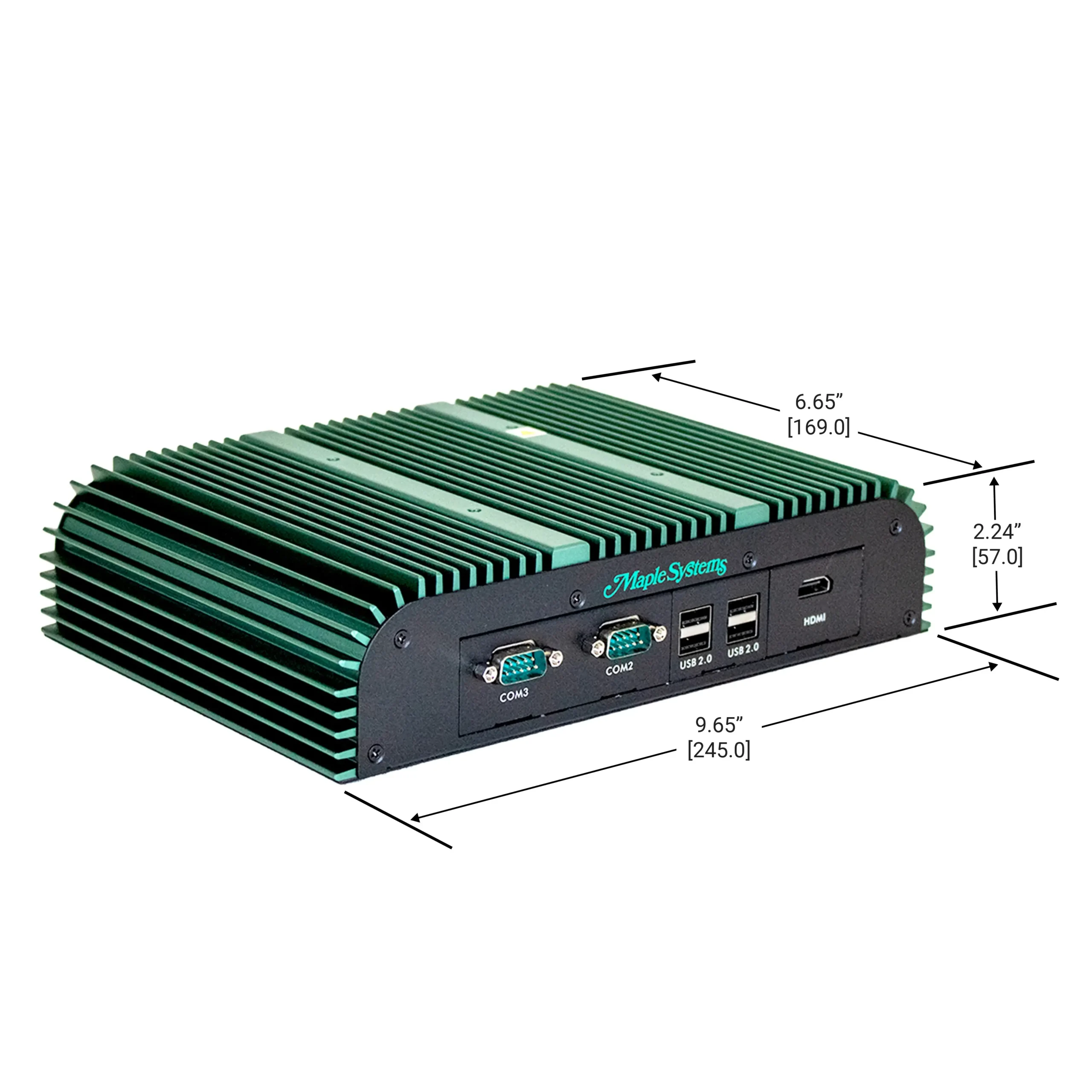
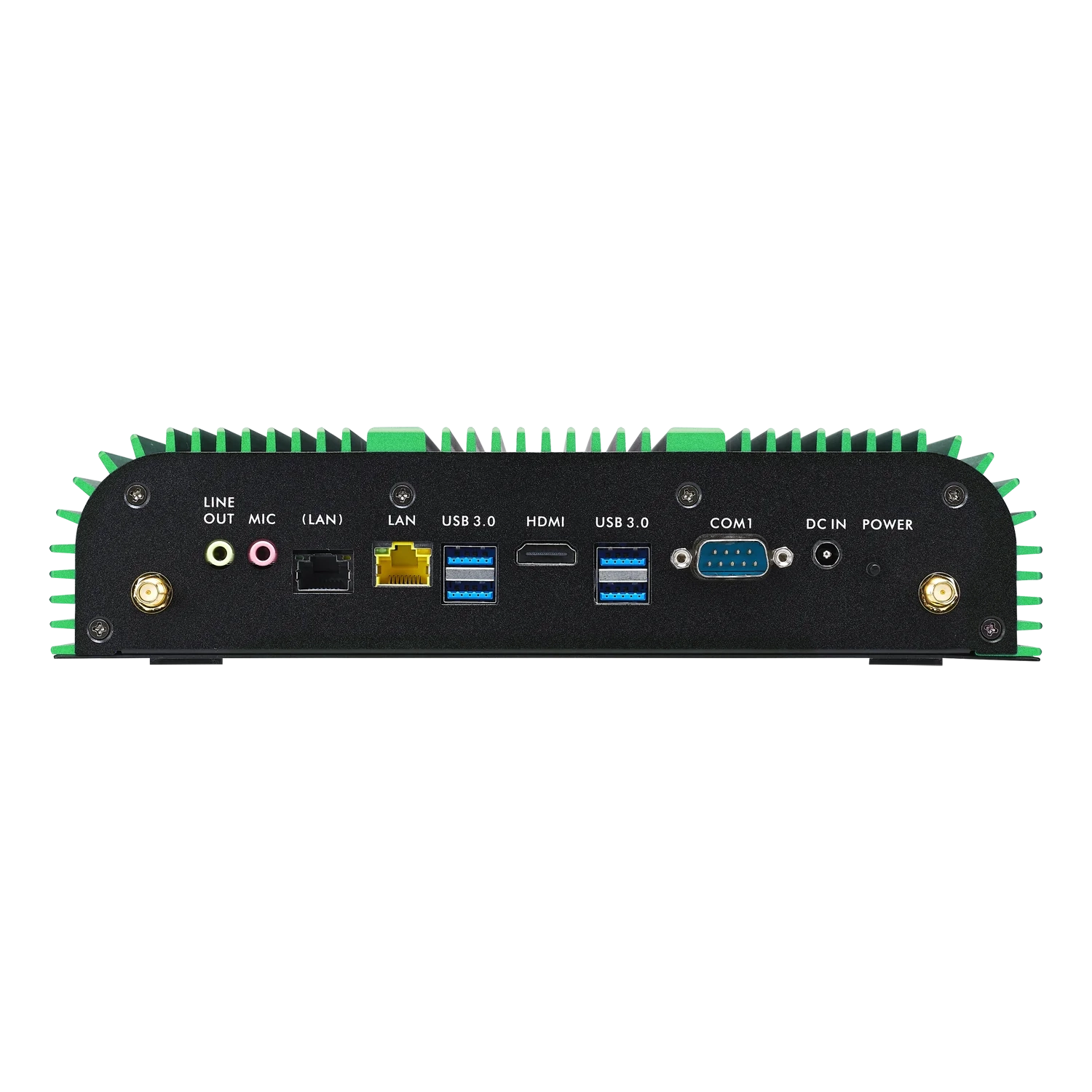
Legacy Rugged, Heavy Duty Intel Core® i7 Wide-Temp Fanless Industrial Computer IPC2550A Price Not Available (N/A)
|
Rugged, Heavy Duty Intel 12th Gen Deca-Core Wide-Temp Fanless Industrial Computer IPC2550B $2000.00
|
Rugged, Heavy Duty Intel 12th Gen Hexa-Core or Deca-Core Wide-Temp Fanless Industrial Computer IPC2550C $1900.00
|
|---|---|---|---|
| Loading product data… | |||
With this upgrade, you’re getting a more powerful CPU with DDR5 support, better integrated GPU performance — meaning faster load times, higher performance in graphics-heavy apps, and broader ecosystem support. Updated USB and HDMI ports, Bluetooth 5.2 support, as well as Intel Iris Xe CPU Graphics. In summary, you’re getting an updated IPC that is overall better in raw performance, modern features, power efficiency, and future compatibility.
Contact Sales if you would like more info: [email protected] 425.745.3229
How long is the life cycle of embedded computers?
Embedded systems can have long life cycles, typically designed for 5-10 years, depending on their environment. Maple Systems offers a 2 year warranty on all our IPCs.
Industrial PC (IPC)
An Industrial PC or IPC is also known as a Box PC, Embedded PC, Panel PC, Panel Mounted Computer, Touch Panel PC, or Industrial Panel PC. IPCs can be sold with or without an integrated industrial display. An integrated display allows the entire computer to be mounted in any manner available for the display alone, ex panel mount, VESA, wall, etc., and eliminates the need for a separate space for the computer. A Panel PC is typically ruggedized for use in industrial or high-traffic settings.
Do your Embedded IPCs support Windows 11?
Our Embedded IPCs have drivers for Win 10 IoT Enterprise, Win 11 IoT Enterprise, Win 11 Pro, and Linux Ubuntu. See specific product pages for Operating System Options.
What if I want Windows® 10 Pro instead of Enterprise?
Maple Systems does not provide support for Windows® 10 Pro. If Windows® 10 Pro is a must have, the customer will have to find and install the Pro OS on their own and know that Maple Systems will not be able to provide support for the OS.
Select IPCs come pre-loaded with Windows 11 Pro.
What types of I/O and wireless connectivity do your embedded PCs offer?
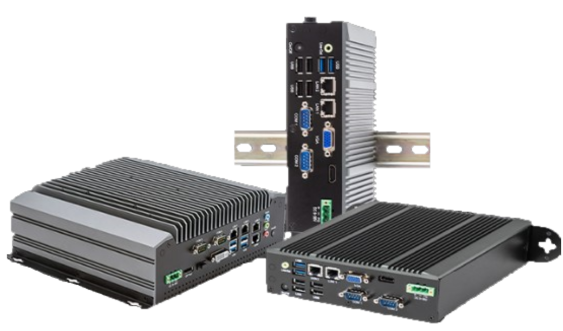
Our IPCs come with up to 4 serial communication ports, RS-232/422/485 supported, Wi-Fi with Bluetooth 5.2 supported on each, GbE and 2.5 GbE ports, USB 2.0 Type A, USB 3.0 Type A, USB 3.2 Type A, USB 3.2 Type C, HDMI, DVI-I, DisplayPorts, DP++, Audio (Line-In, Line-Out, Mic-In), SIM Card/4G/LTE, Digital I/O, PoE and more!
What operating systems are available for the Maple Systems Industrial PCs?
The following operating systems are available for Maple Systems Industrial PC computers:
- Windows® 11 Pro
- Windows® 11 IoT Enterprise LTSC (EPKEA & PKEA)
- Windows® 10 Ent. LTSB Embedded (EPKEA)
- Windows® 10 Ent. LTSB Non-Embedded (PKEA)
- Linux® Ubuntu Desktop and Server
What are PKEA and ePKEA Product Keys?
When installing or reinstalling the Microsoft® Windows® Operating System to a PC, it must be activated using a Product Key. For Maple Systems products, Product Keys come in one of two forms: PKEA and ePKEA.
PKEA (Product Key Entry Activation) are non-embedded Product Keys purchased by the end-user either individually, or alongside a PC. If purchased with a PC, it will be on a sticker attached to the unit. The end user must manually activate Windows® before use by entering the Product Key into the Activation page while connected to the internet. The Product Key can be re-used on the same PC if Windows® needs to be re-installed.
A PKEA unit will feature a badge that looks something like below:
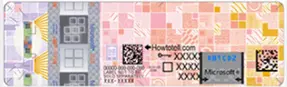
NOTE: The PKEA label on some units may appear with a different color scheme depending on the release of Microsoft® Windows® it is for
ePKEA (Embedded Product Key Entry Activation) are embedded Product Keys that are only be purchased alongside a PC. The Product Key is embedded in the PC and activated by Maple Systems. If Windows® needs to be reinstalled on the PC, it must come back to Maple Systems for re-activation.
An ePKEA unit will feature a badge that looks something like below:
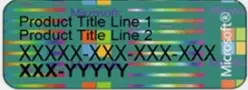
What happens if my Embedded operating system (EPKEA) needs to be reinstalled?
Because of the embedded product key the system must come back to Maple Systems for repair.What is a Windows® Non-Embedded (PKEA) operating system?
For Non-Embedded operating systems, the customer must enter the product key (shown on a sticker attached to the back of the unit) to activate the Windows® license on the unit. If needed, this means that the customer can reinstall Windows® without needing to send the unit in for repair.What is a Windows® Embedded operating system?
A Windows® Embedded (EPKEA) Operating System has the Windows® product key pre-installed by Maple Systems before shipping the unit to the customer.Datasheet
Software Downloads & Upgrades
Manuals & Guides
Articles