
Pushbuttons and Selector Switches
Improve System Reliability, Enhances Operator Interaction, and Supports Safe Machine Operation
Push Buttons, Selector Switches, and Indicator Lights in Industrial Control Systems
Pushbuttons and switches provide dependable control for electrical and automation systems. Choose momentary or maintained action with options for illuminated, selector, emergency stop, and toggle designs. Designed to support panel mounting, PCB installation, and enclosure use with common contact arrangements, these devices offer sealed protection and crisp tactile feedback for reliable operation. Built for frequent use and harsh conditions, they are used across manufacturing, transportation, energy, medical, and commercial applications.
Choosing the Right Pushbutton
Momentary Pushbuttons
Momentary push buttons provide temporary control inputs for industrial automation systems. Unlike maintained switches, they return to their normal position when released. This action makes them ideal for Start, Stop, Reset, Cycle Start, Jog, and Acknowledge functions. When connected to a PLC or relay-based control system, the push button sends a discrete input that triggers a programmed action. This design prevents unintended continuous operation.
Indicator Lights
Indicator lights provide immediate visual feedback about machine status. Operators can identify machine conditions without opening an HMI or troubleshooting the control panel. These lights communicate normal operation, warnings, faults, and maintenance conditions. Standardized colors help operators recognize machine status quickly. Faster recognition reduces downtime and improves workplace safety.
Toggle Pushbuttons
Toggle push buttons provide a maintained control input for industrial automation systems. Unlike momentary push buttons that return to their normal position after being released, toggle push buttons remain in their selected state until actuated again. This makes them well suited for applications where equipment or machine functions need to remain enabled or disabled without requiring the operator to continuously hold the button. Common applications include enabling auxiliary equipment, controlling conveyor zones, activating lighting circuits, or toggling machine functions that remain active until intentionally changed.
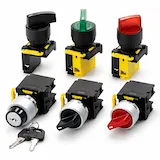
2-Position Selector Switches
Two-position selector switches provide operators with two maintained operating states that remain selected until the switch is rotated again. They are commonly used anywhere equipment needs a clear choice between two operating conditions, such as Local/Remote, Auto/Manual, Enable/Disable, or Run/Service. Unlike push buttons, which initiate a temporary or maintained command, selector switches communicate the current operating mode through the physical position of the actuator, making machine operation easier to understand at a glance.
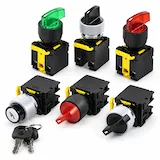
3-Position Selector Switches
Three-position selector switches allow operators to select between three distinct machine states using a single control device. They are commonly used when equipment requires an intermediate operating mode in addition to two primary states, reducing the number of separate switches required on the control panel. Depending on the application, the center position may represent a neutral or off state, while spring-return models automatically return to the center position after momentary operation.
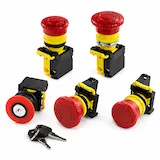
Latching E-Stop
A latching emergency stop (E-Stop) is one of the most important safety devices in industrial equipment. Unlike standard push buttons, an E-Stop immediately stops machine operation during an emergency. It remains mechanically latched until an operator intentionally resets it. This design prevents unexpected restarts after a hazardous condition. As a result, it protects both personnel and equipment.
Use Cases for Pushbuttons and Indicator Lights
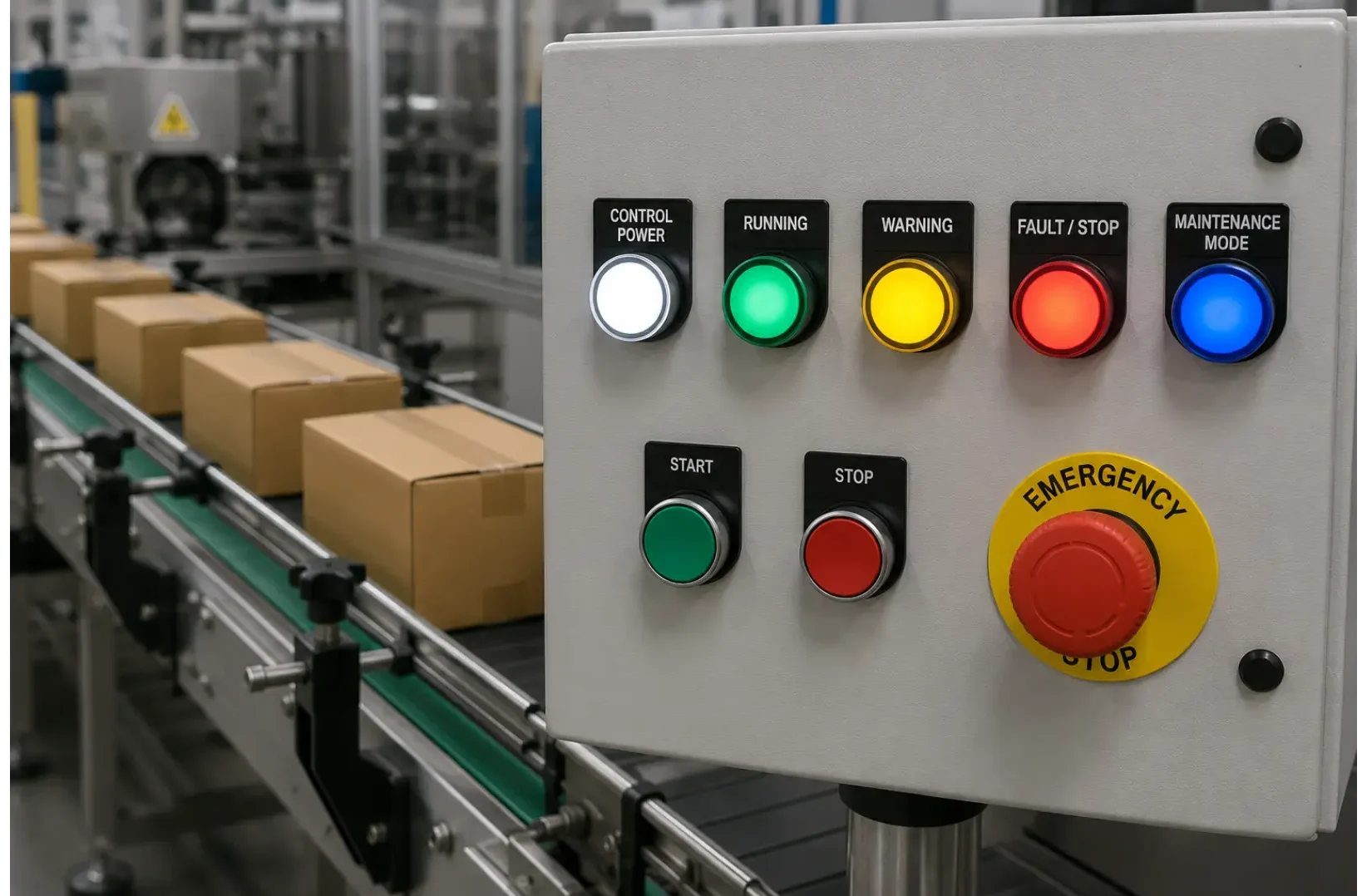
Machine Status Indication for Conveyor and Bottling Systems
Imagine a packaging conveyor on a manufacturing line. A green indicator light shows normal conveyor operation. A yellow light warns operators when downstream equipment becomes blocked or product begins accumulating. A red light signals a machine fault caused by an emergency stop or motor overload. During maintenance, a blue light can indicate service mode. A white light can confirm that control power is available and the panel is energized.
Manual Cycle Start on a Robotic Palletizer
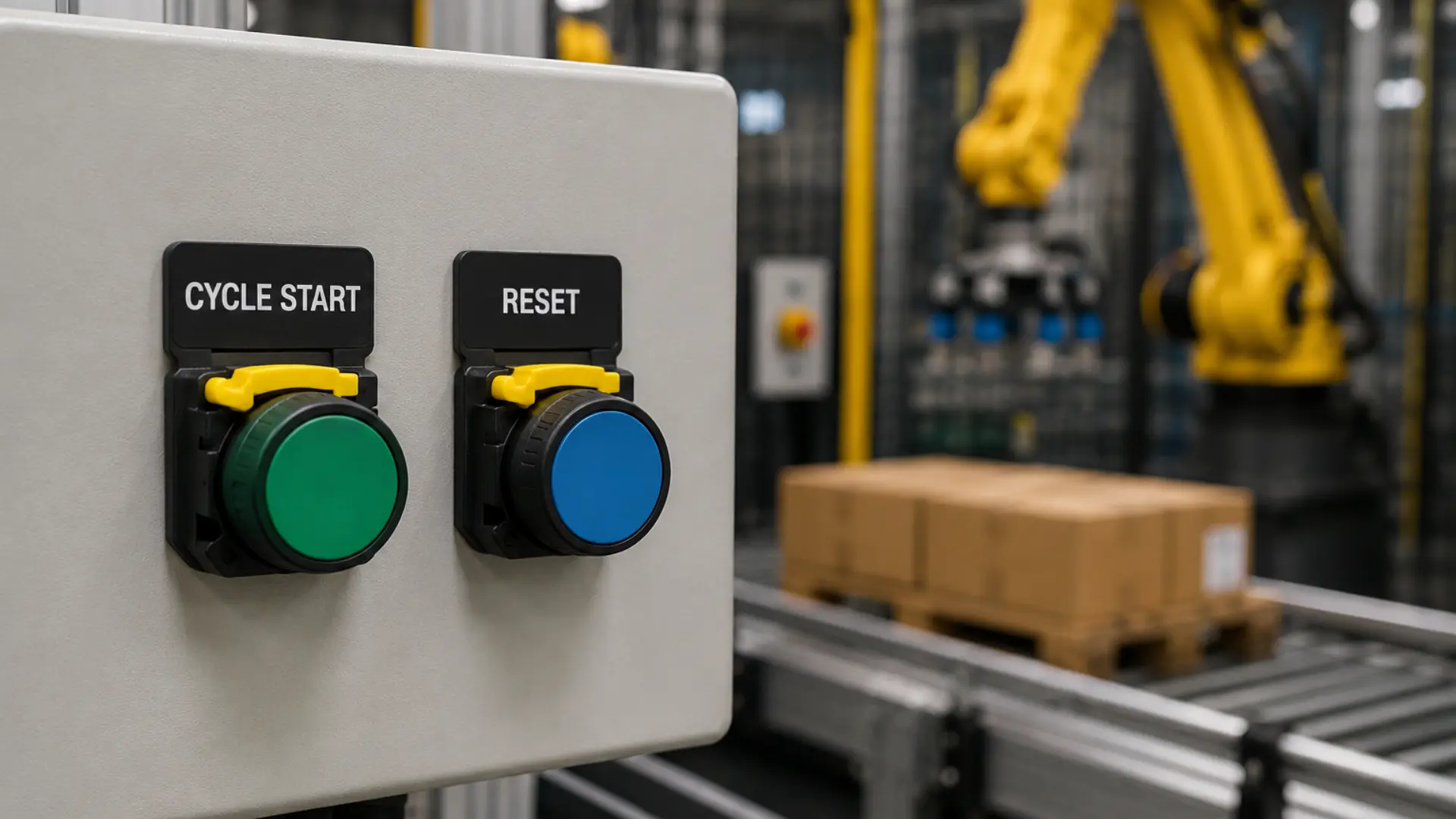
Consider a robotic palletizing cell at the end of a packaging line. Before production begins, an operator loads an empty pallet and verifies that all safety gates are closed. The operator then presses a green Cycle Start push button. The PLC verifies all safety interlocks and machine conditions before starting the robot. If a fault interrupts production, the operator presses a dedicated Reset push button. The PLC clears the alarms and prepares the system for the next production cycle.
Machine Enable and Equipment Control Applications
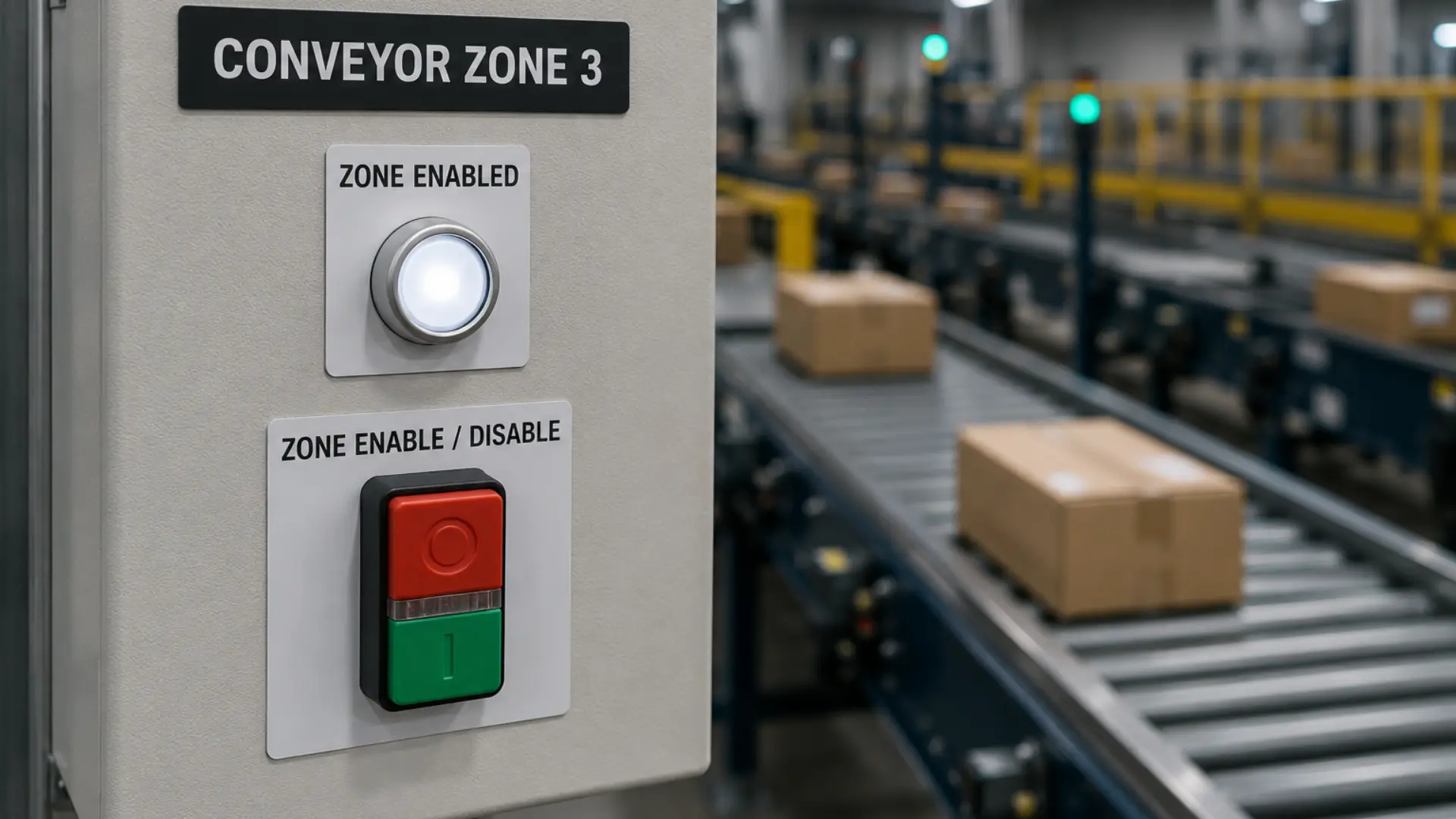
Observe a warehouse distribution center with multiple conveyor zones used for sorting packages. During routine operation, maintenance personnel may need to temporarily disable a single conveyor zone while leaving the remainder of the system operational. A maintained toggle push button installed on the local control station allows the operator to enable or disable that conveyor section with a single press. The PLC continuously monitors the maintained input and either permits or inhibits conveyor operation until the button is pressed again to change its state.
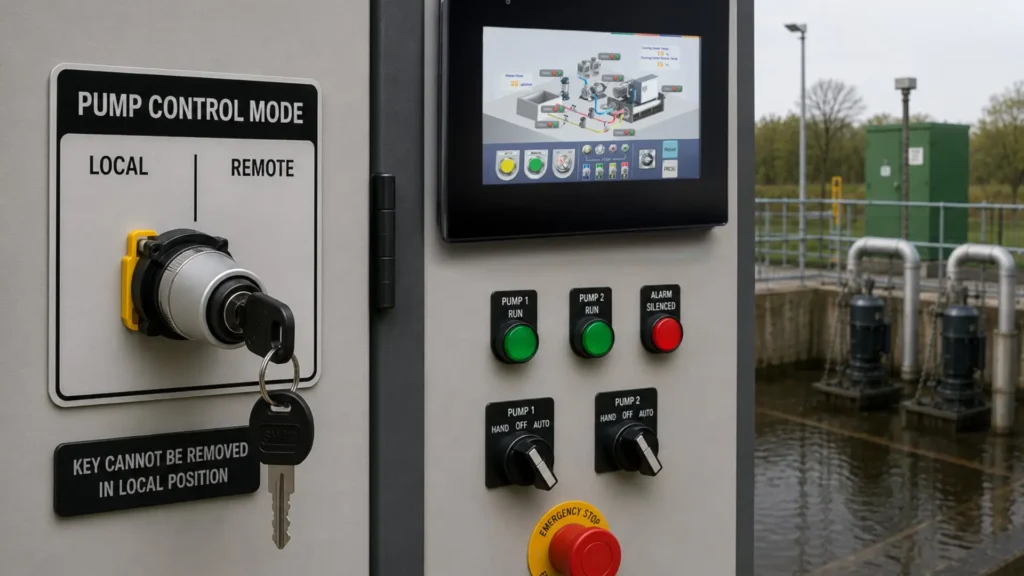
Non-Drawable Keyed Selector Switch: Local / Remote Control
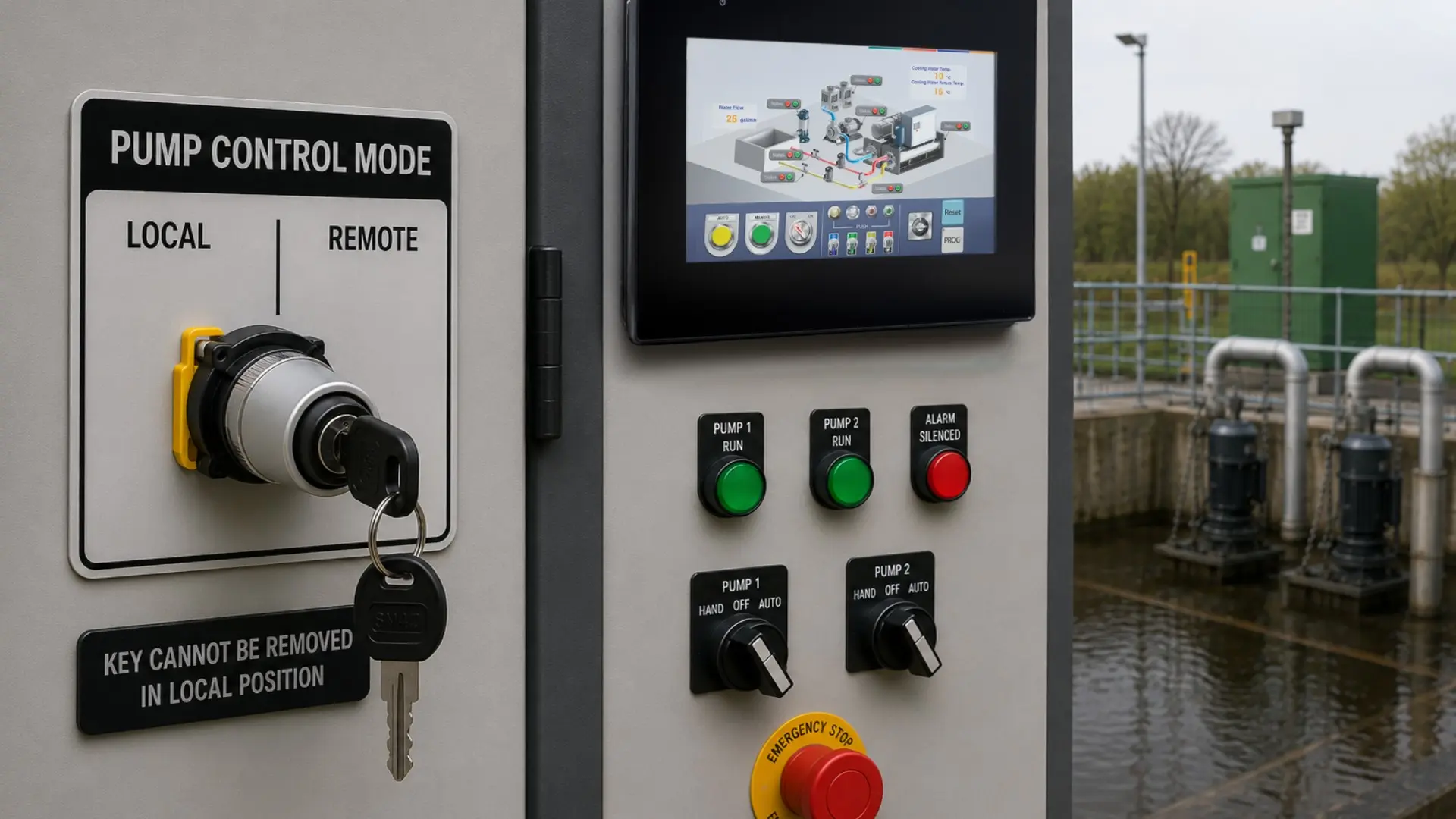
In a wastewater lift station, a non-drawable keyed 2-position selector switch is used to select Local or Remote pump control. During normal operation, the switch remains in the Remote position, allowing the SCADA system to control pump operation. When maintenance personnel need to perform testing or troubleshooting, they use the key to switch the selector to Local, transferring control to the pump control panel.
Whether you’re designing a new machine or upgrading an existing control system, selecting the appropriate operator interface devices is a critical part of your control panel design. Evaluate the required control functions, operating modes, environmental conditions, and safety requirements to determine the best combination of indicator lights, push buttons, selector switches, and emergency stop devices. With the right components in place, your next control panel can provide intuitive operator interaction, reliable performance, and long-term maintainability.