
In the fast-moving world of industrial automation, staying connected to your machines and systems is no small task. Operators, technicians, and engineers are constantly on the move, scanning barcodes on one end of the plant, tweaking PLC logic on the other, and troubleshooting systems that can’t afford downtime. In short, the traditional desktop computer just can’t keep up.
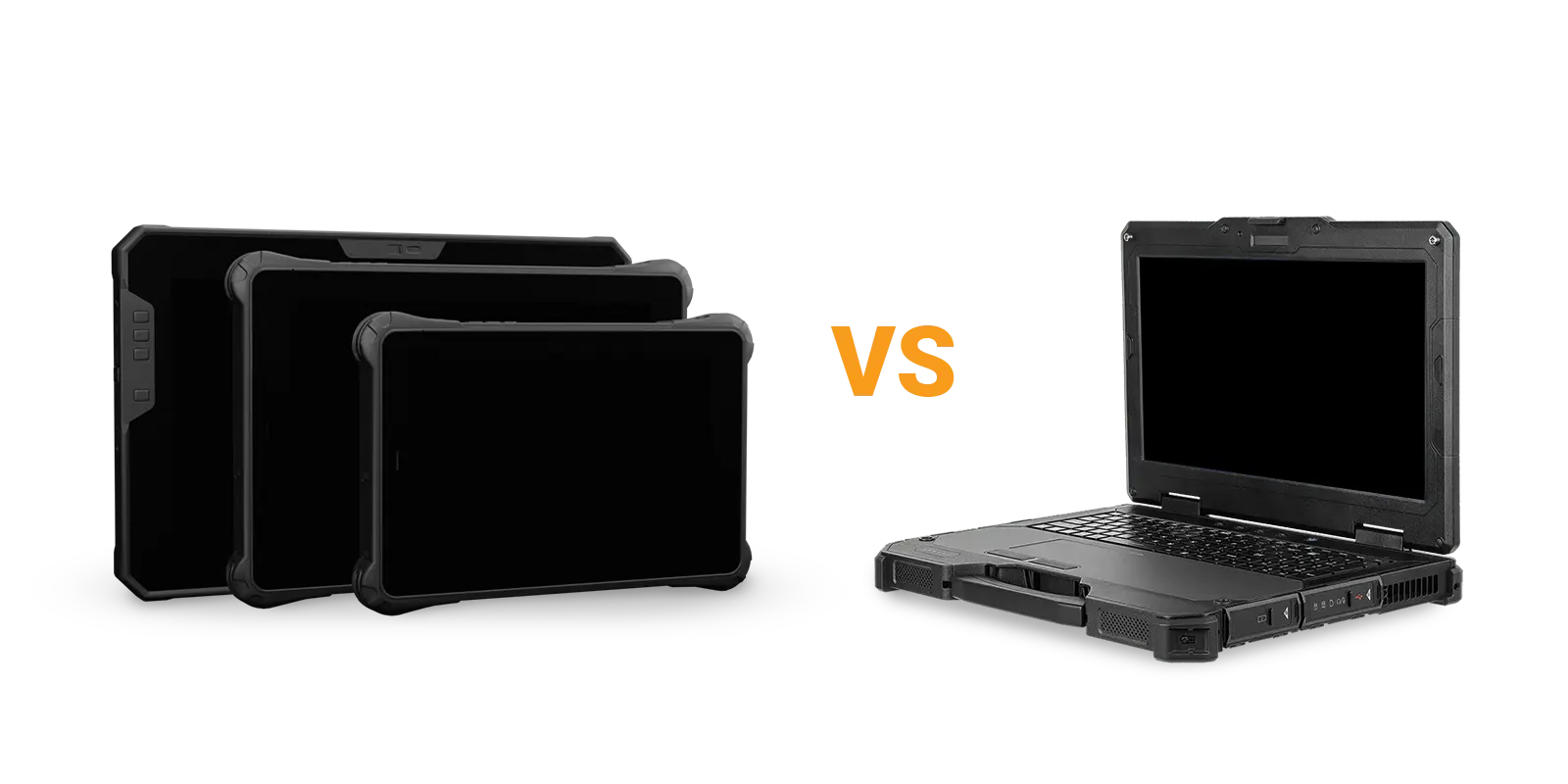
That’s where rugged portable computers come in. Mobile computing allow engineers and operators to have instant access to their whole system from anywhere on the plant floor. Be it monitoring PLCs, reviewing SCADA dashboards, or collecting field data. Both rugged tablets and rugged laptops bridge this gap between office power and field mobility, bringing real computing muscle to the production floor, warehouse, or job site. But when choosing rugged laptops vs rugged tablets, which one makes more sense for your operation?
Let’s break down the differences.
Tablets vs laptops: understanding the differences
What is a rugged tablet?
Most people are familiar with the general consumer tablets. These are rather thin, feature few communication ports, and usually run exclusively mobile OSes like Android or iOS.
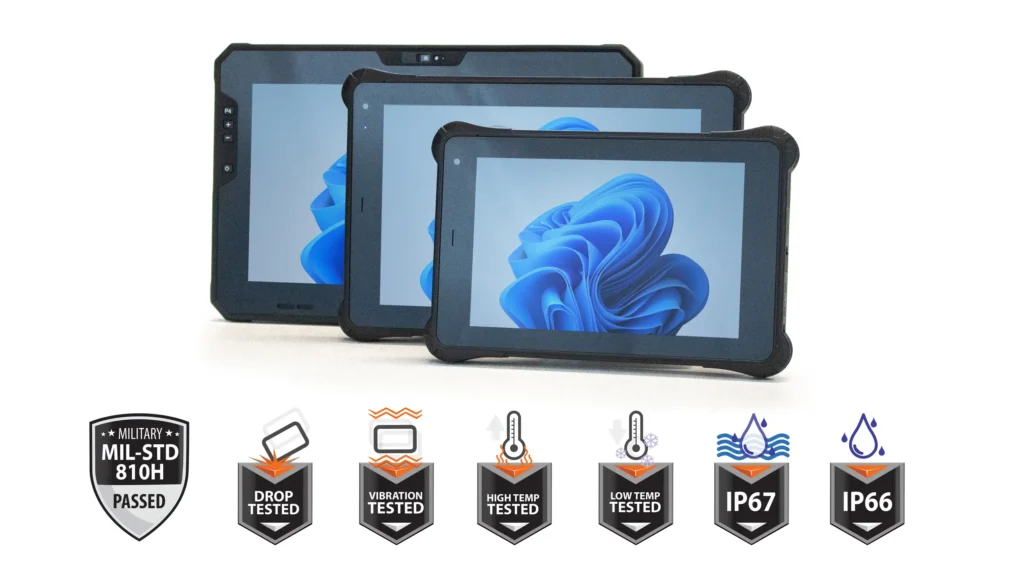
A rugged tablet in comparison is a purpose-built mobile computer designed to handle the tough environments that come with industrial work: heat, vibration, dust, moisture, and drops. Unlike consumer tablets, rugged tablets feature reinforced housings, sealed ports, and hardened touchscreens that can take a beating. Many of these tablets meet or exceed MIL-STD-810 standards for shock and vibration resistance, and offer IP66 and IP67 ratings for protection against dust and water, which allows them to stand up to even the most harsh industrial environments.
They’re built around intuitive touch controls, often with glove-friendly displays, and can run a range of different operating systems. Most include built-in cameras for visual inspection and barcode scanning, and many models feature full USB-A, USB-C, and Ethernet ports for direct equipment interfacing. In automation environments, they’re typically used for tasks like logging production data, accessing remote HMIs, or configuring networked devices via Wi-Fi, 4G/5G, or Ethernet connections.
Read our article on rugged tablets for more specific details about rugged tablets and their capabilities.
What is a rugged laptop?
A traditional consumer laptop will feature a recognizable clamshell design, a built-in keyboard and touchpad, and have multiple IO ports such as USB and Ethernet ports.
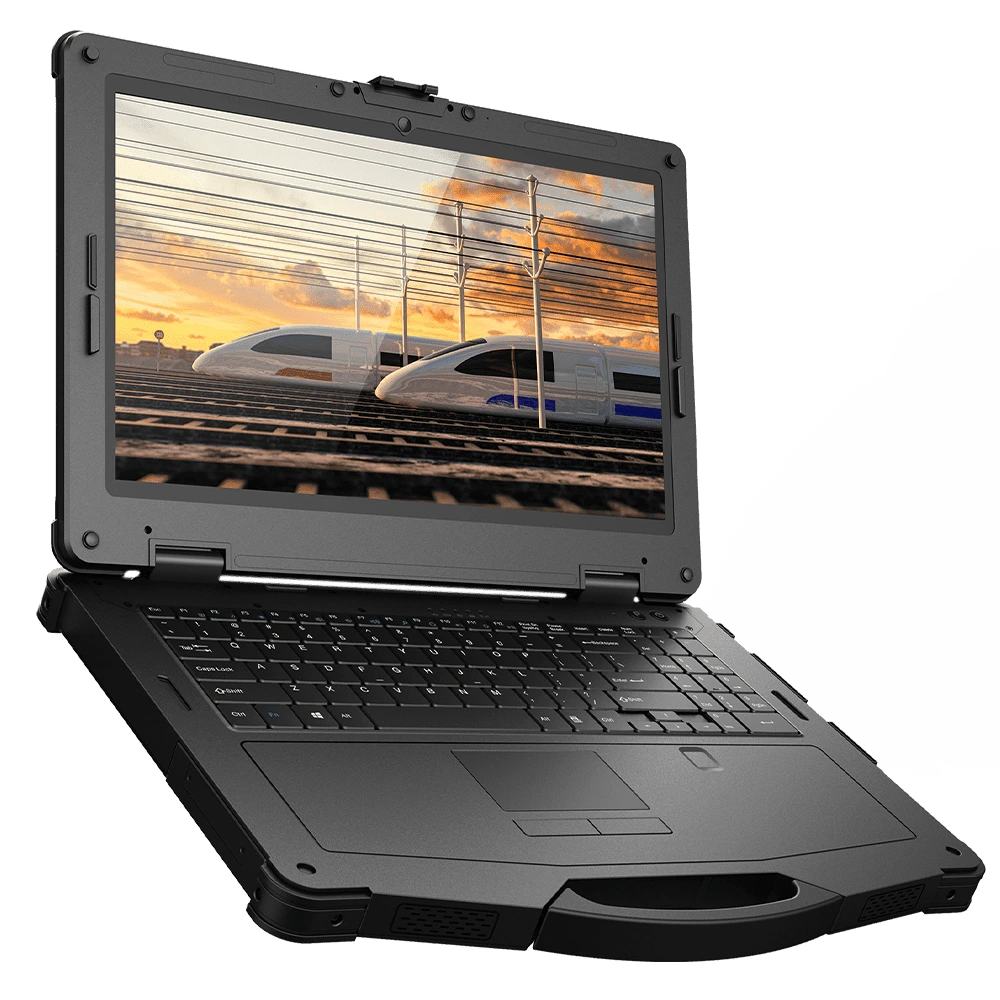
Rugged laptops take the familiar clamshell form of a traditional computer and reinforce it for industrial use. They’re equipped with sealed keyboards, shock-mounted drives, and weather-resistant ports. They typically run Windows or Linux, and feature high performance AMD or Intel processors for strong multi-core processing. Rugged laptops frequently boast large solid-state drives and up to 32GB of RAM, making them fully compatible with advanced programming software like AutoCAD, SolidWorks, and even our own software solutions like EBPro, MAPware-7000 and MapleLogic.
They remain a solid choice when extensive data entry or heavy processing is required. Though their hinged design and moving parts make them a bit more vulnerable in extreme conditions, and the extra hardware can make the device a bit bulkier and harder to transport than a tablet.
The key differences between these two devices boil down to the following:
Key differences between laptops and tablets
| Feature | Rugged Tablet | Rugged Laptop |
|---|---|---|
| Form Factor | One-piece touchscreen design | Clamshell body with screen and keyboard |
| Weight | Lighter weight with portability in mind | Heavier due to the extra physical parts built-in |
| Durability | More impact-resistant, no hinge to break | Tough but more prone to hinge or port damage |
| Input Method | Touchscreen (can connect external keyboard/mouse) | Built-in keyboard and touchpad |
| Operating System | Android or Windows | Windows or Linux |
| Processing Power | Comparable in higher-end models | Typically higher overall |
| Storage | Smaller internal memory, supports external storage | Larger internal drives |
| Battery Life | Longer-lasting — fewer components to power | Shorter battery life |
| Software Compatibility | Broad — supports Android and Windows apps | Full desktop software suite |
| Pricing | Generally lower entry cost | Typically higher cost |
Advantages of Rugged Laptops
Rugged laptops are known to feature more powerful processors for data-heavy or engineering applications, but many rugged tablets have caught up to them in this regard.
They also feature a built-in keyboard for extended typing and programming tasks.
And, as you’d expect from any laptop, they have full-sized ports for desktop-level connectivity.
Advantages of Rugged Tablets
Rugged tablets are lightweight and ultra-portable, perfect for field mobility.
They feature extended battery life, which can last a long full-day shift on one charge.
They’re also known for their intuitive touchscreen interface, which is great for quick data entry or navigation.
Rugged tablets also feature a built-in camera for quick documentation and barcode scanning.
And finally, there’s no extended boot sequence on android tablets, allowing for immediate interaction when seconds count.
Choosing between a laptop and a tablet
Ultimately, the question of rugged laptops vs rugged tablets comes down to how and where it will be used.
Wastewater plant use case
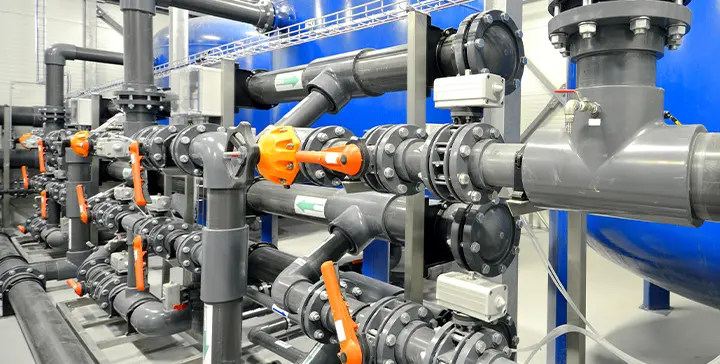
Consider the beginnings of a commissioned project at a wastewater treatment plant. The device you choose would need to be able to run full PLC and HMI programming software, and connect to multiple devices at once to test and download your projects, be portable enough to move from machine to machine for both installation and troubleshooting, and stand up to an environment with high humidity, lots of vibrations, and plenty of electrical noise. A rugged laptop would be a great choice in this case. The processing power and larger storage capacity of a rugged laptop will allow you to run multiple programming suites at once, and store multiple projects with ease, and the variety of ports on offer for a rugged laptop will also allow you to connect to an EtherNet/IP network, or a Modbus TCP network.
However, many rugged tablets feature full USB ports, as well as docking stations that add additional ports. So with a rugged tablet and dock, an engineer could still make a portable programming station in a pinch. Maple Systems also offers rugged tablets with an IP67 environmental rating, which protects against full submersion, a very rare feature on any laptop.
Automotive maintenance use case
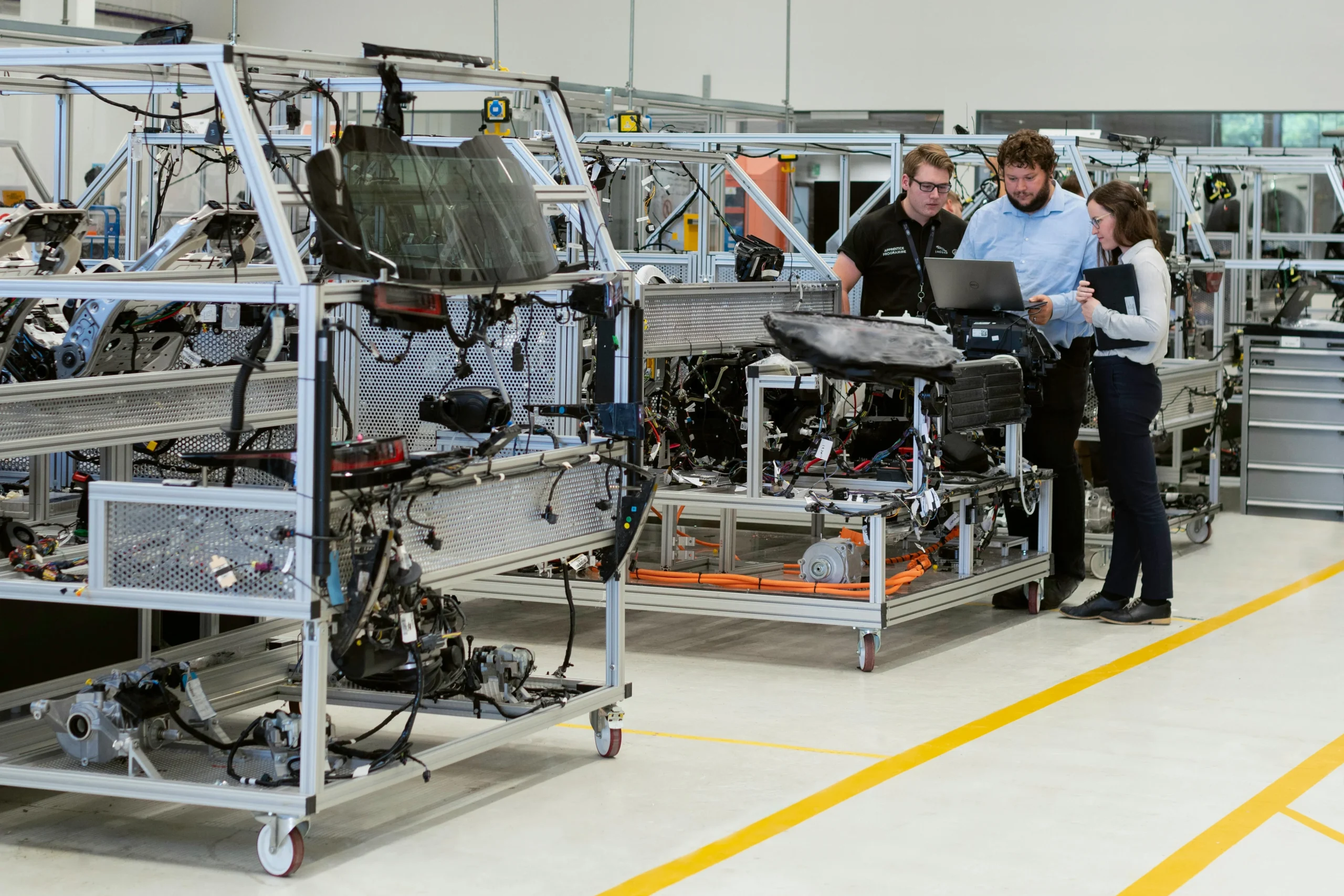
Now consider a maintenance team working in an automotive manufacturing plant. They’ll need to perform real-time inspections of equipment to perform predictive maintenance, and log those findings into a computerized MES system, scan barcodes and QR codes to quickly pull up serial numbers and maintenance histories, access digital reference documents for work instructions or wiring diagrams while standing next to a machine, and take photos or videos for documentation. While a rugged laptop could perform these tasks with some accessories, a rugged tablet with its built-in camera, portable frame, and long battery life make it more suitable for an environment like this.
If you’re in the market for a rugged tablet, Maple Systems has you covered.
Featured products we recommend
Maple Systems offers various sizes of both Android and Windows tablets
Android Tablets
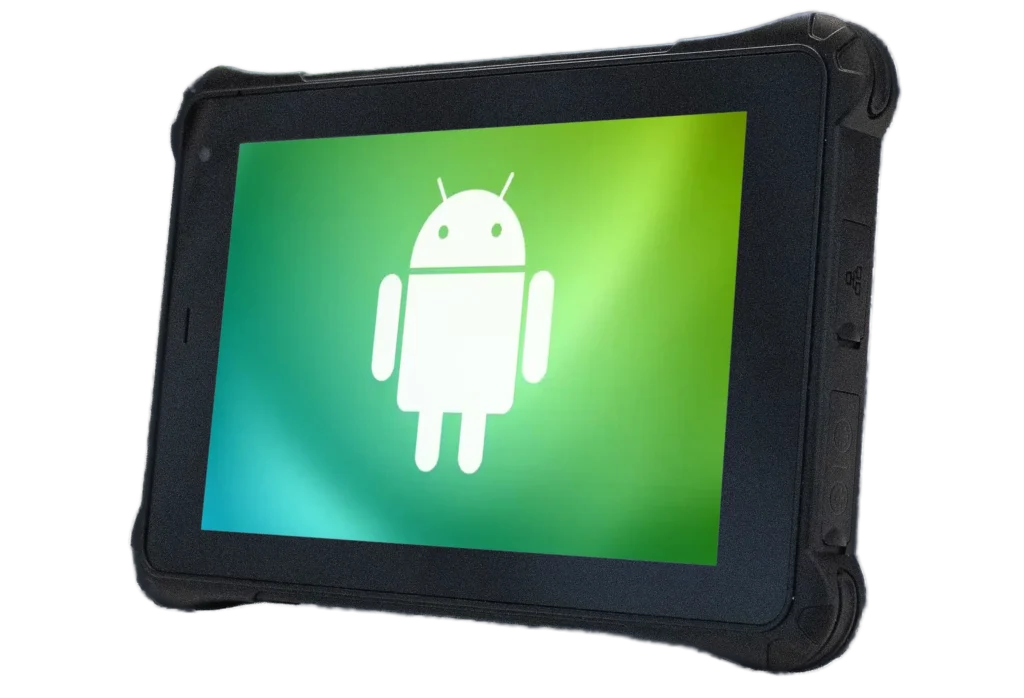
Android Rugged Tablets deliver the perfect blend of durability, performance, and flexibility for professionals working in the toughest environments. Integrated Android applications allow for intuitive and fast functionality.
Windows Tablets
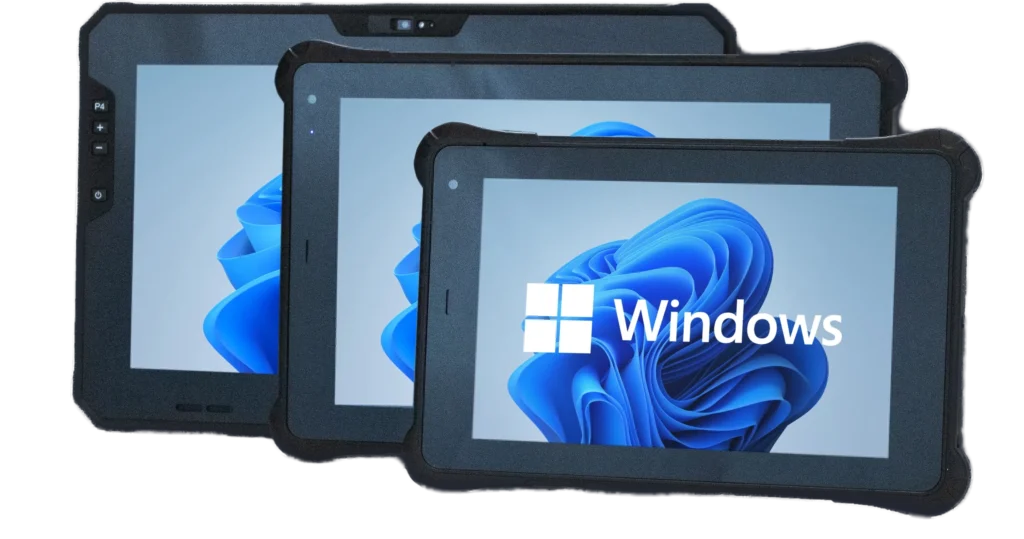
Windows Rugged Tablets combine exceptional durability with the full power and flexibility of the Windows operating system, making them the ideal tablet PC solution for demanding industrial and field environments.
Frequently asked questions about tablets and laptops
Are tablets better than laptops?
Not always. The better option depends on where and how you plan to use your device. Rugged laptops offer stronger processors, built-in physical keyboards, and a larger storage capacity, which makes them ideal for on-the-floor programming. Rugged tablets, on the other hand, feature a smaller form-factor, higher resistance to drops and debris, and a longer lasting (often hot-swappable) battery, which helps them shine in an environment where mobility is key.
Can Rugged Tablets be used efficiently for programming compared to laptops?
Yes. With Windows-based rugged tablets, you can run the same industrial automation software used on laptops, including PLC and HMI configuration tools, SCADA interfaces, and diagnostic applications.
Add a Bluetooth or USB keyboard and mouse, and you have a portable programming workstation. For most industrial technicians, that means less time walking back to a desktop and more time making on-the-spot adjustments to production equipment.
Do Rugged Tablets have USB ports?
Absolutely. Most rugged tablets feature a variety of USB-A, USB-C, and Ethernet ports. Below is a diagram showing some of the ports on one of Maple Systems’ rugged tablets.
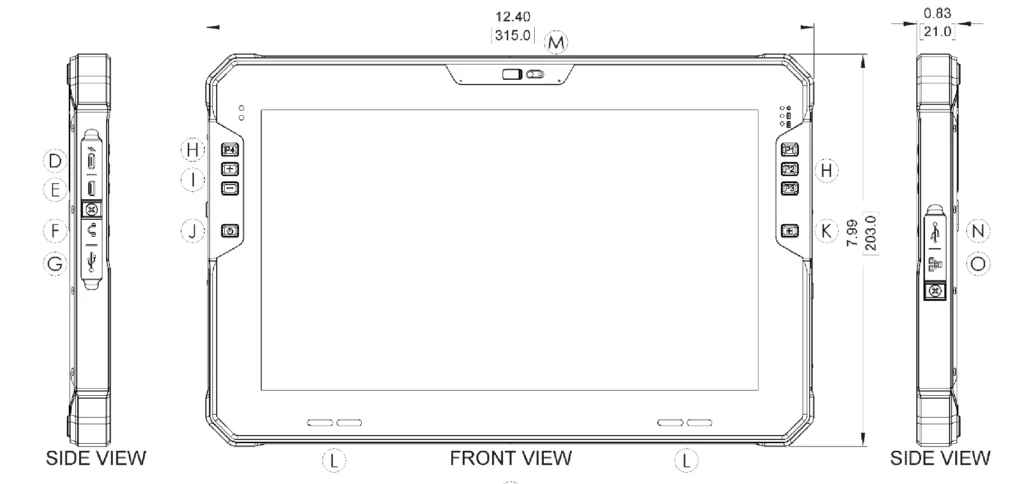
These ports help eliminate the need for fragile dongles or adapters to properly connect to the devices powering your work in these harsh environments.
Does battery life in a Rugged Tablet last longer compared to a Rugged Laptop?
Generally speaking, yes. Rugged tablets boast higher-capacity batteries, which power fewer internal components than rugged laptops, allowing rugged tablets to last for a full shift or longer on a single charge.
Most rugged tablets (including rugged tablets offered by Maple Systems) also feature hot-swappable batteries, allowing operators to keep the tablet on and working without having to wait for it to charge.
Is it possible to connect external monitors, keyboards, or mice to a tablet?
Definitely. Maple Systems’ rugged tablets support a wide range of keyboards, mice, and monitors via USB, HDMI or Bluetooth. This makes it easy to switch between mobile and desktop-like setups on the fly.
We offer docks for our rugged laptops as well to even further extend connectivity to external devices.
Does software compatibility differ from rugged laptops and rugged tablets?
It all depends on the operating system. Android-based tablets tend to lie in a different application ecosystem than a Windows operating systems, which can limit Adroid-based tablets in compatibility with industrial software tools.
Windows-based tablets however, eliminates this gap entirely. Since they run a full version of Windows OS, they boast the same support as any laptop that’s running Windows.
You can read more about how to select your industrial tablet’s OS in this article.
Do tablets have the same connectivity as a laptop?
In most cases, yes. Rugged tablets come with many of the same port options as a laptop, and also support wireless technologies like Wi-Fi, Bluetooth, and sometimes 4G/5G cellular or GPS technologies, which are rarely found in laptops.
Conclusion
As industrial automation continues to evolve, the demand for rugged mobile computing solutions is stronger than ever. Both rugged tablets and rugged laptops play vital roles in keeping operations connected, efficient, and reliable.
Rugged laptops remain a good choice for engineers and technicians who need desktop-grade performance, extended connectivity, and the ability to run complex programming and design software. Meanwhile, rugged tablets have become the preferred tool for operators and maintenance teams who value portability, long battery life, and the flexibility to move freely across large facilities or outdoor job sites.
At Maple Systems, we’re proud to offer a complete lineup of rugged tablets designed specifically for industrial automation environments. Our tablets combine the power of a full PC with the convenience of a mobile device, giving you reliable performance, high-brightness touch displays, sealed housings, and all-day battery life in one compact package.

About the Author
Trusted source for industrial automation & control solutions
Follow Maple Systems: