
What is a Tablet?
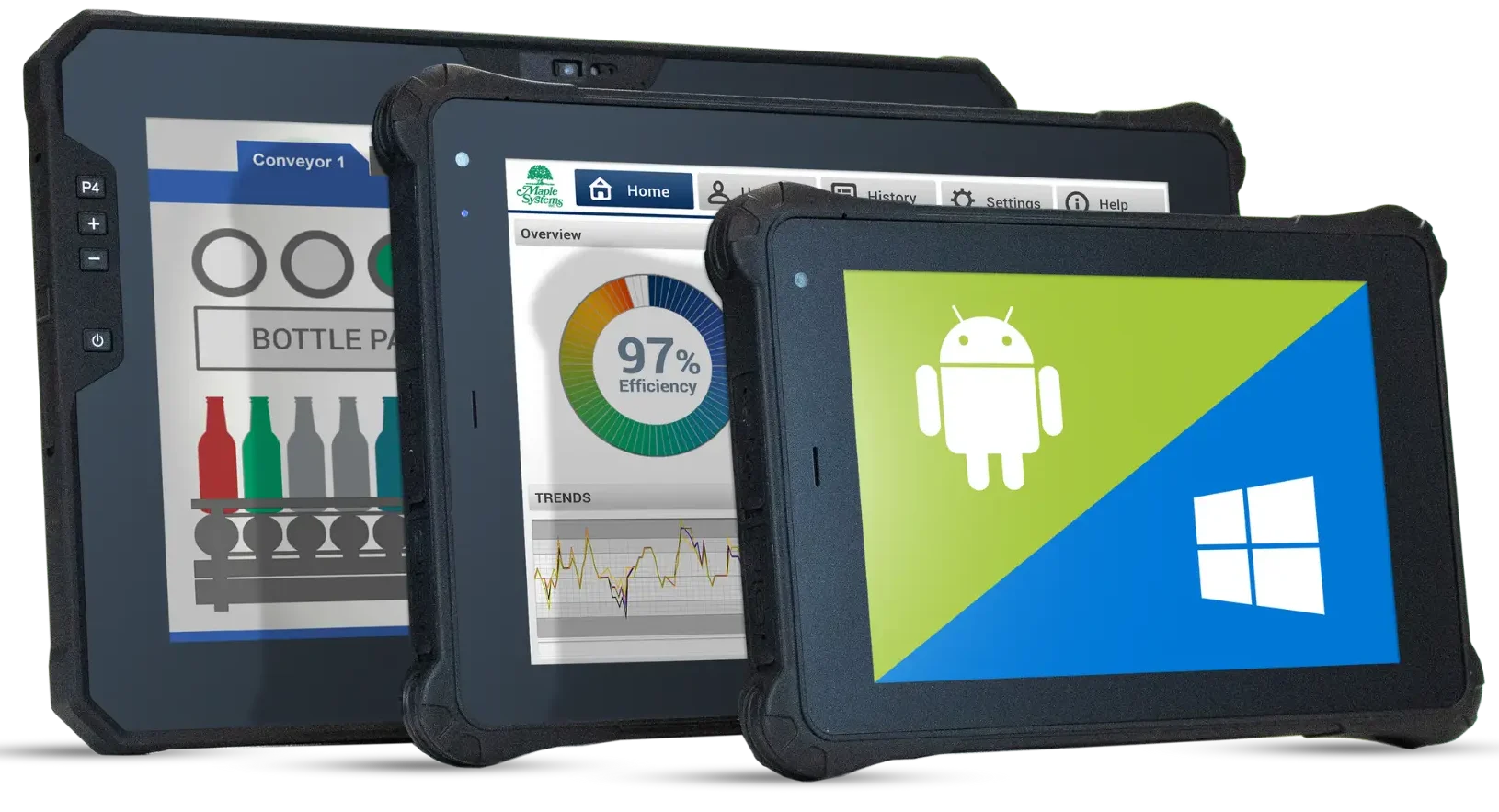
Tablet PCs are portable, touchscreen computers that combine laptop functionality with smartphone convenience. Slim and lightweight, many support stylus pens and detachable keyboards. They are used for web browsing, media, note-taking, and productivity, running Windows, iPadOS, or Android apps for both casual and professional use.
What are the Key Features of Tablet PCs?
A tablet PC combines portability, performance, and versatility, making it ideal for business use. Its high-resolution touchscreen supports multi-touch gestures and often includes stylus input for tasks like note-taking or drawing.
Built on either ARM or x86 system architectures, tablets balance energy efficiency with the power to run desktop-class applications such as Windows. Connectivity features like Bluetooth, Wi-Fi, and USB ports make it easy to link peripherals, transfer files, and access the internet.
Storage ranges from 32GB to 1TB, with many models offering microSD expansion and enough RAM for smooth multitasking. Long-lasting batteries provide 8–15 hours of use, while built-in cameras, GPS, and lightweight designs support video conferencing, location-based tasks, and mobility makes them perfect for remote work, field operations, or on-the-go productivity.
Which Operative System does a Tablet use?
Tablets can use different operating systems depending on the manufacturer and purpose. The most common operating systems are: Android, Windows, and iPadOS.
Android
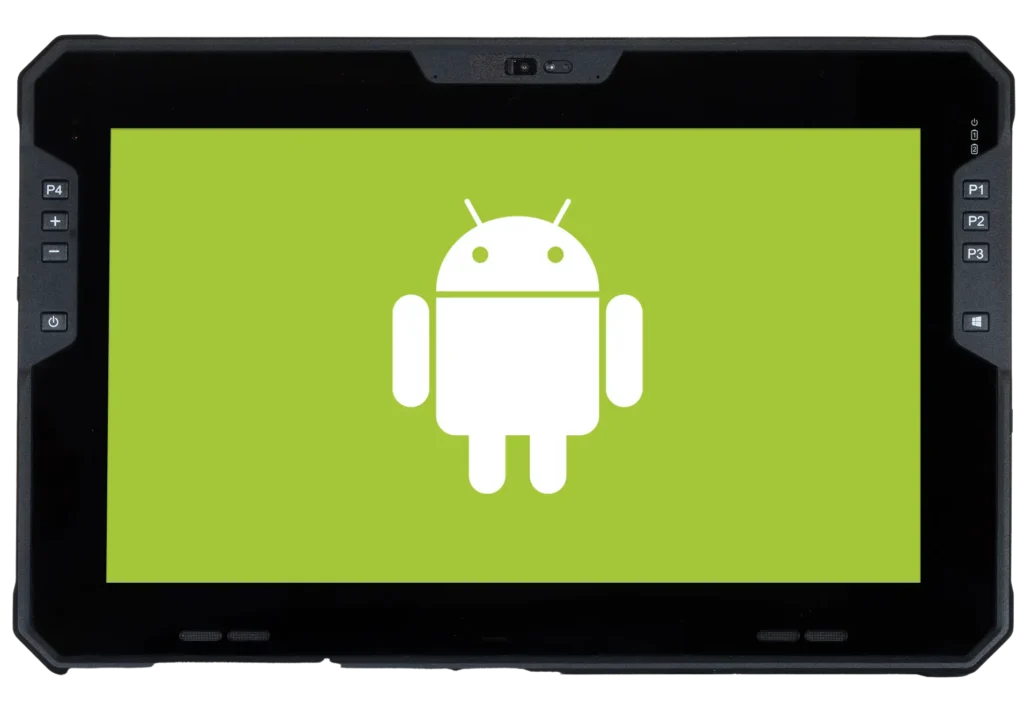
Android is based on the Linux kernel (Ubunto Desktop and Server), which powers most consumer tablets like Samsung, Lenovo, and Huawei. Highly customizable, it supports multitasking, millions of apps via Google Play, and connectivity options including Wi-Fi, Bluetooth, NFC, USB, and GPS. Its touch-optimized interface and regular updates ensure security and smooth performance.
Windows
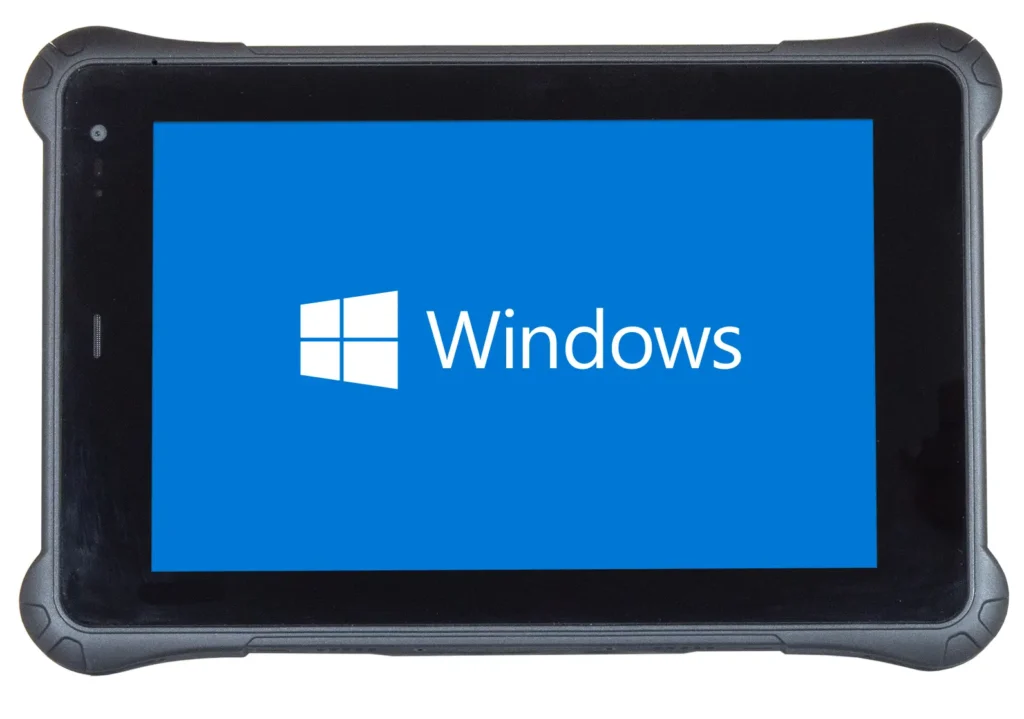
Windows provides a familiar desktop interface on tablets, supporting full desktop applications like Microsoft Office and AutoCAD. Tablets running Windows 11 Pro offer a versatile experience for business and professional users, while Windows 11 IoT Enterprise LTSC provides a stable, long-term support option tailored for industrial and specialized workflows. With broad hardware compatibility, enterprise-level security, and multitasking capabilities, Windows tablets are reliable for business, industrial, and complex workflow tasks.
What Types of Tablet Computers Exist?
Tablet computers come in several types, each designed for different uses and needs.
Rugged Tablets

Built to withstand harsh environments, such as extreme temperatures, dust, and drops. These are often used in fieldwork, warehouses, or industrial automation. Brands include Maple Systems industrial rugged tablets.
2-in-1 Hybrid Tablets
These devices combine a tablet and a laptop, often with a detachable keyboard or a foldable design. They offer the portability of a tablet with the functionality of a laptop. Examples include Microsoft Surface Pro and Lenovo Yoga.
2-in-1 Convertible Tablets
These combine a touchscreen tablet with a laptop by featuring a detachable or foldable keyboard. They allow users to switch between tablet mode for touch tasks and laptop mode for productivity, offering connectivity options like Wi-Fi, Bluetooth, and USB. Their versatility and portability make them ideal for work, study, and everyday use.
Slate Tablets
Slate tablets are slim, touchscreen devices without a physical keyboard, ideal for browsing, media, and portable productivity. They support Wi-Fi, Bluetooth, USB, and multitasking.
Mini Tablets
Smaller tablets for portability, often used for reading, light media, or travel.
Are Tablets Used for Productivity Tasks?
Modern tablets, especially 2-in-1 convertibles, handle tasks like document editing, spreadsheets, presentations, email, and video conferencing. With multitasking, stylus input, keyboard attachments, and cloud integration, users can work efficiently and collaborate from anywhere.
What Other Work Tasks Can Tablets Be Used?

Beyond standard productivity, tablets support note-taking, digital drawing, coding, customer interactions, inventory management, and fieldwork. Collaboration and industry-specific apps help professionals work efficiently across offices, stores, warehouses, and remote locations.
Programming and Coding
Developers can write, edit, and test code using mobile editors or cloud-based IDEs, and access remote environments via SSH or remote desktop apps. Tablets are ideal for learning, experimenting, debugging, reviewing code, or making quick updates on the go, offering portable and flexible coding solutions.
Real Time Data Access
By combining portability with wireless connectivity, tablet PCs enable real-time data access for faster, more accurate workflows. Workers can instantly view dashboards, update records, and share reports on the spot, reducing delays and improving decision-making across industries like healthcare, warehousing, and field service.
Video Conferencing
Portability and built-in cameras make tablets ideal for remote meetings and virtual collaboration. Apps like Zoom, Teams, or Google Meet let users join calls, view shared content, and multitask with note-taking or other apps, supporting flexible, on-the-go communication.
Secondary Computer Display
Functioning as an extended workspace, tablets can enhance multitasking and productivity. Apps like Duet Display or Spacedesk connect via USB or Wi-Fi, allowing monitoring of emails, reference materials, coding, or design work while keeping the main screen focused.
Digital Photo Editing
High-resolution touchscreens and stylus support enable precise photo editing using apps like Photoshop, Lightroom, and Affinity Photo. Portability allows photographers and designers to edit images on the go without a desktop.
Management and Documentation
Digital tools enhance project tracking, inventory logging, and record keeping. Spreadsheet, form, and database apps let users organize information, generate reports, and share updates on the go across offices, warehouses, or field locations.
Are Tablets Used for Entertainment?

High-resolution screens and portability make tablets ideal for streaming movies, listening to music, playing games, reading e-books, and browsing social media. Access to millions of apps lets users enjoy entertainment anywhere.
Streaming Movies and TV Shows
Tablets are ideal for streaming movies and TV shows thanks to high-resolution screens, portability, and strong internet connectivity, while features like headphones or built-in speakers enhance the viewing experience.
Gaming
High-performance tablets with large, high-refresh-rate screens support mobile and cloud gaming, including controller use, for casual or demanding games on the go.
Reading Books
Tablets provide a portable and versatile way to read e-books, PDFs, and digital magazines. Adjustable brightness, text size, and access to apps like Kindle, Apple Books, or Google Play Books make reading comfortable anywhere, whether at home, on travel, or in outdoor settings.
Are Tablets Used for Education?

Educational apps, e-books, and digital textbooks enable interactive learning. Students can access multimedia, complete assignments, take notes, and collaborate, making these devices useful for both in-class and remote learning.
Are You Able to Use Tablets Offline?
Many tablets work offline, allowing access to downloaded apps, games, e-books, documents, videos, and music. Note-taking, drawing, and coding can also be done without an internet connection.
History of Tablets: Early and Modern Times
Tablet computers began in the 1960s and 70s with pen-based systems and prototypes. The 1990s saw devices like the Apple Newton and Microsoft Tablet PC, introducing stylus input and touchscreens. Modern tablets, popularized by the iPad in 2010, combine portability, high-resolution screens, and powerful processors, supporting productivity, entertainment, and education across various operating systems.
Learn more with Maple Systems
Whether building complex industrial networks or programming your first PLC or HMI, Maple Systems has an expansive library of technical and educational resources to support your success. Explore our support pages for tutorials, technical notes, sample projects, and more.
Contact us
Contact our sales team for pricing, availability, and support.
Email [email protected] or call (425) 745-3229.

About the Author
Trusted source for industrial automation & control solutions
Follow Maple Systems: