

|
Filters |

|
|
|---|---|---|
| Loading product data… | ||
Upgrading your EBPro Project to the new V2 model is as simple as visiting our Software and Upgrades page and clicking on EBPro Full Version, then you’ll be able to select the new V2 model number.
Your original project should work just the same in the new HMI version.
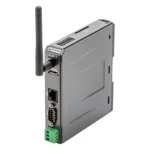
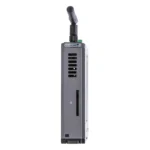
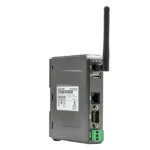
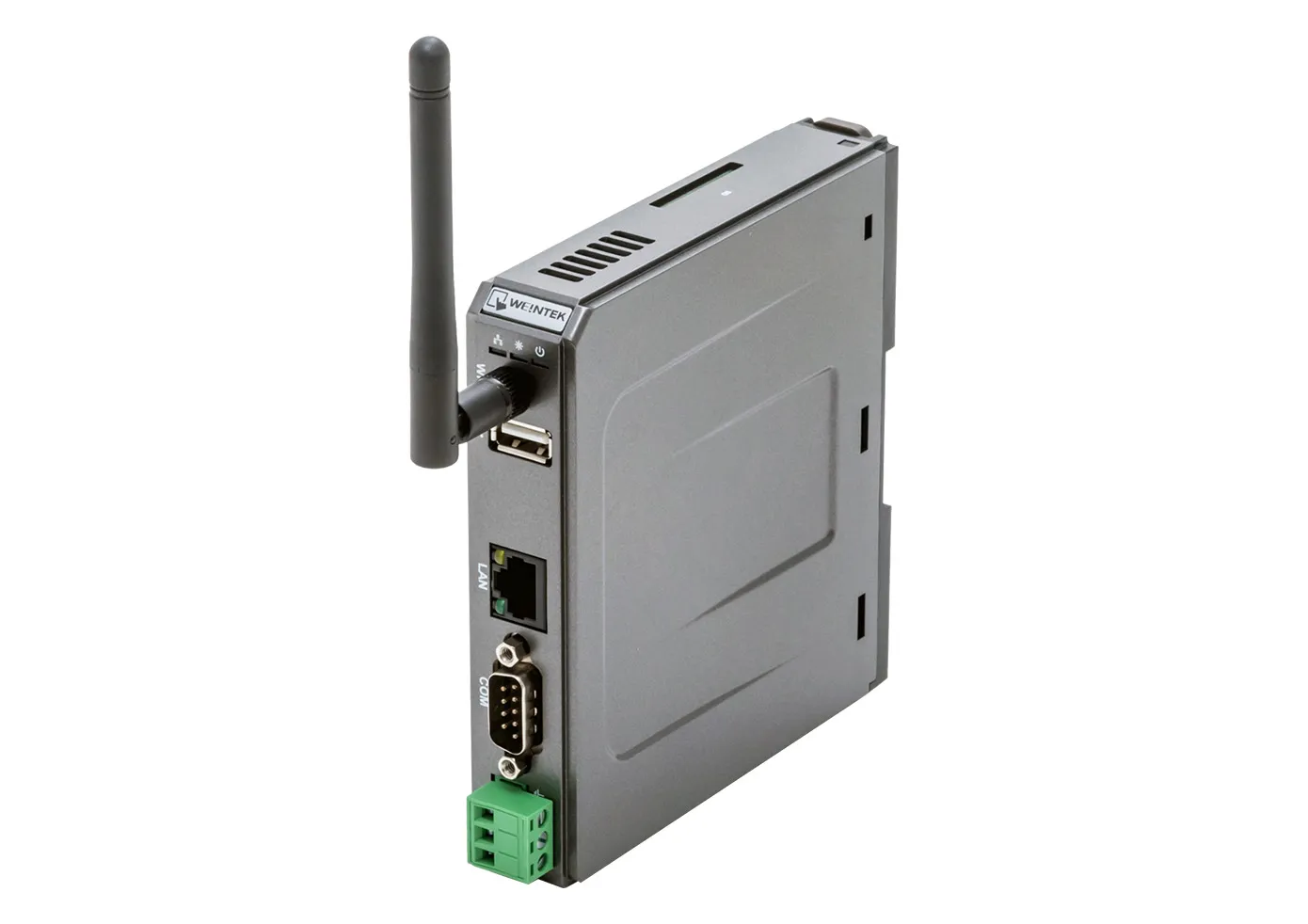
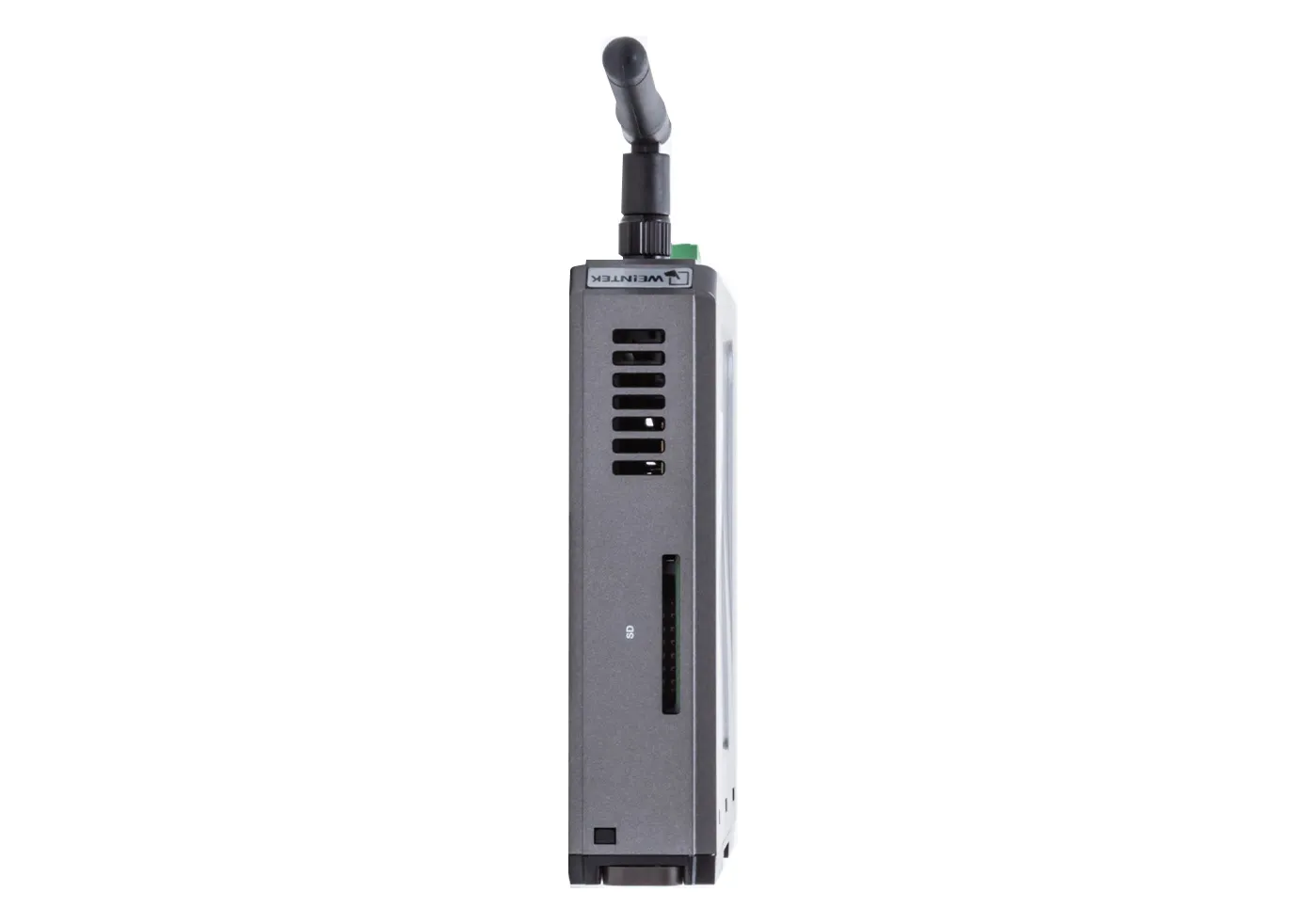
The new cMT-SVR-200v2 model has a faster processor, micro SD Card Slot, 10/100 Base T Ethernet port, slightly different power requirements, and a slightly wider operating temperature.
If you have any questions, please contact [email protected] or give us a call at 425.745.3229
Are EBPro projects backwards compatible with older versions of EBPro and EZwarePlus?
EBPro projects are not backwards compatible with EZwarePlus or older versions of EBPro.
Newer versions of EBPro will save a copy of the project created in an older version when it is modified. This older copy will have the version number of the older software appended to it and will be saved to the same directory.
What if I have multiple older HMIs still in operation out in the field?
You will have to maintain separate projects. Once your project is converted from HMI series to cMT series, it cannot go back to HMI. If project updates are needed, make sure to update the HMI project first, save it, then convert that to cMT, and save that separately.
Can I use a headless HMI without a display?
Yes, our headless (without an integrated display) units are fully functional HMIs. Utilizing EBPro software, you can configure the headless device to communicate with your PLC/controller the same way you would program any Maple Systems HMI. If a display is required, a Windows® PC, Apple or Android smart device, or one of our cMT iV Series Displays or Web HMI’s can be used. The CMT-FHDX devices can be paired with any HDMI supported Monitor or large screen TV, as well as your Windows PC.
Do your cMT Display units work with the Headless HMIs?
Yes! Adding a cMT Display unit to your existing Headless HMI system gives you an easier view into your HMIs operations.

Why would I use a headless HMI unit instead of a touchscreen HMI?
Most HMIs have a built-in touchscreen to provide feedback and allow input from on-site personnel. If that is all that’s required, a standard HMI may be sufficient. On the other hand, if you have limited panel space, no need for a touch screen, and want the convenience of monitoring and accessing your system without having to walk to where the HMI is physically located, one of our headless HMIs would be a great option. Utilize your Apple or Android smart phone or tablet to access unit remotely.Datasheet
Software
Manuals & Guides
Videos
Sample Projects
Additional Resources