
HMI Barcode Scanner
Sample Project Description
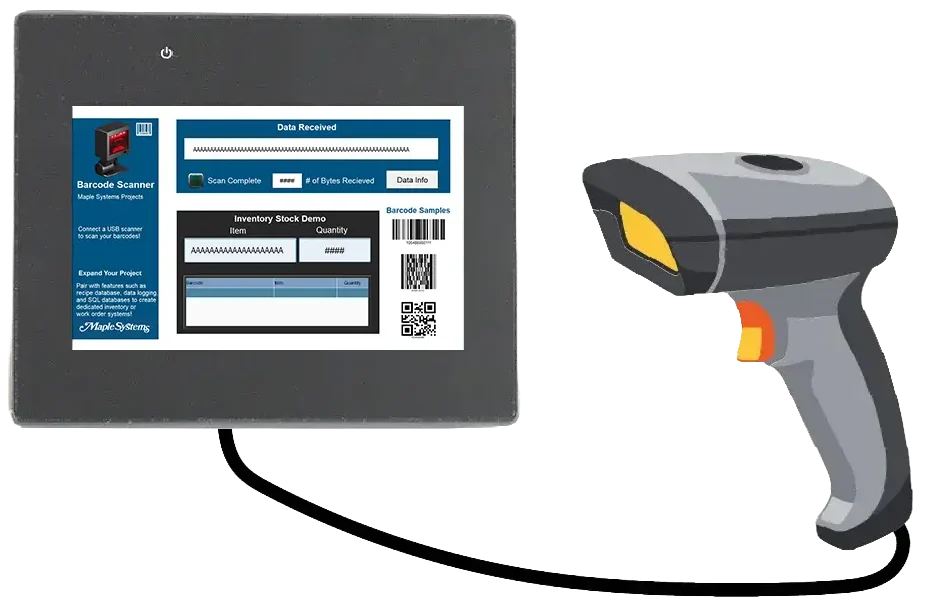
Demonstrates how to connect a USB or serial barcode scanner to your HMI. Using the Barcode Device driver, you can read data from a USB or serial barcode scanner and display that data in ASCII and hex formats. This project also demonstrates how to use a macro to copy the data into local memory.
Required Software
Ensure you have the necessary software and version installed to use this sample project correctly.
- Software Name: EBPro
- Minimum Software Version: EBPro v6.10.01.510
Sample Project File(s)
Download the project files in .zip format. Extract the contents before using them in the required software.