
Virtual Network Computing (VNC)
VNC, or virtual network computing, makes it possible to view and interact with an HMI from another computer or device connected to the Internet.
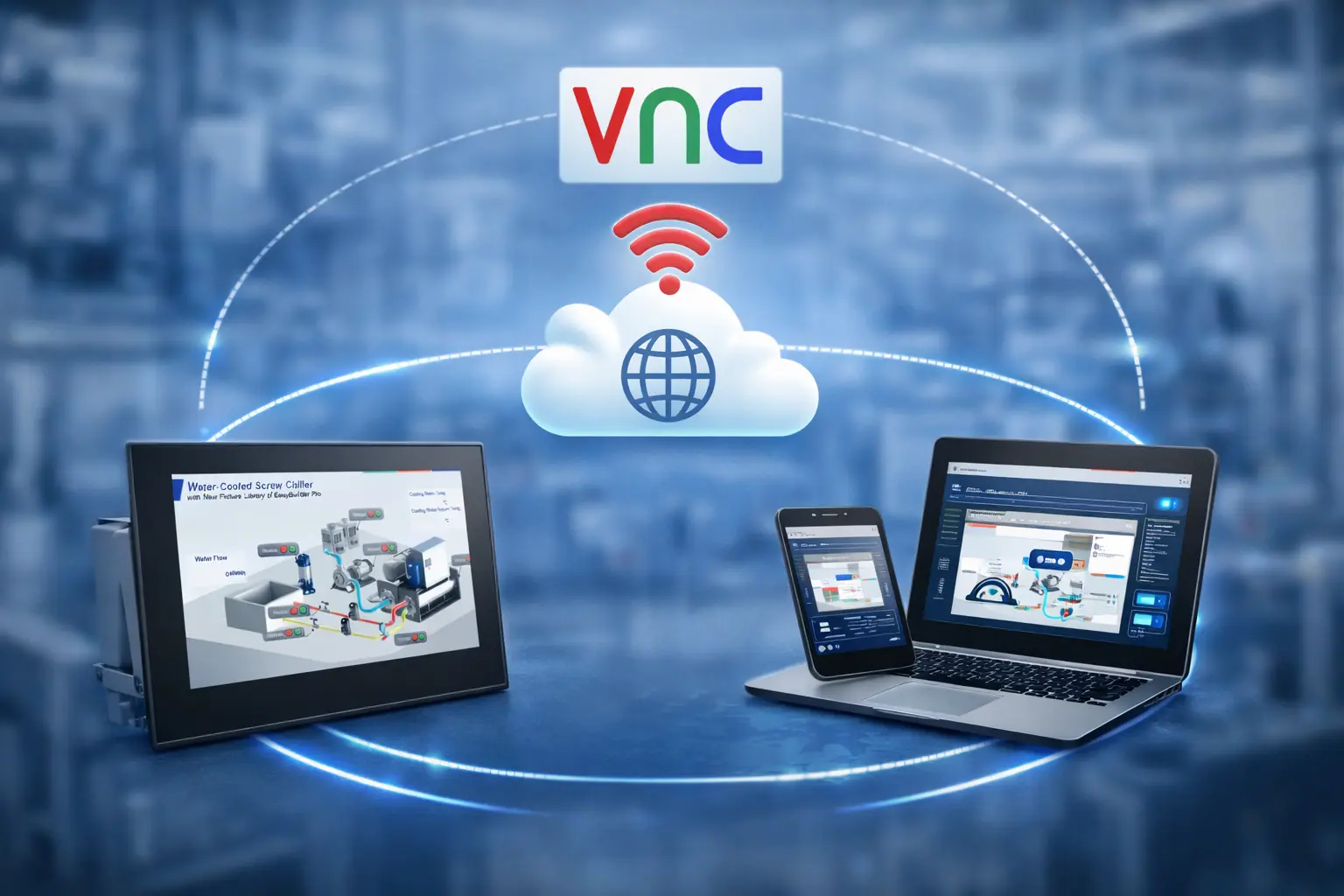
What is VNC?
Virtual Network Computing (VNC) is a graphical desktop sharing system that uses the Remote Frame Buffer protocol (RFB) to remotely control another computer. VPN technology was originally developed to allow remote business workers to securely connect to corporate networks in order to access resources when gone from the office.
A good way to look at the benefits of a VPN is to consider it a firewall for the web. It is another step in guaranteeing some level of data security when online. VPNs use advanced encryption protocols and secure tunneling techniques to cover all online data transfers.
Because it is a network-based screen mirroring and control protocol, it transmits the keyboard and mouse events from one computer to another, relaying the graphical screen updates back in the other direction, over a network.
VNC viewer is an excellent tool that will allow you to view and control the HMI as if you were directly in front of it.

VNC Server
The VNC Server is the program on the machine that shares screen and allows the client to share control of it. If using one of our headless HMIs, the “shared” screen may not be related to a physical display. Access of the HMI means remote control of the PLCs and controllers that command the automation process. This opens a new universe of logistical improvements in the control process.
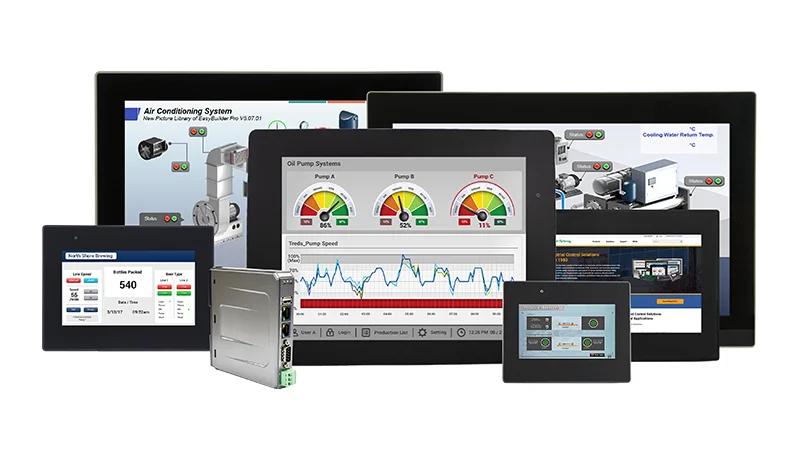
Our HMIs and HMI+PLCs, using their respective configuration software, come with a built in VNC (Virtual Network Computing) server (included at no additional cost). Any third party VNC viewer client (laptops, desktop PCs, tablets, and smart phones) can log into a Maple HMI or HMI+PLC to see and control exactly what’s shown on the its screen.
Configurable options on the Maple HMI include: set a password, enable monitor mode (view only – no control), allow single connection or multiple connections.
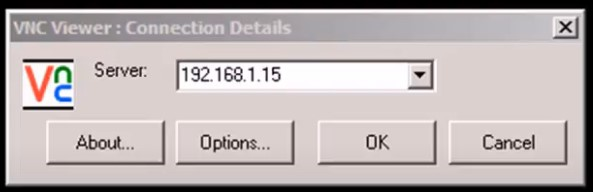
Note: HMI IP address required for VNC access. VNC client applications for many different platforms are available online.
VNC Client (Viewer)
For our HMIs, the VNC client (or viewer) is the program that represents the screen data originating from the server, receives updates from it, and presumably controls it by informing the server of collected local input.
Features & Applications
Security while allowing access to a connected device is the main reason why corporations have relied on VPNs for many years. VPNs create a data tunnel between your local network and an exit node in another location, which could be thousands of miles away, making it seem as if you’re in another place.
- The grounds keeper at the golf course can operate several water sprinkling systems at the same time.
- The manager at the packaging plant can monitor his shrink-wrap machine from his office.
- The head custodian can adjust the air conditioning in his office complex even though he’s across town.
- Manufacturing employees view and control a HMI, and connected PLC, in a factory while located outside the facility.
- View all media (Video, Picture, PDF, etc) embedded in the HMI Application.
Get Started With VNC
EBPro Programming Manual (HMI Remote Access)
Read about how to implement the VNC Server and VNC Viewer Object. This object allows an HMI to monitor and control another HMI using VNC.
MAPware-7000 Programming Manual (HMI+PLC Remote Access)
Read about how to implement VNC Viewer to use with our HMC4000 Series. This tool allows a device that supports a VNC Viewer application to remote in locally to an HMI+PLC to monitor and control the project downloaded to the HMC4000.
Training Videos
Follow along on our training videos to get you started:
Sample Projects
Download an EBPro sample project featuring VNC Auto Log-off, a feature that logs out of a remote connection to the HMI using a VNC Viewer after a period of time.