
WP4000 Series
Device information for our WP4000 Series Web HMIs, such as the Product Name, MAC Address, IP Address, Subnet Mask, and Default Gateway addresses, can be found in the 3rd menu tab on the left, after start up.

cMT Series
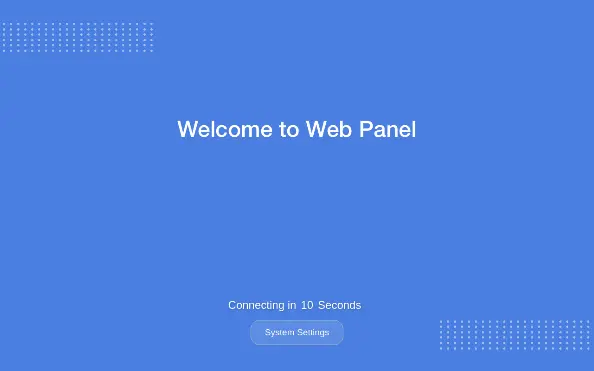
Device information for our cMT Series Web HMIs can be found in the System Settings menu located on the bottom of the startup window.
Products
Manuals & Guides
Video
Technical Articles
- 9 Things to Consider when Choosing a Web HMI
- What is a Web HMI
- What is a SCADA System and How Does it Work
- Remote Desktop with Web HMI, Raspberry Pi, and noVNC
- Everything You Need to Know about HMIs
- How to use CODESYS WebVisu on WEB HMIs
- Cleaner control and monitoring with Maple Systems cMT Web HMIs
- Connecting a Maple Systems Web HMI to an Arduino Web Server
Need more support