
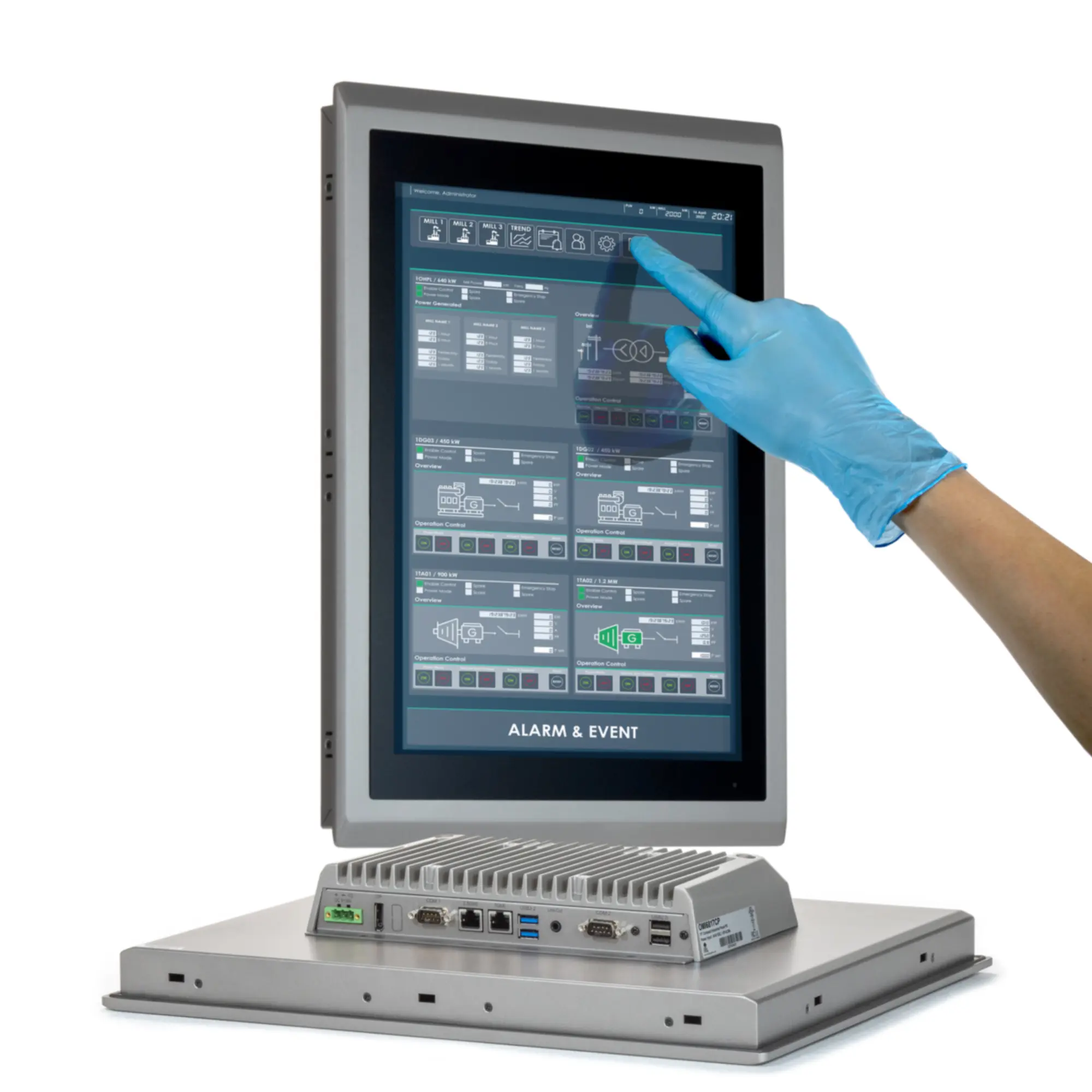
Windows-based HMIs Explained
Windows-based HMIs utilize the Microsoft Windows operating system on industrial Panel PCs to monitor and control machinery. Furthermore, they offer significantly more flexibility and power than traditional dedicated units. In addition to standard functions like data logging and alarms, these systems support advanced SCADA software and web connectivity. Consequently, they are ideal for complex automation and high-level data analysis in manufacturing.
Key Characteristic of a Windows-based HMI
Determining the “best” Windows-based HMI (which refers to the physical Industrial Panel PC) depends heavily on your specific needs, such as the required level of ruggedness, performance, and application. Several factors should be considered.
- PC Hardware: Most commonly take the form of an Industrial Panel PC, which integrates a rugged touchscreen display with a complete computer system in a single unit. Runs on ruggedized industrial computers (Panel PCs) with a Windows operating system. Because these HMIs are PCs, they can be configured to meet your specific requirements. Most manufacturers allow you to specify CPU, RAM, Storage, OS, and screen size. Additionally, hardware requirements are available for specific applications or environments. Ex. waterproof enclosures for a washdown environment; sunlight readable displays for outdoor applications; or C1D2 certifications for Oil and Gas.
- Software Flexibility: Since these PCs run Windows, they can host standard industrial SCADA software along with third-party applications for ERP integration and web browsing. Furthermore, this environment allows platforms like Ignition or FactoryTalk to operate alongside other PC tools for complex data handling. Consequently, operators can achieve sophisticated visualization and seamless data logging within a single interface.
- Connectivity: They offer broader peripheral support (USB, HDMI, Ethernet) and can easily interface with cloud services, SQL databases, and various enterprise-level networks. Offers extensive networking, OPC UA support, and cloud integration for data exchange with PLCs, DCS, and IoT devices.
- Advanced Features: Windows platforms allow for easy software updates and scalability, and the addition of new features without replacing the entire hardware unit. Supports trending, reporting, web serving, and remote access, making it ideal for demanding automation tasks.

Windows-based HMI Hardware
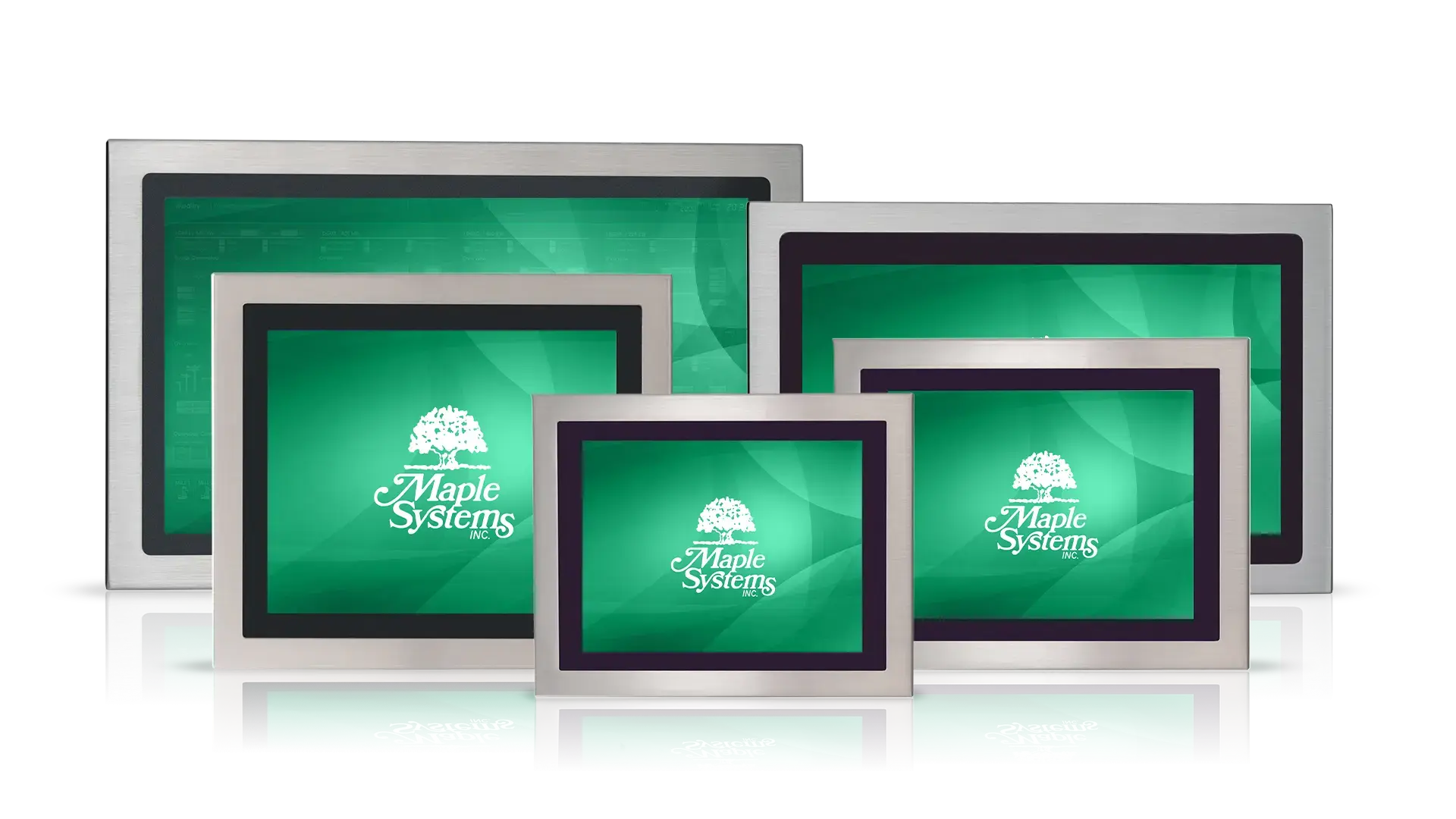
Industrial panel PCs offer a high-quality market solution, specifically optimized to run Windows-based software. Moreover, you can fully customize each unit with your choice of processor, memory, and operating system to perfectly meet your specific operational needs.
Hardware Considerations
- Environment: Consider factors like temperature extremes, vibration, shock, and exposure to water or dust. Look for appropriate IP ratings (e.g., IP65/IP66 front panel protection) or certifications (e.g., ATEX, Class I Div 2).
- Software Integration: Ensure the hardware seamlessly integrates with your chosen SCADA or HMI software (e.g., FactoryTalk with Rockwell, WinCC with Siemens).
- Performance: The complexity of your SCADA application will determine the necessary processor (Intel Atom for basic HMIs; Core i3/i5/i7 for data-intensive applications) and RAM requirements.
- Connectivity & I/O: Verify the unit has the necessary ports (Ethernet, serial, USB, etc.) to connect all required peripheral devices and network infrastructure.
- Support Agreements: Support agreements and contacts can add cost to your solution. While most reputable brands offer technical and sales support, most do require that you pay for a service contract or agreement.
- Warranties: Standard warranties can vary by supplier. Consequently, longer warranties can add cost to your PC, but can have significant advantages in mission-critical applications where minimizing downtime is essential.
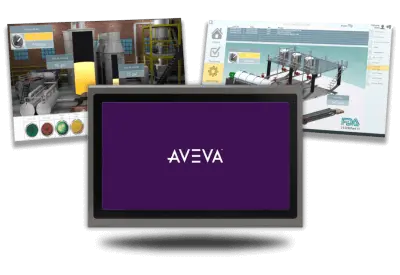
Windows-based HMI Software
There are many enterprise-level solutions that are optimized for Windows-based HMIs and Industrial PCs, here are just a few of the most popular:
- AVEVA Edge (formerly InduSoft): Specifically designed for Windows-based HMIs and Industrial Panel PCs. AVEVA Edge is a powerful, flexible HMI solution specifically optimized for modern industrial environments. Its excellence as HMI software is driven by its broad compatibility, massive driver library, and seamless scalability.
- Ignition (Inductive Automation): Ignition is a web-based industrial platform and is recognized for its unique “unlimited” licensing model, which enables organizations to deploy an infinite number of tags and clients without incurring additional costs. In addition, Ignition serves as a highly scalable solution for complex SCADA, IIoT, and MES applications across diverse industrial environments.
- Siemens SIMATIC WinCC: A global leader in SCADA, particularly for large-scale or complex automated processes. It is a staple for Windows-based systems in manufacturing and power generation.
- FactoryTalk Optix (Rockwell Automation): A modern, cloud-enabled HMI and visualization platform that emphasizes openness, scalability, and collaborative design. Unlike legacy HMI software, it is built on a platform-independent architecture that allows users to design, test, and deploy applications directly from a web browser or a local desktop.
Windows-based HMI Connectivity
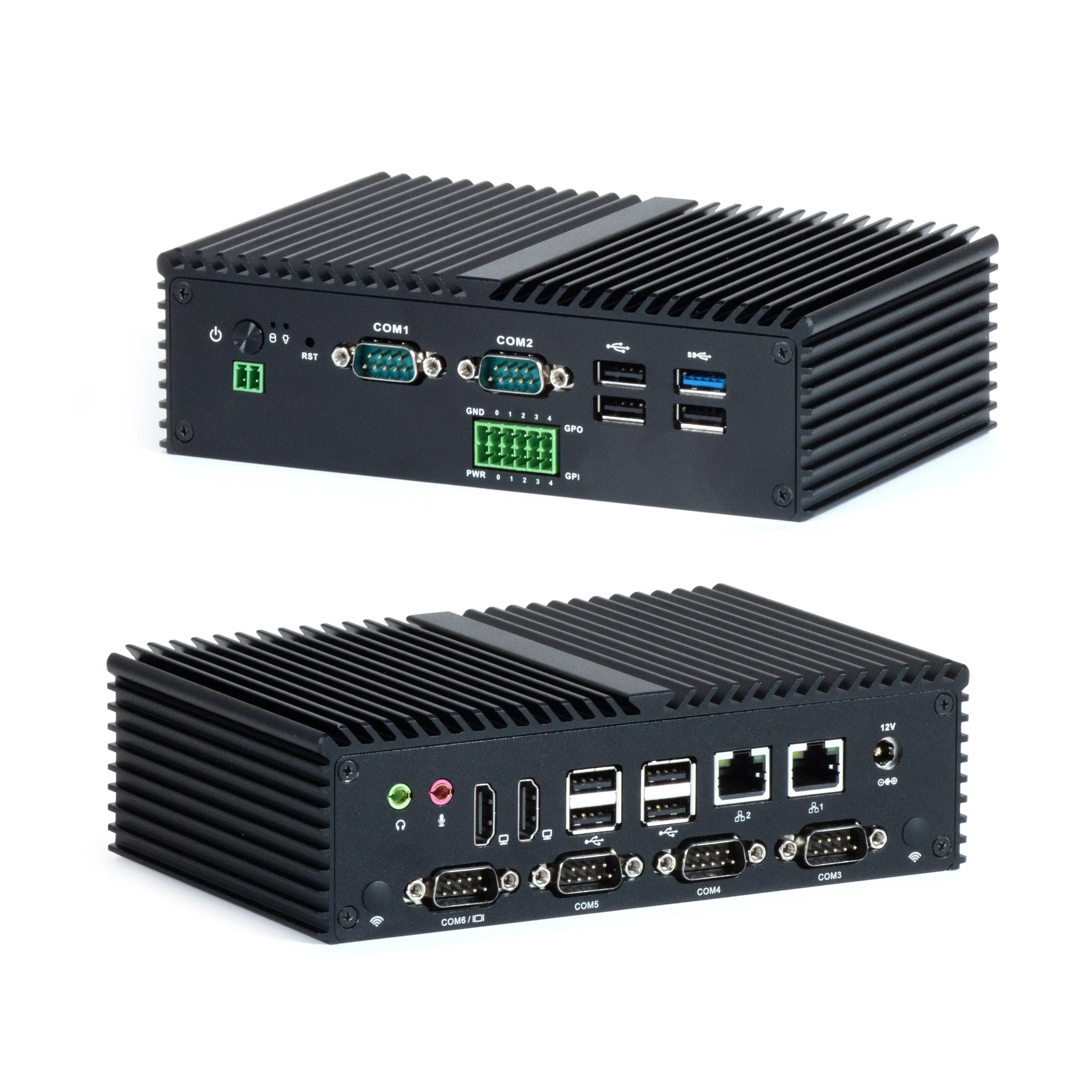
Connectivity is the “lifeline” of modern industrial HMI applications. Because HMIs act as a single physical control plane that aggregates data from thousands of connected devices. Without diverse I/O, vital information remains trapped in “silos,” preventing operators from seeing a holistic view of their production line or identifying idle resources to reduce waste.
Ethernet (RJ-45 / M12):
The most critical connection, used for communicating with PLCs via protocols like EtherNet/IP, PROFINET, and Modbus TCP/IP. Modern units often feature dual LAN ports to separate machine-level traffic from corporate office networks (IT/OT convergence). High-speed ports like Gigabit Ethernet, ensure that vast amounts of data from sensors and cameras can reach the HMI’s processor without bottlenecks.
Serial (RS-232/485) and CANbus I/O:
Allows factories to keep older, functional machinery while bringing it into the digital fold. By acting as a gateway, the HMI can translate “legacy” data into modern protocols like MQTT or OPC UA. This enables old equipment to communicate with new cloud-based enterprise systems. Despite the rise of Ethernet, serial ports remain a standard for interfacing with legacy PLCs, motor drives, and specialized sensors that have proven reliable over decades.
Wireless options:
5G or Wi-Fi 6E/7 provide failover paths, ensuring that if one connection fails, the HMI continues to monitor and control the machinery.
Peripheral and Storage ports:
USB-A is used for connecting keyboards, mice, barcode scanners, and printers. USB-C has become a standard for high-speed data transfer and charging. SD Card Slots are frequently required for local data logging, historical trending, and recipe storage.
Direct Interface I/O:
Digital I/O (DIO/GPIO) ports allow HMIs to send and receive “high/low” signals directly. Consequently, operators can trigger local alarms, stack lights, or emergency stops without routing signals through a PLC. Additionally, HDMI and DisplayPort outputs are now standard for cloning screens onto large factory monitors. Furthermore, these ports enable independent secondary displays for advanced data analytics.
Windows-based HMI Advanced Features
A Windows-based HMI is distinguished from basic proprietary HMIs by its ability to function as a high-performance edge computer. Furthermore, these advanced features leverage the full power of the Windows operating system to bridge the gap between the factory floor and the enterprise cloud.
Multi-Protocol Gateway Functionality
These HMIs act as powerful communication hubs by running multiple drivers simultaneously. In addition to standard PLC connections, they use Windows-based services to translate legacy serial data into modern MQTT or Sparkplug B formats for seamless IIoT integration.
IT/OT Convergence Tools
Because these PCs run a full OS, Windows HMIs can host standard IT security and management tools. For instance, they support Active Directory/LDAP for unified user permissions and SNMP for remote network monitoring, allowing IT departments to manage them like any other corporate workstation.
Advanced Visualization and Data Analytics
Windows-based platforms support high-end graphics engines and heavy-duty database management. As a result, they can host local SQL databases for extensive data logging and render complex dashboards that would overwhelm a standard embedded HMI.
Edge AI and Machine Learning Execution
Modern Windows HMIs utilize integrated Neural Processing Units (NPUs) to run complex AI models locally. Consequently, they can perform real-time visual inspections for defects or execute predictive maintenance algorithms without sending sensitive data to the cloud.
Contact Maple Systems
Contact our sales team for pricing, availability, and support for our rugged lines of Windows based HMIs and Embedded Box PCs.
Email [email protected] or call (425) 745-3229.

About the Author
Trusted source for industrial automation & control solutions
Follow Maple Systems:
Share: