
8 Port Fully Managed Industrial Network Switch
$275.00
The MS1-M08G is a fully managed industrial switch designed to suit your heavy industrial environments. Engineered with hardened components and enclosed in a rugged IP30 case, this industrial switch can operate in wide temperatures and has excellent tolerance capability to high vibration and shock.
This managed switch is equipped with a variety of management functions that let you configure communication parameters and monitor the network behavior in number of different simple ways. In addition, the switch is built with dual redundant power inputs to ensure reliability and maximize network up time.
Advanced features include TACACS+, DHCP Options, Static MAC, Sticky MAC, Refusal MAC, QoS Queue, QinQ, and more!
- US-based technical support.
Share the product:
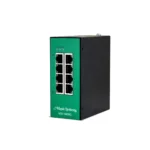
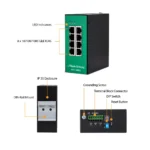


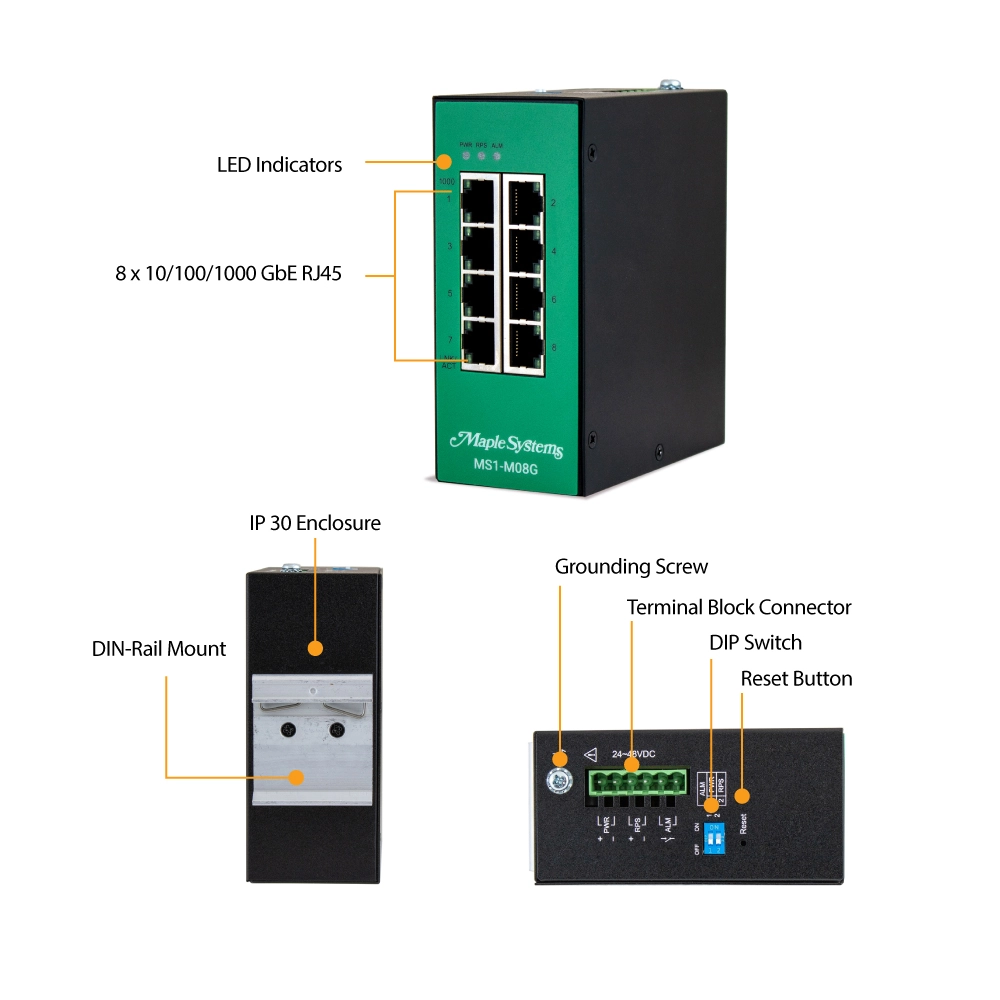

- 8 x 10/100/1000 RJ45 ports
- Auto-Negotiation, Flow Control, Storm Control, 802.1Q VLAN, Advanced Management Functionality, Advanced Security, Traffic Control, RSTP, STP, Code Redundancy
- Industrial QoS (EIP (EtherNet/IP), PROFINET, and GOOSE packets)
- Redundant Power Supply
- Operating temperature -40℃~75℃ (-40°F~167°F)
- Metal Housing, Din-Rail
- IP30, CE, FCC, RoHS, EMI, EMS, Shock, Vibration
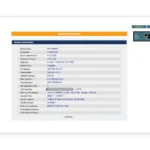
- Supports MapleLink User Interface Dashboard
Port Specifications
| SFP Ports | N/A |
| Fiber Port Connectors | N/A |
| Optimal Fiber Transceiver | N/A |
| Optimal Copper Transceiver | N/A |
| Wavelength (Bi-Directional) | N/A |
| Wavelength (Multi Mode) | N/A |
| Wavelength (Single Mode) | N/A |
| Fiber Nominal Max. Distance | N/A |
| RJ45 Copper Ports | Eight (8) |
| RJ45 Speed | 10/100/1000BASE-T |
| Auto Negotiation & MDI/MDI-X | Supported |
| RJ Nominal Max. Distance | 328 feet (100 meters) |
Performance
| Packet Buffer | 4.1Mbits |
| Jumbo Frame Size | 10k Bytes |
| MAC Table Size | 8K entries |
| L2 Forwarding Rate | 11.9Mpps |
| Switch Fabric | 16 Gbps |
| Throughput | 14,880 pps to 10 Mbps Ethernet ports 148,800 pps to 100 Mbps Fast Ethernet ports 1,488,000 pps to 1000 Mbps Gigabit Ethernet ports |
Reliability
| Code Redundancy | Dual Flash Memory |
| ERPS v1/v2 | <50ms revive time |
| RSTP | ~5-10 second revive time |
| STP | ~30-50 second revive time |
| Dual Homing | Yes |
| LACP | Yes |
| MSTP | Yes |
| Static Trunk | Yes |
Traffic Control
| Static Multicast Address | Yes |
| Flow Control | Per port (configurable) |
| Loop Detection | Per port (configurable) |
| Port Isolation | Per port (configurable) |
| Storm Alarm Threshold Per Port | Per port (configurable) |
| Storm Control | Per port (configurable) |
| Traffic Monitor | Abnormal Traffic Detection Per Port |
| VLAN Passthru | Supports up to 4094 VLAN IDs |
| LLDP Filter | Yes |
| Port Priority | Per port (configurable) |
| QoS Queue | Schedule Mode (High First (SPQ), Weighted Round Robin (WRR), Weighted Fair Queueing (WFQ)) |
| 802.1p QoS/CoS | Port and DSCP Based (configurable) |
VLAN
| 802.1Q VLAN | 256 active entries |
| MAC-Based VLAN | Yes |
| Management VLAN | Yes |
| Port-Based VLAN | Port isolation (configurable) |
| QinQ | Yes |
IEEE Standards
| Compliance | 802.3, 802.3u, 802.3ab, 802.3x, 802.3az, 802.1AB, 802.1D, 802.1w, 802.1p, 802.1Q, 802.1X 802.1ad, 802.3ad, 802.1s |
Power Details
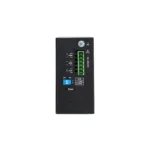
| Input Voltage – Primary | 24~48 VDC |
| Input Voltage – Redundant | 24~48 VDC |
| Input Connector | Terminal Block |
| Max Input Current | 0.35A @ 24 VDC without alarm 1.35A @ 24 VDC with alarm |
| Max Power Consumption | 10W |
| Current Overload Protection | Yes |
| Redundant Power System | Yes |
| Reverse Polarity Protection | Yes |
Network Management Features
| GUI | Connect over HTTP or HTTPs |
| Auto Provision | Supports TFTP, FTP, and HTTP protocols |
| Topology Map | LLDP Discovery, or Manual Registration for MapleLink/MapleLink-Lite |
| Device Management | Supports IP-Cam, HMI, PLC, Switch, IPC, and PC |
| TACACS+ | Yes |
| Installation Wizard | Not Supported on MapleLink |
| Dashboard | Not Supported on MapleLink |
| CLI | Connect over Telnet or SSH |
| SNMP v1/v2c/v3 | See Manual for supported MIBs |
| SNMP Trap | Yes |
| Management VLAN (MVLAN) | Yes |
| Firmware Upgradable | Remote or Onsite, Manual or Automatic |
| Configuration Backup/Restore | Text-Based File, Remote or Onsite, Manual or Automatic |
| Syslog | Yes |
| SNTP | Yes |
| LLDP | Yes |
| DHCP Client | Obtain an IP via DHCP |
| DHCP Relay | Yes |
| DHCP Option | Supports Option 82 |
| Port Mirroring | Per port (configurable) |
| Server (Service) Control | See Manual for Supported Servers (Services) |
| Port Utilization | Yes |
| Alarm Information | Yes |
| Modbus TCP Client | Read only, See Manual for available function codes |
| Power Down Trap | Yes |
| Port Configuration | Enable/Disable, Speed/Duplex |
| ONVIF | Yes |
| Port Statistics | Yes |
| Remote System Reboot | GUI/CLI |
| User Account with Authority | Utilizing 802.1X |
Security Features
| STP/RSTP | Configurable BPDU Filter, BPDU Guard, ROOT Guard |
| GUI | HTTPs |
| CLI | SSH |
| IGMP Snooping | Yes |
| ACL (Access Control List) | Yes |
| Port Security | MAC Limit |
| Port-Based 802.1X | Utilizing RADIUS |
| Trusted Managed Host | Yes |
| DHCP Server Screening | Yes |
| DHCP Snooping | Yes |
| IP Source Guard | DHCP Snooping, DHCP Binding Table, ARP inspection |
| MAC Search | Yes |
| Managed Host | Yes |
| Refusal MAC | Yes |
| SNMPv3 | Yes |
| Static MAC | Yes |
| Sticky MAC | Yes |
Mechanical
| LED Panel | PWR, RPS, ALM, 1000, LNK/ACT |
| Dip Switches | Primary/Redundant Power Voltage Drop Alarm Setting |
| Alarm Relay | 1 Relay Output, 1A @ 24VDC |
| Enclosure Material | Black Powder-Coated Metal |
| Dimensions WxHxD | 50 x 116 x 100 mm (1.97 x 4.56 x 3.93 in) |
| Weight | 550g (1.21 lb) |
| Mounting | 35 mm DIN Rail |
Environmental
| Operating Temperature | -40°F~167°F (-40°C~75°C) |
| Storage Temperature | -40°F~185°F (-40°C~85°C) |
| Operating/Storage Relative Humidity | 5 to 95% RH (non-condensing) |
Certifications/Standards
| UL | N/A |
| RoHS | Compliant |
| FCC | Class A Compliant |
| Ingress Protection | IP30 |
| Shock Test | IEC 60068-2-27 |
| Freefall Test | IEC 60068-2-31 |
| Vibration | IEC 60068-2-6 |
| EMI / CE | FCC Part 15 Class A, EN 55011 / BS EN 55011 Class A, EN 55032 / BS EN 55032 Class A, EN 61000-6-4 / BS EN 61000-6-4 |
| EMS / CE | IEC 61000-4-2 (ESD), IEC 61000-4-3 (RS), IEC 61000-4-4 (Burst), IEC 61000-4-5 (Surge), EN 61000-4-6 (CS), IEC 61000-4-8 (PFMF) EN 55035 / BS EN 55035 EN 61000-6-2 / BS EN 61000-6-2 |
| CE UKCA | Yes |
| CE | Yes |
Fully Managed Switch Unboxing
We'll unbox one of our Fully Managed Industrial Network Switches, review some of the many features, and a quick overview of our free UI
Simple and Intuitive User Interface with MapleLink
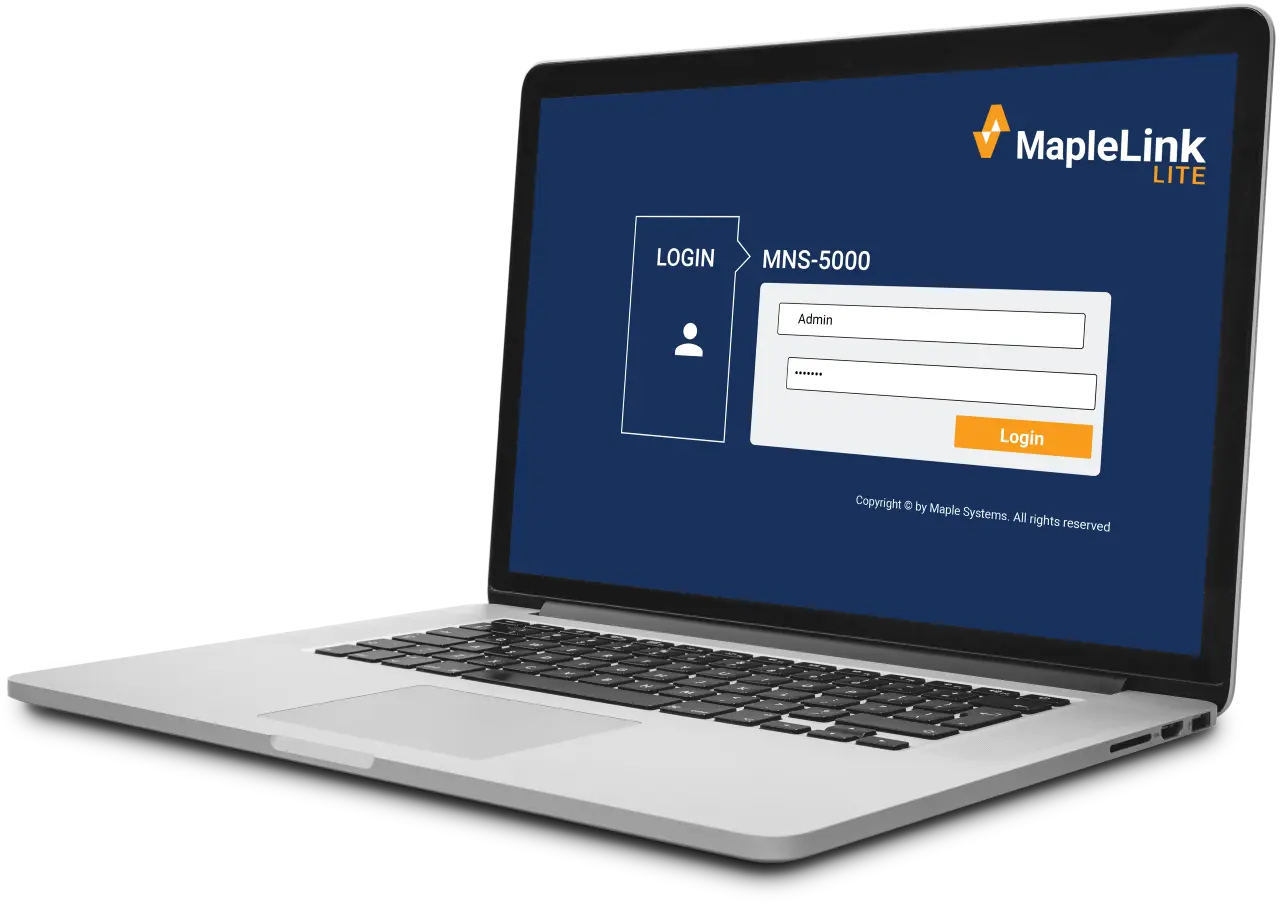
With straightforward configuration menus, both MapleLink and MapleLink Lite let you quickly set up your Lite or fully managed network switch. The integrated topology map of connected devices and neighboring switches gives you key information such as IP address and link status.
What is an Industrial Network Switch?
An Industrial Network Switch is a type of switch designed to operate in harsh environments typically found in industrial settings. It is built to withstand factors like temperature extremes, humidity, vibration, and electrical interference, which are common in factories, power plants, and other industrial locations. These switches are optimized for industrial control systems, offering high reliability and performance. They support features like Power over Ethernet (PoE), network redundancy, and long-distance communication, ensuring uninterrupted data transmission in mission-critical applications.
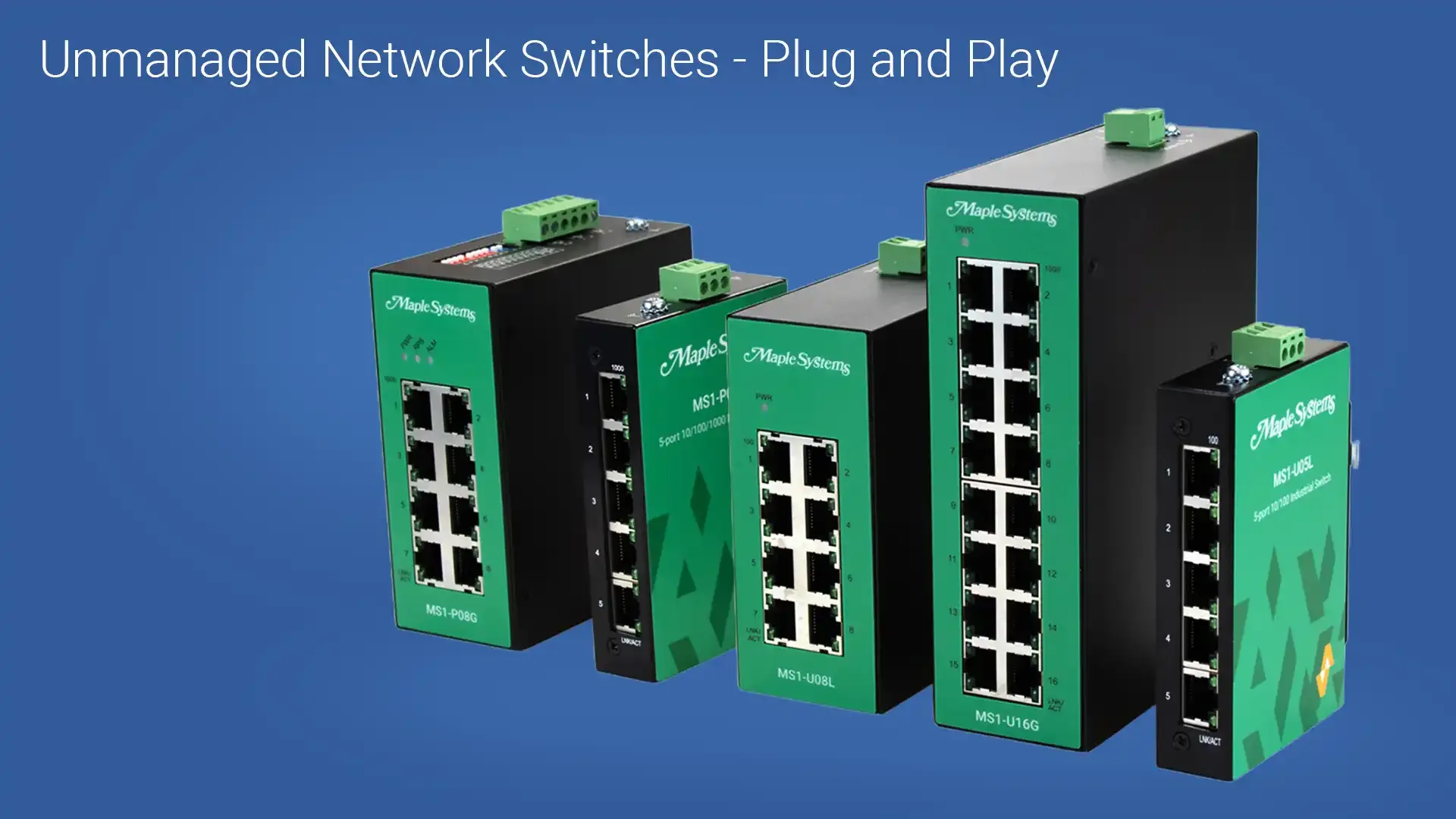
Industrial network switches come in four main types: Managed, Lite-Managed, Premium-Unmanaged, and Unmanaged. Each type offers different levels of control and functionality, depending on the needs of the network.
- Managed
- Configurable switch with lite-managed features and more like DHCP Client/Relay/Option82, LACP, MAC-based VLAN, IGMP Snooping and more!
- Lite-Managed
- Configurable switch with advanced features like Port Configuration, Syslog, 802.1p QoS, ACL, and more!
- Premium Unmanaged
- Simple plug and play switch with some advanced features like Port Priority, and industrial QoS.
- Unmanaged
- Simple plug and play switch with minimal features like Storm and Flow control.
What is the default IP address for your Network Switches?
The default IP address for our Fully-Managed and Lite-Managed Network Switches is 192.168.100.254.
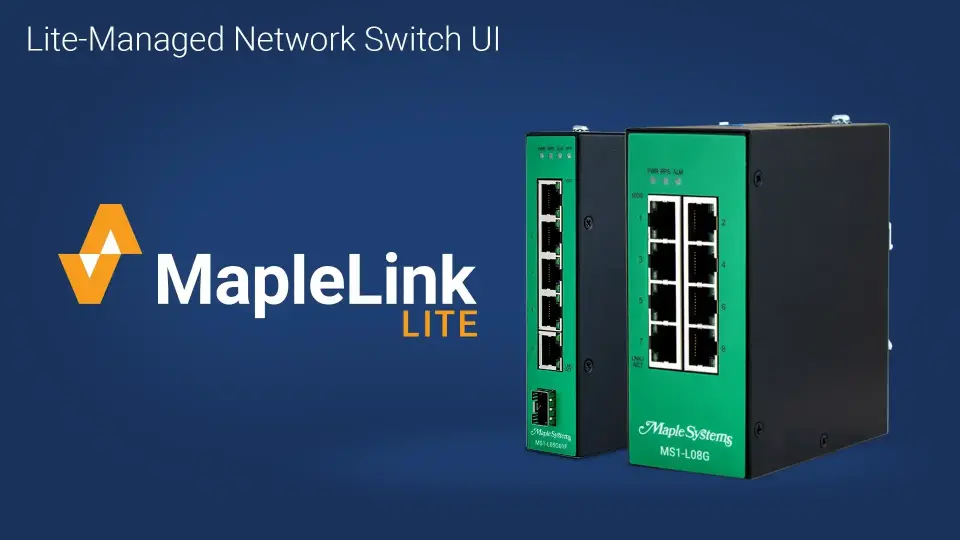
Here is a tutorial we created showing the setup and configuration of one of our Lite-managed Industrial Network Switches.
Watch on YouTubeWhat is the first step to take in getting my Maple Systems Network Switch online?
First, you should determine if its an unmanaged or managed switch:
- If unmanaged, its plug and play.
- If managed, you’ll need to know how to reach the switch’s web interface.
To access the managed switch’s web interface, you’ll need to determine the switch’s IP address:
- The default IP address for Maple Systems managed Network Switches is 192.168.100.254
Once you’ve determined the IP address:
- Connect your PC or laptop directly to the switch via Ethernet
- Open a browser and enter the switch’s IP address directly into the URL and press Enter
If you’re using managed switch, your browser should open up to either:
- MapleLink (Managed Switch)
- MapleLink Lite (Lite-Managed Switch)
With straightforward configuration menus, both MapleLink and MapleLink Lite let you quickly set up your lite or fully managed network switch. The integrated topology map of connected devices and neighboring switches gives you key information such as IP address and link status. All the while, our unmanaged and premium unmanaged switches are plug and play for easy and quick installation.
Tutorial: Lite-Managed Industrial Network Switch Setup and Configuration Overview

Can you daisy chain Maple Systems Network switches?
Yes, you can daisy chain Maple Systems network switches to scale a network. Daisy chaining is a simple way to connect switches in series, similar to the petals of a daisy. It’s generally recommended to daisy chain no more than three to four switches.
Can I use PROFINET with Maple Systems Product?
YES! We have several products that support PROFINET!
Maple Systems Network Switches support IEE.802.1P Quality of Service (QoS), which is the core mechanism PROFINET uses to ensure real time packet priority.
- Detecting 802.1p priority tags in PROFINET RT frames
- Prioritizing PROFINET traffic above standard Ethernet traffic
- Maintains low latency and low jitter during heavy network load
- allows traffic classification and custom QoS rules.
Maple Systems CODESYS Enabled HMIs support PROFINET IO Master functionality where you can seamlessly connect to multiple major brand PROFINENT IO Slave devices, enabling easy selection and rapid deployment of field devices for enhanced communication and control.
- Divers Device Communications
- Easy setup via CODESYS
- Real-time, stable performance
- Multi-protocol Integration
Maple Systems Advanced and High-performance HMIs can communicate with Siemens SIMATIC –S7-1200/S7-1500 PLCs using the PROFINET interface connector on the CPU. Up to 3 HMIs can be connected to one PLC. We’ve created instructions to follow showing how this works:
What is the main differences between an industrial switch and a commercial switch?
Commercial switches rely on a single power supply to power the switch, while industrial switches typically run off DC power, and have redundant power inputs. This allows the weakest link (the power supply) to have a hot standby back up, insuring maximum up time.
Industrial switches are designed for harsh environments, featuring an IP rating for dust and water resistance, as well as ESD, EMI, power surge, over-voltage, and power spike protection to withstand extreme conditions. These switches are built to endure temperature fluctuations, vibration, and moisture, making them ideal for factories, outdoor, and industrial settings. In contrast, commercial switches are typically used in controlled office or business environments, offering standard performance without the extensive protection found in industrial models. While commercial switches are more affordable and easier to manage, industrial switches ensure durability and reliability in more demanding environments.
Some Industrial switches are also designed for specific use cases like maritime, subway, or railway stations. These switches would be accommodated with their respective certifications.
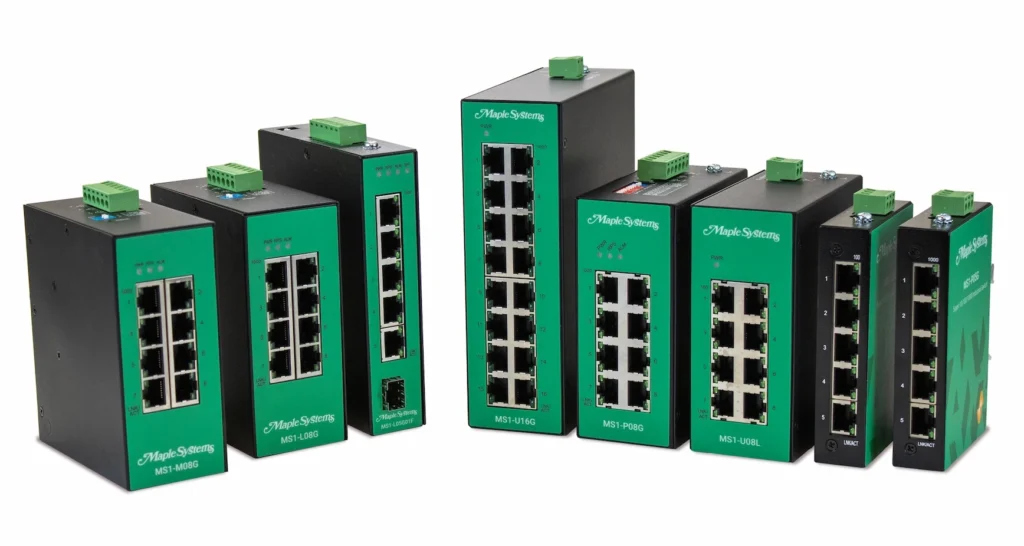
When you order the MS1-M08G the following items are included in the box:
1 x MS1-M08G
1 x Power Connector
1 x Quick Start Guide