
Intel® Quad-Core Atom® Fanless Industrial PC with 4G/LTE Options
$1,300.00
This fanless, wide-operating temperature (-40~60°C), IPC2410A is ruggedly built, making it ideal for outdoor applications. With Windows® or Linux® Operating System, this PC supports 3rd party and SCADA software like FactoryTalk®, SIMATIC WinCC, Ignition, and AVEVA® Edge. Optional 4G Module allowing for 4G/LTE Data Network Usage. VESA or Wall mounting capabilities.
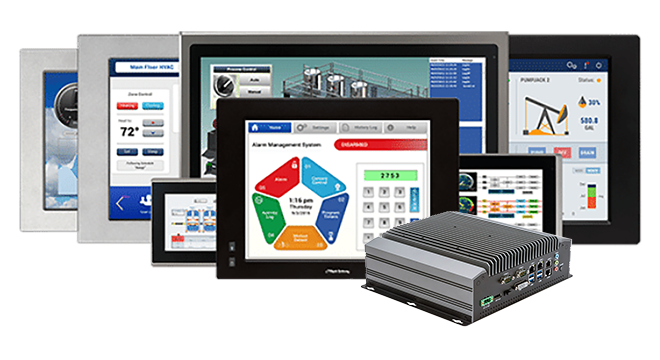
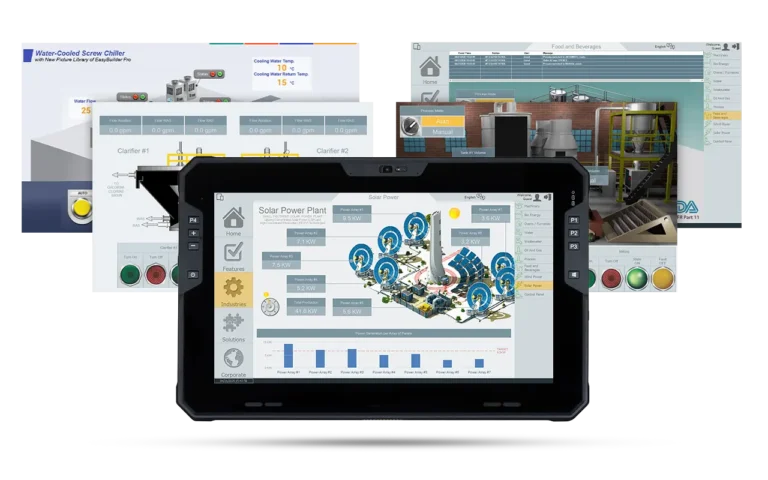
- Pair with one of our Industrial Monitors
- Volume discounts available.
- Customize product with your company logo. Minimum quantities apply.
- Typically ships in 2 days.
- US-based technical support.
Share the product:
Compare to Similar Models
Compare IPC2410A with 2 other products
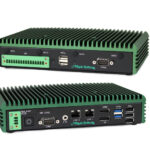
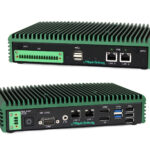
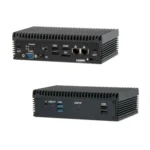
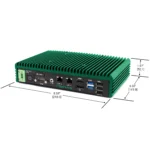


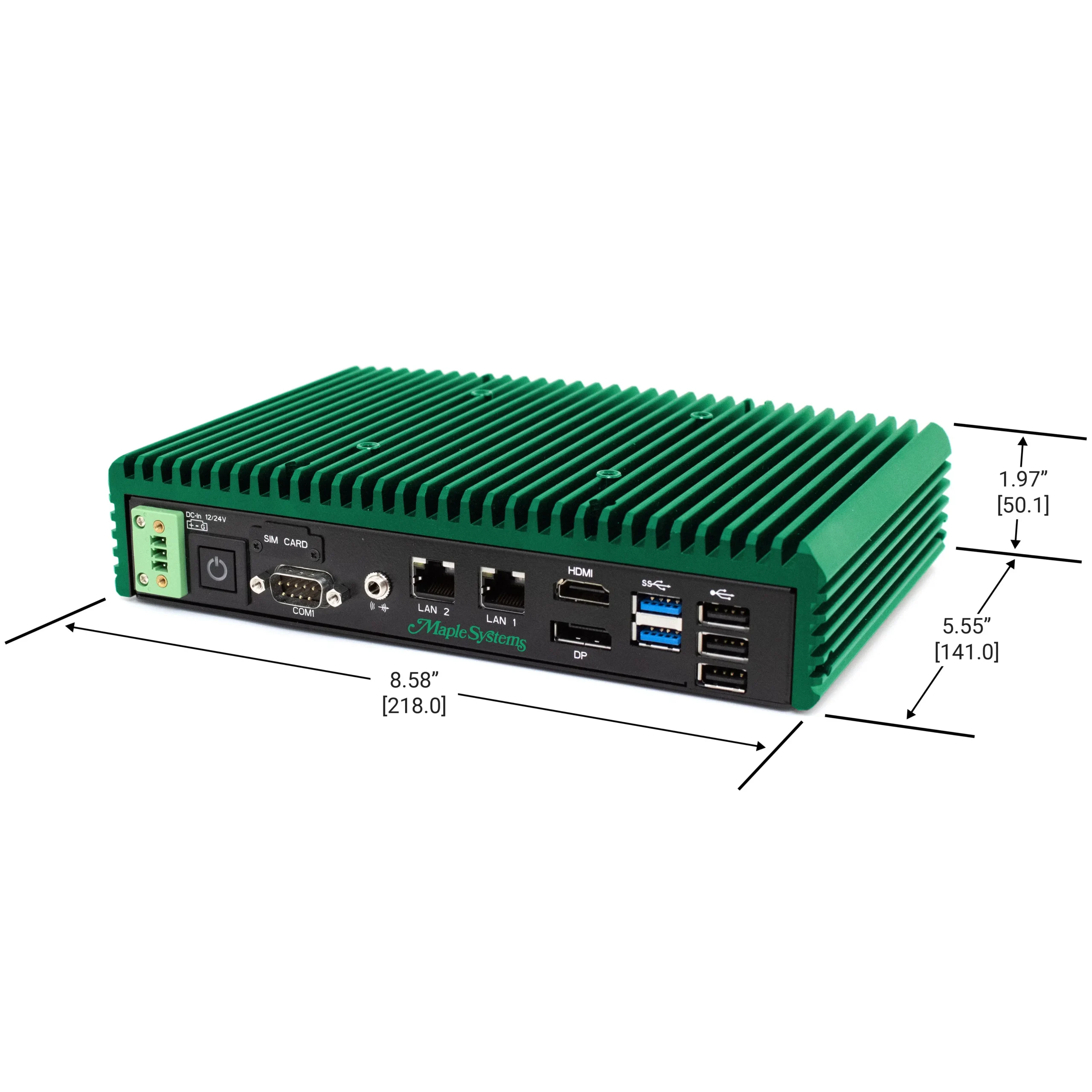

The base options are selected by default. Select the options to get the desired configuration.
System
| CPU | Intel® Quad-Core Atom® x6425RE @ 1.9 GHz |
| Memory (RAM) | 1 x DDR4 260-pin SO-DIMM RAM (4, 8, 16, 32 GB) |
| System Chipset | SoC |
| Solid State Drive Type | NVME |
| Solid State Drive Capacity | 128, 256, 512 GB, 1TB SSD |
| CPU Graphics | Intel® UHD Graphics |
| TPM Module | Yes (TPM 2.0) |
Storage
| Solid State Drive | 1 x M.2 NVME, 3D TLC (128, 256, 512 GB, 1TB SSD) |
Front I/O
| Ethernet/LAN | 2 x 2.5GbE RJ-45 |
| Audio Output | 1 x 3.5 mm Line-out |
| Power | 1 x 3-Pin Terminal Block Connector |
| USB 2.0 Type A | 3 |
| USB 3.0 Type A | 2 |
| Power Switch | 1 x Momentary-Type Toggle Switch |
| Serial | 1 x RS-232/422/485 DE-9P: COM1 (default RS-232) |
| Display Interface | 1 x HDMI 2.0a (max. 4096 x 2160 pixels @60Hz), 1 x DisplayPort 1.2a (max. 4096 x 2160 pixels @60Hz) |
| SIM Card Slot | 1 x Micro-SIM Card slot (covered unless optional 4G/LTE Module is purchased) |
Rear I/O
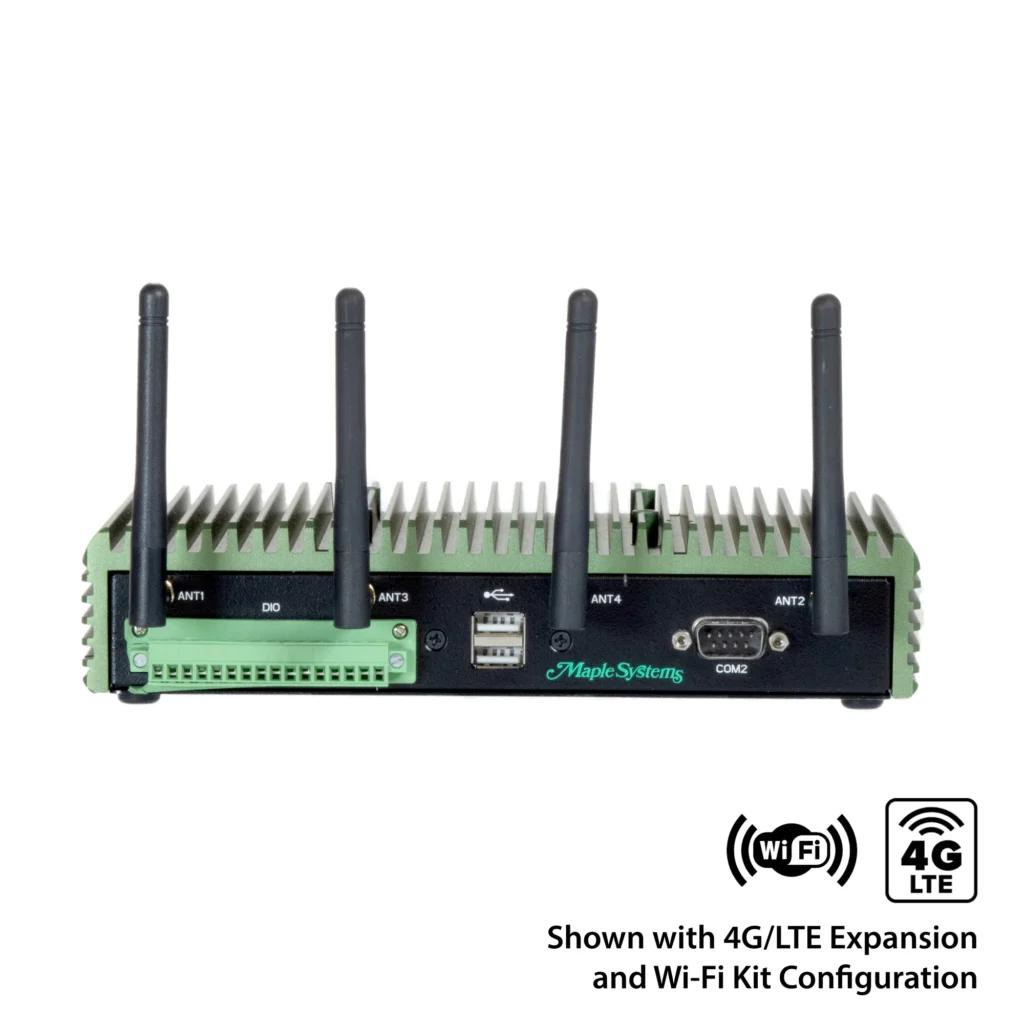
| Serial | 1 x RS-232/422/485 DE-9P: COM2 (default RS-232) |
| Wireless LAN | 2 x Wireless LAN Antenna ports (Covered Unless Optional Wi-Fi Expansion Kit Purchased) |
| Digital I/O | 1 x 16-pin Terminal Block connector (8-in, 8-out) |
| SD Card Slot | N/A |
| USB 2.0 Type A | 2 |
Expansion I/O
| Expansion Option | Optional Wi-Fi kit (IEEE802.11ax card and 2 x antenna, Bluetooth 5.2 Support |
Electrical
| Input Power | 72 W Max |
| Input Voltage | 12 or 24 VDC +/-10% |
| Input Current | 6 A Max |
Mechanical
| Dimensions WxHxD | 8.58 x 5.55 x 1.97 inches [218 x 141 x 50 mm] |
| Weight | ~ 4.4 lbs. [2.0 kg] |
| Mounting | VESA 75 x 75 mm; Wall Mounting Kit Included |
| Construction | Green Anodized Aluminum Heatsink, Black Steel Chassis |
Environmental
| Operating Temperature | -40~140°F [-40~60°C] |
| Storage Temperature | -40°F~185°F (-40°C~85°C) |
| Storage Humidity | 20 to 90%, non-condensing |
Certification
| IP Rating | IP30 |
| CE | Yes |
| RoHS | Yes |
| FCC | Class A |
Unboxing an IPC2410A
You'll see what accessories come in the box, the IPC and all its I/O ports, & pairing w/ a Monitor.
- Windows
- Linux
- SCADA – AVEVA
Are Maple Systems Industrial Computers Fanless?
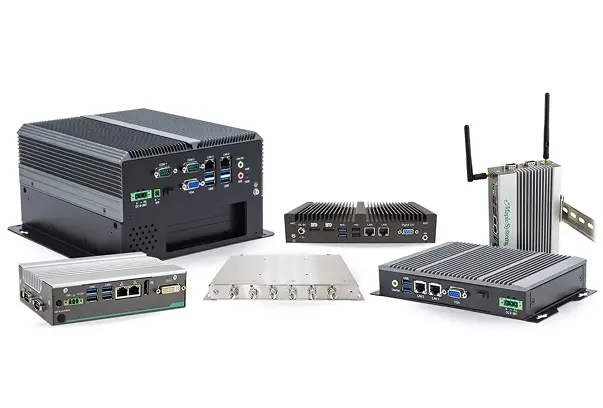
Yes, all our Industrial Panel PC and Embedded Box PC units are fanless design.
Fanless PCs, also known as passively cooled systems, offer benefits like silent operation, enhanced reliability (fewer moving parts, less dust), greater durability (vibration resistance), improved energy efficiency, and suitability for harsh/dusty environments, making them great for quiet spaces, industrial settings, or anywhere you need a low-maintenance, long-lasting computer.
See our What are the benefits of Fanless Industrial PCs FAQ for a deeper dive into the benefits.
How and when should I use the 4G SIM Card feature on your IPCs?
Excellent question — this is a very practical feature that’s often overlooked. Here’s a full breakdown of how and when to use the 4G SIM card feature on a Maple Systems Panel PC, along with real-world examples:
Overview of what the 4G SIM Card Slot Does
The 4G SIM card slot on a Maple Systems Box PC allows the unit to connect directly to a cellular network, just like a smartphone or tablet.
Instead of relying on Ethernet or Wi-Fi, the Panel PC can use mobile data (LTE/4G) to communicate with remote systems, transfer data, or provide remote access — ideal for mobile, outdoor, or isolated industrial environments.
How to Use It
- Insert a SIM Card
- Use a standard-size SIM card from your preferred cellular carrier (AT&T, Verizon, T-Mobile, etc.).
- The card goes into the SIM slot located on the back or side of the Panel PC (location may vary by model).
- Configure Cellular Settings
- In Windows or Linux, open Network Settings and enable the Cellular/Mobile Broadband option.
- Enter your APN (Access Point Name) details provided by your carrier to establish a connection.
- Once connected, you’ll see a mobile signal indicator and can use the data connection like any other network interface.
- Verify Network Access
- Test connectivity by opening a browser, pinging a remote server, or verifying connection to your cloud SCADA, MQTT broker, or VPN.
When to Use the 4G SIM Card Feature
You’ll want to use this feature in any situation where a wired or Wi-Fi connection isn’t practical or reliable, such as:
| Use Case | Description |
|---|---|
| Remote Industrial Sites | Ideal for oil fields, water treatment plants, or renewable energy sites where no Ethernet connection exists. |
| Mobile Equipment | Use in vehicles, trailers, or portable control systems that move between job sites. |
| Backup Communication | Set up 4G as a redundant failover connection if Ethernet or Wi-Fi goes down — ensuring continuous data collection and remote access. |
| IIoT Data Transmission | Send machine or sensor data to a cloud server or remote database using MQTT, OPC UA, or REST APIs over LTE. |
| Remote Maintenance & Monitoring | Enable technicians to access the Panel PC via VPN or remote desktop over the cellular network without needing on-site networking. |
Helpful Tips
- Use a static IP SIM or a VPN connection for secure remote access.
- Check your data plan — industrial applications that send frequent updates may require higher bandwidth.
- Consider signal strength and antenna placement — Maple’s Panel PCs often include SMA connectors for external antennas to boost reception.
Conclusion
You’d use the 4G SIM card feature when your Maple Systems Panel PC needs independent, reliable, and remote connectivity — especially in locations where Ethernet or Wi-Fi aren’t available or practical. It’s ideal for mobile, outdoor, or remote automation systems that require data logging, monitoring, or control through the cloud.
What is your standard lead time on Industrial Box PCs?
We have large amounts of inventory and can typically ship with in 2 business days!
Will I need a monitor/display for my Industrial Box PC?
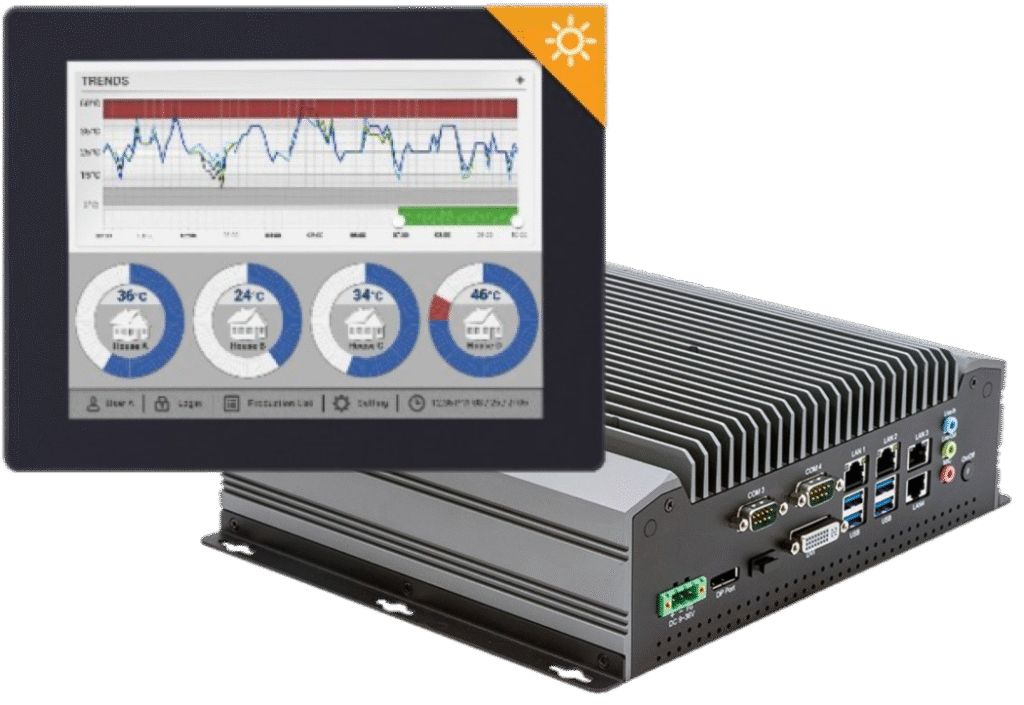
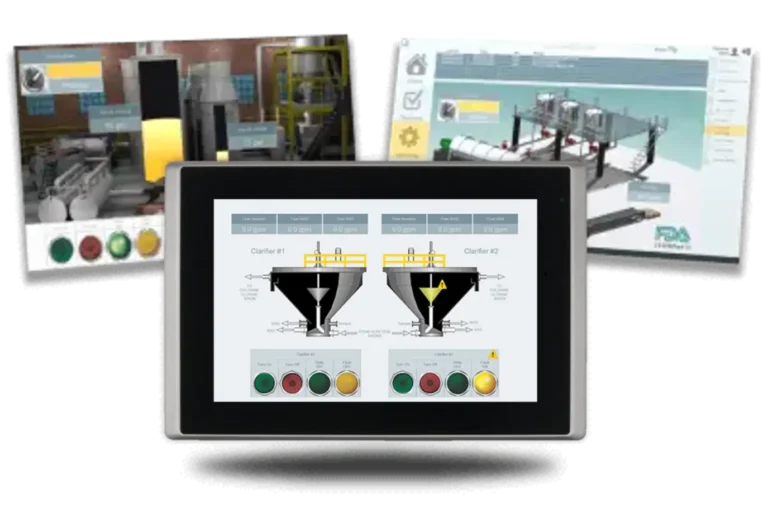
Not all applications require a monitor/display, however it would make it easier if you had a display to see the outputs and interact with the system! Choosing the right monitor for your application can be just as important as selecting the CPU and RAM – after all, a small 7-inch display may not be suitable for a large factory environment, while a 21.5″ high brightness display may not be the right choice for a smaller assembly station, maybe a mobile display is needed? Options like screen size, enclosure material, touch function, brightness, viewing angle and backlight lifetime can all be limiting factors. Check out our full listing of Industrial Monitors, ideal for applications in Healthcare, Education, Finance/Banking, Industrial & Home Automation, Retail, and Transportation.
What are PKEA and ePKEA Product Keys?
When installing or reinstalling the Microsoft® Windows® Operating System to a PC, it must be activated using a Product Key. For Maple Systems products, Product Keys come in one of two forms: PKEA and ePKEA.
PKEA (Product Key Entry Activation) are non-embedded Product Keys purchased by the end-user either individually, or alongside a PC. If purchased with a PC, it will be on a sticker attached to the unit. The end user must manually activate Windows® before use by entering the Product Key into the Activation page while connected to the internet. The Product Key can be re-used on the same PC if Windows® needs to be re-installed.
A PKEA unit will feature a badge that looks something like below:
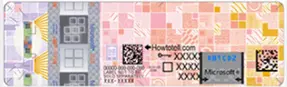
NOTE: The PKEA label on some units may appear with a different color scheme depending on the release of Microsoft® Windows® it is for
ePKEA (Embedded Product Key Entry Activation) are embedded Product Keys that are only be purchased alongside a PC. The Product Key is embedded in the PC and activated by Maple Systems. If Windows® needs to be reinstalled on the PC, it must come back to Maple Systems for re-activation.
An ePKEA unit will feature a badge that looks something like below:

Do you have a SCADA software?
We are proud to offer Aveva Edge® a our recommended SCADA software our Industrial Box PC and Panel PCs. Award-winning Aveva Edge® is an innovative SCADA-Ready software enabling the creation of custom industrial control applications for any industry imaginable.
With easy-to-use commands/tool bars and a Microsoft® Windows® environment, Aveva Edge’s feature-rich applications puts you in the driver’s seat of creating your industrial process.
With unlimited number of communications drivers; tags from 1,500 to 64,000; support for Windows® Pro, Windows® Embedded, and Windows® CE applications, Aveva Edge’s offers you a powerful software solution with the flexibility you desire.
All of our Windows® based Industrial PCs will also run any 3rd party SCADA software as long as it too is Windows® based.
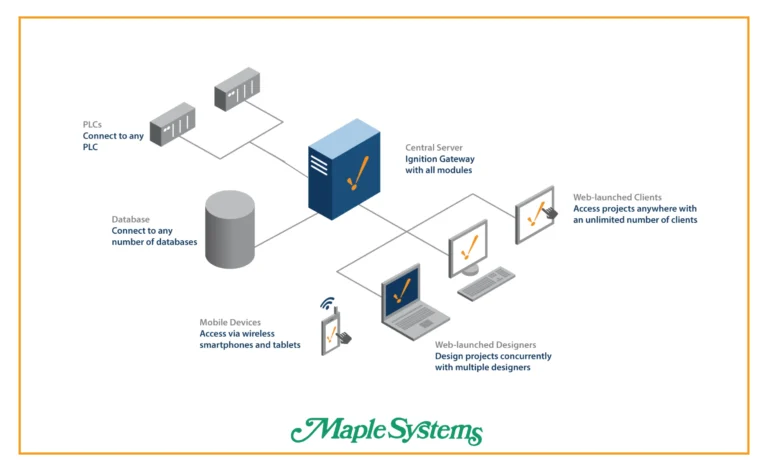
Can Maple Systems products connect to Ignition SCADA?
Yes! Are you using one of our HMIs or IPCs?
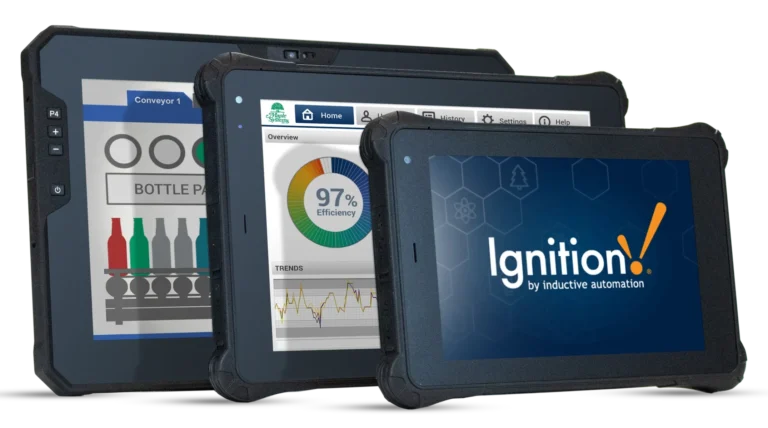
You can use our Windows or Linux based IPCs and Touch Panel PCs to run Ignition Edge locally.
You can also use our HMIs to communicate with Ignition via Modbus TCP, OPC UA, and MQTT, which makes a programmers life easier when building distributed edge gateways, dashboards, or data collection nodes within an Ignition-powered architecture.

Can your devices be used with Rockwell FactoryTalk View SCADA platform?
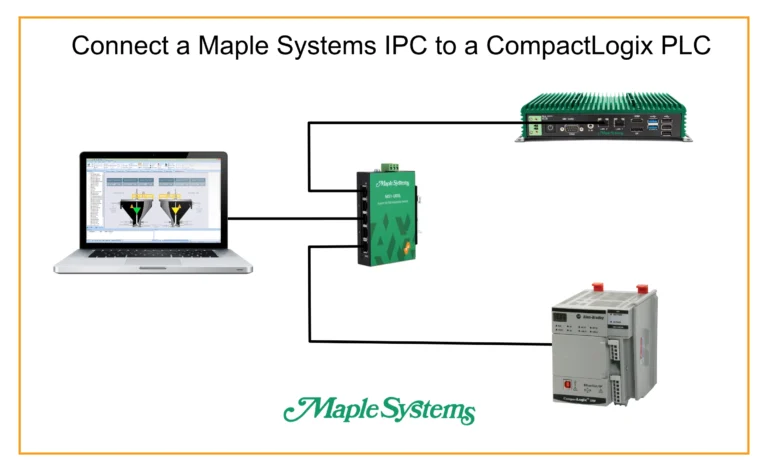
Absolutely! Maple Systems can provide you with another cost effective PanelView alternative using any of our rugged-Windows based IPCs or Touch Panel PCs.
Why would you want to use one of our products instead of Allen Bradley or Rockwell hardware?
- If you need a wider screen size range: We offer 7.0, 8.0, 10.1, 10.4, 12.1, 15.0, 15.6, 17.0, 18.5, 19.0, 21.5, 23.4, and 27.0″ options.
- If you need higher brightness for outdoor use: We offer Panel PCs with up to 1000nits.
- If you need IP65/IP66/IP67/IP66-IP69K rated, or stainless enclosures: We offer a wide range of IP ratings, fully enclosed waterproof, front panel mounted waterproof, even UL Listed IPCs.
- If you want to avoid the high costs of a PanelView: We offer rugged, heavy duty Industrial PCs at a much lower cost. And, you don’t need to pay us any annual service fees when using our products.
- If you need to run additional apps alongside FactoryTalk like: SQL logging, MES clients, Web dashboards, VPN tools, Ignition Edge, etc. PanelView can’t do this.
If you want to save money, use more flexible hardware for more modern automation setups, we recommend giving us a try. You still have to purchase your software license from them, but we’ll deliver faster, your project will typically run faster, its easy to install, you get more peripheral support, full Windows remote access tools, and more advanced IIoT/Cloud Integration features.

Do Maple Systems products work with Proficy iFIX or CIMPLICITY SCADA platforms?
They sure do! Contact our sales department today for more info on our Windows based Industrial Box PCs and rugged Touch Screen Panel PCs.
Why use a Maple IPC instead of a GE/Emerson hardware? If you want high performance at a lower cost, need larger screen sizes, higher flexibility, the option to run multiple apps on the same device, more SSD and RAM options and fast delivery times, stick with us, we’ve got you covered!
Software Downloads & Upgrades
- EBPro (free HMI software)
Products
Tech Notes
Sample Projects
Other Related Links
Does Maple Systems products support Siemens WinCC or WinCC Unified SCADA platforms?
Yep, absolutely yes and definitely a cost effective alternative with regards to hardware.
All of our Windows based IPCs and Touch Panel PCs can run WinCC Runtime Advanced as well as WinCC Unified. Using our IPCs running WinCC, you’ll generally get a higher performance device per dollar with a more ruggedized enclosure with higher screen resolution, more RAM and SSD options, and the ability to run other industrial software on the same machine with more advanced remote access tools.
On another note, when used with Siemens PLCs, our HMIs support multiple Siemens drivers and protocols, including native S7 communication drivers.

Does Schneider Electrics EcoStruxure/Geo SCADA platforms work on Maple Systems PCs?
Yes, yes they do. Quite well actually. If you’re looking for a cost-effective, unbranded hardware option with the flexibility to run this SCADA software along with other apps simultaneously, multiple screen size options, high-brightness options, more SSD and RAM options, with expansive I/O, Maple Systems is the right choice.
Documents
Manuals
Certifications
- FCC Declaration of Conformity – IPC2400 Series
- CE Declaration of Conformity – IPC2410A, IPC2411A
- RoHS Declaration of Conformity (all series)
- Trade Agreement Act Declaration of Conformity
- REACH EU Declaration of Conformity
- Russian Iron and Steel Declaration
- Belarusian Iron and Steel Declaration
- Country of Origin Certification
CAD Files
When you order the IPC2410A the following items are included in the box:
- IPC2410A Series Industrial Box PC unit
- Wall Mounting Kit (2 Wall Mount Plates, four bolts for attachment to Box PC)
- 3-Pin Terminal Block Power Connector Header
- 16-Pin Terminal Block Digital I/O Connector Header
- Warranty Statement

|
Filters |

Intel® Quad-Core Atom® Fanless Industrial PC with 4G/LTE Options IPC2410A $1300.00
|

Rugged Intel® Quad-Core Industrial PC with Power Over Ethernet IPC2411A $1400.00
|
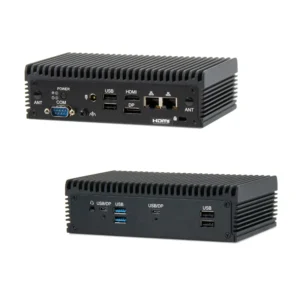
Fanless Industrial PC With AMD ® Ryzen ® Hexa-Core IPC2710A $1600
|
|---|---|---|---|
| Loading product data… | |||